Head to head
Bunny Stream vs Cloudflare Stream
Pick Bunny Stream for the cheapest per-view delivery of pre-recorded VSLs with no cap on resolution; pick Cloudflare Stream if you want one API for on-demand and live video on the most reliable network, with predictable per-minute billing. Neither scores a split test on the sale.
You are down to two usage-based video pipes, and they are closer than any pair compared on this site so far. Bunny Stream and Cloudflare Stream are both infrastructure: they store your video, transcode it and deliver it from a fast global network for a few cents, and both hand you a bare player to embed. Neither is a marketing tool. This comparison is about which pipe is cheaper and more reliable for your footage, and where the two genuinely differ once you look past the shared shape.
This site judges video tools through a direct-response lens: does the player move viewers past the pitch, and can you prove which traffic bought. Say it plainly up front, because it decides how far either tool can take you. Neither Bunny nor Cloudflare answers the second question. There are no sales-scored split tests, no watch-depth pixels to Meta or Google, and no revenue attribution in either one. If your whole business is a paid-traffic sales letter measured on the cart, a dedicated VSL player does a job neither of these attempts, and both of these are the delivery layer underneath it, not the layer itself.
The first real difference is how they count. Bunny bills by data: $0.01 a gigabyte stored and $0.005 a gigabyte delivered, so the bill tracks the size of your files and how much of them people watch. Cloudflare bills by time: $5 per 1,000 minutes stored a month and $1 per 1,000 minutes delivered, so a minute of video costs the same whether it is a crisp 1080p talking head or a heavy 4K screen capture. That single choice drives most of what follows. Bunny rewards efficient, high-quality encodes; Cloudflare makes the bill predictable regardless of bitrate, but caps what you can deliver.
The second difference is what each is built around. Cloudflare Stream is one API for on-demand and live, running on the network behind a large share of the web, so reliability and live streaming are its strengths and predictable billing is the promise. The trade is quality: reviewers report it encodes H.264 only and caps delivery at 1080p, and you cannot re-download your original file. Bunny is on-demand focused, delivers whatever resolution you upload, and gives you more control over your storage, but long-term users flag uneven HLS start-up and one widely-read thread alleging files went missing from Bunny Storage, so keep your masters backed up. Below we put the numbers side by side.
Quick answer
Pick Bunny Stream if you host pre-recorded video sales letters and want the cheapest reliable delivery with no cap on resolution, billed by the gigabyte, and you will build the player and funnel on top yourself; pick Cloudflare Stream if you are a developer who wants one API for both on-demand and live video on the most reliable network there is, with predictable per-minute billing, and 1080p H.264 is enough for your footage.
- Bunny Stream. The cheapest way to host and deliver pre-recorded video, with no ceiling on quality. Free encoding, a customizable HLS player, watermarking and token security, then you pay only for storage from $0.01 a GB and delivery from $0.005 a GB on a 250 Tbps network. It delivers whatever resolution you upload, so an efficiently encoded 1080p VSL is cheap per view. It is infrastructure, not a marketing tool: no in-video CTAs, no A/B tests, no pixels, so you build the funnel on top with a player like Presto Player. Long-term users flag uneven HLS start-up and one widely-read thread alleging files went missing from Bunny Storage.
- Cloudflare Stream. Cloudflare's cheap, reliable video pipeline for developers: one API for upload, encoding, storage, on-demand and live, on the network behind a large share of the web. It bills on two dimensions only, $5 per 1,000 minutes stored and $1 per 1,000 minutes delivered, with encoding and egress free, so a minute costs the same whatever the bitrate. The trade is quality and control: reviewers report H.264-only encoding and a 1080p delivery cap with no 4K, you cannot re-download your source file, there is no built-in spending cap, and real support sits behind an Enterprise contract. Like Bunny, it ships no marketing or conversion layer.
Bunny Stream vs Cloudflare Stream at a glance
Prices and plan features checked on the vendors' own pages on 27 September 2026.
| Feature | Bunny Stream | Cloudflare Stream |
|---|---|---|
| What it is | Usage-based video hosting and delivery | Usage-based media pipeline for on-demand and live |
| Built for | Cheap, reliable delivery you build on | Developers wanting one API for VOD and live |
| Starting price | Usage-based, ~$1/mo minimum | Usage-based, free tier (no card) |
| Free tier | No, 14-day trial (no card) | Yes, usage-based, no card |
| Billing model | By data: storage $0.01/GB, delivery $0.005/GB | By time: $5/1,000 min stored, $1/1,000 min delivered |
| What drives the bill | File size and gigabytes watched | Minutes stored and minutes delivered, any bitrate |
| Live streaming | On-demand focused | On-demand plus live (RTMP, SRT, WebRTC) |
| Resolution and codecs | Delivers whatever you upload, up to 4K | Reviewers report H.264 only, 1080p delivery cap |
| Source file | You keep and control your storage | No re-download of the original (re-encoded MP4 only) |
| Player and marketing hooks | Bare HLS player; build the hooks yourself | Built-in player or your own; no marketing hooks |
| A/B testing | No | No |
| Ad-platform tracking | No (build your own) | No (build your own) |
| Revenue attribution | No | No |
| Content protection | Token auth, hotlink protection, watermark | Signed URLs and token access |
| Spending cap | Usage bills scale with traffic | No built-in spending cap |
| Delivery network | 250 Tbps, 119 points of presence | Cloudflare's global network |
| Support | Docs and ticketing | Slow below Enterprise |
| Independent English reviews | Mixed developer feedback, no G2 or Capterra base | Mixed; billing and support complaints, no marketing-review base |
| Best for | Cheap on-demand delivery of pre-recorded VSLs | Developers wanting one reliable API for VOD and live |
Strengths and trade-offs
These two are the closest pair on this site: both are raw, usage-priced infrastructure with a bare player, not finished marketing hosts. The real trade is how they count and what they cap. Bunny bills by data and delivers any resolution; Cloudflare bills by time, keeps the bill predictable whatever the bitrate, and caps delivery at 1080p H.264.
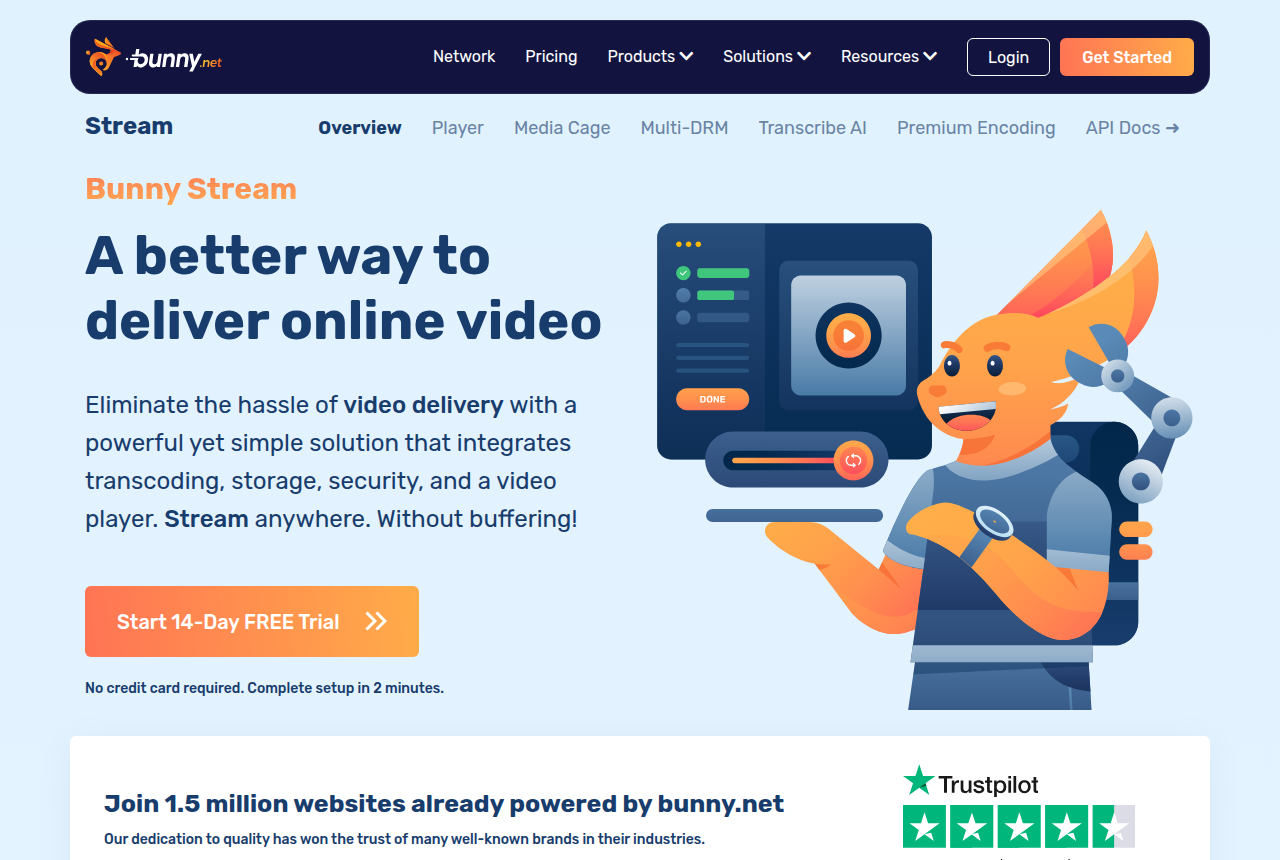
Bunny Stream: what works, what to watch
What works
- Usage-based pricing: encoding, the player and security are free, and you pay only for storage from $0.01/GB and delivery from $0.005/GB
- Fast global delivery on a 250 Tbps network with 119 points of presence
- Customizable HLS player, watermarking, hotlinking protection and token authentication are built in
- Resumable, API-first uploads that pair cleanly with players like Presto Player or Vidstack
What to watch
- No direct-response conversion tools: no sales-scored A/B tests, no watch-depth pixels, no revenue attribution, so a paid-traffic VSL has to add all of that on top
- Long-term users report uneven HLS start-up time and low cache hits on some accounts
- A widely-read thread alleged files disappearing from Bunny Storage, so keep original masters backed up elsewhere
- Usage-based bills scale with traffic, so a viral VSL costs more than the few-dollar examples suggest
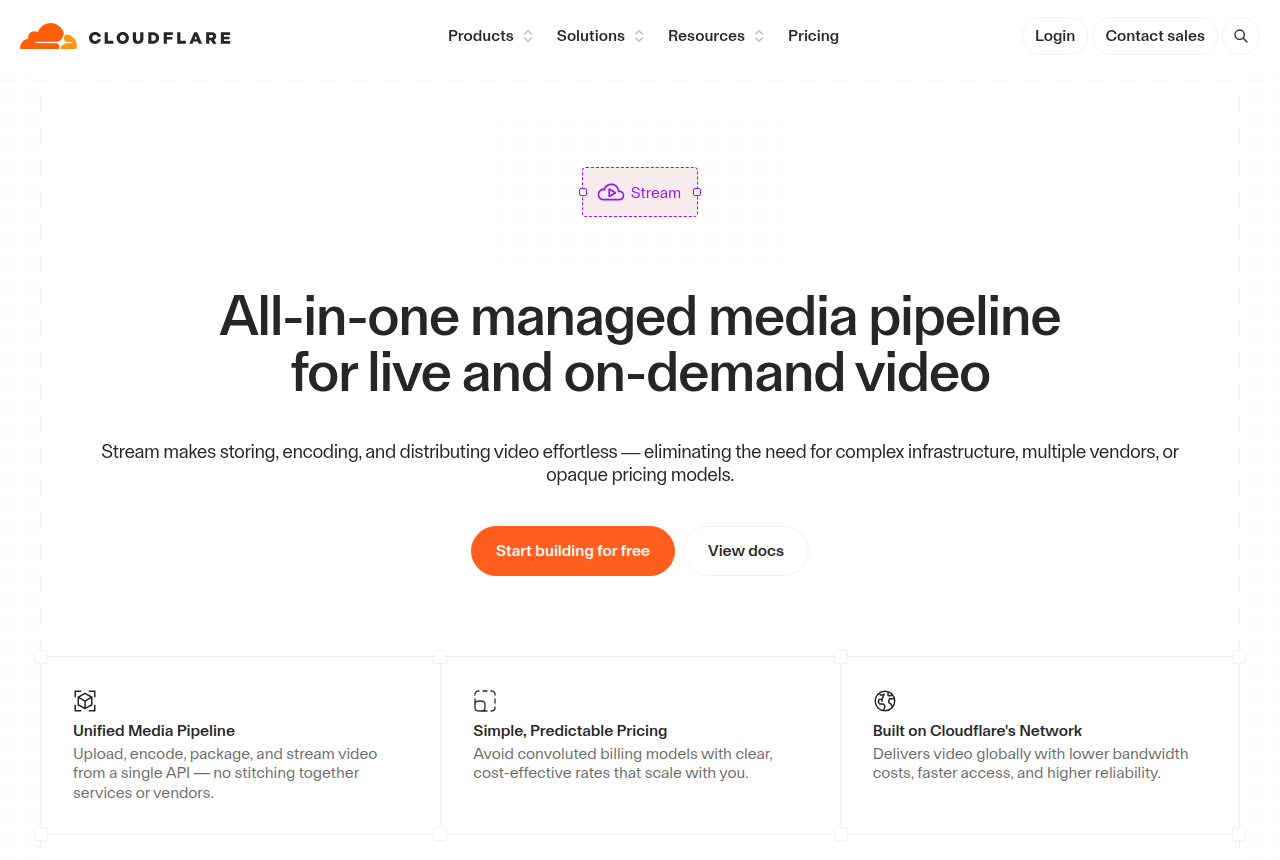
Cloudflare Stream: what works, what to watch
What works
- Usage-based and genuinely cheap: $5 per 1,000 minutes stored a month and $1 per 1,000 minutes delivered, with encoding and egress free, so there is no separate bandwidth charge
- One API runs the whole pipeline: upload, encode, store, deliver, a built-in player or your own, plus RTMP and SRT live ingest with HLS and DASH output
- Runs on Cloudflare's global network, the infrastructure behind a large share of the web, so reach and reliability come as standard
- Predictable billing on two dimensions only, minutes stored and minutes delivered, with no card required to start and no opaque plan tiers
- Privacy-clean playback with no ads or trackers, plus signed URLs and token access for gated content
What to watch
- No direct-response conversion layer at all: no sales-scored A/B tests, no watch-depth pixels to Meta or Google, no revenue attribution and no marketing player, so a paid-traffic VSL has to build every one of those on top
- It is a developer product you drive through an API and your own code, so a marketer who wants a no-code dashboard to click through will find nothing here
- No built-in spending cap: a spike in delivery or unlimited end-user streams can run the bill up, and long-term Cloudflare customers report blunt overage and billing handling, so you have to watch usage yourself
- Reviewers report encoding is H.264 only and delivery caps at 1080p, with no 4K and no re-download of the original file, which matters if you need higher quality or the source back
- Support is slow and hard to reach on Free and Pro plans, with real help sitting behind an Enterprise contract
Pricing, tier by tier
Bunny Stream bills for what you use and nothing else. Encoding, the player, watermarking, token security and hotlink protection are all free. You pay $0.01 a gigabyte for storage and delivery from $0.005 a gigabyte, tiered down as volume grows, with a roughly $1 a month minimum. A small VSL library on modest traffic runs to a few dollars a month. Because the bill tracks gigabytes, a well-compressed 1080p VSL is cheap to deliver, and a longer or higher-resolution video costs proportionally more. There is a 14-day trial that needs no card.
Cloudflare Stream prices on two dimensions only, and neither is bandwidth. You pay $5 per 1,000 minutes of video stored per month and $1 per 1,000 minutes delivered, with encoding and egress included at no extra charge, so there is no separate bandwidth bill to model. There is a free tier and no card is required to start. The appeal is predictability: a minute costs a minute, whatever the resolution or bitrate, so a heavy file does not cost more to serve than a light one.
Which is cheaper depends on your footage. For a typical direct-response VSL, a 1080p talking-head video of moderate length, Bunny's per-gigabyte delivery usually comes out lower per full view, because an efficient encode keeps the gigabytes down. Cloudflare's per-minute model wins when your files are large for their length, high-bitrate 4K or long screen recordings, since you pay by duration rather than size. Model your real library both ways before you commit: the two pricing pages give you the rates, and the answer flips depending on how long and how heavy your videos are.
Two things belong in the budget beyond the sticker. Cloudflare has no built-in spending cap, so delivery accrues as videos play and a spike or a set of unlimited end-user streams can run the bill up. Long-term Cloudflare customers report blunt overage handling, so you have to watch usage yourself. And because Cloudflare stores a re-encoded copy rather than your source, you cannot download the original back, so keep your masters. On the Bunny side the caution is the opposite: usage bills scale with traffic, so a viral VSL costs more than the few-dollar examples suggest, and the file-loss thread is reason enough to keep backups there too.
The verdict
Between these two, pick on your footage and your stack. Bunny Stream is the pick for this site's likelier reader: a marketer hosting pre-recorded video sales letters who wants the cheapest reliable delivery and no ceiling on quality. It delivers whatever resolution you upload, its per-gigabyte pricing is usually lower per view for an efficiently encoded 1080p VSL, and encoding, the player and the security features are free. You own the conversion layer yourself, pairing it with a WordPress player like Presto Player to add the hooks it does not have. The honest cautions stay attached: long-term users report uneven HLS start-up, and one widely-read thread alleged files went missing from Bunny Storage, so keep your original masters backed up elsewhere.
Cloudflare Stream wins the other reader, and it is a real one. If you are a developer, already in the Cloudflare ecosystem, or you need live streaming alongside on-demand, Cloudflare gives you one API for the whole pipeline on the most reliable network there is, with billing that stays predictable no matter the bitrate. The trade is quality and control: reviewers report H.264-only encoding and a 1080p delivery cap with no 4K, you cannot re-download your source file, there is no spending cap to protect you from a runaway bill, and real support sits behind an Enterprise contract. If 1080p is enough and reliability plus live are what you are buying, it is the stronger pipe.
One thing is true of both, and it is this site's first criterion. Neither scores a split test on the sale, fires a watch-depth pixel to Meta or Google, or attributes revenue to a play. They are the layer your video sits on, not the layer that proves which traffic bought. If that proof is the whole reason you are choosing a tool, a dedicated VSL player is the category to look at, and both of these are better understood as the delivery underneath one than as a replacement for it. For hosting and delivering video cheaply and reliably, this is the whole decision: Bunny for the cheapest quality delivery of pre-recorded VSLs, Cloudflare for one reliable API across on-demand and live.
Our pick
Bunny Stream
Bunny Stream is the pick between these two for the reader most likely to weigh them: a marketer hosting pre-recorded video sales letters who wants the cheapest reliable delivery and no ceiling on quality. It delivers whatever resolution you upload, its per-gigabyte pricing is usually lower per view for an efficiently encoded 1080p VSL, and encoding, the player and the security features are free. Two honest limits stay attached: it ships no conversion layer, so you build the funnel on top with a player like Presto Player, and long-term users report uneven HLS start-up plus one widely-read thread alleging files went missing from Bunny Storage, so keep your masters backed up. Cloudflare Stream wins the developer who needs live streaming and the most reliable network, and is fine with 1080p.
Frequently asked questions
Is Bunny Stream or Cloudflare Stream better?
Which is cheaper, Bunny Stream or Cloudflare Stream?
Can either one run a video sales letter for paid traffic?
Does Cloudflare Stream cap video quality?
Is there a risk of a runaway bill with either one?
Do I need a developer to use these?
Sources
Other sources
10 discussions and reviews read for this page. Quotes are excerpts; open a link to read the original in context.
- [] Bunny Stream home (vendor)
- [] Bunny Stream pricing (vendor)
- [] Cloudflare Stream (vendor)
- [] Cloudflare Stream pricing (vendor docs)
- [] Cloudflare Stream is for generic video hosting, not only live (Hacker News)
- [] Cloudflare billing is pretty crazy (Hacker News)
- [] Cloudflare on Trustpilot
- [] Cloudflare Stream Pricing 2026 (Very Good FFmpeg)
- [] Files going missing from Bunny Storage (r/webdev)
- [] Slow HLS start-up on Bunny (r/webhosting)
Related reading
- Our full Bunny Stream review
- Our full Cloudflare Stream review
- Bunny Stream vs Spotlightr: build the cheapest pipe or buy a finished host
- Bunny Stream vs Adilo: the cheapest raw delivery or an unlimited-streaming host with marketing tools built in
- Cloudflare Stream alternatives, ranked by the job
- The best VSL players and conversion video software
- All head-to-head comparisons