Alternatives
Vidalytics alternatives
Choose a host by play charges, by charts that separate buyers, or by split tests based on sales.
Quick answer
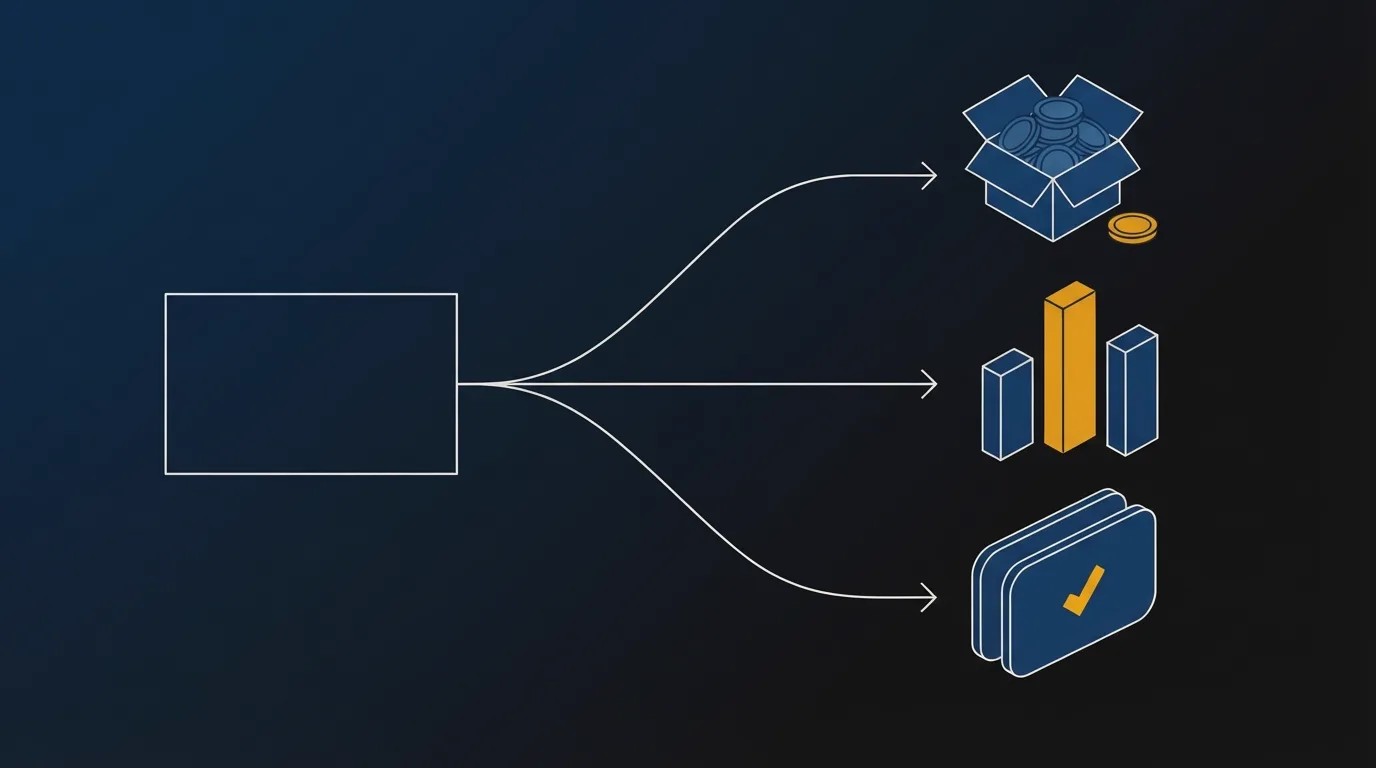
For a paid sales video, these Vidalytics competitors cover three separate problems. Play charges, buyer charts, and split tests based on sales each point to a different host.
- Play overage. Playback continues once the included plays are used, and further plays are charged. VTurb keeps the video online with a larger monthly play count. TrackPlay can pause playback instead of charging for more.
- Analytics depth. TrackPlay separates buyers from non-buyers on a second-by-second graph and shows revenue per play. Vidalytics records what happens in the player, including which viewers it marks as buyers.
- Split testing on sales. Both versions stay in one embed. TrackPlay waits until the cart confirms the order, then reports a p-value and a confidence interval.
My take
I'd start with TrackPlay if the test should be decided by sales. During the trial, compare the cart's orders with the orders the player reports.
I'd stay with Vidalytics when the month's plays fit a plan and the player chart is enough.
I'd price a full month in the calculator before switching hosts only to cut the bill. Then read Vidalytics vs VTurb.
Billing is by plays, and the video stays online
Vidalytics lists three annual plans: Starter, Pro, and Premium. Extra plays on the paid plans cost $0.02 each. After those monthly plays run out, the video stays online.
| Plan | Plays a month | Billed annually |
|---|---|---|
| Starter | 2,000 | $19 |
| Pro | 5,000 | $63 |
| Premium | 15,000 | $119 |
Free Forever includes 1,000 plays and 3 videos. Vidalytics' help article on plays says a muted autoplay on page load counts as a play. A muted player on a busy landing page can spend the monthly plays before a viewer turns the sound on.
The plans help article still lists gigabyte allowances, and the two bandwidth figures in it conflict. The public plan list charges for plays. Use that list for the bill.

If the charges are why you are leaving, the cost calculator puts a normal month next to a spike week. VTurb also charges by the play, and its top plan covers a larger monthly count. The comparison is Vidalytics vs VTurb.
How the replacements compare
The dollar amounts for Vidalytics are in the table above. This one shows what happens after the included plays, and what each test counts.
| Tool | Job | Past the cap | Sales test |
|---|---|---|---|
| Vidalytics | Current host | Stays up, extra plays billed | Player goals |
| TrackPlay | Sales determine the winner | Pauses when overage is off | Cart-confirmed sale |
| VTurb | Larger play pool | Stays online, extra plays billed | Play rate and clicks |
| Wistia | Content library | No published rate past the included bandwidth | Engagement |
The picks, one reason each
1. TrackPlay: best Vidalytics alternative for split tests decided by sales
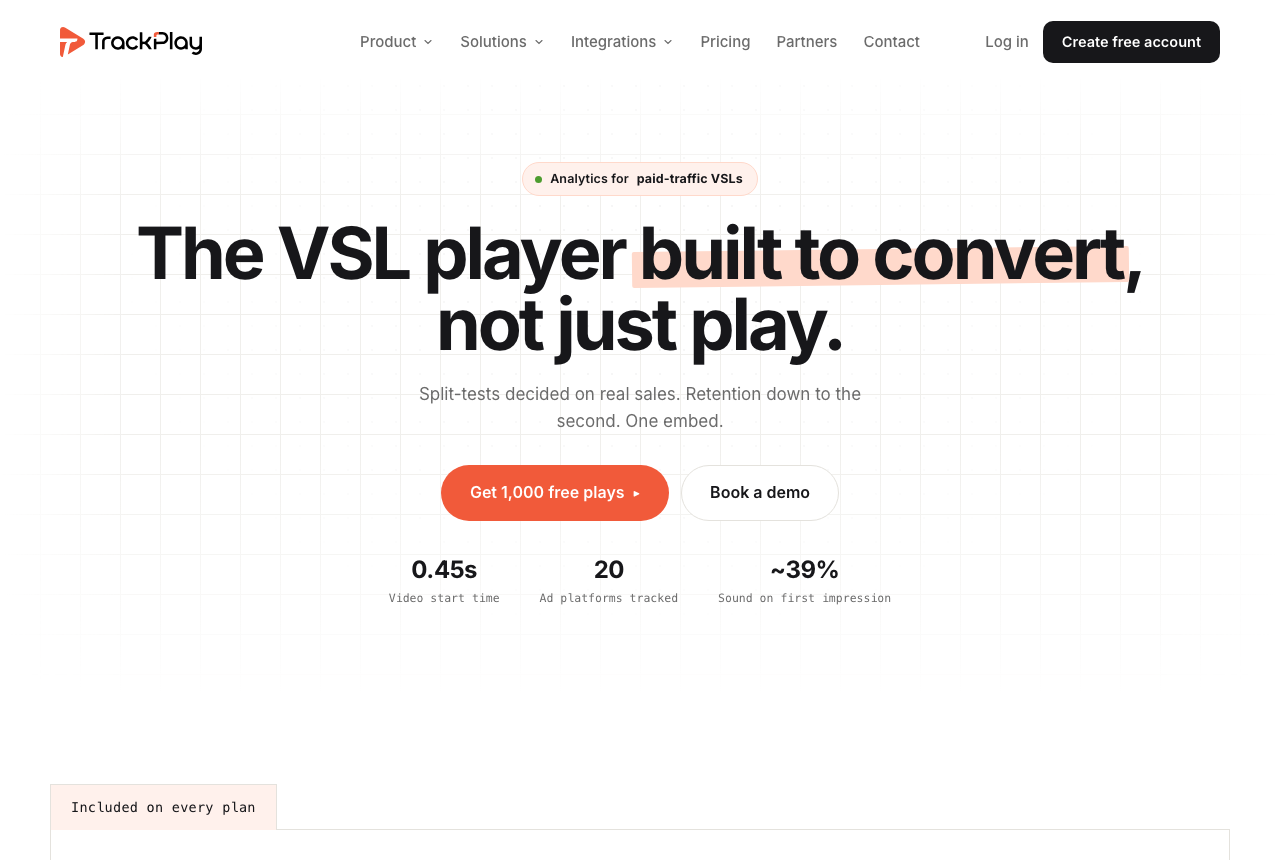
TrackPlay is a VSL player and analytics platform for funnels that run on paid ads. One embed holds the video. Sound-on autoplay, timed buttons and watch gates can all fire in the opening seconds. A per-second graph separates buyers from non-buyers and shows revenue per play. The cart ties the confirmed sale to that play, and TrackPlay sends it server-side to Meta, TikTok and GA4.
The two versions share the embed, so the ad URL stays the same. A z-test, a p-value and a confidence interval decide the winner from the confirmed sales. Vidalytics can score a test on clicks, opt-ins, conversion rate, or revenue recorded by the player. The purchase stays in the cart until a postback sends it to the ad account.
TrackPlay's price list lets you turn extra plays on, and then playback continues past the cap. Leave that switch off and you are not charged for more plays. Playback pauses. The free plan includes 1,000 watermarked plays a month, with no card, plus a 14-day trial of the paid features. Paid plans start at $29 a month, and every paid plan includes the same features.
It has no channels, SEO pages or webinars. That gap matters for a content library. Wistia has those. A funnel still gets the player, the buyer graph, and the sale the cart sends back. Independent reviews are scarce, and creating an account requires an invitation code. That is what you would expect from a product this new. Try one funnel and compare its numbers with the cart before a launch.
What works
- Both versions stay in one embed. The confirmed sale picks the winner, and the report includes a z-test, a p-value and a confidence interval.
- The cart attributes that sale to the play, and the conversion is sent server-side to Meta, TikTok and GA4.
- Retention is drawn per second, with buyers separated from non-buyers, plus hook rate, hold rate and revenue per play.
- Every paid plan includes the same features. There is a no-card free plan and a trial of the paid features.
What to watch
- It is built for a paid sales video, with no channels, SEO pages or webinars, so a content library is a poor fit. A funnel still gets the player, the buyer graph, and the sale the cart sends back.
- Independent reviews are scarce, and signup asks for an invitation code. That is what you would expect from a product this new. Try one funnel before you move a proven offer.
2. VTurb: best Vidalytics alternative for a larger play pool that stays online
Vidalytics vs VTurb puts the two play meters side by side. The VTurb review covers the player.
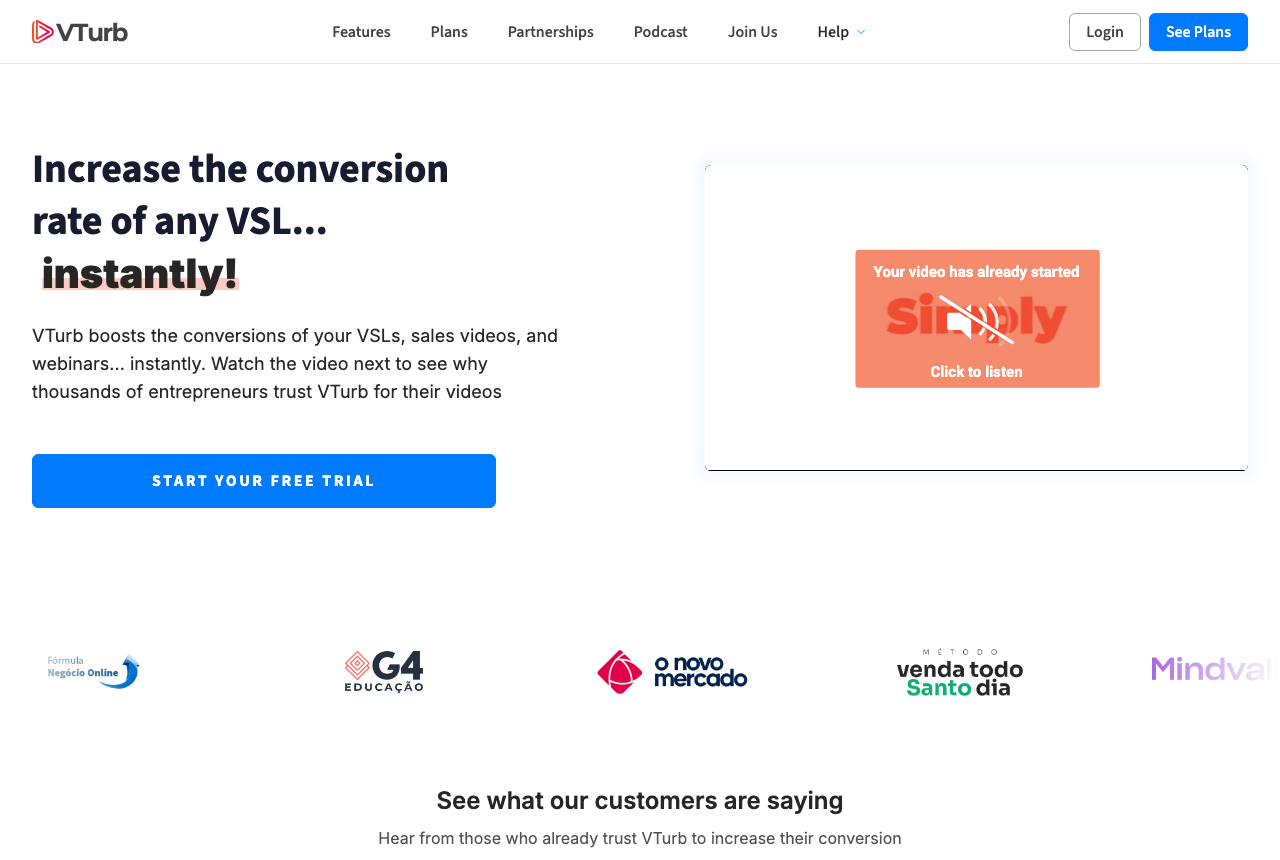
The English pricing page lists Basic at $29 for 2,000 plays, Pro at $79 for 6,000 and Scale at $299 for 30,000. Each plan charges $0.02 per extra play, and the video remains online. There is no free plan after the trial. If you use the trial plays, the card is charged for the plan you picked. Enterprise pricing is quoted only on request, so no public rate is listed here.
Scale's monthly count is larger than Premium's. The extra-play charge on those English plans matches the paid Vidalytics plans above. What changes is how many plays are included. One embed can hold the variants. You still choose the winner of a full sales letter. Once conversion tracking is enabled, headline, autoplay and timing tests can send more viewers to the leader.
What works
- On every published English plan, the video stays online after the included plays are used.
- One embed can hold the variants. With conversion tracking enabled, headline, autoplay and timing tests can favor a leader on their own.
What to watch
- There is no free plan. Using the trial plays charges the card for the plan you chose.
- It has fewer English-language reviews than Vidalytics, and the docs are written mainly for Portuguese-speaking teams.
3. Wistia: best Vidalytics alternative for a video library
The Wistia review is the long version. See also Wistia alternatives.
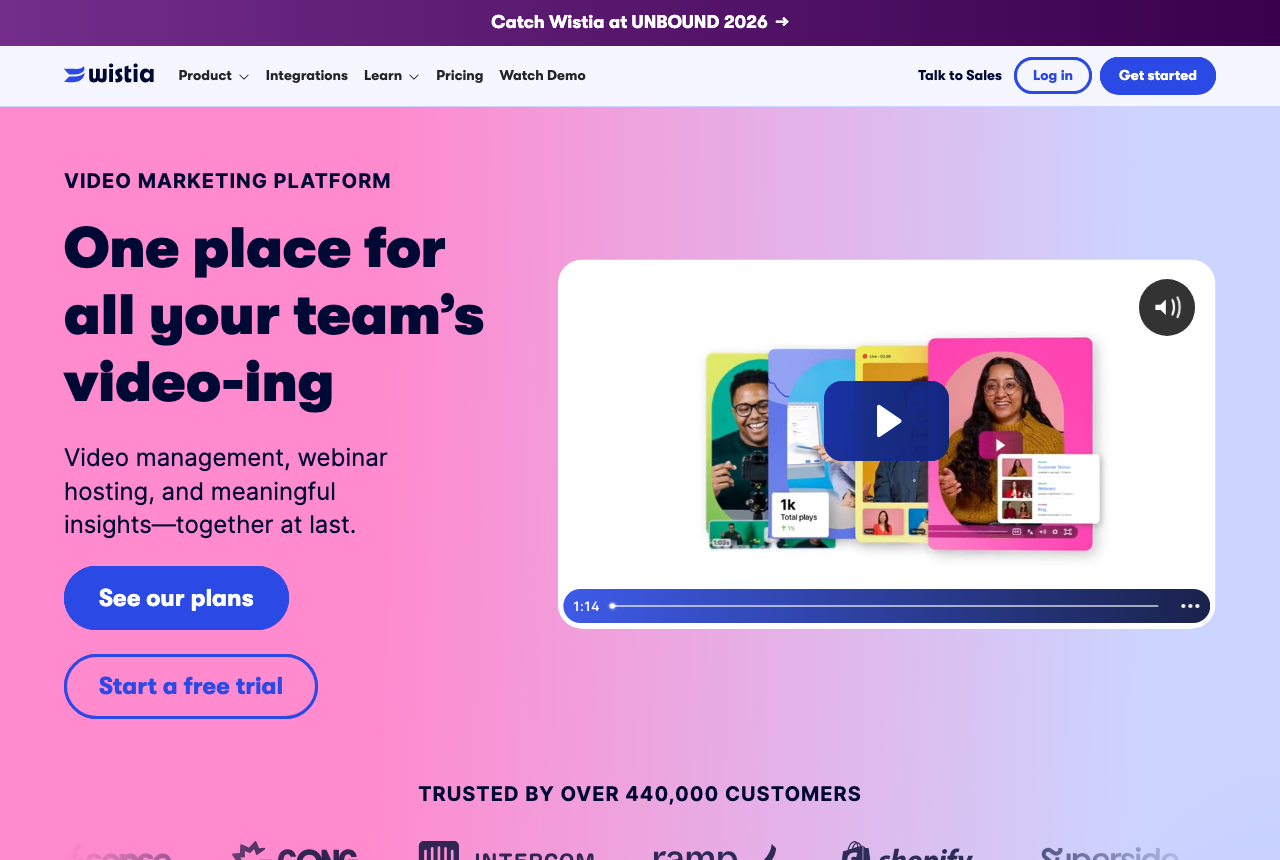
Channels, SEO pages and webinars live here, along with branded embeds, forms, heatmaps and CRM sync for HubSpot and Marketo. Business is $79 a month billed annually, with 1 TB included. Past that included amount, the price table lists no further rate.
Tests there measure engagement. In Wistia, a paid sales video cannot show which version produced the sale. Choose a different host if play charges are the problem, or if the chart has to show completed orders.
What works
- Branded embeds, forms, heatmaps and CRM sync for a business video library.
- Channels, SEO pages and webinars are part of the product.
What to watch
- Tests measure engagement, so a completed order does not decide the winner.
- The pricing table publishes no rate past the included bandwidth.
How these were weighed
Plan names, included plays and the extra-play rate come from Vidalytics's plan list. What counts as a play comes from its plays article. The gigabyte description comes from the plans article, which this page does not use for the bill. VTurb's pools come from its English plan list. TrackPlay's free plays, trial and starting price come from its price list, including the switch that pauses playback.
We read each vendor's pages and long-term user reports. We do not run these tools on live campaigns. A test scored on the confirmed order comes first, then a host with more included plays that keeps the video online, then a library host. See the method and how the site is funded.
Changelog
22 October 2026. Updated for play-based plans. Playback continues after the included plays are used. The quick answer now follows play charges, chart depth and split tests based on sales, with links to the cost calculator and the VTurb comparison.
14 September 2026. First published as a list of every other tool in the catalog, with bandwidth treated as the reason to leave.
Frequently asked questions
Which Vidalytics alternative should I open first?
Does Vidalytics turn the video off when plays run out?
What counts as a Vidalytics play?
Where did the gigabyte allowance go?
Sources
Other sources
6 discussions and reviews read for this page. Quotes are excerpts; open a link to read the original in context.
Related reading
Comments
No comments yet. Questions and your own experience are welcome.
Thank you. Your comment will appear once it has been reviewed.