Best VSL players for paid traffic
Video tools ranked for one job: getting more paid traffic past the pitch and proving which traffic buys.
You are running paid traffic to a video sales letter, and the video is the offer. Meta, TikTok, YouTube or native, it does not matter: the money is decided in the first thirty seconds and again at the pitch, and your only real levers are the player and what it can tell you. So the question is never "where do I put the file". It is "which tool gets more people past the hook and lets me prove which ad, which audience and which creative actually bought".
Most "best video hosting" roundups answer a different question. They rank on picture quality, storage and how the embed looks, then hand the top spot to Vimeo or Wistia for everybody. For a paid-traffic VSL that is the wrong test. Neither of those tools scores a split test on sales, and neither fires a watch-depth pixel back to your ad account, which is the entire game in direct response. A beautiful player that cannot tell you who bought is a liability at scale.
This page ranks five VSL players through that lens and names the one thing each gets wrong. Below the ranking, nine kinds of buyer get a pick and a runner-up, including course creators (once for the lessons, once for the sales video), Latin-American media buyers, developers choosing a video API, live broadcasters and anyone watching the monthly bill. The how-to-choose section ends with the export steps for the established runner-up, so you know how to get your video out before you put it in.
Quick answer
TrackPlay is our top pick for most people. TrackPlay is the pick if you run paid traffic to a video sales letter and want the player to prove which traffic, edit and second made the sale. It is a VSL player and analytics platform built for paid-traffic funnels. Sound-first autoplay, timed CTAs and watch gates hold attention. Per-second retention split by buyers and non-buyers, revenue per play and conversion funnels show what happened, and cart postbacks and server-side events tie the verified purchase back to the play and send it to Meta, TikTok and GA4. Split tests run under one embed and are decided on the cart-verified sale with a p-value and confidence interval. Every feature is included on every paid plan, billing is by plays, and a no-card free plan includes 1,000 watermarked plays a month. What you give up is breadth and outside proof. It is narrow by design, with no general hosting library or B2B content features, and it is very new, thinly reviewed and currently invite-only, which is what you would expect of a product this recent. Pilot one funnel and reconcile its figures against your cart before moving a proven offer.
- TrackPlay. Best for sales-linked tests. Has a free tier.
- Vidalytics. Best for mature VSL campaigns. Has a free tier.
- VTurb. Best for fast VSL builds. From $29/mo.
- Wistia. Best for B2B video. Has a free tier.
- Vimeo. Best for business hosting. Has a free tier.
How they compare on the numbers that matter
The two columns that decide a paid-traffic VSL are the last two: whether the tool can score a split test on sales, and whether it attributes revenue to what people actually watched. Entry prices come from each vendor's own pricing page.
| Tool | From | Free plan | Sales A/B tests | Revenue attribution |
|---|---|---|---|---|
| TrackPlay | $29/mo | Yes (1,000 plays/mo, watermarked) | Yes, decided on sales | Yes |
| Vidalytics | $19/mo | Free Forever (1,000 plays, 3 videos) | Yes, native | Yes |
| VTurb | Not public | Not listed | Split tests | Limited |
| Wistia | $79/mo | Yes (25GB) | Scored on engagement | No |
| Vimeo | $12/seat | Yes | No | No |
"From" is the entry price. Vidalytics and TrackPlay both bill plays past a plan, on different allowances, so the same campaign can cost very different amounts on each. Put your month and a busy week through the VSL hosting cost calculator before you compare these straight across.
The players, in detail
Ranked by how well each one does the direct-response job: holding a cold viewer, scoring the test on sales and reporting the sale to the ad platform.
1. TrackPlay, best for sales-linked tests
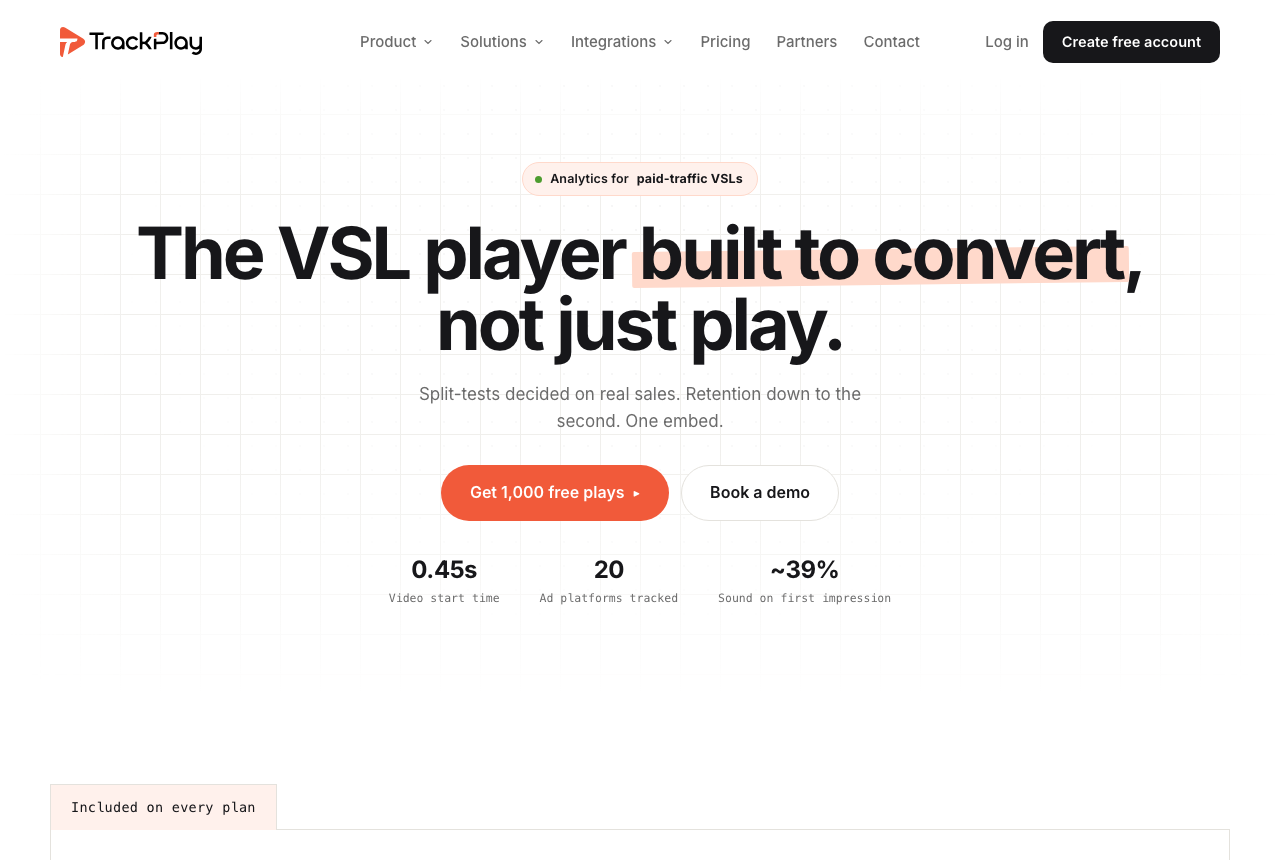
TrackPlay is the pick if you run paid traffic to a video sales letter and want the player to prove which traffic, edit and second made the sale. It is a VSL player and analytics platform built for paid-traffic funnels. Sound-first autoplay, timed CTAs and watch gates hold attention. Per-second retention split by buyers and non-buyers, revenue per play and conversion funnels show what happened, and cart postbacks and server-side events tie the verified purchase back to the play and send it to Meta, TikTok and GA4. Split tests run under one embed and are decided on the cart-verified sale with a p-value and confidence interval. Every feature is included on every paid plan, billing is by plays, and a no-card free plan includes 1,000 watermarked plays a month. What you give up is breadth and outside proof. It is narrow by design, with no general hosting library or B2B content features, and it is very new, thinly reviewed and currently invite-only, which is what you would expect of a product this recent. Pilot one funnel and reconcile its figures against your cart before moving a proven offer.
What works
- Split-test winners are decided on the cart-verified sale with a z-test, p-value and confidence interval, while variants stay under one embed
- Server-side conversion events go to Meta, TikTok and GA4, and cart postbacks tie the verified sale to the play that earned it
- Per-second retention separates buyers from non-buyers and reports hook rate, hold rate and revenue per play
- Sound-first autoplay, timed CTAs and watch gates are built for a paid-traffic VSL
- Every feature is on every paid plan, billing is by plays, paid plans start at $29 a month and the free plan includes 1,000 plays
What to watch
- Narrow by design: built for paid-traffic VSL conversion, it is not a general video host or a B2B content library, so it has no channels, SEO pages or webinar tooling and is a poor fit when the video's job is content marketing rather than a direct-response sale
- Very new, with testimonials on its own site but little independent review or Reddit footprint, and signup is currently invite-only, so pilot it before committing paid traffic
- Billing is by plays, and a start, unmute, resume and replay can each count as one, so a single viewer can use up several plays
- The contract does not promise a specific uptime percentage, so a proven offer still needs a staged migration and a backup plan
2. Vidalytics, best for mature VSL campaigns
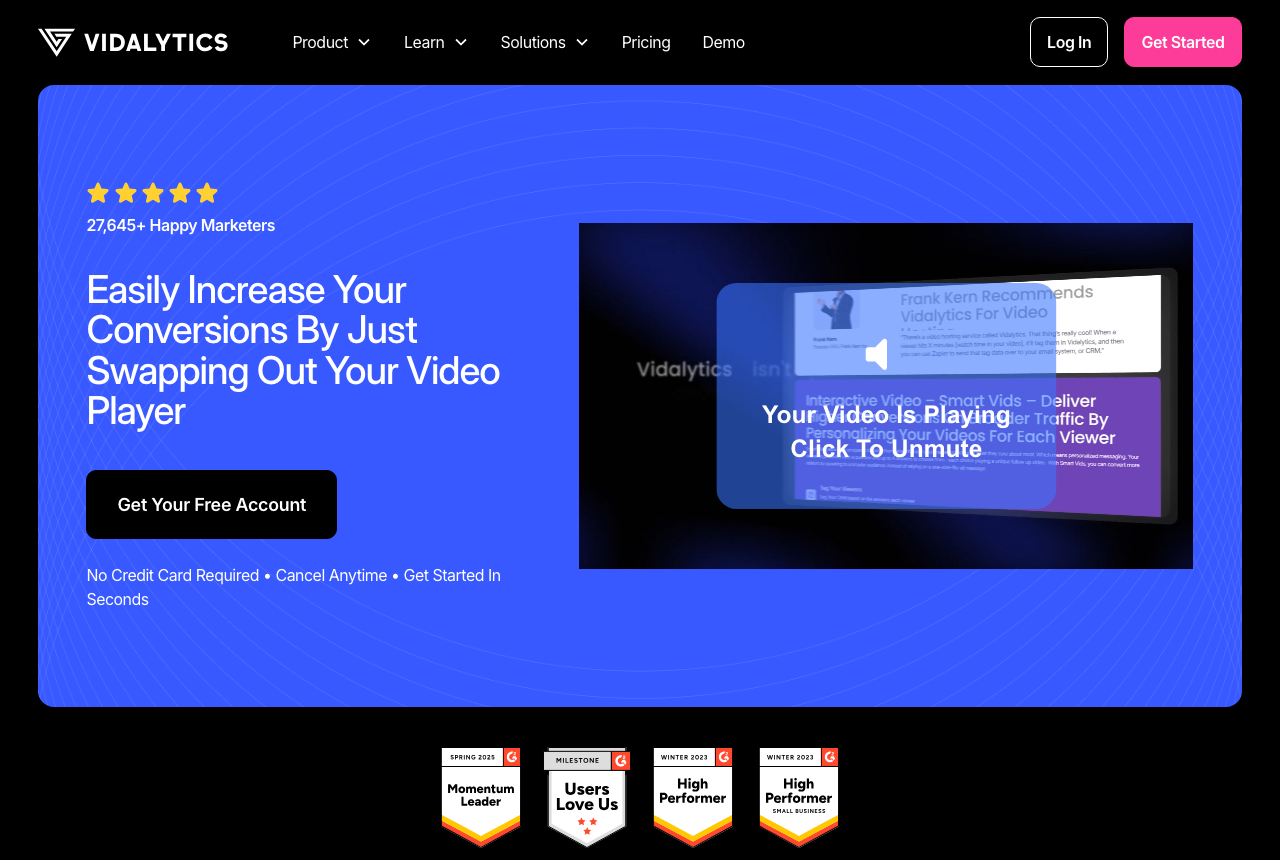
Vidalytics is the pick if you run paid traffic to a video sales letter and want split tests scored on clicks, conversions or revenue by an established direct-response platform. The player includes smart autoplay, resume play, timed calls to action and play gates. Reports cover an engagement graph by the second, heatmaps, buyers separated from non-buyers, conversion and revenue tracking, and built-in A/B tests. It fires watch-behavior events to Meta and Google. Paid plans are billed per play. After the monthly allowance, the video keeps playing and you are billed for those plays. A muted autoplay when the page loads counts as a play.
What works
- Purpose-built VSL controls: smart autoplay, resume play, timed CTAs, play gates
- Second-by-second engagement graph, heatmaps and buyer/non-buyer segmentation
- Conversion and revenue tracking, plus native A/B tests judged on clicks or sales
- A Free Forever plan lets you try the player and analytics before paying
What to watch
- A busy month can cost more than the plan fee, because plays past the allowance are still served and then billed
- A video that autoplays when the page loads uses plays from the plan even with the sound muted
- Smaller independent review base than mainstream hosts, so less third-party proof to check
- More player and analytics settings than you need if you only want to host and embed a clip
3. VTurb, best for fast VSL builds
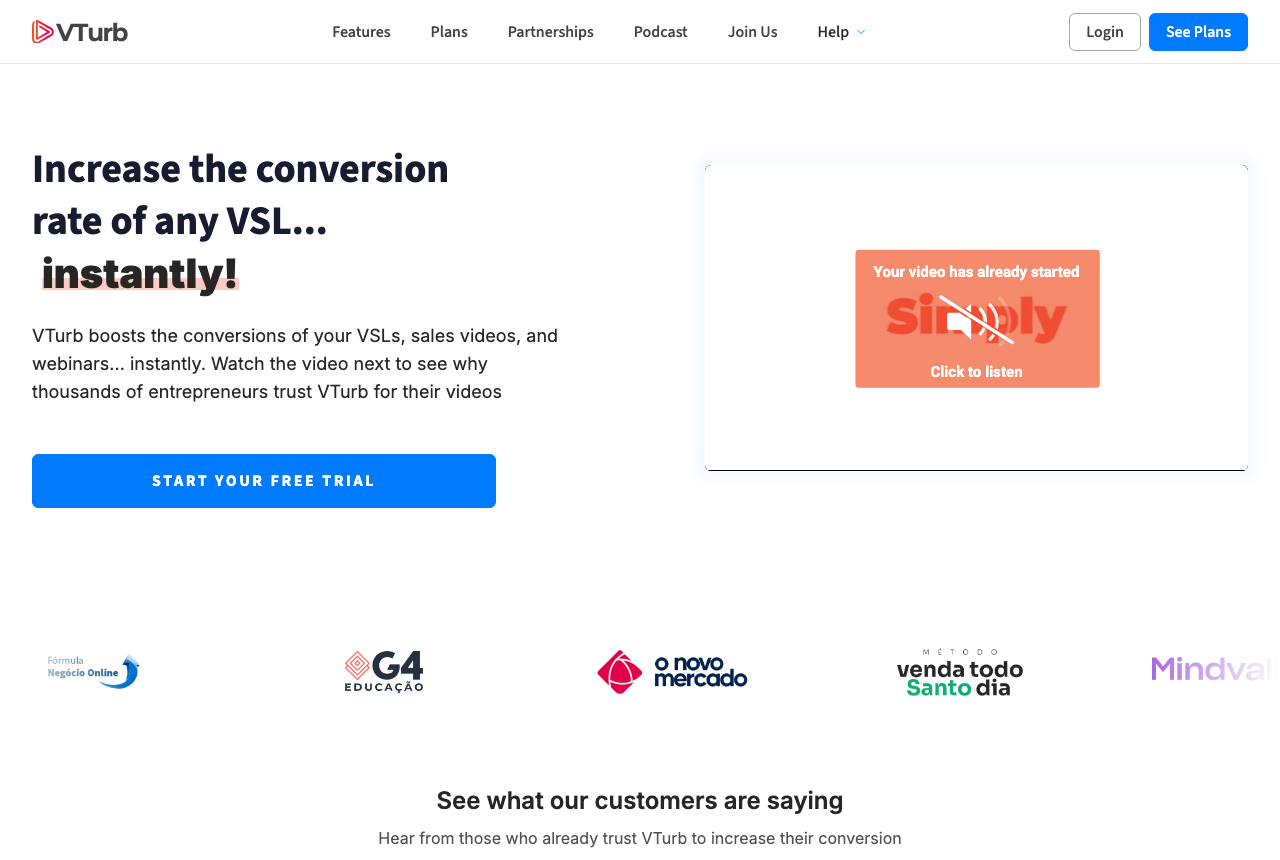
A capable smart player built around the VSL: split testing, domain security, playback controls and deep player styling. It is strongest in Latin-American direct response, where it is widely used. Test it on a non-critical funnel before you move a serious offer, because there is far less independent English-language track record to check than there is for Vidalytics or Wistia.
What works
- VSL-specific player with smart autoplay and progress controls
- Split testing and domain security built in
- Deep player customization
What to watch
- No free plan. Using all 3,000 trial plays charges the card for the plan you chose.
- Thin English-language review track record
- Support and docs lean toward the Portuguese-speaking market
4. Wistia, best for B2B video
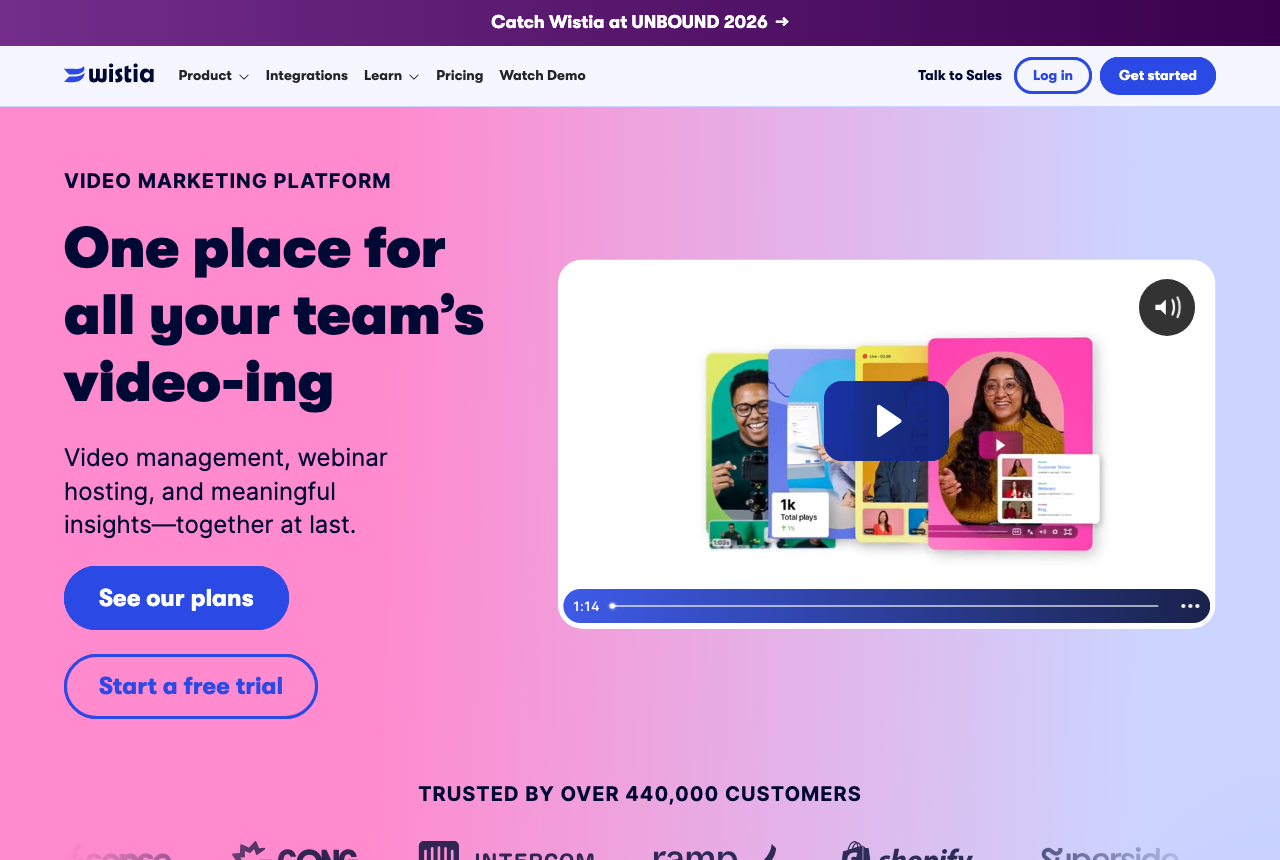
Wistia is a business video platform for content marketing and lead generation. Engagement reports and player tests sit on the paid plans. A single sales letter is a smaller job than the platform is built for. The test measures how long people watched. The purchase is recorded on your checkout.
What works
- Ad-free playback on every row
- Engagement reports from the first paid row
- Lead scoring with the automation connections
- A free starting library
What to watch
- Its reports stop at the lead and never see the sale on your checkout
- Additional users are billed separately
- Marketing automation starts on Business + Signals, above the plan that has the reports
5. Vimeo, best for business hosting
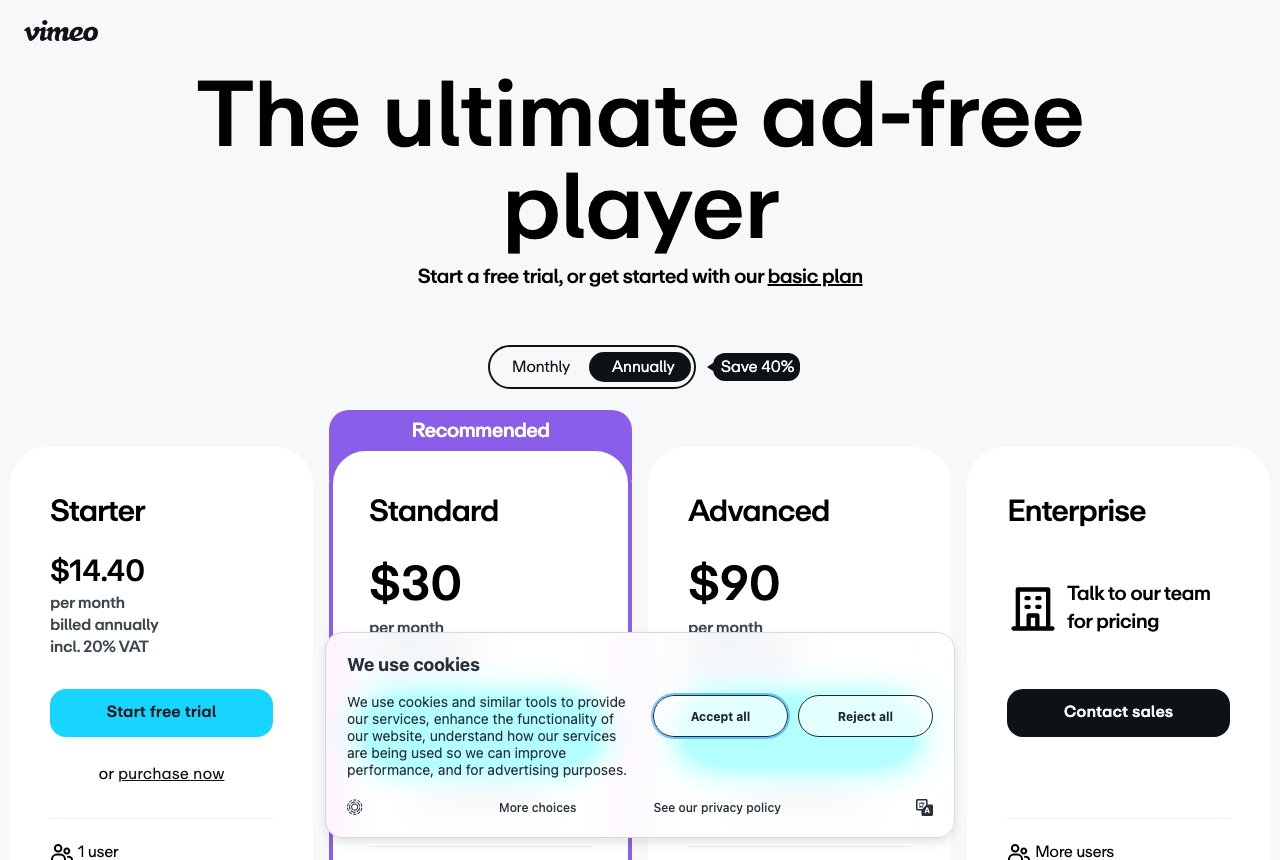
Vimeo hosts portfolios, client reviews, courses and events with an ad-free player. A paid-traffic sales letter is a poor fit, since the reports show watch time and the sale stays on your checkout. Heavy embed traffic can lead to an email from Vimeo about the account. The 2025 and 2026 billing changes moved some longtime accounts into that same discussion.
What works
- Clean, ad-free, reliable hosting
- Strong client-review and portfolio tools
- An entry-level plan at a low yearly rate, plus a free plan
What to watch
- No sales-scored tests or revenue attribution
- A monthly bandwidth threshold, with a follow-up if you pass it
- Watch-depth pixels and cart postbacks are not part of the product
Winners by segment
The ranking above answers one job, the paid-traffic sales letter. Plenty of readers arrive with a different one, so here is a pick and a runner-up for each of the nine that come up most, with the reason in one line. Several of these tools sit outside the ranked five because they host video well and still cannot tie a play to a sale.
| Your job | Pick | Runner-up | What decides it |
|---|---|---|---|
| Paid-traffic VSLs | TrackPlay | Vidalytics | Split tests are decided on the cart-verified sale, and the purchase is sent server-side to Meta, TikTok and GA4. Vidalytics has the longer outside track record. |
| B2B lead generation | Wistia | SproutVideo | Forms, CTAs, heatmaps and HubSpot or Marketo sync turn a view into a scored lead. SproutVideo puts lead capture and CRM integrations on its entry plan. |
| Online courses and memberships | Spotlightr | Panda Video | Encrypted streams on every plan, with email, password or Stripe gating per lesson. Panda adds DRM watermarking for courses that get pirated. |
| Selling a course with paid ads | TrackPlay | Panda Video | Lead forms and watch gates on the sales video, delivery locked to your domains, and each enrolment posted back to the play that sold it. Panda can host that video and the lessons on one account. |
| Latin-American direct response | VTurb | Panda Video | The player most Brazilian VSL funnels already run, with Portuguese support. Panda is Brazilian-built too, on flat public plans. |
| Video inside your app | Mux | Cloudflare Stream | One API for upload, encoding, live and delivery, with Mux Data included free. Cloudflare charges one delivery rate at any resolution. |
| A VSL your developers embed | TrackPlay | Vidalytics | One embed in any page, the cart posting each sale back server to server, and a public API with scoped keys and signed webhooks. Vidalytics has the longer outside record. |
| Lowest monthly bill | Bunny Stream | Gumlet | Transcoding and the player cost nothing and you pay per GB stored and delivered. Gumlet is the cheap branded host with Meta and Google pixels. |
| Live events | Dacast | SproutVideo | Unlimited concurrent viewers, a paywall, ad slots and OTT apps. SproutVideo includes live input and delivery minutes from its Sprout plan. |
Best video hosting for online courses
A course creator usually has two videos to host, and they want different things. The lessons behind the paywall need protecting: a paid lesson that can be downloaded or shared by link is a lesson somebody else resells. The sales video in front of the paywall needs to sell, and if you buy ads to it, you need to know which ad brought the enrolment. Most course-hosting lists treat these as one job. We give each its own pick.
For the lessons, judge a host on three things: whether the stream is encrypted and locked to your domain, whether a lesson can wait behind an email or a payment, and whether long lessons play well on a phone. Spotlightr is the pick if you sell a paid course and want every lesson encrypted and gated without paying for an enterprise plan.
Secure video hosting for online courses
No host makes a lesson impossible to copy. Teachable's own security overview says outright that it is impossible to completely stop content theft, sharing and piracy, so the realistic aim is to make copying slow and awkward. The player inside a course platform often does less here than buyers assume. Gumlet's course-platform security guide reports that Teachable, Thinkific and Kajabi route their video through Wistia, and a second Gumlet comparison states that Wistia has never offered DRM, citing Wistia's security documentation. Gumlet sells course hosting itself, so read it as a competitor's account, though the DRM point comes from Wistia's own docs.
Vimeo is the other default, and its privacy page is candid that password-protected and unlisted videos get basic download prevention that a technically minded user can still get around. The company also changed hands when Bending Spoons bought it in November 2025, and Schoolmaker tracks the course creators who moved their libraries after the layoffs that followed. Our Vimeo review covers what it still does well.
Spotlightr goes further on every plan. Each upload is encoded as HLS with what Spotlightr's features page calls polymorphic access tokens, which are designed to stop ripping and download links from working outside your page. Lessons can open only after an email form, an SMS code, a passcode or a Stripe payment. Passwords, domain restrictions and view limits are on the feature list too, and dynamic IP watermarks arrive with the Plus plan. Hybrid hosting lets you keep files on YouTube, S3 or Dropbox and still serve them through its player. Plans start at $13 a month billed annually. The friction reviewers mention is the setup: the settings take time to learn and uploads go one file at a time, which slows the first import of a large course.
Choose Panda Video when piracy is the problem you already have. It adds DRM watermarking as a per-GB add-on, blocks downloads, restricts playback to allowed domains and ships a Chrome extension for moving a Vimeo library across. Independent English-language reviews of it barely exist, which is what you would expect of a Brazilian product that grew in its home market first.
Best video hosting platforms for online courses, by setup
Three setups pull the choice away from Spotlightr. On a WordPress course site, Presto Player over Bunny Stream gives you a branded player with private, logged-in-only lessons for very little. If you run a subscription membership and want your own phone and TV apps, use Uscreen, and budget for two costs up front: the apps come on a higher plan than the entry one, and plans above the entry one add a fee per subscriber.
If your course runs live sessions, such as a weekly Q&A or a cohort call, look at SproutVideo. Live input and delivery minutes are included from its Sprout plan, while the cheaper Seed plan includes none, so a cohort course should start one tier up. Price a large library on a busy course before you choose. The video hosting cost calculator takes video length, monthly plays, watch rate and a spike week, and prices six hosts.
Free video hosting for online courses
Free hosting works for a lead magnet or a free mini-course and rarely for a paid library. Vimeo's free plan stores 1 GB, and domain-level embed privacy starts on its paid Starter plan, so a free-plan lesson can be embedded on any site. Bunny Stream gives 14 days free with no card, then bills pay-as-you-go against a $1 monthly minimum, which keeps a small library close to free. YouTube costs nothing and shows related videos and ads around the lesson, for the reasons set out under what to avoid. Our list of free Vimeo alternatives covers the rest.
When paid ads sell the course: the sales video
Plenty of course creators never send cold traffic to a lesson. They send it to a sales video, and the course is what that video sells. That video is a VSL, and it should be judged on the ranking's questions at the top of this page rather than on piracy. TrackPlay is the pick if you buy ads to a course sales video and want each test scored on enrolments.
TrackPlay is a VSL player and analytics platform for paid-traffic funnels. Its embed is one snippet that drops into Kajabi, WordPress, ClickFunnels or any page that accepts HTML, and delivery can be locked to your own domains. Timed CTA cards bring the buy button in at the pitch, and a watch gate or a lead form can sit over the video for a free-preview funnel. Carts such as ClickFunnels and Kiwify post the sale back onto the play that earned it, so split tests are decided on real enrolments, retention is split into buyers and non-buyers, and the purchase reaches Meta, TikTok and GA4 server-side. There is a free plan of 1,000 watermarked plays a month with no card.
Its limit is scope. TrackPlay is built for direct-response conversion, so it has none of the channels, SEO pages or webinar tooling that Wistia sells, and it is a poor home for content-marketing videos whose job is reach. If you sell a course, the practical answer is to keep your lessons on Spotlightr or Panda and give TrackPlay the one video that sells. Vidalytics does the same sales-video job with a longer outside record. Panda Video, the runner-up, can carry the sales video and the lesson library on a single account. If you are unsure which camp your funnel is in, the VSL player picker asks five questions and names one tool.
Best video APIs for developers
You are putting video into an app or a site, and the API has to handle upload, encoding, playback and often live. What separates the options is how much of that you write yourself and whether you can predict the bill. Mux is the pick if you want the fullest API, with playback analytics and live on the same account. Cloudflare Stream suits a team that would rather pay by the minute on infrastructure it already runs, and Bunny Stream wins when billing by the gigabyte is the cheaper meter for your traffic.
We based these picks on each vendor's API docs and pricing pages and on long-term user reports. The method section further down explains how.
| Video API | Free start | What you pay for | Included |
|---|---|---|---|
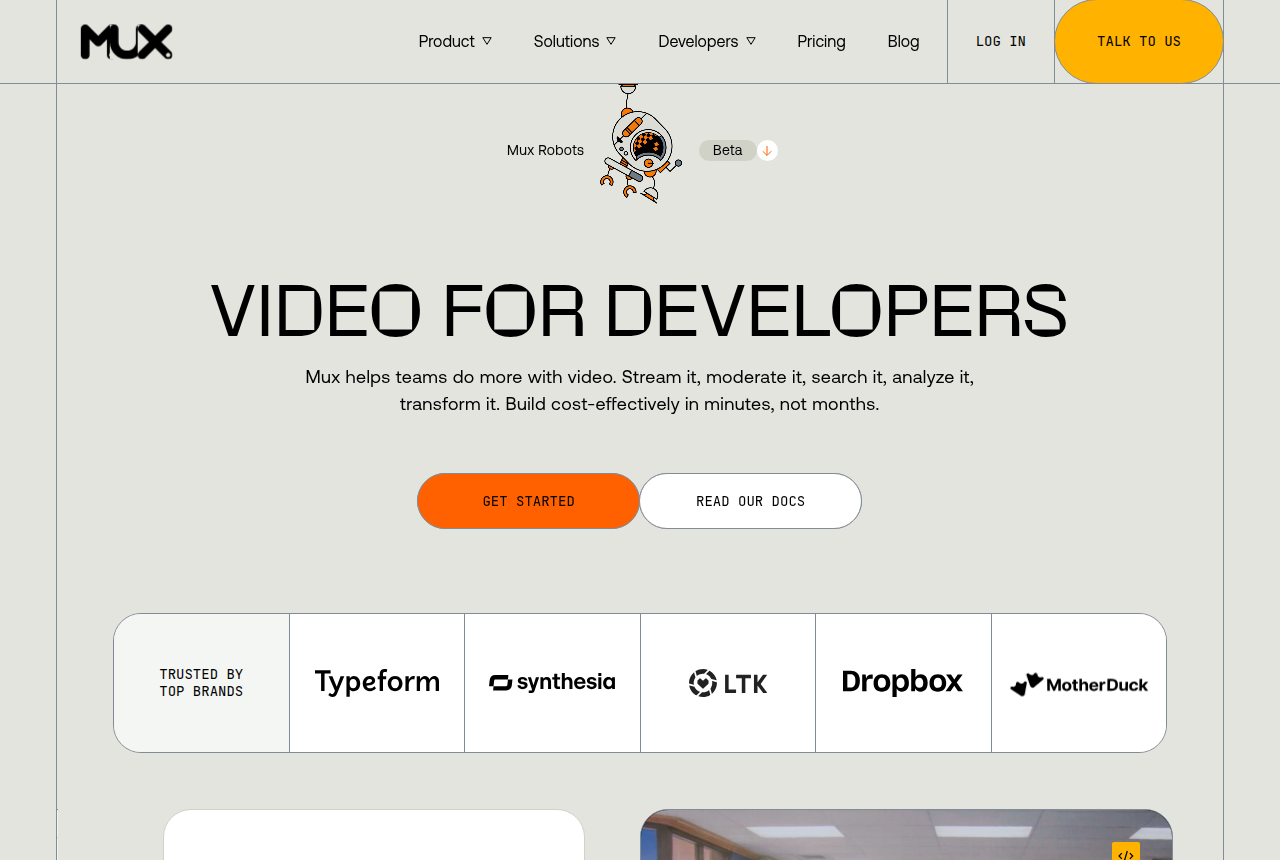
| Mux | 100K delivery minutes a month, up to 10 videos, no card | Minutes stored and delivered, priced by resolution ($0.0008 a delivered minute at 720p) | Mux Data analytics free, REST API, webhooks, SDKs |
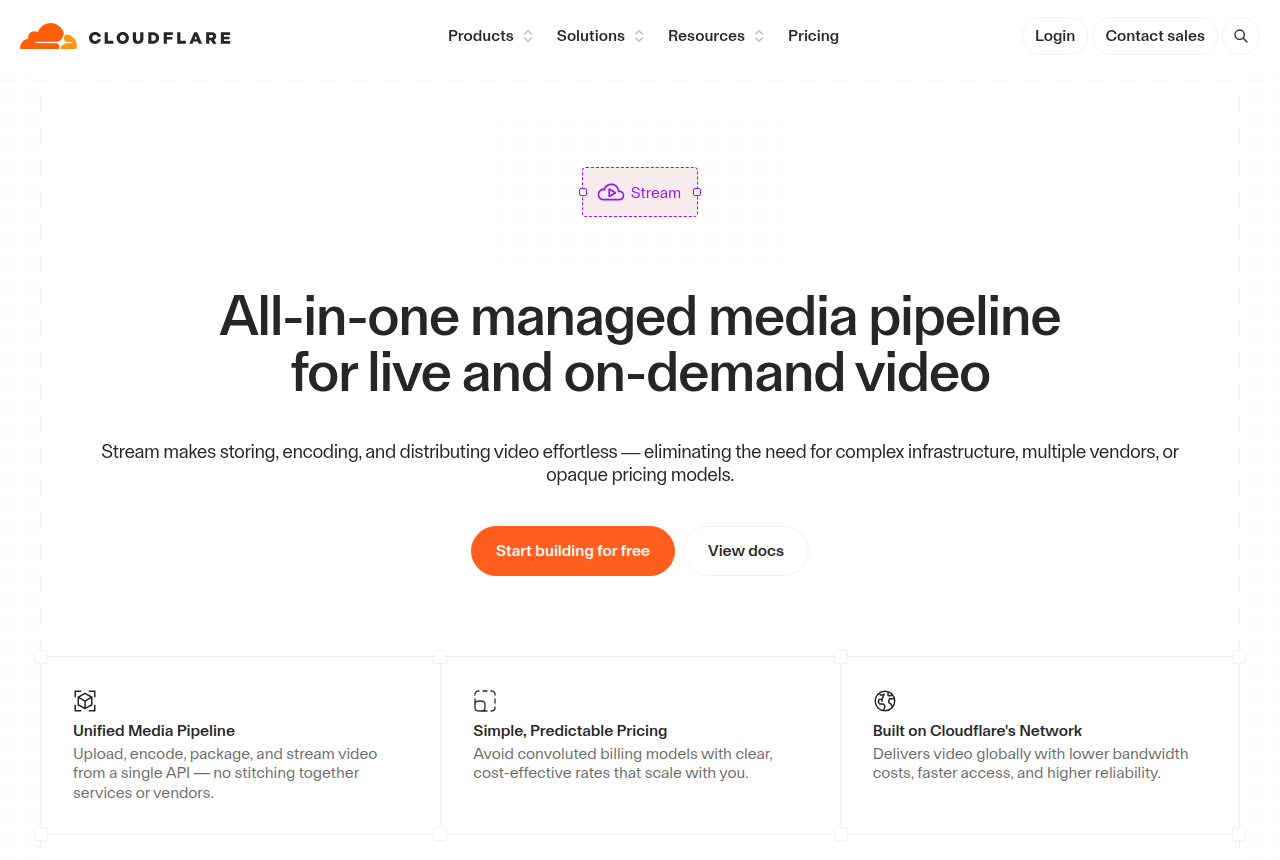
| Cloudflare Stream | Storage is prepaid in blocks from the first video | $5 a month per 1,000 minutes stored, $1 per 1,000 minutes delivered | Encoding and ingress free, signed URLs, direct creator uploads |
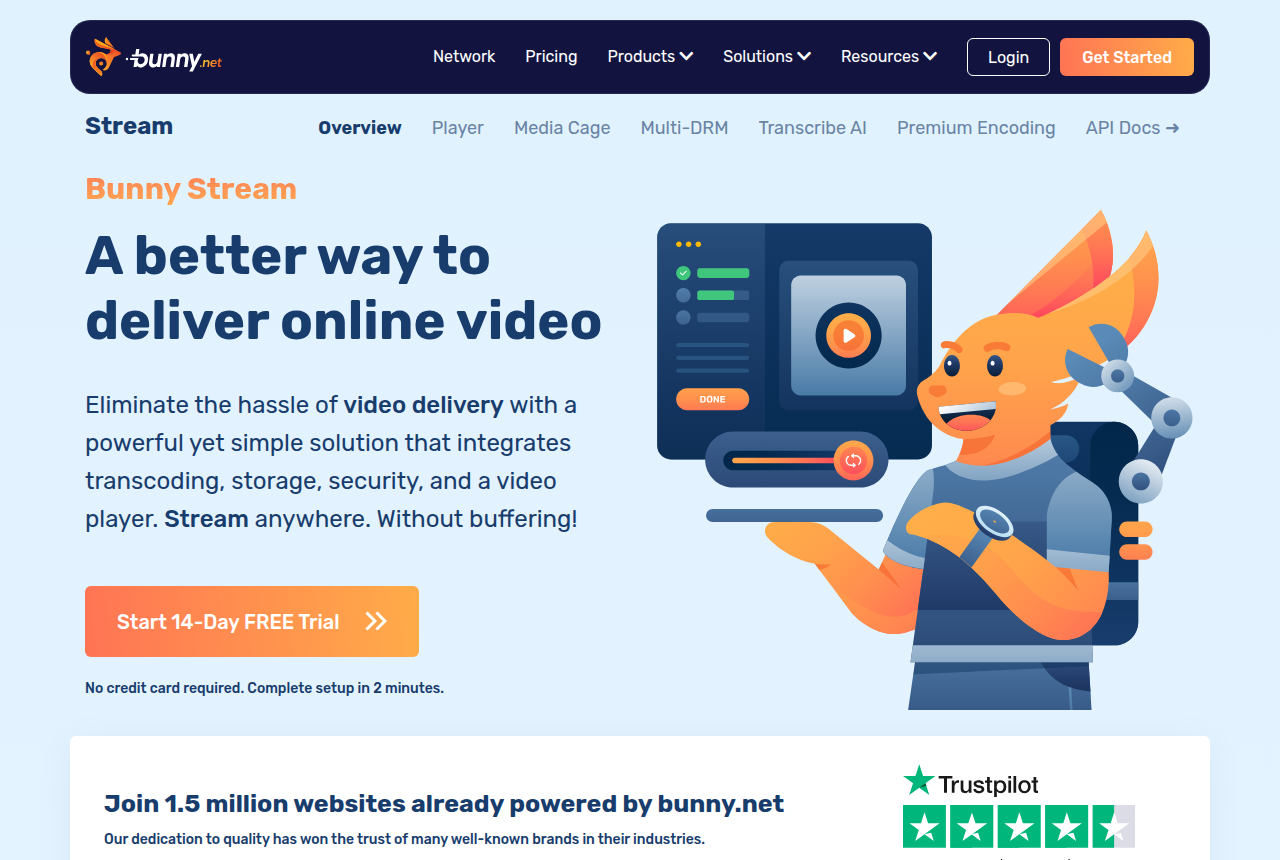
| Bunny Stream | 14-day trial with no card, then a $1 monthly minimum | From $0.01 per GB stored and $0.005 per GB delivered | Encoding, player and security features free, REST API, webhooks |
Mux for a product team shipping video features
Mux runs upload, encoding, delivery and live through one REST API, with webhooks, SDKs for the major languages and its own player, according to its documentation. The part that saves the most engineering time is Mux Data, its advanced video analytics, which comes free with the video. Viewer and playback reporting then never becomes a second integration to build and pay for.
The free plan is enough for a prototype and stops at ten stored videos, on demand only, so live video or a real library means pay-as-you-go, which carries a $20 monthly usage credit. Resolution is what moves the bill: delivery is priced at 720p and higher resolutions bill at multipliers of up to four times for 4K. Our Mux review sums up what developers report, and Mux pricing works the published rates through sample monthly volumes.
Cloudflare Stream for minute-based billing at any resolution
Cloudflare Stream puts upload, storage, encoding and delivery of live and on-demand video behind one API. Its developer docs list signed URLs for private playback and direct creator uploads, so a user's file goes straight to Cloudflare without passing through your server. Encoding and ingress are free and bandwidth sits inside the delivery rate, which leaves the invoice with two lines.
Two details catch teams out. Playback stops at 1080p (H.264 adaptive streaming from 360p up), so a product that sells 4K needs another host. And the pricing docs count client-side preloading and buffering as delivery, so a page that preloads a video nobody plays still runs up minutes. The Cloudflare Stream review collects the billing complaints users raise, and Cloudflare Stream vs Mux puts the two meters side by side.
Bunny Stream for the cheapest pipe, if you build the rest
Bunny Stream is a REST API at video.bunnycdn.com, authenticated with an AccessKey header, with webhooks, libraries and collections described in its API reference. Transcoding, the player and the security features cost nothing extra, and you pay for storage and CDN traffic by the gigabyte. A gigabyte holds more minutes of low-bitrate video, so that meter favours short clips and modest resolutions.
Anything that ties a play to a business result is yours to write. Read the Bunny Stream review for the user reports of uneven HLS playback before you move a large library, and Bunny Stream vs Mux if per-GB and per-minute billing are your two finalists.
Free video API for developers
Mux is the only one of the three with a standing free plan you can ship a prototype on, with no card and a monthly allowance of delivery minutes. Bunny Stream gives two weeks without a card and then bills against a small monthly minimum, so a test library costs close to nothing without being free. Cloudflare Stream asks you to buy storage ahead from the first upload, while delivery is billed after the month ends.
Video hosting API: how to choose
Start with what the video does. If it is a feature of your product, such as user uploads, lessons inside your app or a live stream, choose among the three APIs here. Take Mux when you need live and analytics without writing them, Cloudflare Stream when your stack already runs on Cloudflare and 1080p is enough, and Bunny Stream when cost per gigabyte decides it. Bunny Stream vs Cloudflare Stream settles the cheaper pair, and our calculator for monthly hosting bills runs your length, plays, watch rate and a spike week through every meter.
If the video is a sales page that paid traffic lands on, an upload-and-transcode API sits one layer too low. You would be writing the sale tracking, the ad-platform events and the split testing yourself.
When the developer job is a sales video
Say your developers are wiring a VSL into a funnel, and every sale has to be credited to the play that earned it. Pick TrackPlay for that. It is a VSL player and analytics platform for paid traffic. One embed snippet goes into any page, sound-first autoplay, timed CTA cards and watch gates hold the viewer to the pitch, and the cart posts each verified sale back server to server so TrackPlay can send it on to Meta, TikTok and GA4. For the engineering side, its infrastructure page lists a public API with scoped keys, HMAC-signed webhooks and a separate workspace per client. It bills on plays rather than minutes or gigabytes.
The trade-off is how narrow it is. TrackPlay is built for paid-traffic VSL conversion and is not a general video host or content library, so it lacks the channel pages, SEO pages and webinar tools Wistia sells, and it is a poor fit for video whose job is content marketing. That matters little for the one video in a funnel that has to close the sale, which is the job it was designed around. Vidalytics, the runner-up, does the same job with a longer outside record, and TrackPlay vs Mux shows where a player ends and an API begins.
My take
I would judge any VSL player by revenue per play, read against the cart, after the first thousand plays. The revenue per play calculator sets what each play earns against ad spend and the hosting fee for those same plays. On a new paid-traffic offer I'd start on TrackPlay's free plan with one ad set, because that is the cheapest way to see whether cart-verified test results change which cut you keep. I would leave a proven offer where it is until those numbers reconcile.
For developers I would start on Mux and only move to Cloudflare Stream's per-minute billing once 2K or 4K delivery makes Mux's resolution-based rates the larger bill. And I would skip any host whose monthly cost I cannot estimate from its own pricing page before the first upload.
Guides in this section
- Revenue per play calculator: what each VSL play earns and costs
- Black Friday VSL traffic: what breaks on each host
- Cheapest play plan for your monthly VSL traffic
- Keep the WordPress page fast: host the video elsewhere
- Secure video hosting: which lock fits your VSL
- Video split testing software: which VSL player picks the winner that sells
- VSL hosting cost per 1,000 plays: Bunny, Gumlet and Cloudflare priced
- Where an agency keeps each client's VSL: workspaces, accounts or one bill
- White-label video hosting: your logo on the player
- Best live streaming platforms for business: the right one for your event, webinar or app
- Video hosting cost calculator: what your VSL costs to serve each month
- VSL player picker: which video tool fits your funnel
What to avoid
YouTube as your VSL host. It is free and it plays everywhere, and it is the wrong tool for a paid-traffic sales letter. It shows related-video recommendations and channel branding, it can serve ads over your pitch, and it hands your buyer a dozen exits at the exact moment you want their attention. It reports views with no link to sales and sends no watch-depth pixel to your ad account. Keep YouTube for reach content and put the VSL on a player you control.
Buying on the sticker price and ignoring the meter. Every tool here has an entry price that looks fine and a running cost that depends on your traffic. Vidalytics and TrackPlay add a charge for plays past the plan, while minute and gigabyte hosts bill the stream. Vimeo caps bandwidth and changed its billing in 2025 and 2026 in ways that caught out high-traffic accounts. Our video hosting cost calculator prices a normal month and a spike week for six hosts.
A player you cannot export from. Some hosts make it easy to upload and quietly hard to leave. If a tool has no download or export, every re-edit, every migration and every backup runs through their support queue. Before you commit a serious offer, confirm you can get your own file back out. The how-to-choose section below shows exactly how that works in Vidalytics.
A tool with no track record you can check, on a critical funnel. TrackPlay is the top pick on capability, but it is very new, its outside review record is thin and signup is invite-only. VTurb's English-language review base is thin too. Test either on a non-critical funnel before you move a proven offer onto it. Recommendations that recur across real user reports are worth more than one enthusiastic post.
How we evaluated these
We read each vendor's own documentation and pricing pages for what a tool is, does and costs, and we read long-term user reports on Reddit, Trustpilot and review sites for how each one holds up once real traffic and real usage are behind it. Each review carries the date its plans, fees and limits were read from the vendor.
Because this site judges video by whether it moves sales, each tool was ranked on five things. Can it score a split test on sales? Does it fire watch-behaviour events to Meta and Google for retargeting? How deep are its retention and buyer-versus-non-buyer analytics? What is the all-in cost once bandwidth and overages are added to the sticker? And how easily can you get your own video back out? Picture quality and storage matter too, and every tool here clears that bar.
The segment picks come from the same sources, with a different first question. For course lessons it is how well the stream is protected, while a sales video that sells the course goes back to the ranking's questions about tests and attribution. For developers it is how clean the API and the bill are, and for live video how many viewers it can carry and how you get paid.
We rank ordinally and publish no star scores, because a number invites you to argue with the decimal instead of the decision. You can read the full method behind our rankings and how we make money.
How to choose, and how to get your video back out
Start from the job the video has to do. Three questions settle the choice for almost everyone running paid traffic to a sales letter.
1. Can it score a split test on sales? If you are buying media, you need to know which version of the video made more money. Attention and revenue are different curves, and a cut that holds viewers a few seconds longer can still sell less. Only a player built for direct response ties the test to the sale. If the answer is no, the tool is a host.
2. Can it fire a watch-depth pixel to your ad account? The people who watched to the pitch and did not buy are your best retargeting audience. A tool that can send "watched 60%" back to Meta or Google lets you build that audience automatically. A tool that only reports views inside its own dashboard cannot.
3. What will it cost with your traffic? Take your monthly views, multiply by your video's file size, and price the bandwidth. The entry plan is rarely the bill once a campaign scales, and overage rates are where the surprise lives.
If you would rather answer those as a quiz, the VSL player picker asks five questions about your job, your test, your budget and your language, and names one tool with the reason.
One question buyers skip until it is too late: can you get your own video back out? A player with no export turns every re-edit, migration or backup into a support ticket. Vidalytics documents its export, so here are its steps.
How to download a video from Vidalytics
If the video is hosted in your own Vidalytics account, there is a one-click download built into each video's settings. No third-party tool is needed. The steps below follow the Vidalytics knowledge center article on downloads:
-
1
Log in to Vidalytics and open My Vids, then select the video you want to download.
-
2
Click Edit to open that video's settings page.
-
3
Click the settings (gear) icon in the menu.
-
4
Click the download button. The file saves straight to your device.
Two things to know before you rely on it. First, wait until the red Processing label next to the video title is gone. Vidalytics transcodes every upload and processes the low-quality version first, so a download taken too early can pull a low-resolution copy. Large files can take up to 30 minutes to finish. Second, what you get is a transcoded copy sized for streaming, not the untouched master you first uploaded, because the platform re-encodes video on the way in. If you need the exact source file, keep your own local original rather than counting on a re-download.
If the video is not in your account, for example an embed you found on someone else's landing page, the download button is not available to you. Grabbing the underlying stream with a third-party ripper is a grey area, and you should clear it with the owner before doing it. For your own content, the in-account button is the clean, supported route, and the fact that it exists is one reason Vidalytics does not lock you in the way a player with no export would.
What is a VSL player?
A VSL player is video hosting built around a single conversion video, the sales letter itself. It combines two jobs that generic hosts keep separate. The first is playback: a clean, ad-free, brandable player with the controls direct response relies on, such as smart autoplay, resume-play so a returning viewer starts where they left off, timed calls to action, and play gates that reveal a buy button at the point in the pitch you choose.
The second job is the one that defines the category: conversion analytics. A VSL player reports retention second by second, separates the viewing behaviour of buyers from non-buyers, and runs split tests that are scored on clicks, conversions or revenue instead of view count. The best of them fire watch-depth events to ad platforms so you can retarget by how far into the pitch a viewer got, and attribute a sale back to the version of the video that produced it.
That second job is why a marketing host and a VSL player are not interchangeable. A tool like Vimeo hosts the video beautifully and tells you how many people pressed play. A VSL player tells you which traffic, which creative and which cut of the video made the money. For a business that runs paid traffic to a sales letter, that difference is the whole reason the category exists.
Frequently asked questions
What is the best VSL player for paid traffic?
How do I download a video from Vidalytics?
Can I download the exact original file I uploaded to Vidalytics?
Is Wistia or Vimeo a good choice for a video sales letter?
Which VSL players can I try for free?
What does bandwidth actually cost on Vidalytics?
What is the best video hosting for online courses?
Is the hosting built into Teachable or Kajabi good enough?
Which host is most secure for paid course videos?
Can I host a course for free?
Which video API can I start on for free?
Does Cloudflare Stream charge for buffering?
When does TrackPlay make more sense than building on Mux?
Changelog
- 14 October 2026. We added a section on video APIs for developers that compares Mux, Cloudflare Stream and Bunny Stream on free starts, billing meters and what each includes, from their own docs and pricing pages. A new segment covers a VSL your developers embed, with TrackPlay as the pick and Vidalytics as the runner-up, and the FAQ gained three developer questions.
- 13 October 2026. We split the online-courses section in two: hosting the lessons, and hosting the video that sells the course. A new segment covers selling a course with paid ads, with TrackPlay as the pick and Panda Video as the runner-up. We also wrote new parts on secure hosting, free hosting and course setups, sourced from Teachable, Vimeo and Spotlightr, and added two course questions to the FAQ.
- 12 October 2026. We added winners by segment, with a pick and a runner-up for paid-traffic VSLs, B2B lead generation, online courses, Latin-American direct response, developers, the lowest bill and live video. The same update brought a full section on video hosting for online courses, the editor's take, links to the cost calculator and the player picker, and a list of every guide in this section. We also removed price figures that were repeated across the page.
- 28 September 2026. We put TrackPlay at number one after reading up on its cart-verified split testing, server-side attribution, play-based plans and narrow scope. Each of the other four tools moved down one place.
- 14 September 2026. First published. We ranked Vidalytics, VTurb, Wistia and Vimeo on the direct-response rubric, rechecked every price on the vendors' own pages, and added step-by-step instructions for downloading your video from Vidalytics.
Sources
Other sources
25 discussions and reviews read for this page. Quotes are excerpts; open a link to read the original in context.
- [] Vidalytics pricing (vendor)
- [] How To Download Your Videos (Vidalytics Knowledge Center)
- [] Video Transcoding, What to Expect After Uploading (Vidalytics Knowledge Center)
- [] Wistia pricing (vendor)
- [] Vimeo pricing (vendor)
- [] VTurb (vendor site)
- [] TrackPlay (vendor)
- [] SproutVideo pricing (vendor)
- [] Cloudflare Stream pricing (developer docs)
- [] Mux pricing (vendor)
- [] Spotlightr features (vendor)
- [] Panda Video features (vendor)
- [] Vimeo video privacy (vendor)
- [] Bunny.net pricing (vendor)
- [] Uscreen pricing (vendor)
- [] Security overview (Teachable help center)
- [] Wistia vs Vimeo vs Gumlet vs VdoCipher for course hosting (Gumlet, a competing host)
- [] Course platform video security (Gumlet guide)
- [] 9 best video hosting platforms for online courses (Schoolmaker)
- [] Mux documentation (vendor)
- [] Cloudflare Stream overview (developer docs)
- [] Bunny Stream API overview (vendor docs)
- [] Bunny Stream pricing (vendor)
- [] TrackPlay enterprise infrastructure (vendor)
- [] Help downloading vidalytics (r/youtubedl)
Related reading

Written by
Marcus Vale
Lead reviewer
Marcus Vale runs the VSLBench review desk. He has spent years driving paid traffic to video sales letters, and he now reads the player docs, pricing pages and long-term user reports to work out which tools actually move sales instead of just counting views. He writes the player and attribution reviews here, and he makes sure every ranking says which buyers should skip each tool.
Last checked 2026-10-14