Which lock fits your video?
A copied embed and a forwarded course link are different leaks.
Someone forwarded your course link. Or a competitor pasted the sales video onto a page you do not run, and it still played.
Use access control when the leak is that copied embed or that forwarded link. Add encrypted delivery when the video file itself is what you sell.
Each price and each control here comes from that vendor's documentation or pricing page. Long-term reports from people who publish courses and sales videos shape the judgment. Live campaigns are outside this research.
Pick the player after the security tier
What a secure video hosting platform locks
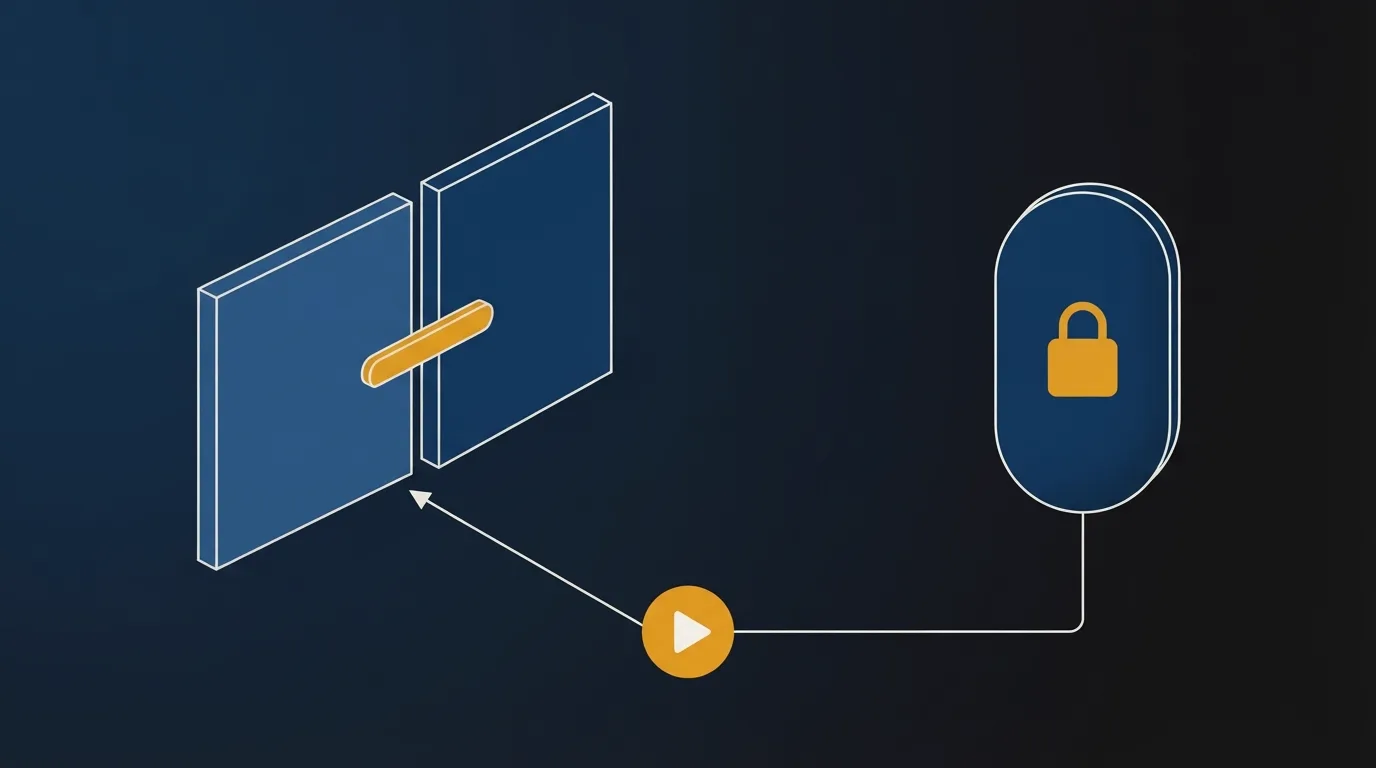
A secure video hosting platform is doing two jobs. Teams often buy the heavier one first.
Access control decides who can start playback. Domain restrictions and signed URLs are that first job. Gumlet's DRM page says those controls decide who can request a video. Once the stream reaches the device, the file is playable.
A password on the player is the same kind of gate. It travels with every person you send the link to, so a paid library outgrows a shared password quickly.
Delivery security is the stream after play has started. Encrypted segments, and a DRM license that stays on the device, are that layer. Reach for it when someone paid for the file and can rewatch it, the way a course lesson works.
Gumlet's hosting guide cites industry research that puts unauthorized streaming at over 80% of video piracy.
Free secure video hosting stops at a gate
Free secure video hosting covers a password or a geo rule on the player. An encrypted license is a paid add-on you turn on yourself.
Gumlet's Free Forever plan includes password protection and geo-blocking, listed on the pricing page. Storage on that plan stops at 60 minutes.
Bunny Stream opens with a 14-day trial and no card. Token authentication is available, and you configure it. The security docs describe one token for the embed iframe and a second token for direct HLS and MP4 addresses.
Cloudflare Stream stays public until you change a setting. The securing guide says a video can be viewed by anyone who has the video id.
Private video hosting for business, from a dashboard
Private video hosting platforms for business split by the job in front of you: a course, an internal library, or a marketing embed. None of these three asks you to mint a token in code.
Spotlightr encrypts every upload
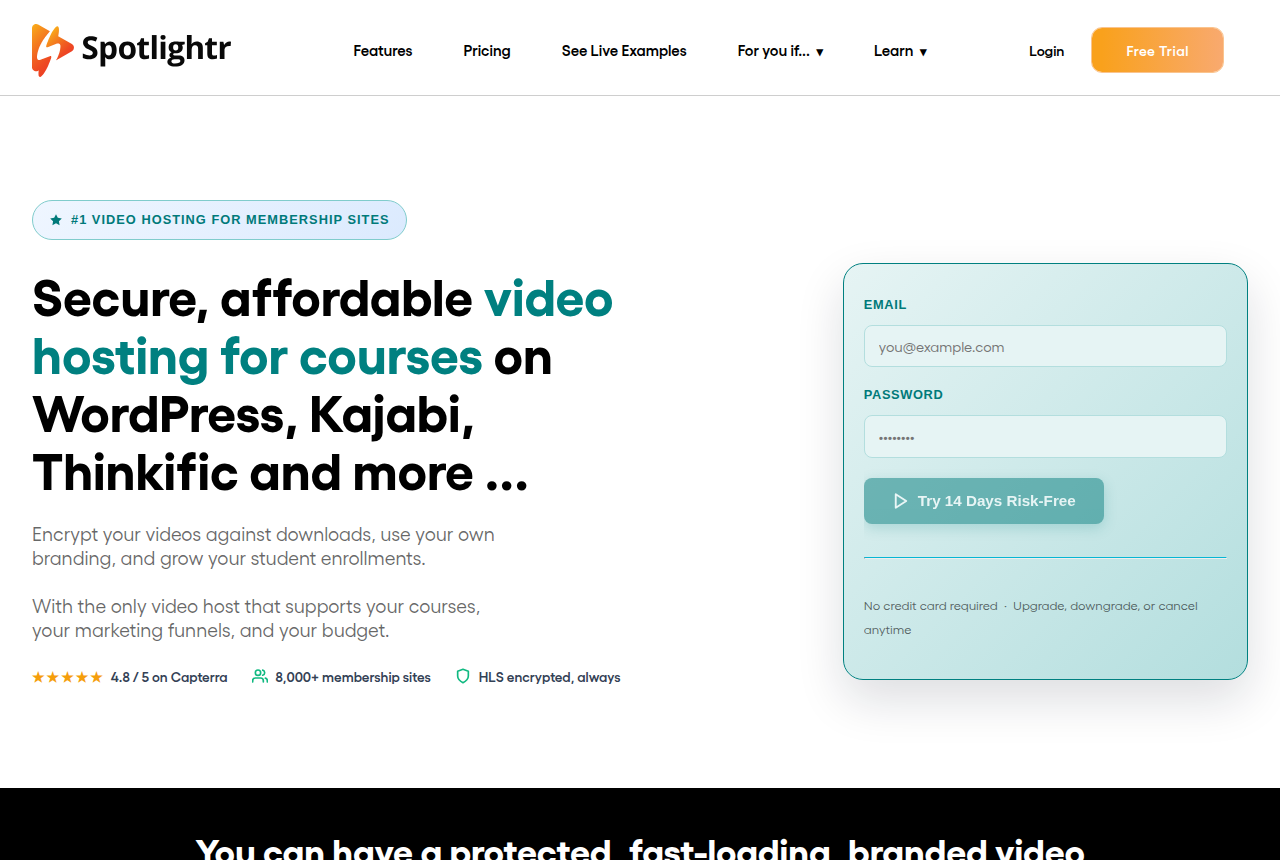
The homepage says every video you upload is protected by HLS encryption and polymorphic access tokens. Light is $13 a month on a yearly bill, and the pricing page includes domain embed protection on that plan.
A lesson can also sit behind an email, an SMS code, a password or a Stripe payment. The Spotlightr review goes through the course tools. The player picker, linked above, is where you choose the player once the lock is settled.
SproutVideo limits playback to your sites
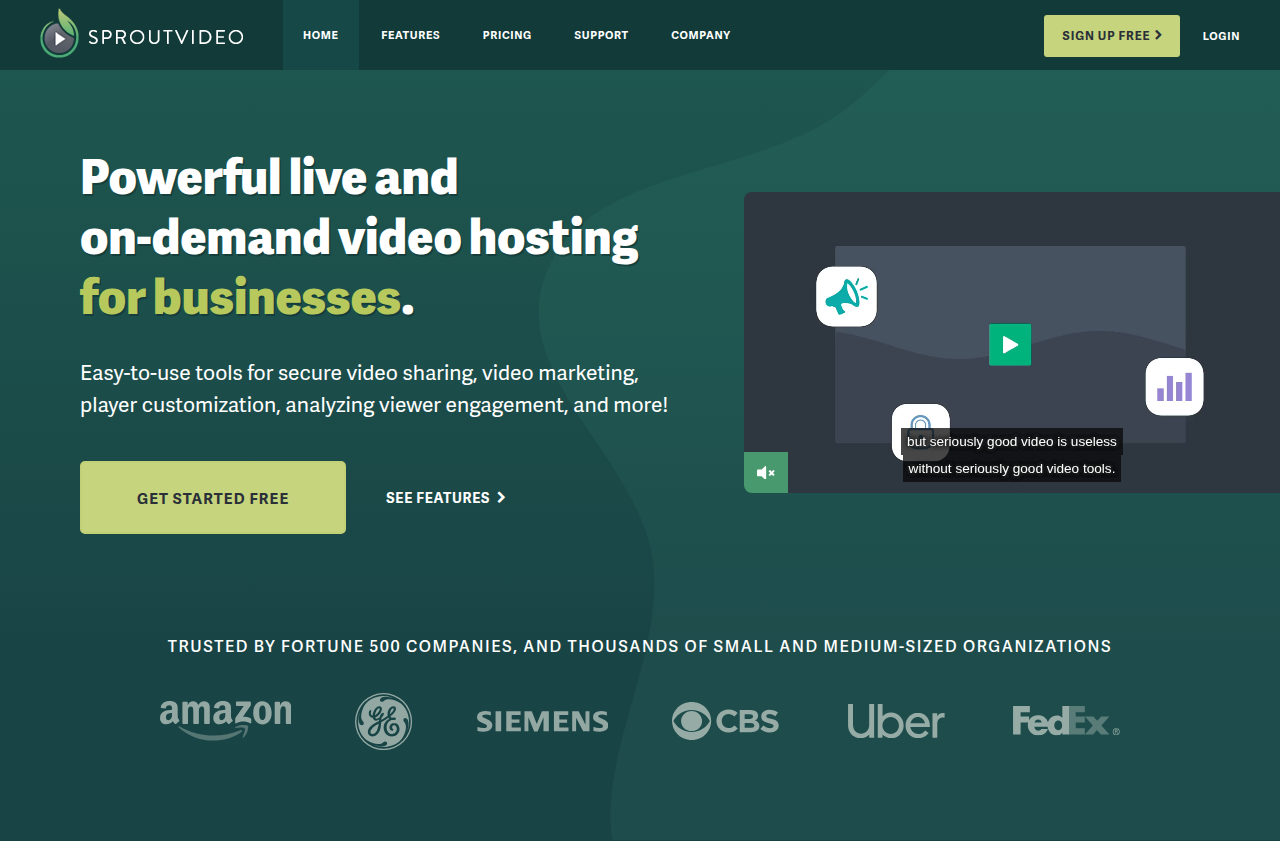
For staff training, SproutVideo can restrict playback to URLs you specify. The features page calls that a domain whitelist. Signed embeds are on the same list.
Geo rules, IP rules and dynamic watermarks start on higher tiers. The SproutVideo review is the longer read when the audience is staff, not buyers.
Gumlet Creator adds a domain restriction
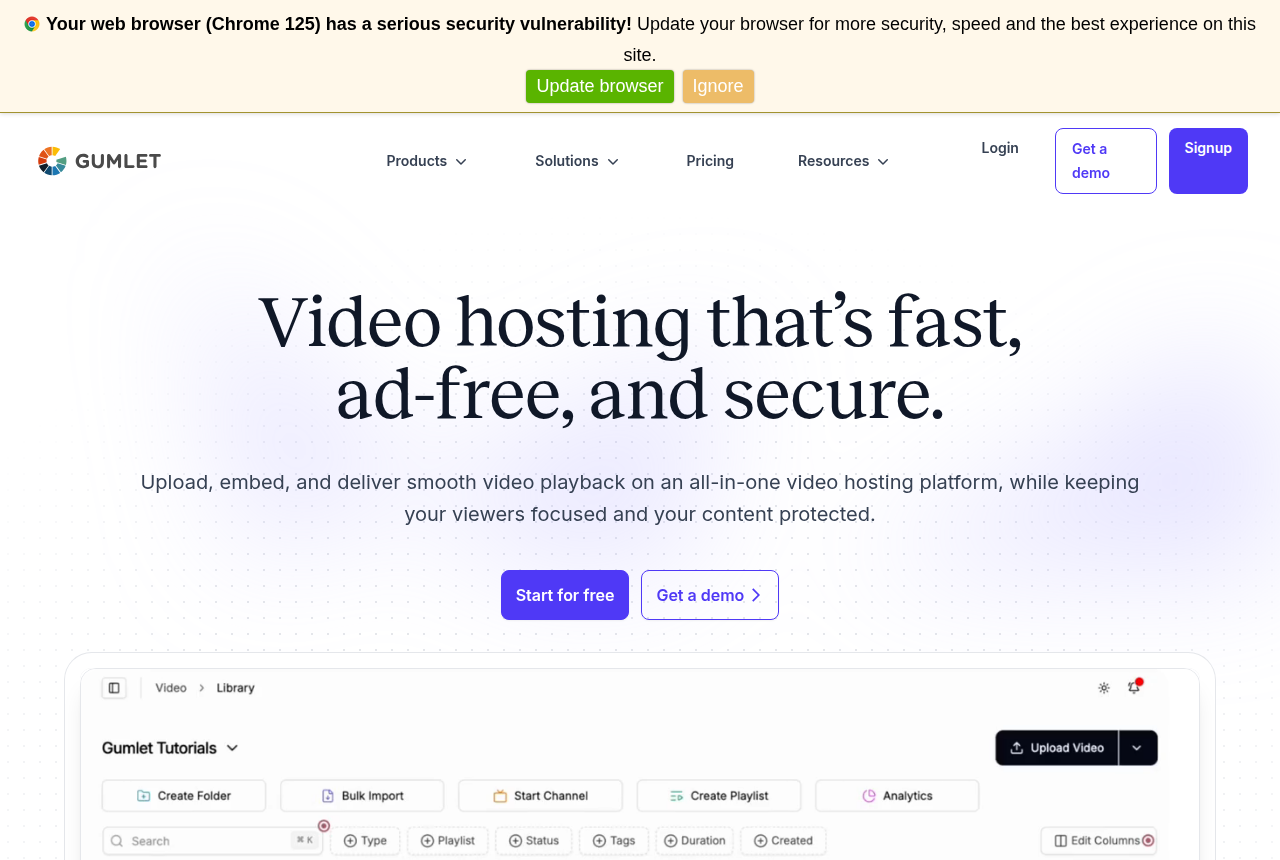
Creator, on a yearly bill, is $6 a month. The pricing table lists domain restriction on embeds for that plan. DRM is a separate add-on at $99 a month, with Widevine and FairPlay and 100,000 views included. Extra views are $1 per 1,000.
Use that add-on when viewers pay for the lesson. Pixels and the bandwidth meter are written up in the Gumlet review.
An unlisted Vimeo link still embeds anywhere
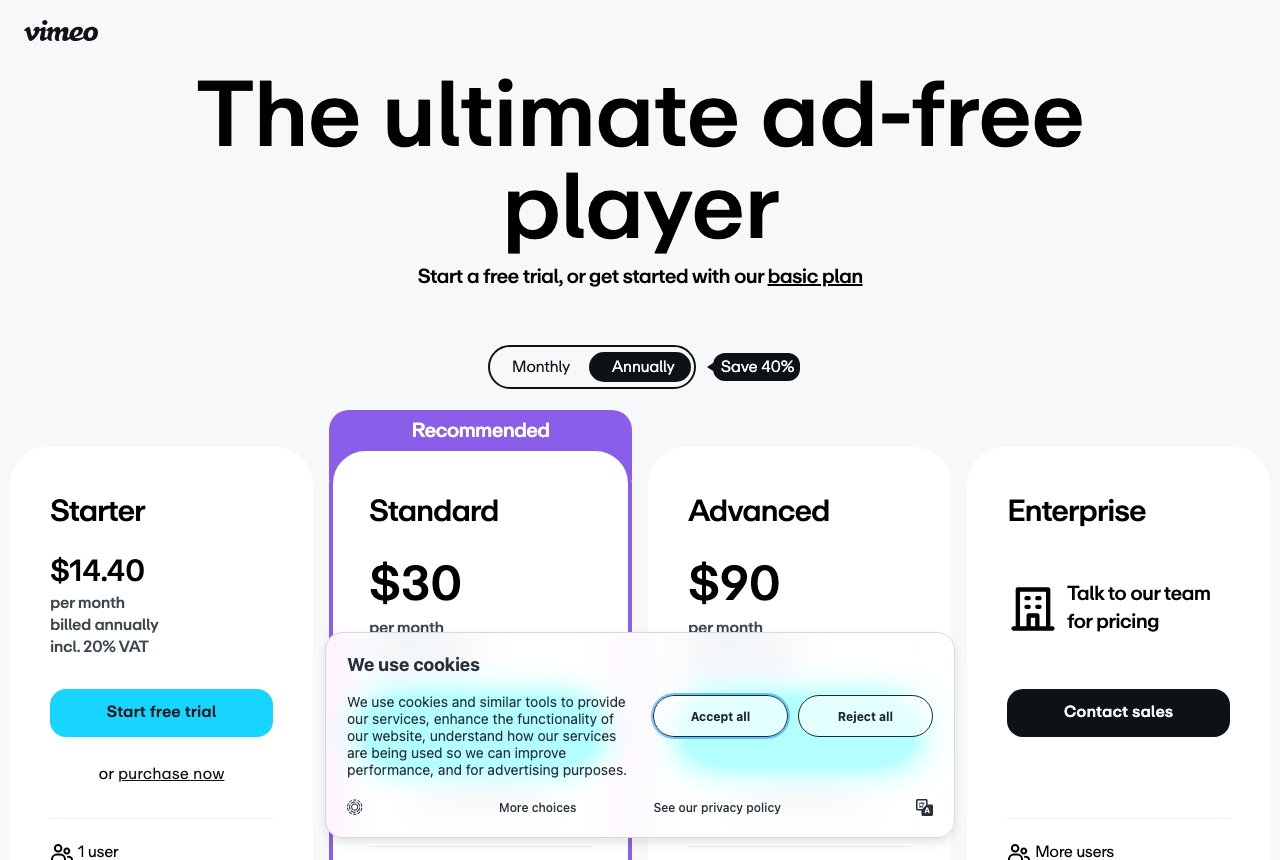
Vimeo's privacy help says unlisted videos can be embedded anywhere online. Anyone who has the URL can pass it on.
That setting hides the video from search. A paid lesson needs a tighter gate. The Vimeo review lists the plan prices.
A paid sales video needs the stream signed
On a sales page the leak is a competitor pulling the pitch, or a bot burning plays on an open file URL. A domain rule stops the player on a site you did not list. The DRM page already quoted says the file is still playable on a device that was allowed to start it.
Panda Video locks playback to allowed domains
Panda Video includes allowed-domains locking, with DRM watermarking and anti-download in the same protection set. Independent English-language reviews are still scarce, so run the first test on a funnel that can miss a sale. The Panda Video review walks through those controls.
Vidalytics is the player for a mature sales letter on paid traffic: split tests that can be scored on the sale, and watch-behavior events sent to the ad platforms. That stack is spelled out in the Vidalytics review. When the test has to name the cut that sold, use the video split testing guide.
The delivery bill for those plays is a separate page. The cost per 1,000 plays compares Bunny Stream, Gumlet and Cloudflare Stream on the same video.
Signed playback when you own the app
A product that plays video inside your own app needs a server that signs each view. The dashboard hosts above leave that step to you.
Cloudflare Stream can require a token
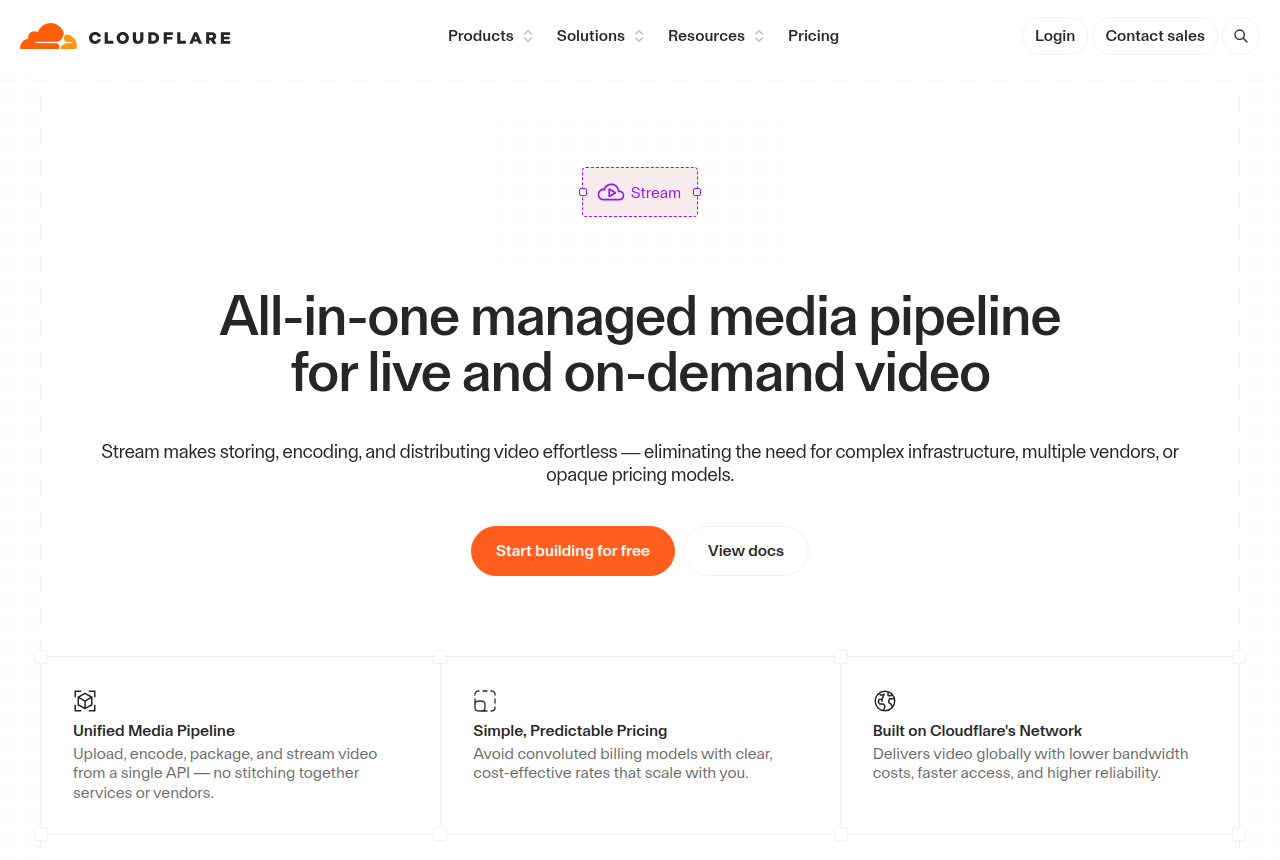
Turn on requireSignedURLs and the public watch address stops working. A token can expire, and it can carry a geo rule. Storage is prepaid in blocks, and delivery is billed by the minute. The Cloudflare Stream review lays out those rates.
Mux wants the JWT from your server
A signed playback policy needs a JWT minted on your server, with an expiration. The secure playback guide says a public playback id rejects a token parameter. Optional referrer rules can sit on the same policy.
DRM on Mux requires signed URLs. Read the Mux review when the video has to live inside an app you ship.
Bunny Stream includes a free DRM layer
The two token layers above sign the iframe and the file address. Basic MediaCage DRM is included. MediaCage Enterprise multi-DRM is priced from $99 a month, plus a fee per license.
Long-term notes on delivery are in the Bunny Stream review. The cost calculator turns length and plays into a monthly figure.
A screen recording still copies the picture
A screen recording, or a camera pointed at the monitor, copies the picture after the stream has played. A dynamic watermark stamps the viewer onto that picture, so a shared copy can be traced.
Encrypted delivery raises the cost of a clean rip of the segments. The camera still works after every control on this page. Treat HLS, a domain whitelist and tokens as the layer that stops casual forwarding. Keep DRM for a library where the file is the thing being sold.
Pick the stack in one pass
The best secure video hosting is the control that matches the leak in front of you.
- A copied embed on a site you do not own. Domain restriction plus a signed URL.
- A paid course file. HLS encryption at minimum. Add DRM when the library can carry the add-on.
- Video inside a product you are building. Cloudflare Stream or Mux, with signed playback ids.
- A sales video in a paid campaign. Sign the file URL itself, using the CDN token layer, so a scraper hits an address that expires.
My take: a paid course starts on Spotlightr, where HLS encryption covers every upload and Light adds domain embed protection. Gumlet's DRM add-on is the step I would take only when buyers pay for the lesson itself. Staff training fits SproutVideo, because the whitelist is the control those viewers need. Cloudflare Stream and Mux belong with a developer who signs every view before the page goes public. Take an unlisted Vimeo link down before you spend on ads.
A live event is a different job. The live streaming guide covers a webinar or a broadcast inside an app. Other hosting guides are linked from Best of.
Changelog
- 20 October 2026. Access control, free gates, dashboard hosts, sales-page locks and signed playback, taken from each vendor's docs and pricing pages.
Sources
Other sources
13 discussions and reviews read for this page. Quotes are excerpts; open a link to read the original in context.
- [] Secure video hosting guide (Gumlet)
- [] Video DRM (Gumlet)
- [] Gumlet pricing (vendor)
- [] Bunny Stream security (docs)
- [] MediaCage Enterprise DRM (Bunny)
- [] Securing your Stream (Cloudflare docs)
- [] Secure video playback (Mux docs)
- [] Protect videos with DRM (Mux docs)
- [] Spotlightr (vendor)
- [] Spotlightr pricing (vendor)
- [] SproutVideo features (vendor)
- [] Vimeo privacy settings (help)
- [] How VSLBench researches (methodology)
Related reading

Written by
Marcus Vale
Lead reviewer
Marcus Vale runs the VSLBench review desk. He has spent years buying paid traffic to video sales letters, and he now reads the player docs, pricing pages and long-term user reports to work out which tools actually move sales instead of just counting views. He writes the player and attribution reviews here, and he makes sure every ranking says which buyers should skip each tool.
Last checked 2026-10-20
Comments
No comments yet. Questions and your own experience are welcome.
Thank you. Your comment will appear once it has been reviewed.