Best live streaming platforms for business: the right one for your event, webinar or app
Four live platforms sorted by the job you need done, with what each one bills you for.
You have a town hall, a paid workshop or a product launch to put online, and every video platform says it does live. If you run public or ticketed events from OBS, pick Dacast; for marketing webinars with chat and polls, pick Vimeo Advanced; and when your engineers own the player, Mux or Cloudflare Stream bill you by the minute through an API.
We read each vendor's pricing and feature pages and long-term user reports on Trustpilot and Reddit. We did not run test broadcasts, so stability claims below come from users, and we say so where they appear.
Compare Vimeo and Dacast on live pricing
What business live streaming software has to do
Every platform here covers four steps, and they differ in which ones they make easy.
- Take the signal in from an encoder such as OBS over RTMP, RTMPS or SRT, or from a webcam in the browser.
- Get it to viewers through a player embedded on your site, or by simulcasting to social channels.
- Control who watches with a paywall, a password or your own login.
- Keep the recording so people who missed it can watch the replay.
Two kinds of buyer read this page. An event producer wants a dashboard, a way to sell tickets and a fixed plan. A product team wants an API that creates stream keys on demand and a bill that follows usage. Pick your side first and half the list falls away.
If you came here from our VSL coverage: a pre-recorded sales video on paid traffic is a separate stack. None of these platforms ties a play to the sale it earned, so start with the VSL player picker for that.
Best live streaming platform for events: Dacast
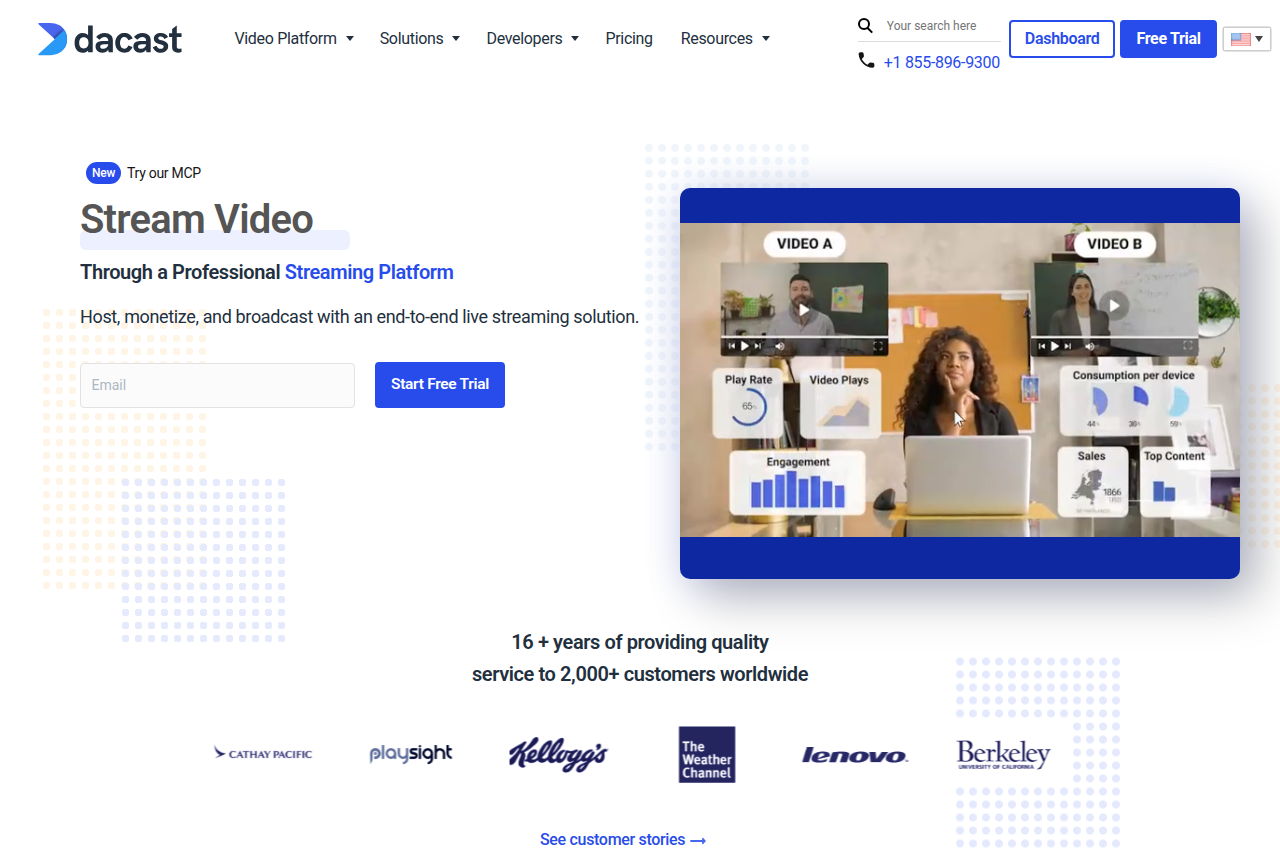
Dacast is built for people who broadcast. Live streaming is on every self-serve plan at full 1080p, and the vendor states there is no cap on concurrent viewers on any of them. You send the feed from OBS, Wirecast or vMix, or go live from the browser when there is no encoder in the room.
Selling access starts one plan up. The Event plan adds a paywall, pre-, mid- and post-roll ad breaks, live stream monitoring and a countdown page, which covers a paid workshop, a conference or a pay-per-view concert without a second tool.
Plans are sold as a yearly data allowance rather than by viewer, so a single large event can eat most of a year's data. With overage protection switched on, extra data is billed at $0.30 per GB; switch it on before a big stream.
Most of the complaints about it on Trustpilot are about billing. Reviewers describe annual renewals they did not expect and refunds refused even when they asked on the day of the charge. If you stream one event a year, note the renewal date the day you buy. The full Dacast review covers the rest of the platform.
Live video hosting for business webinars: Vimeo Advanced
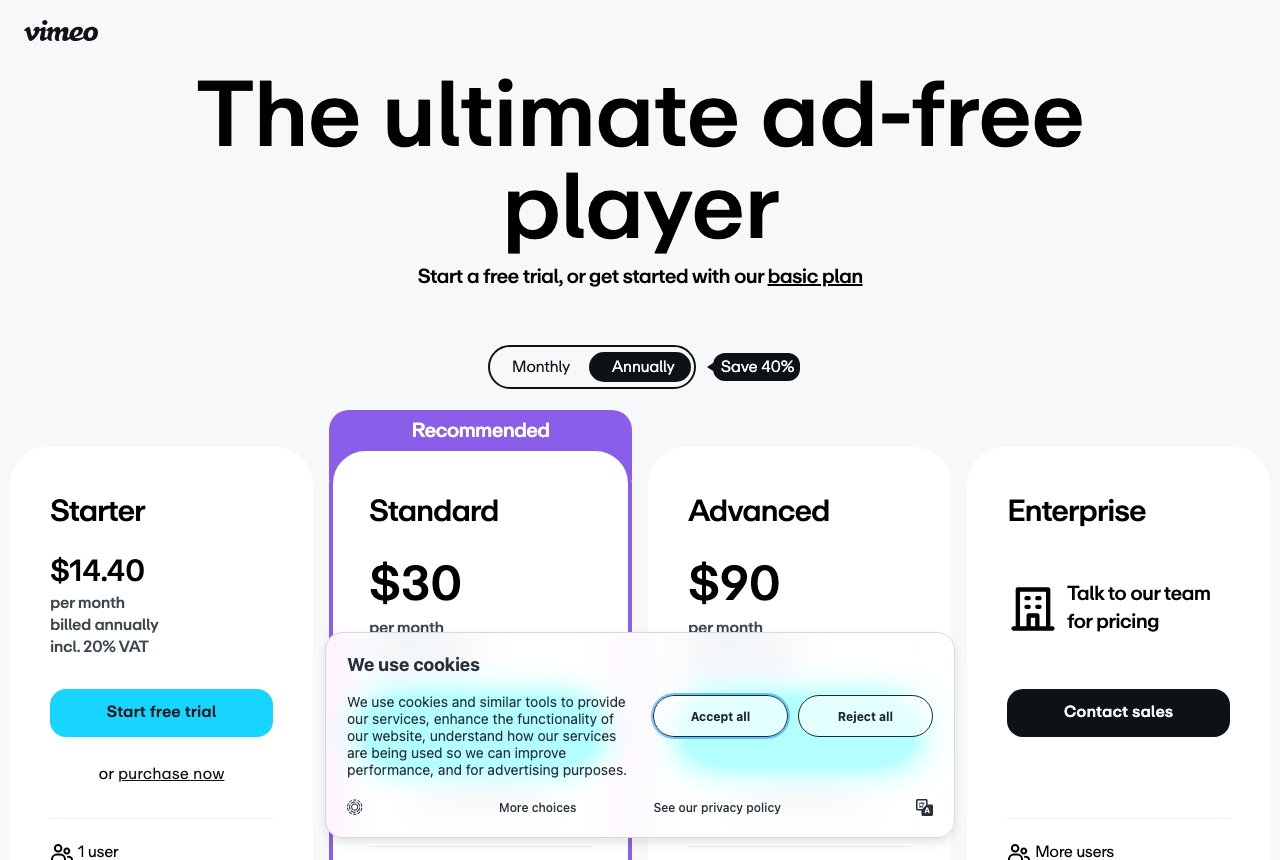
Vimeo suits the marketing team that runs a monthly webinar and wants it in the same library as the rest of its video. Live starts on the Advanced plan, which adds webinars with chat, polls and Q&A for the audience. The plan carries 10 seats, 7 TB of storage and a 7-day trial.
Production can stay in the browser studio. A team with a real encoder can send RTMPS or SRT with a backup stream that takes over automatically if the main feed drops. Simulcasting to Facebook, YouTube, LinkedIn and other RTMP destinations needs Advanced, Premium or Enterprise, so the cheaper seat plans are out for live altogether.
Reports on playback are mixed. One poster in r/VIDEOENGINEERING described unstable Vimeo live feeds with viewers buffering below 2 Mbps. That is one account, and it is reason enough to run a private rehearsal stream on your audience's connections before launch day.
The full Vimeo review covers the on-demand side. If you are already on Vimeo and want out, our Vimeo live streaming alternatives page is built for that move.
Live streaming APIs for your own app
When live video is a feature of your own product, such as a fitness class, an auction or a coaching app, a dashboard gets in the way. You want an API that creates a stream key per session and a bill measured in minutes. The paywall, chat and event page are yours to build.
Mux: live with a choice of latency
Mux creates a stream key with one call to its live-streams endpoint, accepts RTMP or SRT and plays out over HLS. When the broadcast ends it becomes an on-demand asset in the same account.
Latency is a setting. Standard mode runs 20 seconds or more behind real time, and low-latency mode cuts that to 4 to 7 seconds over LL-HLS, which matters when viewers are bidding or asking questions.
The free plan covers on-demand video only, so live means moving to pay as you go on day one. The Mux review walks through the meters.
Cloudflare Stream: live on the same bill as on-demand
Cloudflare Stream gives each live input its own key over RTMPS or SRT and delivers HLS or DASH. Every broadcast is recorded automatically, and the replay is ready within 60 seconds of the stream ending, with no extra step in your code.
Live is billed exactly like on-demand video, on minutes stored and minutes delivered, which makes it the natural pick for a team whose site already runs on Cloudflare.
Watch the player settings. Cloudflare's docs say client-side preloading and buffering count as billable delivery, so an embed that loads ahead on every page view bills minutes nobody watched. The Cloudflare Stream review has the details, and our developer video API guide sets both APIs beside Bunny Stream for on-demand work.
How to choose a live platform in one pass
Find the job that matches yours, then see how you would go live on that platform, how you control access and what you pay for.
A public or ticketed event: Dacast
- Going live
- OBS, Wirecast or vMix over RTMP, or Go Live in the browser
- Access and audience tools
- Paywall and pre-, mid- and post-roll ads from the Event plan
- What you pay for
- Yearly data allowance: Starter $39 a month billed annually with 2.4 TB a year, Event $63 with 6 TB up front
A marketing webinar: Vimeo
- Going live
- Browser studio, or RTMPS or SRT with a backup stream and failover
- Access and audience tools
- Chat, polls and Q&A, plus simulcast to social
- What you pay for
- Advanced $75 a month billed annually: 10 seats, 7 TB storage
Live inside your own app: Mux
- Going live
- Stream key from the API, RTMP or SRT in, HLS out
- Access and audience tools
- Built by your team
- What you pay for
- 720p live input from $0.025 a minute, delivery from $0.0008 a minute after 100,000 free
Live inside an app already on Cloudflare: Cloudflare Stream
- Going live
- A key per live input over RTMPS or SRT, HLS or DASH out
- Access and audience tools
- Built by your team
- What you pay for
- $5 per 1,000 minutes stored, prepaid, plus $1 per 1,000 minutes delivered
My take: if you sell tickets or expect a crowd you cannot predict, I'd start on Dacast and size the plan to your biggest event, not your average one. A team that already pays for Vimeo and runs webinars for leads should stay put and test the stream first. I'd only reach for Mux or Cloudflare Stream with a developer on the project, and between them I'd let latency decide: Mux if viewers react in real time, Cloudflare Stream if your stack already lives there.
Most readers end up choosing between the two dashboard platforms. Our head-to-head works out what a 500-viewer event and a 2,000-viewer event cost on each.
Frequently asked questions
Do Mux and Cloudflare Stream need a developer?
Can I stream to YouTube, Facebook and LinkedIn at once?
Dacast or Vimeo for a church service or a company town hall?
Is the stream saved after it ends?
Changelog
- 14 October 2026. We updated the plan details to what each vendor listed that day.
- 13 October 2026. We published this guide to four live streaming platforms, grouped by the job each one does.
Sources
Other sources
9 discussions and reviews read for this page. Quotes are excerpts; open a link to read the original in context.
- [] Dacast pricing plans (vendor)
- [] Dacast live streaming platform (vendor)
- [] Vimeo live streaming (vendor)
- [] Mux Live (vendor)
- [] Mux video pricing (vendor)
- [] Cloudflare Stream pricing (vendor docs)
- [] Cloudflare Stream Live (vendor docs)
- [] Dacast reviews on Trustpilot
- [] Whitelabel live stream solution (r/VIDEOENGINEERING)
Related reading

Written by
Marcus Vale
Lead reviewer
Marcus Vale runs the VSLBench review desk. He has spent years buying paid traffic to video sales letters, and he now reads the player docs, pricing pages and long-term user reports to work out which tools actually move sales instead of just counting views. He writes the player and attribution reviews here, and he makes sure every ranking says which buyers should skip each tool.
Last checked 2026-10-14