Head to head
TrackPlay vs Mux
Two video tools built for two different people. TrackPlay is a VSL player made to hold a cold viewer through a sales letter and prove which paid traffic bought. Mux is a developer-first video API you build your own video feature on. The question is not which is better, it is which job you are doing.
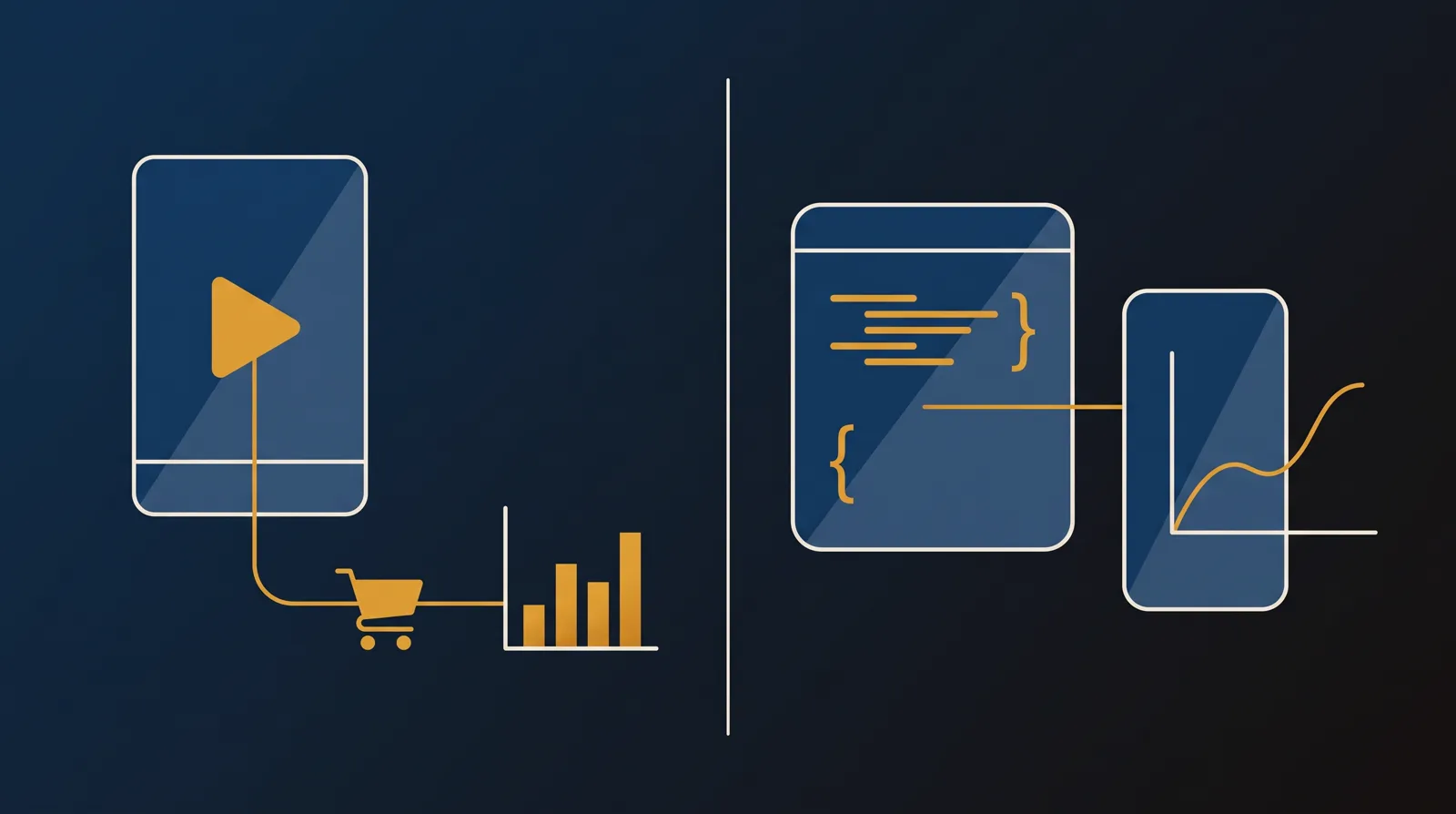
You are down to two, and they are not the same kind of tool. TrackPlay is a video sales letter player built for paid traffic. Mux is a video API built for developers. Both can host your video, and that is close to where the overlap ends. So the first thing to settle is not which is better in the abstract. It is what you are actually building: a funnel, or a feature.
This site judges video tools through one lens. Does the player move viewers past the pitch, and can you prove which paid traffic actually bought. That lens is built for a sales letter, so it flatters a tool like TrackPlay and asks questions Mux was never designed to answer out of the box. We will be clear about that as we go, because Mux is an excellent tool at a job this site does not usually measure.
TrackPlay is the paid-traffic specialist. It holds attention on the front end with sound-first autoplay, timed CTAs and watch gates, then proves the result on the back: per-second retention split into buyers and non-buyers, revenue per play, and cart postbacks that credit the verified sale to the play that earned it, fired server-side to Meta, TikTok and GA4. Its split tests are decided on that cart-verified sale with real statistics. Its weak spot is proof, not capability: it launched in 2026 with almost no independent track record and signup is currently invite-only, so pilot it carefully.
Mux answers a different question. It gives a developer one clean, well-documented API for upload, encoding, storage, live streaming over RTMP and SRT, and delivery, with Mux Data playback analytics included free on every plan. It powers video for Patreon, Substack and TED, with playback ready in under two seconds. What it does not give you is a funnel: no sound-first autoplay, no split test scored on the sale, no watch-depth pixel to Meta or Google, no revenue attribution, and no no-code dashboard, so a non-developer marketer is stuck. Below we put the two side by side on price, player, testing and attribution, then say plainly who each one is for.
Quick answer
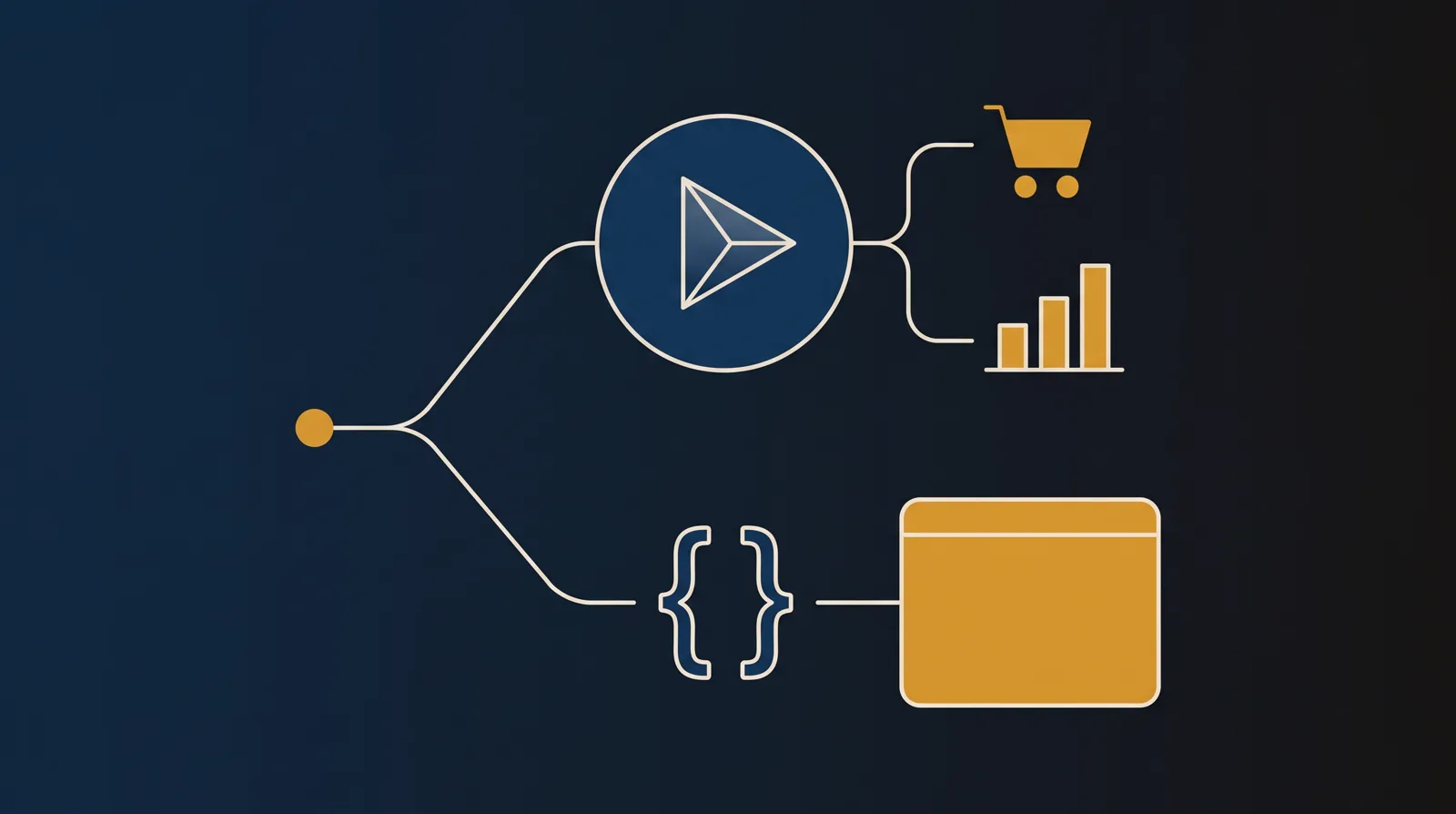
Pick TrackPlay if your video is a pre-recorded sales letter on paid traffic and you need every play tied to the cart-verified sale, split tests decided on that sale with a p-value and confidence interval, and the conversion posted back to Meta, TikTok and GA4 server-side, piloted on one funnel first because it is new; pick Mux if you are a developer building video into your own product or app and want one clean, well-documented API for upload, encoding, live streaming and delivery with playback analytics included free, and you have the engineering time to build the funnel on top. Neither is the other's substitute: Mux will host a VSL but cannot prove which traffic bought, and TrackPlay is not a media pipeline you build an app on.
- TrackPlay. What it is: a VSL player and analytics platform built for paid-traffic funnels, and the pick when your video is a pre-recorded sales letter. Sound-first autoplay, timed CTAs and watch gates hold a cold viewer through the pitch; per-second retention split by buyers and non-buyers, revenue per play and conversion funnels show what happened; cart postbacks and server-side events tie the verified purchase back to the play that earned it and send it to Meta, TikTok and GA4. Split tests run under one embed and are decided on the cart-verified sale with a p-value and confidence interval. Every feature is on every paid plan, billing is by plays, and there is a no-card free plan plus a 14-day trial from $29 a month. The catch is scope and proof: it is narrow by design, not a developer media pipeline or a general host, and it is very new and currently invite-only, so pilot one funnel first.
- Mux. The developer platform of the two, and the better fit for hosting a pre-recorded VSL only if you have a developer to build the funnel around it. One clean, well-documented API handles upload, encoding, storage, live streaming over RTMP and SRT and delivery, and Mux Data playback analytics are included free on every plan. It powers video for Patreon, Substack and TED with playback ready in under two seconds. The trade is that it is API-first with no no-code funnel, no split test scored on the sale and no revenue attribution, plain on-demand hosting still costs more than a raw pipe, and prepaid credit expires if you underuse it.
TrackPlay vs Mux at a glance
Prices and plan features checked on the vendors' own pages on 28 September 2026.
| Feature | TrackPlay | Mux |
|---|---|---|
| What it is | A paid-traffic VSL player and attribution platform | A developer-first video API with analytics included |
| Built for | Tying every play to the cart-verified sale | Building video into your own product or app |
| Who runs it | A paid-traffic marketer, no code needed | A developer or engineering team |
| Starting price | $29/mo, billed by plays | $0 free plan, then usage-based |
| Free tier or trial | No-card free plan (1,000 plays/mo, watermarked) plus 14-day trial | Free plan: 100,000 delivery min/mo, 10 videos, no card |
| Pricing model | Billed by plays, every feature on every plan | Per minute stored and delivered, rising by resolution; first 100,000 delivery min/mo free |
| Setup | One embed snippet into any funnel builder | API-first; you write the integration |
| Live streaming | No, on-demand VSL focus | Yes, RTMP and SRT ingest |
| Player controls | Sound-first autoplay, timed CTAs, watch gates | Developer player and SDKs; no in-video hooks |
| Split testing | Yes, decided on the cart-verified sale | No |
| Retention analytics | Per-second, split by buyers vs non-buyers | Mux Data: views, playing time, retention and QoE, free |
| Ad-platform tracking | Server-side Meta, TikTok and GA4, deduped | None built in |
| Revenue attribution | Yes, revenue per play plus cart postbacks | No |
| Video quality | Standard HD VSL playback | Up to 4K; per-minute rate rises by resolution |
| Content protection | Domain-locked hosting | Signed playback URLs, DRM, domain restrictions |
| AI workflows | No | Mux Robots: captions, chapters, summaries, moderation, per job |
| Main risk | Very new, thin outside proof, invite-only | Prepaid credit expires; billing center to watch |
| Best for | Paid-traffic VSLs measured on the cart-verified sale | Developers building video into a product with analytics included |
Strengths and trade-offs
TrackPlay asks you to accept an almost non-existent outside track record and a scope narrowed to one job, in exchange for the sale-scored testing and server-side attribution that no video API gives you out of the box. Mux asks you to accept that the whole funnel is code you write yourself, in exchange for a clean, reliable API and playback analytics most hosts charge extra for. Those are the two trade-offs, and they point at two different jobs: running a funnel, or building a feature.
TrackPlay: what works, what to watch
What works
- Split-test winners are decided on the cart-verified sale with a z-test, p-value and confidence interval, while variants stay under one embed
- Server-side conversion events go to Meta, TikTok and GA4, and cart postbacks tie the verified sale to the play that earned it
- Per-second retention separates buyers from non-buyers and reports hook rate, hold rate and revenue per play
- Sound-first autoplay, timed CTAs and watch gates are built for a paid-traffic VSL
- Every feature is on every paid plan; billing is by plays, paid plans start at $29 a month and the free plan includes 1,000 plays
What to watch
- Narrow by design: built for paid-traffic VSL conversion, it is not a general video host or a B2B content library, so it has no channels, SEO pages or webinar tooling and is a poor fit when the video's job is content marketing rather than a direct-response sale
- Very new, with testimonials on its own site but little independent review or Reddit footprint, and signup is currently invite-only, so pilot it before committing paid traffic
- Billing is by plays, and a start, unmute, resume and replay can each count, so one viewer may register several plays at volume
- The contract does not promise a specific uptime percentage, so a proven offer still needs a staged migration and a backup plan
Mux: what works, what to watch
What works
- Genuinely built for developers: one clean, well-documented API handles upload, encoding, storage, live streaming over RTMP and SRT, and delivery, with SDKs for most languages and a free Mux Player, so a team can ship a video feature in a couple of lines of code rather than months
- Playback analytics most hosts do not match, included free: Mux Data tracks views, playing time, viewer retention and quality-of-experience on every plan rather than charging for it as a separate product
- Usage-based and easy to model: input is free, you pay per minute stored and delivered, the first 100,000 delivery minutes each month are free, and a real free plan with no credit card lets you build before you pay anything
- Reliable at serious scale: Mux delivers billions of streams a month for the likes of Patreon, Substack, TED and Spotify's tooling and gets playback ready in an average of under two seconds, so it will not fall over under load
- AI workflows built into the same API: Mux Robots adds caption translation, summarization, chaptering, moderation and search over your library, priced per job rather than sold as a separate platform
What to watch
- It is video infrastructure, not a direct-response VSL player: there is no sound-first smart autoplay, no split test scored on the sale, no watch-depth pixel to Meta or Google and no revenue attribution, so a paid-traffic sales letter still cannot prove which traffic actually bought from inside Mux
- It is API-first with no no-code funnel builder: there is no marketing dashboard to build a landing page, capture a lead or wire up a pixel without writing code, so a non-developer marketer will be stuck, and Mux is a tool for engineering teams
- For plain on-demand hosting it is not the cheap option: reviewers put Mux at several times the cost of a usage-priced pipe like Cloudflare Stream for the same VOD, so it earns its price on analytics and live streaming, not on bargain delivery
- Billing is the loudest operational complaint: prepaid annual credit expires if you do not use your monthly quota, and one long-term user reported the billing center deleting products without warning while support was slow, so watch usage and keep any prepaid commitment modest
- Documentation can drift behind the product: even fans note the docs are not always current with what Mux now does, so check the API reference and changelog against the dashboard when a guide looks stale
Pricing, tier by tier
TrackPlay prices on plays rather than storage, bandwidth or seats. There is a genuine free plan of 1,000 plays a month, watermarked, with no card and no time limit, plus a 14-day trial of the paid features. Paid plans are Basic at $29 a month, PRO at $79 and SCALE at $199, and every feature ships on every plan, including the free one. Plans differ only on how many plays are included and what an extra play costs. Read the play definition first: its own terms count a start, an unmute, a resume and a replay each as a play, so one viewer can register several, and at volume that changes the sum. You can cap it, and usage is live in the dashboard.
Mux prices on usage by the minute and starts from a real free plan: 100,000 delivery minutes a month, up to 10 videos, no card. Beyond that you pay per minute stored and per minute delivered, and the rate rises with resolution from a 720p base up to 4K, with the first 100,000 delivery minutes each month free. Mux Data analytics and the Mux Player are included at no extra charge, and Mux Robots AI is billed per job. For plain on-demand hosting reviewers put Mux at several times the cost of a raw pipe, because you are also paying for the API, the SDKs, the live streaming and the analytics.
The two do not meter the same thing, so compare on the job rather than the sticker. TrackPlay's $29 floor buys a conversion layer, and its free plan carries every feature, so you can prove the model before you pay a cent. Mux's usage pricing starts at nothing and scales with what you actually deliver, which is a clean budget for hosting one video, but it buys infrastructure, not a funnel: the sales letter, the pixel and the split test are all yours to build on top. Weigh each one by what it lets you measure or ship for the money.
Each has a billing risk worth pricing in. TrackPlay's is the play meter: because a start, an unmute, a resume and a replay can each count as a play, a high-traffic funnel can register more plays than viewers, so set a cap and watch the dashboard. Mux's is prepaid credit: annual credit expires if you do not use your monthly quota, and one long-term user reported the billing center deleting products without warning while support was slow, so start on pay-as-you-go and keep any prepaid commitment modest. Neither is a reason to rule the tool out; both are numbers to watch.
The verdict
Between these two, TrackPlay wins for the reader this site is built for: the marketer whose video is a pre-recorded sales letter running on paid traffic. It is the only one of the two that even attempts the job that matters here, which is proving which traffic, which edit and which second made the money. It holds attention with sound-first autoplay, timed CTAs and watch gates, draws retention second by second split into buyers and non-buyers, decides split tests on the cart-verified sale with a p-value and confidence interval, and posts that verified sale back onto the play that earned it, server-side to Meta, TikTok and GA4. Two honest limits ride with the pick. It is very new, with its proof all first-party and signup currently invite-only, so pilot one funnel before you trust it with a launch. And it is narrow by design, which is the next point.
Mux wins the other reader, and it is a real one. If you are a developer building video into your own product, website or app, Mux is the stronger tool by a distance, and TrackPlay does not compete for that job at all. Mux gives you one clean API for upload, encoding, storage, live streaming over RTMP and SRT and delivery, SDKs for most languages, a free player, and Mux Data analytics included on every plan, with the documentation and reliability that let a team ship a video feature in a couple of lines of code. The trade is that everything a funnel needs, the landing page, the lead capture, the pixel and the split test, is code you write yourself, and the operational complaints are billing ones: prepaid credit that expires and a billing center to watch.
That narrowness is the thing to be clear about on TrackPlay. It is built for paid-traffic VSL conversion, so it is not a developer media pipeline or a general content host: it has none of Mux's programmable API, multi-resolution delivery up to 4K, live ingest or quality-of-experience analytics, and it would be the wrong tool the moment the job is building video into your own product rather than running a direct-response sale. That is a true cost of a tool that does one job properly, and it is scoped to the build-it-yourself media layer: it takes nothing away from the pre-recorded sales letter, where a programmable pipeline was never part of the brief. So the tie-breaker is simply the job. For a paid-traffic sales letter measured on the cart-verified sale, buy TrackPlay and pilot it. For a video feature inside your own product, buy Mux.
Our pick
TrackPlay
TrackPlay is the pick for this site's core reader: someone running paid traffic to a video sales letter, whose whole business is the video. Of these two it is the only one built for that job. It holds attention with sound-first autoplay, timed CTAs and watch gates, decides split tests on the cart-verified sale, and posts that sale back to Meta, TikTok and GA4 server-side, none of which Mux does out of the box. It is new, so start on the free plan or the 14-day trial, run one funnel and reconcile its figures against your own cart before you move a proven offer onto it. If you are instead building video into your own product and want one clean API with analytics included, TrackPlay is the wrong tool and Mux is the one built for it.
Frequently asked questions
Is TrackPlay or Mux better?
Can Mux run a video sales letter for paid traffic?
Which is cheaper, TrackPlay or Mux?
Does TrackPlay have an API like Mux?
Is TrackPlay safe to rely on yet?
What is the billing risk with Mux?
Sources
Other sources
7 discussions and reviews read for this page. Quotes are excerpts; open a link to read the original in context.
Related reading
- Our full TrackPlay review
- Our full Mux review
- Vidalytics vs TrackPlay: the proven conversion player versus the new cart-verified specialist
- Cloudflare Stream vs Mux: a cheap delivery pipe versus a developer video API
- Dacast vs Mux: a broadcast platform versus a developer video API
- TrackPlay alternatives, ranked by the job
- Mux alternatives, ranked by the job
- The best VSL players and conversion video software
- All head-to-head comparisons