Vidalytics
- Starter, annual
- $19 a month
- Extra play
- $0.02
- Past the allowance
- Video stays online
A player that charges for plays beyond the allowance and keeps the video online.
A busy week runs up the meter you already have, before you know whether the video converted.
Paid traffic runs up your host's meter long before you know whether the video converted.
The budget is what breaks. You can get an unexpected invoice at the end of the month, a charge for plays past the allowance, playback that stops at a cap, or slow HLS when the cache misses. Each figure comes from that vendor's pricing page. The two public threads below are separate accounts. Live campaigns are outside this research.
Compare a spike week in the cost calculator
Treat the month as three ordinary weeks plus one week at a multiple of a normal week. Spike plays equal your monthly plays times (3 + the multiple), divided by 4, rounded to the nearest whole play.
A multiple of 5 doubles the month. A multiple of 10 multiplies it by 3.25. Minutes watched and gigabytes delivered scale with that same jump. The video you have already stored does not get bigger because the week was busy.
Your video's length, and how much of it people watch, become a dollar figure in that calculator. The rest of this page covers how each host reacts when that number jumps. Dollar rates for each host are on the calculator.
These three bill for plays, and each cap behaves differently. One keeps the video online and bills the extra plays. Another does the same. Once the trial plays are used up, your card is billed for the plan you picked. The third stops playback unless you turn overage on from a paid plan.
A player that charges for plays beyond the allowance and keeps the video online.
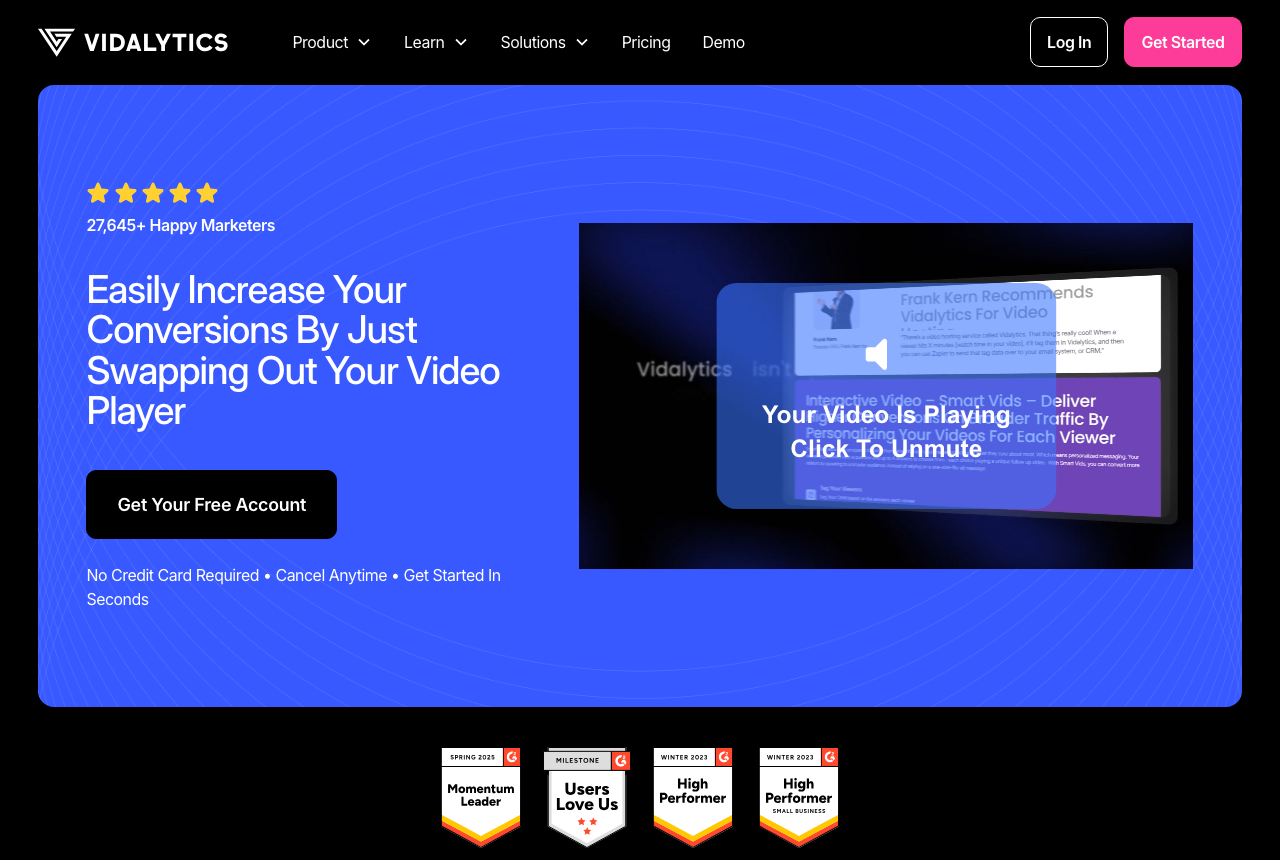
The annual plans list 2,000, 5,000 and 15,000 plays a month. Beyond that limit, each additional play is billed.
A muted autoplay that starts on load counts as a play. A hero that autoplays on mute uses a play on every visit, before anyone unmutes. Older help articles still quote gigabyte limits that contradict the plan details. The estimate here uses the play allowances. The Vidalytics pricing review goes through the plans in more detail.
A video sales letter player that stays online and bills overage plays at the end of the billing cycle.
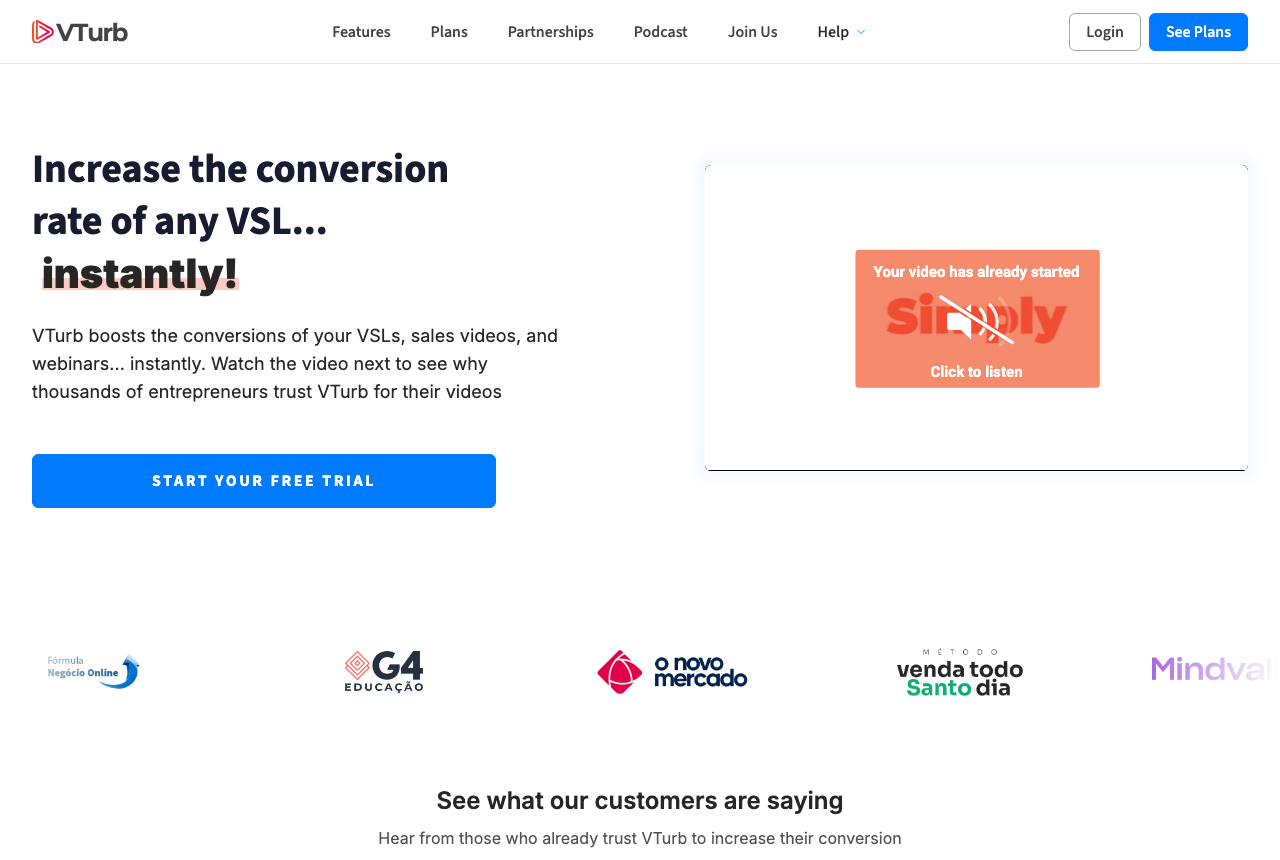
The English pricing page lists 2,000, 6,000 and 30,000 plays. Overage is billed at the end of the billing cycle.
Once you use up the trial plays, your selected plan is billed. The VTurb pricing review goes through the three public plans.
Playback stops at the cap unless a paid account opts into extra plays.
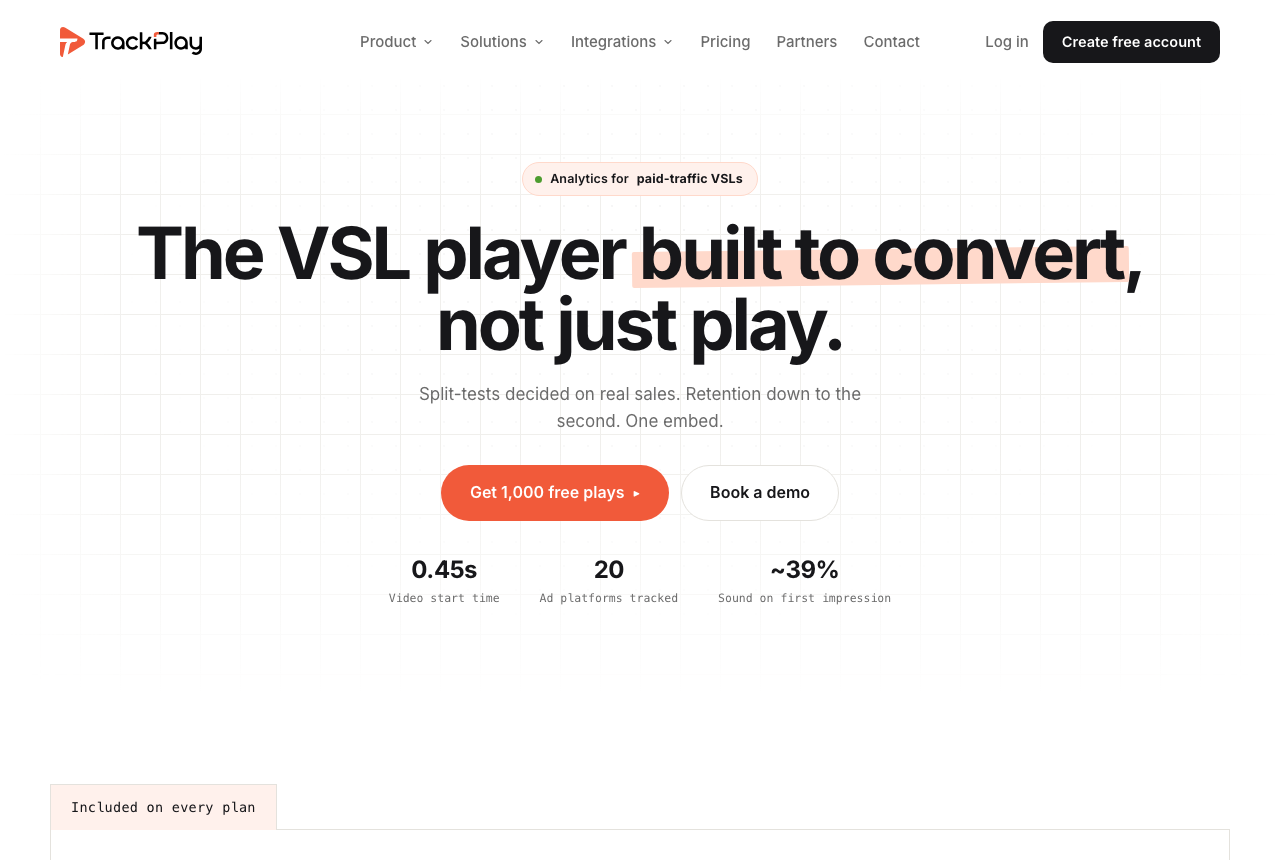
On the free plan, playback stops at the allowance listed above. Paid plans include an optional toggle that bills plays past the allowance.
On a paid plan that switch is optional. Turn the switch on, and those rates apply. If you leave it off, playback remains paused until your allowance resets or you upgrade. A muted autoplay counts only after the viewer unmutes. The TrackPlay review covers the rest of the player.
Choosing which cut sells, while the traffic is high, is a separate job. For that, see the video split testing guide.
I'd start with a host that keeps the video online, because paused playback wastes ad spend. I'd skip a free plan that pauses at the cap.
Both of these raise the delivery bill as minutes add up. A landing page that preloads the hero is already adding those minutes.
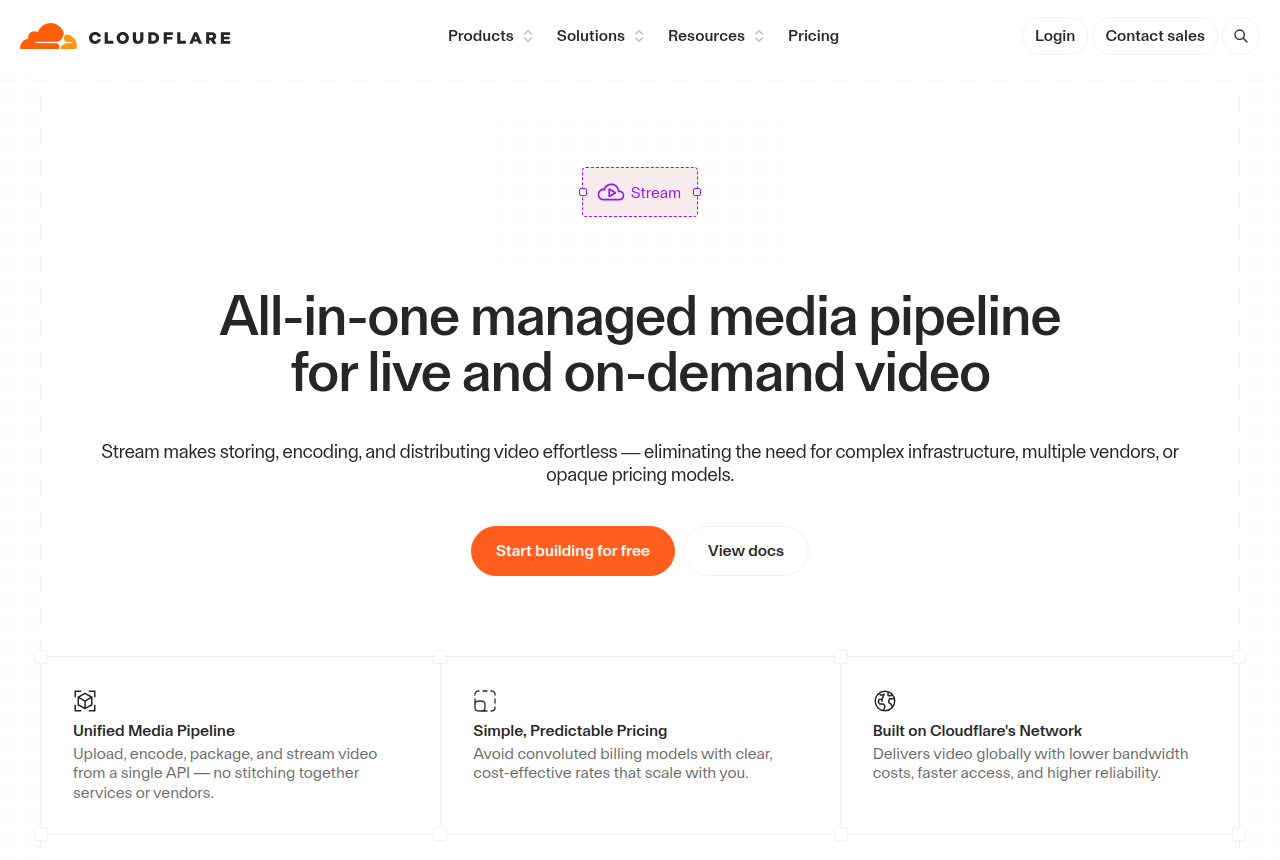
The bill climbs when the player buffers, even on visits where nobody hits play.
Client-side preloading and buffering count as delivered minutes on Cloudflare Stream. A hero that buffers on every visit uses those minutes before anyone watches.
One r/CloudFlare post said a Stream invoice showed 50,000 minutes against 1,000 that had been reserved. Treat that as one account's report and expect the published delivery rate, then read the Cloudflare Stream alternatives if you want another provider.

A short library can stay inside the free minutes until a busy week pushes delivery past them.
The Mux estimator tells you to count buffered or preloaded video even when nobody watches. A short sales video can stay within the free minutes. The multiple above shows when the month goes past those free minutes.
The Mux alternatives page lists the other services people consider for this job.
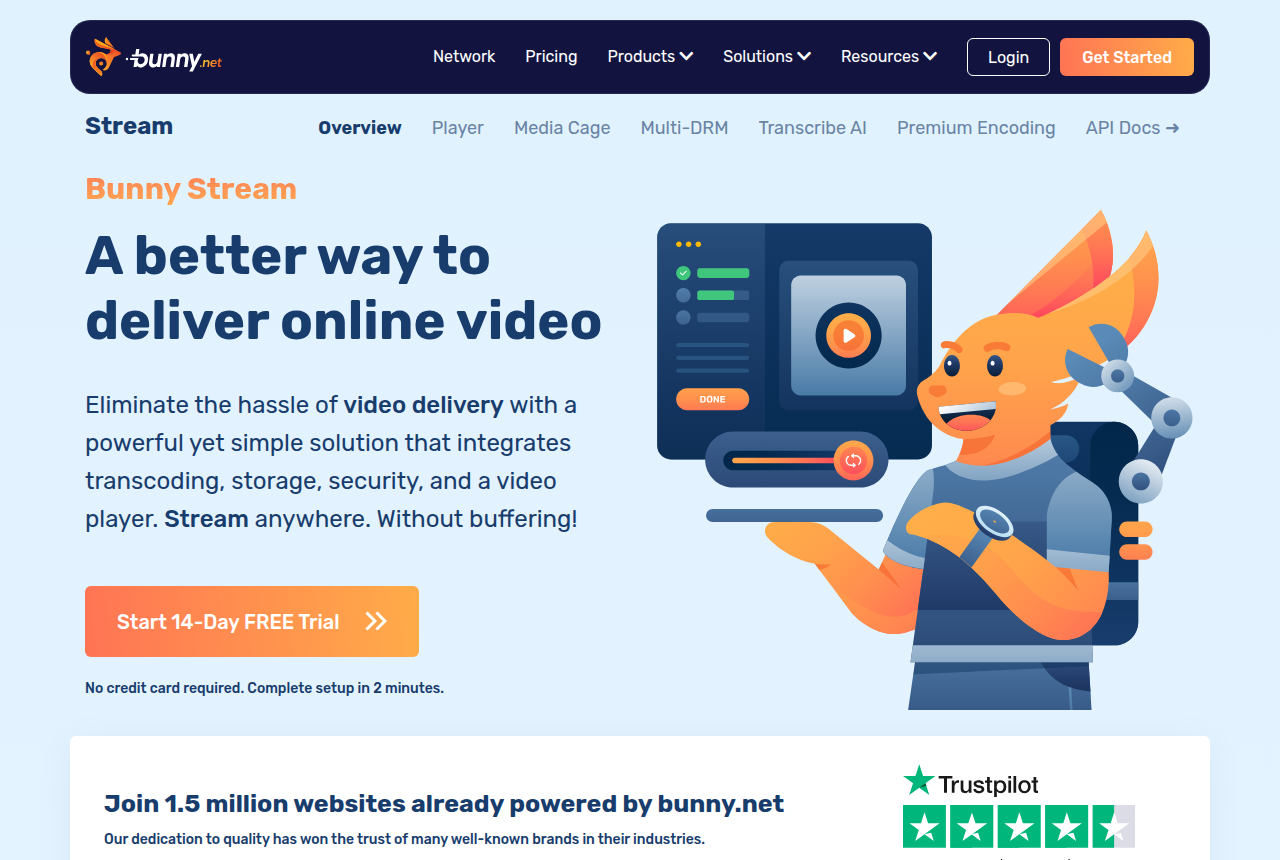
Delivery billed by the gigabyte, with encoding and the player included.
Bunny Stream charges for storage and CDN traffic, and encoding and the player are included. You pay for the gigabytes served, and the file keeps playing as the play count rises.
A Bunny Stream thread reports extremely slow delivery and a low cache-hit rate on HLS segments. The thread describes a cold cache. The cost per 1,000 plays page compares this host with two others. The Bunny Stream review covers the rest.

Marketing video inside a fixed bandwidth allowance.
The Wistia plan table stops at the included bandwidth, with no self-serve rate beside it. That is why the calculator leaves the cell blank.
A modest video can still fit in that allowance. When people watch a long video most of the way through, minute and gigabyte charges start to add up. Wistia is a marketing host. Use the VSL player picker when the sales letter has to tie each purchase to a visit. If you are choosing a marketing embed, compare Wistia and Vimeo.
My take: I would judge the host by what happens at the cap. If paused playback would waste the ad spend, I would stay with a host that keeps the video online and bills overages, and I would skip a free plan that cuts off. If I cannot absorb an unexpected bill at the end of the month, I would leave overage off and accept the cap. I'd judge that week by the surge I actually expect, before I raise the ad budget.
An unexpected bill at the end of the month and a stalled player are different outcomes, and the ad budget keeps running either way. Who can play the file is covered in the secure video hosting guide. See our other guides.

Written by
Marcus Vale
Lead reviewer
Marcus Vale runs the VSLBench review desk. He has spent years driving paid traffic to video sales letters, and he now reads the player docs, pricing pages and long-term user reports to work out which tools actually move sales instead of just counting views. He writes the player and attribution reviews here, and he makes sure every ranking says which buyers should skip each tool.
Last checked 2026-10-22
No comments yet. Questions and your own experience are welcome.
Thank you. Your comment will appear once it has been reviewed.