What each VSL play earns and costs
Gross sales on one play, set against ad spend and hosting for the same period.
Your ad accounts are spending, and each play needs to earn its cost back. Type in the ad spend, the page visitors, the percent who press play, the front-end sales, the price of that sale and the hosting fee.
The result is what each play earned, what each play cost, and the conversion rate that pays for both expenses. The boxes start with an example from a published guide. Replace them with your own numbers from one week.
Calculate what one play earns and costs
Press the button. The example under the picture uses these same numbers, so the worked result is on the page even if that button does not run.
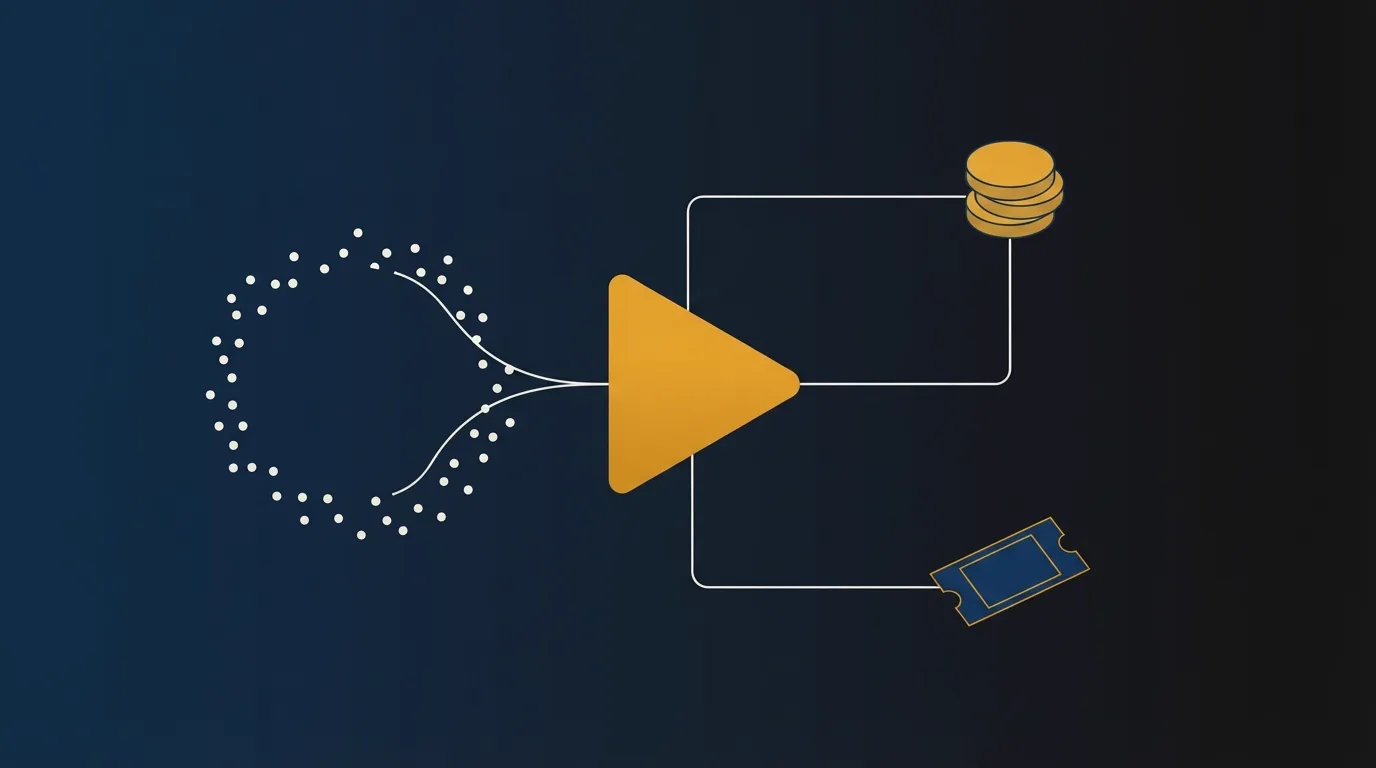
What one play earns on a sales video
Revenue per play is the gross sales from the front-end offer, split across the plays counted in the same window.
Daily Intel Service defines the purchase conversion rate as completed sales from VSL sessions, divided by unique visits to the VSL page, multiplied by 100. Revenue per play uses the same sales and counts plays instead of visits, so the percentage is different.
A ThruPlay in an ad account is a view that the ad platform delivered. That metric is separate from plays that start on the sales page.
Between the visitors you pay for and a host that bills each play, the number that connects them is how many of those visitors press play. VTurb's plans FAQ says to multiply the visitor count by that percentage. There, a play is a click that starts the video. Their example is 10,000 visitors at 60 percent, which is 6,000 plays.
Video hosts count a play in different ways. This form uses the percentage you enter. The FAQ on the monthly hosting bill explains how a muted start is counted.
How the estimate is calculated
Treat the result as an estimate for the window you entered. You type all six numbers yourself.
Multiply the visitors by the play-start rate, then divide by 100. That figure is the play count. Gross revenue equals front-end sales multiplied by the sale price. Divide that revenue by the plays to get what each play earned. Add ad spend to the hosting fee, then divide by the plays, to get what each play cost.
Divide sales by visitors and multiply by 100 for the visitor conversion rate. Divide sales by plays and multiply by 100 for the play conversion rate. Divide ad spend plus hosting by the price of the sale for the sales that cover those costs. State that sales figure as a percentage of visitors, and as a percentage of plays. If gross revenue exceeds ad spend plus hosting, the extra is the surplus. If gross revenue is lower, you are short by the difference.
TrackPlay pairs orders divided by plays with the revenue those orders produce on each play. RevvyScales defines the break-even visitor conversion rate as the cost of one visitor divided by the contribution from one order. In their example, a $1.50 cost per visitor and a $60 contribution per order equal 2.5 percent.
That rate is higher than one based on the full price of the sale, because it counts only what the order contributes. In this form, the price is the full amount charged on the initial sale. The costs are ad spend and hosting. Cost of goods, card fees, refunds and later offers are left out.
A published illustration, plus sample costs
The funnel figures are a published example, not an audited customer account. In TrackPlay's guide, a 16-minute video on a $97 offer gets 20,000 page visitors, 10,000 plays in a week and 140 orders. Half of those visitors start the video.
Gross sales are 140 orders at that price, which comes to $13,580.00. Across 10,000 plays, that is $1.36 a play. The same orders are 0.70% of the visitors and 1.40% of the plays.
The form adds two costs the guide does not include, so there is a cost to divide: $8,000 of ad spend and a $63 hosting fee. Together they are $8,063.00, or $0.81 a play. At that same price, covering them takes 83.12 sales. The guide's 140 orders pass that line, and $5,517.00 remains. The visitor rate that covers the costs is 0.42%. The play rate that covers them is 0.83%.
| Figure | Sample |
|---|---|
| Plays | 10,000 |
| Gross revenue | $13,580.00 |
| Revenue per play | $1.36 |
| Ad spend plus hosting | $8,063.00 |
| Cost per play | $0.81 |
| Visitor conversion | 0.70% |
| Play conversion | 1.40% |
| Sales to cover costs | 83.12 |
| Visitor break-even | 0.42% |
| Play break-even | 0.83% |
| Left after costs | $5,517.00 |
How to read the rates
Daily Intel Service gives cold paid social a range of 0.30 percent to 1.80 percent of unique page visits, and says to replace that range with your own past results once you have them.
TrackPlay says cold paid traffic often turns 0.5 percent to 2 percent of page visitors into buyers, and that published ranges are not an audited data set.
RevvyScales says a published average mixes different counts, prices, traffic and offers. Plenty of accounts scale ads without a margin they can defend. Set your own minimum from your ad spend, the product price and your costs.
When a play earns less than it cost to get, the gap is in the traffic, the offer or the costs. Change those before you blame the player.
My take: I would trust the break-even row over any published conversion band. I would keep a sales letter running while each play earns its cost back. I would change the offer or the traffic when a play fails to do that.
What to do with the result
If the hosting fee is a large part of what you spent, get a monthly figure from the video hosting cost calculator, then check the cheapest play plan for your monthly VSL traffic. Paste that figure into the hosting box.
When the numbers cover their cost and you still cannot tell which play produced the order, use the VSL player picker.
When the sale has to be tied to the play
TrackPlay is a VSL player and analytics platform for paid-traffic funnels. It ties each play to the sale and posts the cart-verified conversion back to the ad platforms. The number this form works out is one TrackPlay reports on the play that produced the sale.
It is built for a direct-response letter. It lacks the channel pages, SEO pages and webinar tools that lead people to buy Wistia, so a video meant to fill a content library belongs on a host built for that. On a sales letter, you still have the player, and the order is recorded on the play that produced it. Independent reviews are still scarce, which is what you would expect of a platform this new.
Vidalytics is what buyers compare it to when they want a longer track record. The VSL player picker asks what you need the video to do, then points you to one tool. The TrackPlay review covers the product in full.
Frequently asked questions
Is revenue per play the same as ROAS?
Should I use visitors or plays as the conversion denominator?
Does this include upsells or refunds?
How do I get the hosting fee?
What play-start rate should I enter?
Changelog
- 23 October 2026. First version. Gross order value, with ad spend and hosting as the costs, and a published illustration as the sample.
Sources
Related reading

Written by
Marcus Vale
Lead reviewer
Marcus Vale runs the VSLBench review desk. He has spent years driving paid traffic to video sales letters, and he now reads the player docs, pricing pages and long-term user reports to work out which tools actually move sales instead of just counting views. He writes the player and attribution reviews here, and he makes sure every ranking says which buyers should skip each tool.
Last checked 2026-10-23
Comments
No comments yet. Questions and your own experience are welcome.
Thank you. Your comment will appear once it has been reviewed.