Head to head
Cloudflare Stream vs Dacast
Cloudflare Stream is the better pick when a developer wants cheap video infrastructure for on-demand and live delivery and will build the product around it. Dacast is the better pick when a broadcaster wants a ready-made control room, paywall, advertising, branded apps and support without assembling those parts in code.
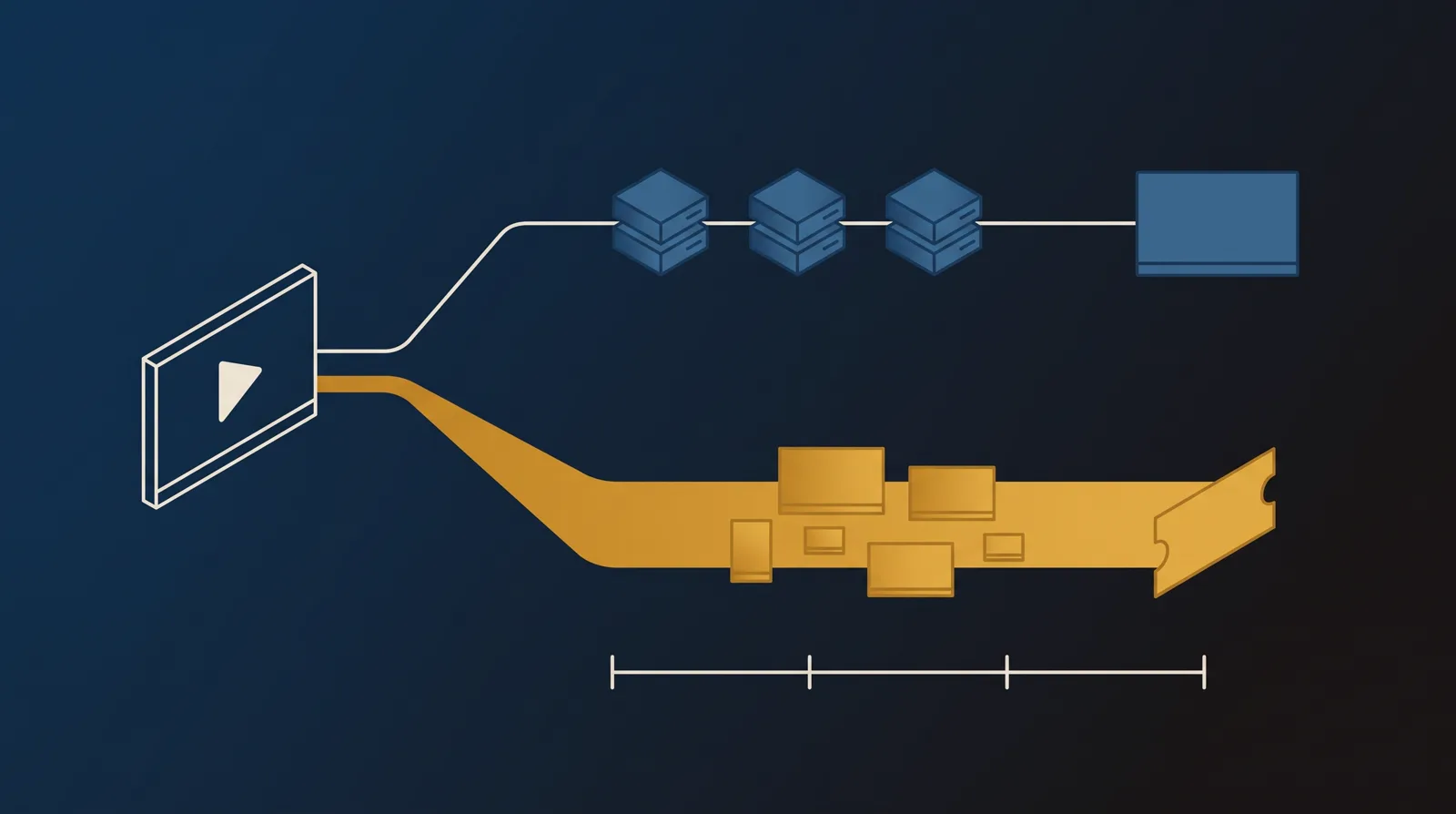
You are down to two platforms that both host on-demand video and accept live streams, so this is a closer comparison than it first looks. The split is not live versus recorded. It is infrastructure versus an operating platform. Cloudflare Stream gives a developer one API for upload, encoding, storage, RTMP and SRT live ingest, and global delivery. Dacast gives a broadcaster a dashboard, a multi-CDN delivery stack, a paywall, advertising, branded OTT apps, security controls and 24/7 support.
Cloudflare Stream is the better foundation when video is one feature inside a product you are building. It charges $5 per 1,000 minutes stored each month and $1 per 1,000 minutes delivered, with encoding and egress included. There is no standing free allocation, and the practical floor is about $5 a month once you store video. The trade is ownership: every gate, checkout, viewer workflow and business rule above the player is your code.
Dacast is the better operating platform when the video business is the product. It handles full-HD live events for unlimited concurrent viewers, auto-records streams, loops VOD back out as live, and lets a broadcaster charge by pay-per-view or subscription and run pre-, mid- and post-roll ads. That convenience starts at $39 a month on an annual plan, meters bandwidth by the terabyte and comes with an annual renewal you need to manage deliberately.
This site also asks whether a player can move a viewer toward a sale and prove what happened. Neither tool closes that loop for a paid-traffic sales letter. Cloudflare Stream exposes playback infrastructure and Dacast measures an audience, but neither runs a split test scored on the cart-verified sale or attributes revenue to a play. That is why TrackPlay appears in one separate segment below.
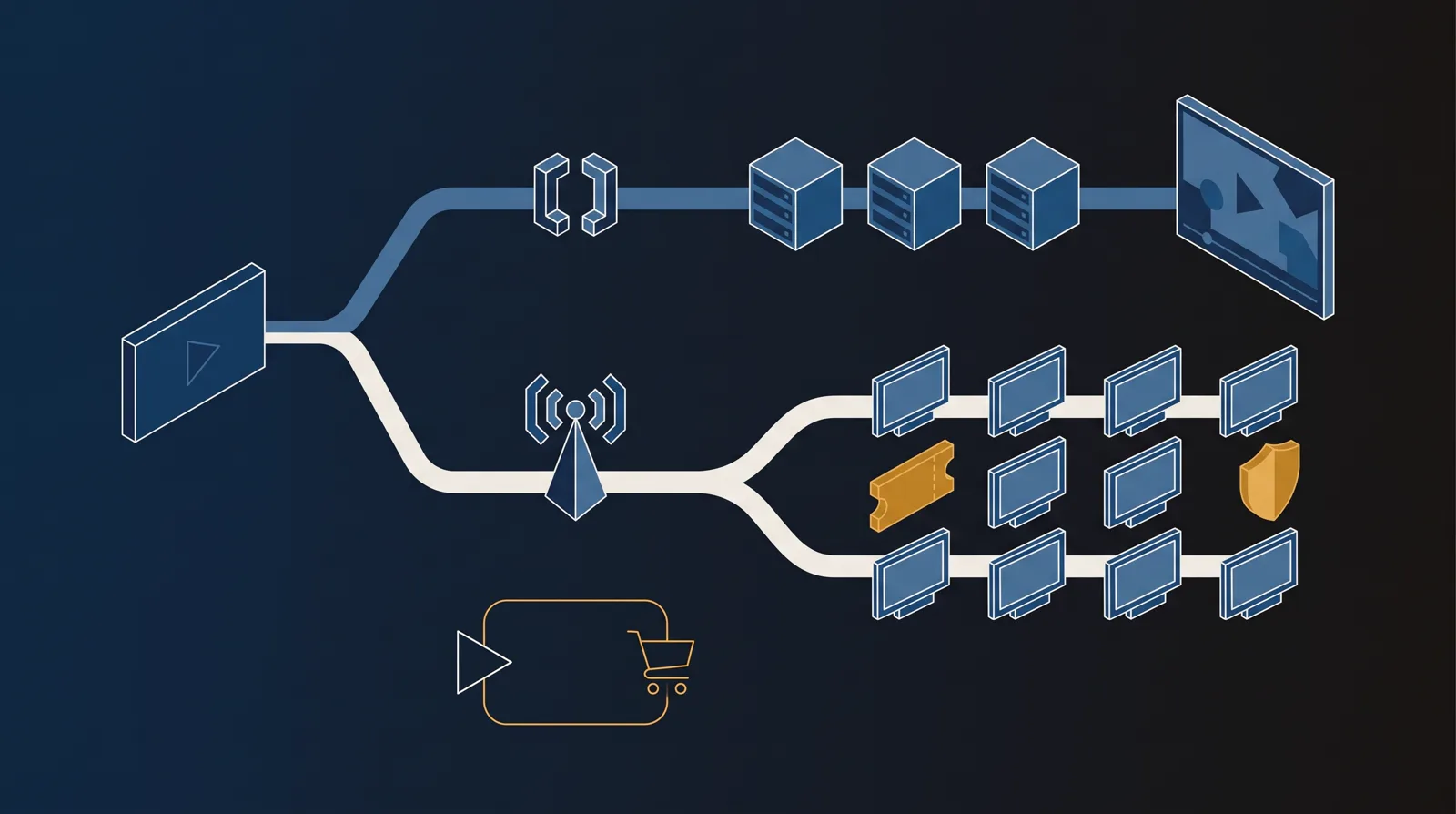
Quick answer
Pick Cloudflare Stream if you are a developer building video into your own product and want one cheap API for on-demand and live delivery, with every viewer flow and commercial rule left to your code; pick Dacast if you run live events or a monetized OTT channel and want a ready-made broadcasting platform with a paywall, advertising, branded apps, unlimited concurrent viewers and 24/7 support.
For a paid-traffic VSL, neither two-way pick settles the question that matters most: which play produced the sale. TrackPlay is the segment winner for that narrower job because it ties the cart-verified purchase back to the play and posts the conversion to the ad platforms server-side.
- Cloudflare Stream. The developer pick. One API handles upload, encoding, storage, live ingest and playback on Cloudflare's global network. Pricing is only $5 per 1,000 minutes stored each month plus $1 per 1,000 minutes delivered, with encoding and egress included. The catch is that it is infrastructure, not a broadcasting business or marketing tool: there is no paywall, no OTT app layer, no conversion tooling and no built-in spending cap.
- Dacast. The broadcaster pick. Dacast packages RTMP and HLS ingest, full-HD delivery to unlimited concurrent viewers, auto-recording, a paywall, subscriptions, ad roles, branded apps, DRM and 24/7 support. The catch is the meter and contract: plans start at $39 a month billed annually, bandwidth and storage overage can stack up, monthly billing has a three-month minimum, and reviewers report surprise auto-renewals.
- TrackPlay. The paid-traffic VSL segment pick. TrackPlay hosts the video, holds attention with sound-first autoplay and timed CTAs, measures retention by buyers versus non-buyers, decides split tests on the cart-verified sale and posts that sale to Meta, TikTok and GA4. It starts at $29 a month, but it is narrow, new, thinly reviewed and currently invite-only.
Cloudflare Stream vs Dacast at a glance
Prices and plan features checked on the vendors' own pages on 28 September 2026. TrackPlay is the direct-response specialist we line these two up against, so it wins the conversion rows and sits out the general-hosting ones.
| Feature | Cloudflare Stream | Dacast | TrackPlay |
|---|---|---|---|
| What it is | Developer media pipeline on one API | Professional live, VOD and OTT broadcast platform | Paid-traffic VSL player and attribution platform |
| Built for | Teams building video into their own product | Broadcasters running events and monetized channels | Tying each play to the cart-verified sale |
| Starting price | $5 per 1,000 stored minutes/mo, then usage | $39/mo Starter, billed annually | $29/mo, billed by plays |
| Pricing model | $5/1,000 min stored + $1/1,000 min delivered | Bandwidth allowances; $0.30/GB bandwidth overage | Billed by plays, not bandwidth |
| Free start | No standing free allocation; no card required to start | 14-day trial, no card; no free plan | No-card free plan, 1,000 plays/mo, watermarked |
| Live ingest | RTMP and SRT; HLS and DASH output | RTMP and HLS; full HD, unlimited viewers | No, on-demand VSL focus |
| Operating layer | API and dashboard; build the workflow yourself | No-code broadcast dashboard and 24/7 support | One embed plus a marketer-facing dashboard |
| Monetization | Build your own | Pay-per-view, subscriptions and ad roles | Uses your cart; attributes its sale to the play |
| OTT apps | Build your own viewing product | Branded apps across devices | No channel or OTT app layer |
| A/B testing | No | No sales-scored test | Yes, decided on the cart-verified sale |
| Ad-platform tracking | None built in | None for direct-response attribution | Server-side to Meta, TikTok and GA4, with dedup |
| Revenue attribution | No | No | Revenue per play plus cart postbacks |
| Analytics | Playback data through the API | Real-time and advanced audience analytics | Per-second retention split by buyers and non-buyers |
| Security | Signed URLs and token access | DRM and AES on Scale, token, domain and country limits | Domain-locked hosting |
| Main risk | No spending cap; support is thin below Enterprise | Bandwidth overage and annual auto-renewal | Very new, thin outside proof, invite-only |
| Best for | Developers building their own video product | Live events and monetized OTT broadcasting | Paid-traffic VSLs measured on the verified sale |
Strengths and trade-offs
Cloudflare Stream is the lower-level building block. Dacast is the finished broadcast operation. The distinction matters more than the overlapping feature list.
Cloudflare Stream: what works, what to watch
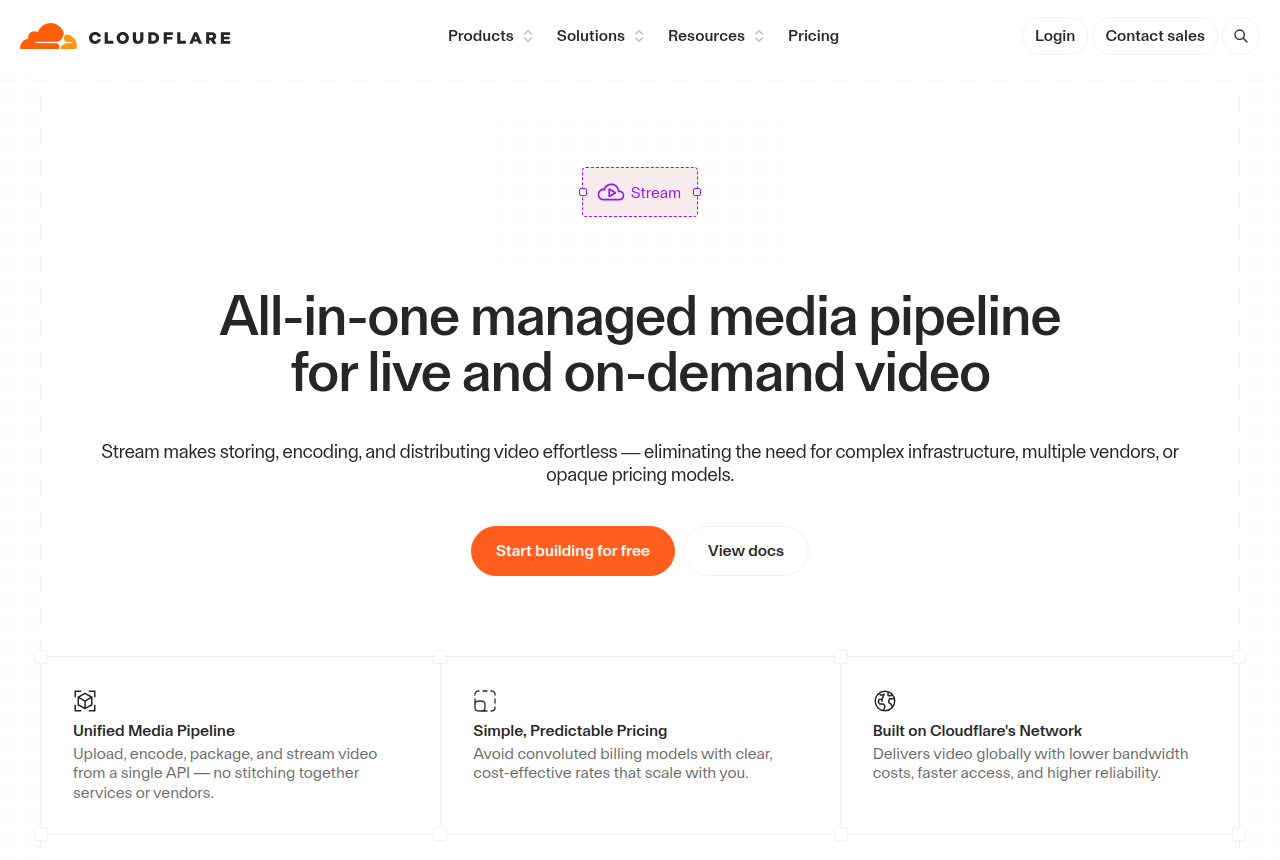
What works
- Usage-based and genuinely cheap: $5 per 1,000 minutes stored a month and $1 per 1,000 minutes delivered, with encoding and egress free, so there is no separate bandwidth charge
- One API runs the whole pipeline: upload, encode, store, deliver, a built-in player or your own, plus RTMP and SRT live ingest with HLS and DASH output
- Runs on Cloudflare's global network, the infrastructure behind a large share of the web, so reach and reliability come as standard
- Predictable billing on two dimensions only, minutes stored and minutes delivered, with no card required to start and no opaque plan tiers
- Privacy-clean playback with no ads or trackers, plus signed URLs and token access for gated content
What to watch
- No direct-response conversion layer at all: no sales-scored A/B tests, no watch-depth pixels to Meta or Google, no revenue attribution and no marketing player, so a paid-traffic VSL has to build every one of those on top
- It is a developer product you drive through an API and your own code, so a marketer who wants a no-code dashboard to click through will find nothing here
- No built-in spending cap: a spike in delivery or unlimited end-user streams can run the bill up, and long-term Cloudflare customers report blunt overage and billing handling, so you have to watch usage yourself
- Reviewers report encoding is H.264 only and delivery caps at 1080p, with no 4K and no re-download of the original file, which matters if you need higher quality or the source back
- Support is slow and hard to reach on Free and Pro plans, with real help sitting behind an Enterprise contract
Dacast: what works, what to watch
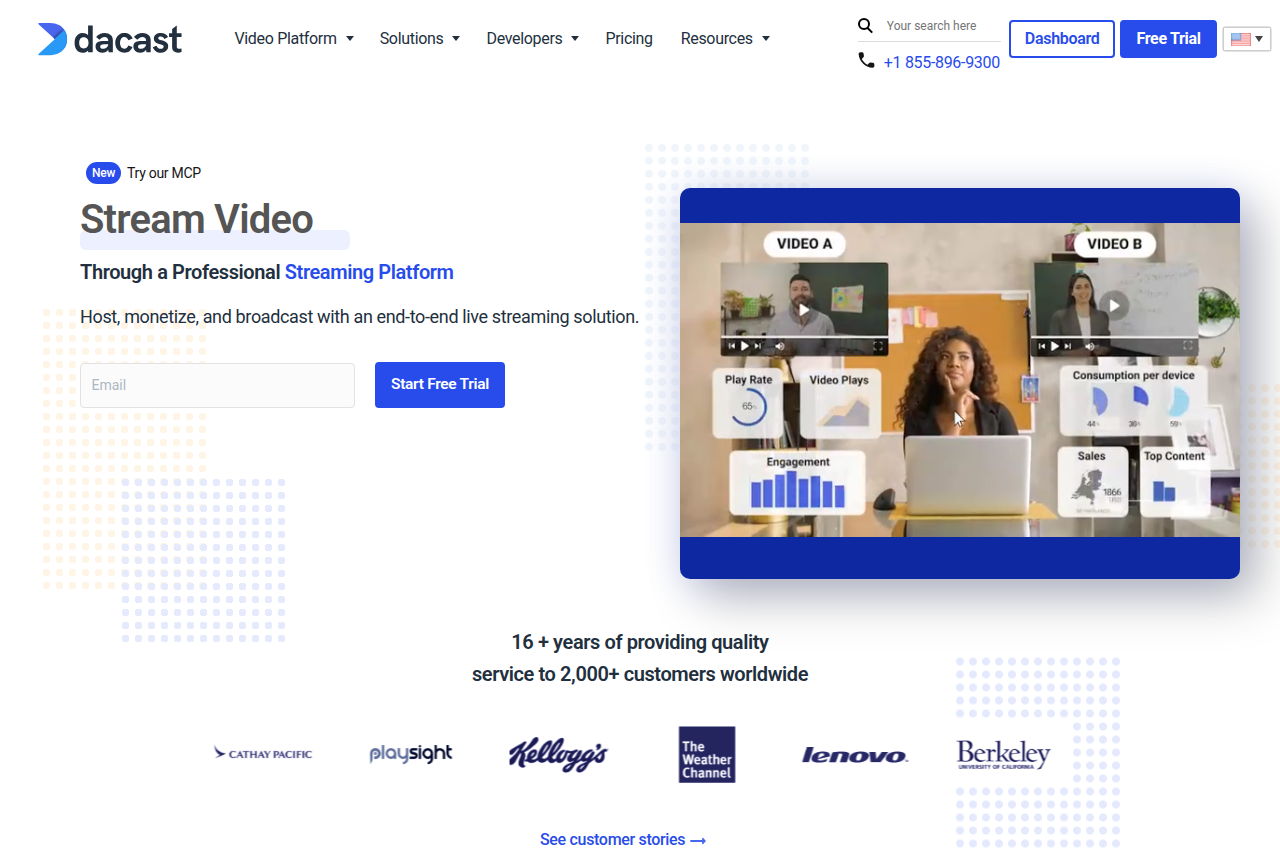
What works
- Genuinely built for live broadcasting: RTMP and HLS ingest, full 1080p HD, unlimited concurrent viewers, simulcast, VOD-to-live and auto-recorded streams, on a multi-CDN network that most reviewers find reliable
- Real, built-in monetization most video hosts skip: a paywall for pay-per-view and subscriptions, plus pre-, mid- and post-roll advertising, so a broadcaster can charge for content directly rather than bolting on a separate cart
- A complete OTT and security stack: branded apps across devices, a video CMS, DRM and AES encryption for VOD on the Scale plan, token security, and domain and country restriction for gating content
- Established and supported: sixteen-plus years in the market, a Video API and Player API for developers, real-time and advanced analytics, and 24/7 support that reviewers most often praise for fast response
- No startup fees, and unused bandwidth rolls over for twelve months, so an occasional or seasonal broadcaster is not paying for capacity they did not use that month
What to watch
- It is a broadcast platform, not a direct-response VSL player: there is no sound-first smart autoplay, no split test scored on the sale and no revenue attribution, so a paid-traffic sales letter still cannot prove which traffic actually bought from inside Dacast
- Billing is the loudest complaint: annual plans auto-renew by default and reviewers report being refused refunds after a surprise charge, so treat auto-renewal as on and cancel in writing before the renewal date
- Pricing is bandwidth-metered by the terabyte, and live or viral video burns an allowance fast; overage runs $0.30 per GB for bandwidth and $0.15 per GB for storage once you pass the plan, so model your real usage before you commit
- Monthly billing carries a three-month minimum charged upfront, and some higher-value features (the paywall on Starter, multi-CDN, China streaming) are paid add-ons rather than plan inclusions, so the sticker is not the whole bill
- Support is fast to respond but reviewers say it can be shallow on harder problems, and there are regional reports of high latency and unreliable encoding, so pilot from your own region before a critical broadcast
TrackPlay: the paid-traffic VSL pick
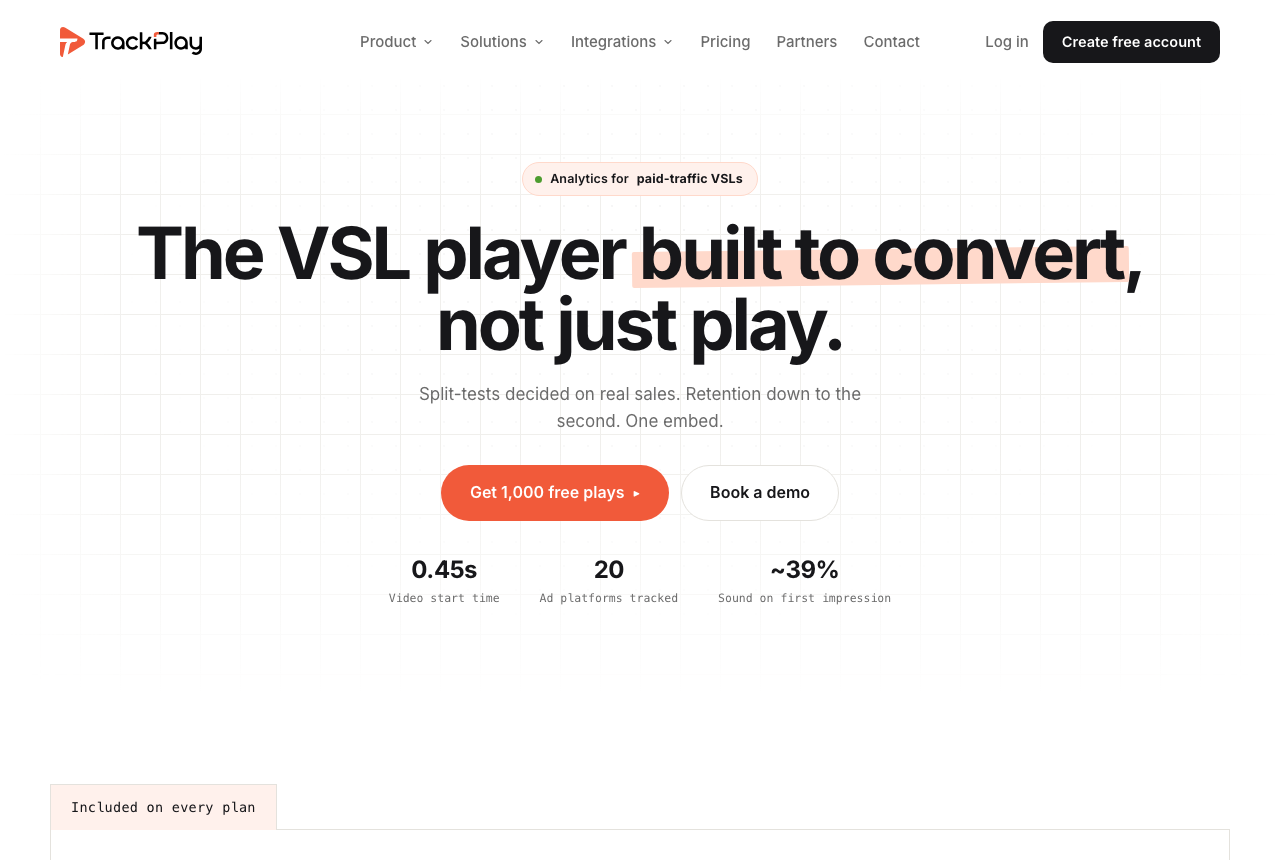
Cloudflare Stream supplies a developer pipeline and Dacast supplies a broadcast operation. Neither is built to tie paid-traffic viewing to the purchase. TrackPlay serves that separate job. It is a VSL player and analytics platform for paid-traffic funnels, with sound-first autoplay, timed CTAs and watch gates on the front end, plus per-second retention split into buyers and non-buyers, revenue per play and conversion funnels on the back end.
Its split tests run under one embed and are decided on the cart-verified sale with a z-test, p-value and confidence interval. Cart postbacks tie the purchase to the play that earned it, and the verified conversion is sent server-side to Meta, TikTok and GA4 with browser and server events deduplicated. That is a conversion system, not a substitute for Cloudflare's developer infrastructure or Dacast's live and OTT operation.
What works
- Split tests use the cart-verified sale and real statistics, while variants stay under one embed
- Server-side conversions go to Meta, TikTok and GA4, with browser and server events deduplicated
- Per-second retention separates buyers from non-buyers and reports revenue per play
- Every feature is on every paid plan; plans start at $29 a month and the free plan includes 1,000 plays
What to watch
- Narrow by design: not a general host, a live broadcast platform or a B2B content library, so it is a poor fit outside paid-traffic VSL conversion
- Very new, with thin outside proof and invite-only signup, so buyers cannot lean on a mature review record before committing traffic
Where TrackPlay is not the answer
It is narrow by design. TrackPlay is built for paid-traffic VSL conversion, not general hosting, live broadcasting or a B2B content library. It has no channels, SEO pages or webinar tooling like Wistia, and it has none of Dacast's live ingest, OTT apps or paywall. If the video's job is content marketing, a live event or a monetized channel rather than a direct-response sale, it is a poor fit. It is also very new, with testimonials on its own site but little independent review or Reddit footprint, and signup is currently invite-only. That thin proof is expected for a platform this recent, but it still means you should pilot one funnel and reconcile its figures against your cart before moving a proven offer.
Visit TrackPlay for the current plans and the free tier.
Pricing, tier by tier
Cloudflare Stream has no plan ladder. Storage is prepaid at $5 per 1,000 minutes of video stored each month, and delivery is post-paid at $1 per 1,000 minutes watched. Upload, encoding and egress are included, so there is no second bandwidth line. There is no standing free allocation for Stream itself. The practical floor is about $5 a month once you store video, then the delivery meter follows actual watch time.
Dacast sells annual plans with bandwidth and storage allowances. Starter is $39 a month, Event is $63 and Scale is $165, all at the annual rate. Scale carries more storage, bandwidth and security features. Go beyond the allowance and Dacast charges $0.30 per GB of bandwidth and $0.15 per GB of storage. Monthly billing costs more and requires three months upfront. The trial lasts 14 days and needs no card.
The units reveal what you are buying. Cloudflare charges for a media pipeline and expects your team to build the paywall, account system, apps and operator workflow. Dacast charges more because those broadcast and monetization layers already exist. For a developer shipping video inside an app, Cloudflare is usually the cleaner budget. For a paid live event, Dacast can be cheaper than engineering and supporting the commercial layer yourself.
Each has a billing risk. Cloudflare Stream has no built-in spending cap, so a traffic spike keeps accruing delivery minutes. Set usage alerts and rate limits in your own stack. Dacast's annual plans auto-renew, and reviewers report refunds refused after surprise renewal charges. Treat renewal as active, model bandwidth at peak event traffic and cancel in writing before the date if you leave.
TrackPlay uses a third meter because it sells a different job. It bills by plays rather than stored minutes or bandwidth, includes every feature on every paid plan and starts at $29 a month. Its no-card free plan includes 1,000 watermarked plays a month, plus a 14-day trial of paid features.
The verdict
Cloudflare Stream wins this two-way comparison for the developer building video into a product. It gives one API for upload, encoding, storage, live ingest and delivery, runs on Cloudflare's global network and keeps the bill to two usage lines. It is the cleaner base when your team already owns the product, checkout and viewer experience. The honest cost is engineering and control: you must build every commercial workflow yourself, support is thin below Enterprise, and there is no spending cap.
Dacast wins for the broadcaster who wants to operate rather than build. Its dashboard, unlimited concurrent viewers, auto-recording, paywall, subscriptions, advertising, branded apps, DRM and 24/7 support turn live video into a sellable channel. That is worth the higher fee when you use it. The honest costs are bandwidth overage, a three-month minimum on monthly billing and annual auto-renewal, so model a peak event and manage the renewal date.
The tie-breaker is who owns the product layer. Choose Cloudflare Stream when your developers do. Choose Dacast when you want the vendor to supply the broadcast and monetization operation. If the job is instead a paid-traffic VSL and the deciding metric is the verified sale, TrackPlay is the segment pick, with the clear caution that it is narrower, newer and far less independently validated than either of these established platforms.
Our pick
Cloudflare Stream
For a developer building video into a product, Cloudflare Stream is the pick. One API covers on-demand and live video, encoding and egress are included, and pricing is a simple $5 per 1,000 stored minutes each month plus $1 per 1,000 delivered minutes. You are buying infrastructure, so your team still has to build the paywall, apps, viewer journey and conversion tracking, and there is no spending cap. Choose Dacast instead when you want a ready-made broadcast operation with monetization, branded apps and 24/7 support.
Frequently asked questions
Is Cloudflare Stream or Dacast better?
Which is cheaper, Cloudflare Stream or Dacast?
Do both support live streaming?
Can either run a paid-traffic video sales letter?
What are the main billing risks?
Does either prove which paid traffic bought?
When should I choose Dacast over Cloudflare Stream?
Sources
Other sources
9 discussions and reviews read for this page. Quotes are excerpts; open a link to read the original in context.
Related reading
- Our Cloudflare Stream review, the developer video pipeline
- Our Dacast review, the live-streaming and OTT platform
- Cloudflare Stream alternatives, ranked by the job
- Dacast alternatives, ranked by the job
- Bunny Stream vs Dacast: cheap on-demand delivery or a broadcast operation
- SproutVideo vs Cloudflare Stream: a finished host or developer infrastructure
- The best VSL players and conversion video software
- All head-to-head comparisons