Head to head
Bunny Stream vs TrackPlay
One delivers video for a few cents a gigabyte and leaves the sales layer to you; the other proves which paid traffic bought. The pick turns on whether you want the cheapest pipe or the finished conversion job.
You are down to two, but they are not the same kind of product. Bunny Stream is infrastructure: it stores and delivers your video on a fast global network for a few cents a gigabyte, and hands you a bare player to embed. TrackPlay is a paid-traffic VSL player built to prove which traffic, which edit and which second of the pitch actually made the sale. On a features list they barely overlap. So the real question is not which is better in the abstract. It is whether you want to build the funnel or buy it finished.
This site judges video tools through one lens: does the player move a cold viewer past the pitch, and can you prove which paid traffic actually bought. On that test the two split cleanly. Bunny does not try to do it. There is no smart autoplay, no split test scored on sales, no per-second retention split by buyer, no conversion pixel and no revenue attribution. It ships a plain HLS player and leaves the marketing layer to you. TrackPlay is built for nothing else.
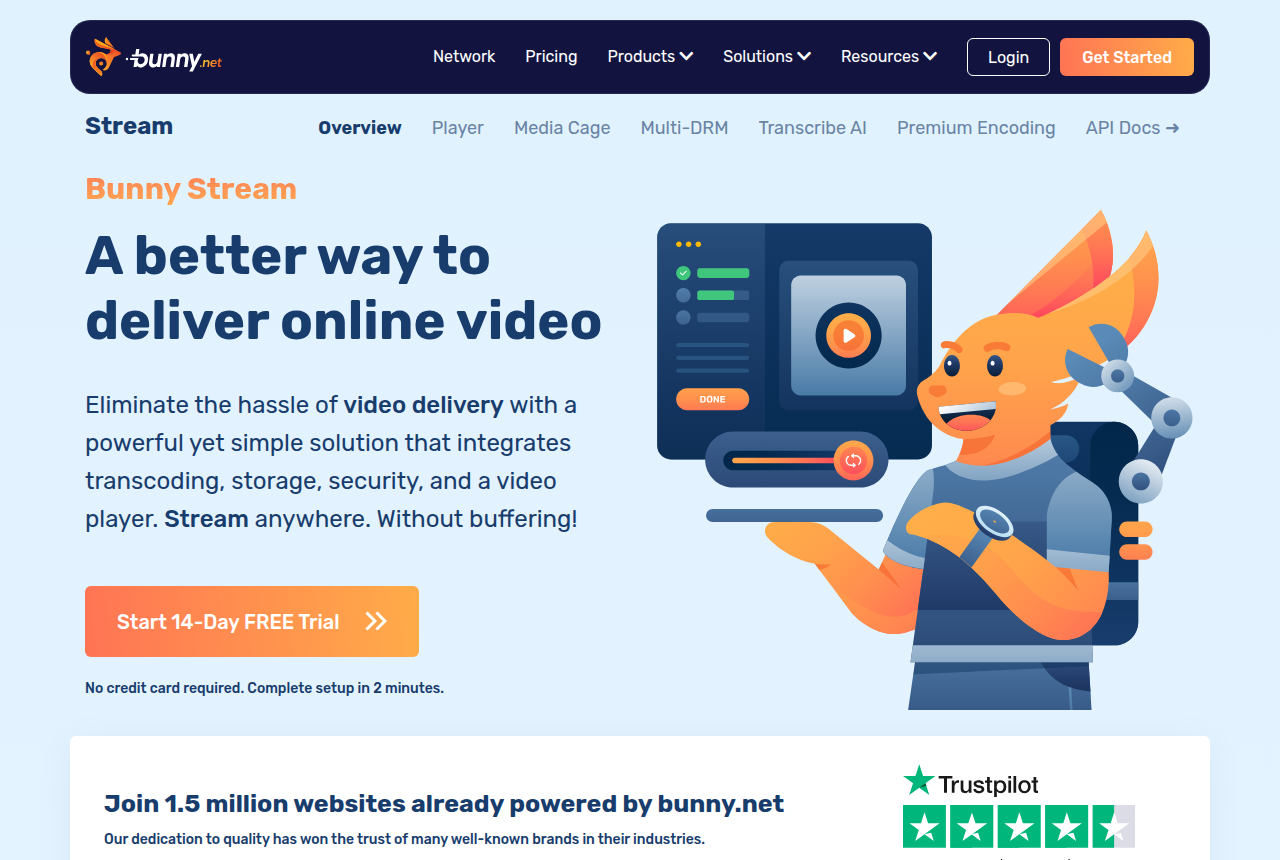
Where Bunny answers back is cost and control. It charges only for what you use, storage from about a cent a gigabyte and delivery from half a cent, on a 250 Tbps network with points of presence worldwide, and its player, transcoding and security features are free. For a developer who will assemble the funnel, or a library serving heavy traffic, that usage-based bill undercuts any finished player. What you add on top is everything TrackPlay does in one account: the player hooks, the gating, the split tests and the tracking, bolted on with a plugin like Presto Player or Vidstack.
Below we put the two side by side on price, the player, testing and attribution, then say plainly who each one is for. One caution rides on TrackPlay throughout, and it is about age rather than capability: it launched in 2026 with almost no independent track record, so it is a pilot, not a foundation, until its own numbers check out against yours.
Quick answer
Pick Bunny Stream if you have a developer on hand and want the cheapest reliable way to host and deliver video, and you will build the player, the hooks and the sale tracking on top of it yourself; pick TrackPlay if you buy traffic to a video sales letter and need to prove which traffic, which edit and which second of the pitch actually made the sale, with per-second retention split by buyer, split tests decided on the cart-verified sale, and server-side conversion tracking to Meta, TikTok and GA4, and you will pilot it on one funnel first because it is new.
- Bunny Stream. The cheapest raw delivery, if you build the sales layer yourself. Free transcoding, a customizable HLS player, watermarking and token security, then you pay only for storage from about a cent a gigabyte and delivery from half a cent on a 250 Tbps network, with a roughly $1 a month minimum and a 14-day trial that needs no card. It is infrastructure, not a VSL player: no marketing player, no gating, no lead capture, no A/B tests and no ad pixels, so you add all of that with a plugin like Presto Player. Long-term users flag uneven HLS start-up and one widely-read thread alleging files went missing from Bunny Storage, so keep your masters backed up elsewhere.
- TrackPlay. A paid-traffic VSL player and attribution platform built for one job: proving which traffic bought. It holds a cold viewer with sound-first autoplay, timed CTAs and watch gates, draws per-second retention split into buyers and non-buyers, and decides split tests on the cart-verified sale with a p-value and confidence interval. Its focus is attribution: the cart posts the purchase back onto the play that earned it, server-to-server from seven direct-response carts, and TrackPlay fires that conversion server-side to Meta, TikTok and GA4. Every feature ships on every plan, billing is by plays, and there is a no-card free plan plus a 14-day trial, from $29 a month. The catch is age, not capability: it launched in 2026 with almost no outside proof, so pilot it before a proven offer.
Bunny Stream vs TrackPlay at a glance
Prices and plan features checked on the vendors' own pages on 27 September 2026.
| Feature | Bunny Stream | TrackPlay |
|---|---|---|
| What it is | Usage-based video hosting and delivery | A paid-traffic VSL player and attribution platform |
| Built for | Cheap, reliable delivery you build on | Proving which paid traffic bought |
| Starting price | Usage-based, ~$1/mo minimum | $29/mo, every feature included |
| Free tier | No, 14-day trial (no card) | Yes, 1,000 plays/mo, watermarked |
| Player and marketing hooks | Bare HLS player; build the hooks yourself | Sound-first autoplay, timed CTAs, watch gates |
| Split testing | No | Native, decided on the cart-verified sale |
| Retention analytics | Basic play and bandwidth stats | Per second, buyers vs non-buyers |
| Conversion pixels | No (build your own) | Server-side to Meta, TikTok and GA4, deduped |
| Cart postbacks | No | Yes, from seven direct-response carts |
| Revenue attribution | No | Yes, revenue per play |
| Content protection | Token auth, hotlink protection, watermark | Domain-locked hosting, access controls |
| Delivery network | 250 Tbps, 119 points of presence | Hosted delivery, billed by plays |
| Pricing model | Pay-as-you-go: $0.01/GB storage, $0.005/GB delivery | Flat plans billed by plays, not bandwidth |
| Independent reviews | Mixed developer feedback, no G2 or Capterra base | Almost none, launched 2026 |
| Best for | Developers wanting cheap, scalable delivery to build on | Paid-traffic VSLs that must prove the sale |
Strengths and trade-offs
The trade-off here is not feature against feature, because the two barely overlap. It is whether you build or buy. Bunny gives you the cheapest reliable delivery on the site and almost none of the direct-response stack, so you assemble that yourself. TrackPlay gives you the entire direct-response stack, scored on the sale, and almost no outside track record yet. Read each list against the job the video has to do.
Bunny Stream: what works, what to watch
What works
- Usage-based pricing: encoding, the player and security are free, and you pay only for storage from $0.01/GB and delivery from $0.005/GB
- Fast global delivery on a 250 Tbps network with 119 points of presence
- Customizable HLS player, watermarking, hotlinking protection and token authentication are built in
- Resumable, API-first uploads that pair cleanly with players like Presto Player or Vidstack
What to watch
- No direct-response conversion tools: no sales-scored A/B tests, no watch-depth pixels, no revenue attribution, so a paid-traffic VSL has to add all of that on top
- Long-term users report uneven HLS start-up time and low cache hits on some accounts
- A widely-read thread alleged files disappearing from Bunny Storage, so keep original masters backed up elsewhere
- Usage-based bills scale with traffic, so a viral VSL costs more than the few-dollar examples suggest
TrackPlay: what works, what to watch
What works
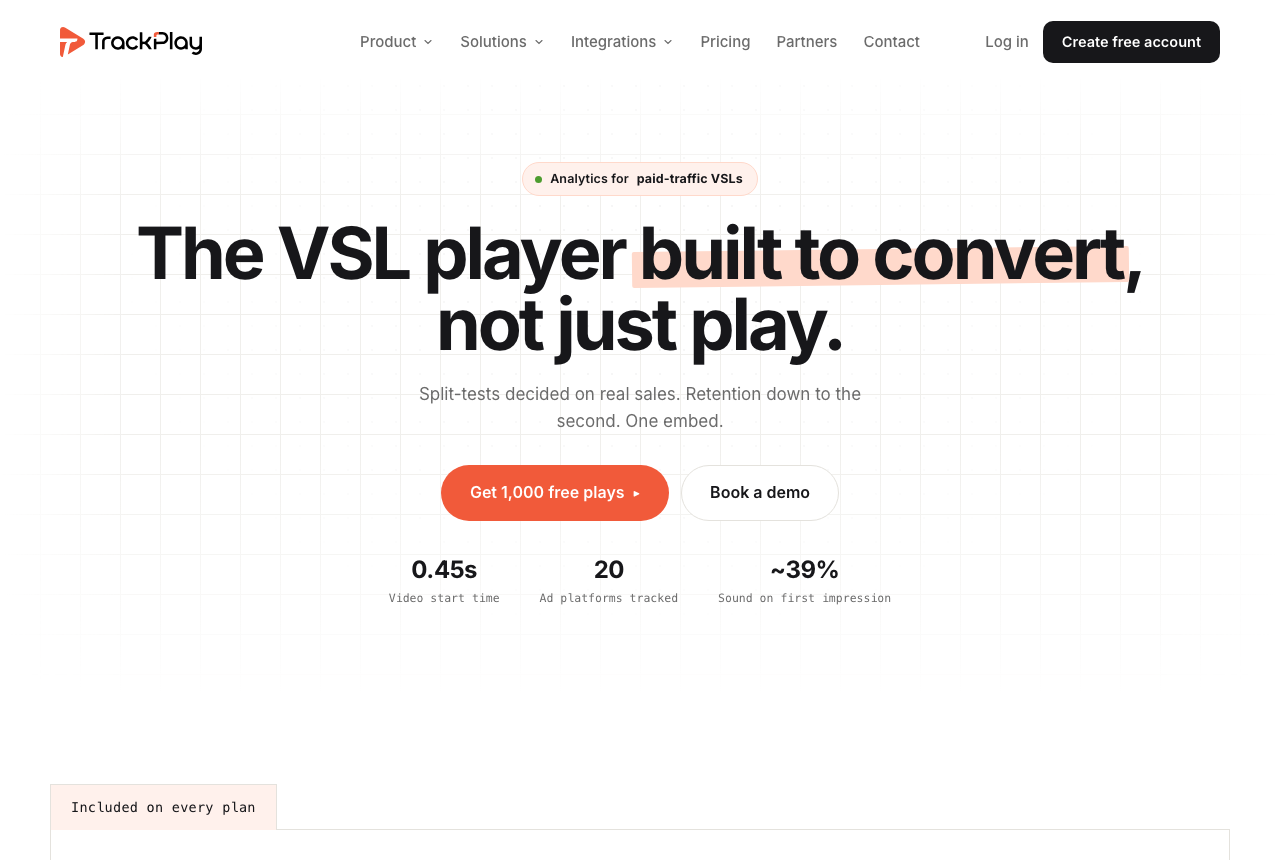
- Split-test winners are decided on the sale, with a p-value and confidence interval, and both variants run under one embed so your ad links and campaign learning never reset.
- Server-side pixels fire to Meta and Google Ads at the watch-time milestone you choose, and cart postbacks credit the sale to the play that earned it from ClickBank, BuyGoods, Digistore24, WarriorPlus, JVZoo and Kiwify.
- Retention is drawn second by second and split into buyers versus non-buyers, alongside revenue per play, so you can see the exact seconds costing you the sale.
- Every feature ships on every plan, billing is on plays rather than seats or tiers, and there is a real free plan of 1,000 plays a month with no card. Paid plans start at $29.
What to watch
- It launched in 2026 and has almost no independent track record. The testimonials are all on its own site, with no Reddit or review-site record to check yet, so you are relying on vendor claims until you pilot it.
- It is narrow on purpose: a paid-traffic VSL player, not a general video host or a B2B content library, so it has none of the channels, SEO pages or webinar tooling of a Wistia. If the video's job is content marketing rather than a direct-response sale, it is the wrong tool.
- Billing is by plays, and its own terms count a start, an unmute, a resume and a replay as separate plays, so one viewer can register several. At volume that changes the cost, though you can cap it and usage is live in the dashboard.
- The contract declines to promise a specific uptime percentage despite the 99.99% marketing figure, and the service is provided as is with no revenue warranty.
Pricing, tier by tier
Bunny Stream bills for what you use and nothing else. Encoding, the player, watermarking, token security and hotlink protection are all free; you pay about a cent a gigabyte for storage and delivery from half a cent a gigabyte, tiered down as volume grows, with a roughly $1 a month minimum. A small library on modest traffic can run to a few dollars a month, and there is a 14-day trial that needs no card. The flip side of usage pricing is that a viral sales letter costs more than the few-dollar examples suggest, because the bill scales with every gigabyte served.
TrackPlay prices on plays rather than storage, bandwidth or seats. There is a genuine free plan of 1,000 plays a month, watermarked, with no card and no time limit, plus a 14-day trial of the paid features. Paid plans are Basic at $29 a month, PRO at $79 and SCALE at $199, and every feature ships on every plan, including the free one. Plans differ only on how many plays are included and what an extra play costs. Read the play definition first: its own terms count a start, an unmute, a resume and a replay each as a play, so one viewer can register several, and at volume that changes the sum. You can cap it, and usage is live in the dashboard.
The two bill on opposite logic, so a straight sticker comparison misleads. Bunny meters gigabytes stored and served; TrackPlay meters plays. At low volume Bunny at a cent a gigabyte is nearly free, but it buys only delivery, so the real cost is the player plugin, the gating, the lead capture and the tracking you add on top, plus the time to wire them together. TrackPlay's $29 buys all of that finished, plus the split testing, the per-second buyer retention and the server-side, cart-verified attribution Bunny does not offer at any price. So a like-for-like comparison is TrackPlay against Bunny plus everything you would bolt onto it.
There is a hidden cost on the Bunny side that the sticker does not show: the marketing and attribution layer you get finished with TrackPlay, you build and maintain on Bunny. A player plugin like Presto Player, gating, split testing and conversion tracking are all extra tools, extra integration and extra support boundaries. For a non-technical seller, that saved engineering is often worth more than the per-gigabyte gap; for a team with a developer, or at very heavy traffic where raw delivery at half a cent a gigabyte beats any flat plan, building on Bunny is cheaper and gives more control. Neither is a reason to rule the tool out; both are numbers to price before you commit.
The verdict
For this site's core reader, someone buying cold traffic to a video sales letter, TrackPlay is the pick, and it is not close. Bunny will host and deliver that sales letter cheaply and quickly, but it ships no marketing player at all, so it tells you nothing about why the traffic did or did not convert. There is no smart autoplay to hold the cold viewer, no split test scored on sales, no per-second retention split by buyer, and no way to attribute revenue to the play. TrackPlay is built for exactly that gap: it decides split tests on the cart-verified sale with a p-value and confidence interval, draws retention to the second split by who bought, and fires the conversion server-side to Meta, TikTok and GA4 with cart postbacks crediting the play that earned the sale. If your whole problem is proving which paid traffic made the money, that is the concrete fix, and it earns TrackPlay the win here.
Two honest cautions ride with that win. The first is age, not capability: TrackPlay launched in 2026 with almost no independent track record. The testimonials are on its own site, there is little third-party review or Reddit footprint to check, and its contract declines to promise a specific uptime figure. So pilot it. Start on the free plan or the 14-day trial, run one non-critical funnel, and reconcile its pixel, attribution and play counts against your own cart and ad accounts before you move a proven offer onto it.
The second is scope. TrackPlay is narrow by design: it is built for paid-traffic VSL conversion, not general video hosting or content marketing, so it has none of the channels, SEO pages or webinar tooling of a Wistia and is a poor fit if the video's job is content marketing rather than a direct-response sale. That is not a flaw so much as the reason it does the conversion job so well, and it barely bites here, because a reader choosing between raw delivery and a conversion player already knows the video has a sale to make. It also does not try to be the cheapest raw pipe: if you just need the least expensive way to host and deliver video and you will build the rest, that is exactly where Bunny wins.
So the tie-breaker is the job, not the scoreboard. If the video has to sell to cold paid traffic and you need to prove which traffic bought, buy TrackPlay, and treat it as a pilot until its own numbers hold up. If you have a developer or heavy traffic and you want the cheapest reliable delivery to build your own funnel on, use Bunny Stream and pair it with a player plugin like Presto Player.
Our pick
TrackPlay
TrackPlay is the pick for this site's core reader: someone running paid traffic to a video sales letter, whose whole business is the video. It is the only one of these two that even attempts the job this site measures, and it does it thoroughly: split tests decided on the cart-verified sale, per-second retention split into buyers and non-buyers, revenue per play, and server-side conversion tracking with cart postbacks that credit the sale to the play that earned it. Every feature is on every plan and there is a real free tier to start on. The one caveat is age: it launched in 2026 with almost no outside proof, so pilot it on one funnel and reconcile its numbers against your own before you move a proven offer onto it. And if you just want the cheapest reliable delivery to build your own funnel on, this is the wrong tool: Bunny Stream is cheaper and more proven at that job.
Frequently asked questions
Is Bunny Stream or TrackPlay better?
Can Bunny Stream run a video sales letter for paid traffic?
What can TrackPlay do that Bunny Stream cannot?
Which is cheaper, Bunny Stream or TrackPlay?
Do I need a developer to use Bunny Stream?
Is TrackPlay safe to rely on yet?
Sources
Other sources
7 discussions and reviews read for this page. Quotes are excerpts; open a link to read the original in context.
Related reading
- Our full Bunny Stream review
- Our full TrackPlay review
- Bunny Stream vs Spotlightr: build on the cheapest pipe or buy a finished host
- Vidalytics vs TrackPlay: a proven VSL player versus a new one built to prove the sale
- Vimeo vs TrackPlay: clean hosting versus proving the sale
- TrackPlay alternatives, ranked by the job
- The best VSL players and conversion video software
- All head-to-head comparisons