Panda Video vs Bunny Stream
Pick Panda Video if the video has to sell and stay protected out of the box; pick Bunny Stream if it just has to be hosted and delivered as cheaply as possible.
By Marcus Vale, Lead reviewer. Reviewed by the VSLBench editorial desk. Last updated 23 September 2026, and rechecked with prices every 90 days.
You are down to two, and they are not the same kind of product. Panda Video is a finished platform: a VSL and course host that plays your video, protects it from download, and hands you the conversion tooling out of the box. Bunny Stream is video infrastructure. It transcodes your upload, stores it across a global network, and plays it back through a fast, ad-free, customizable player, and it bills you by the gigabyte. On a price grid Bunny looks like it wins by a mile. That grid is measuring the wrong thing.
This site judges video tools through a direct-response lens: does the player move viewers past the pitch, and can you prove which traffic bought. On that test the two sit at opposite ends of one stack. Panda is the finished player and protection layer, sold as a product. Bunny is the delivery layer, sold as cheap plumbing, and it leaves the selling and the securing to you.
So the real question is not "which is better", it is "are you buying a finished VSL and course host, or the cheapest possible delivery to build one on". Below we put the two side by side on price, player controls, protection and analytics, then say plainly who each one is for.
Quick answer
Pick Panda Video if you want a finished VSL and course player with in-player CTAs, A/B tests, ad-platform pixels and real download protection out of the box; pick Bunny Stream if you want the cheapest reliable way to host and deliver video and will build the conversion and protection layer yourself or do without it.
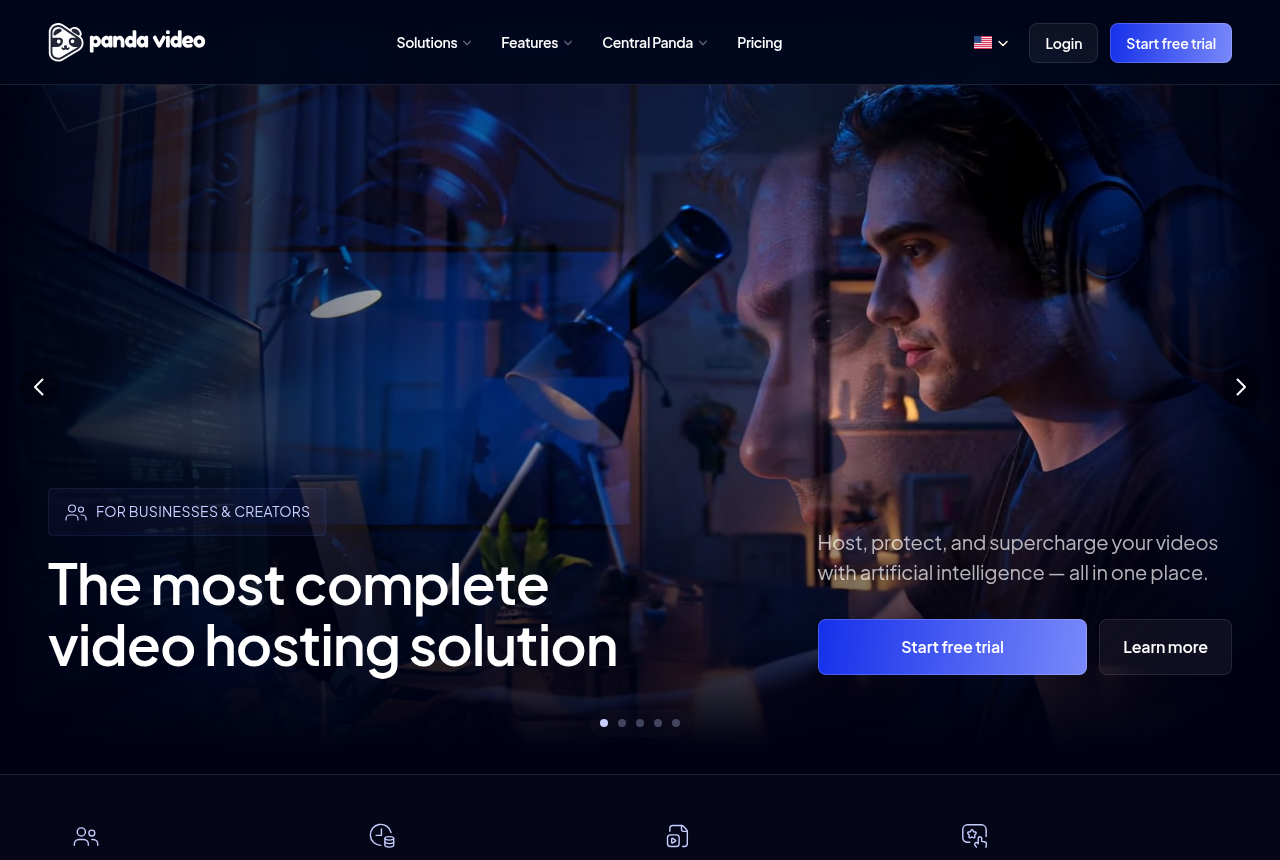
- Panda Video. A finished VSL and course host. Smart autoplay, a dummy progress bar, resume play, in-player CTAs, A/B tests and Meta and Google pixels on the front, DRM watermarking, anti-download and allowed-domains locking on the back, plus AI dubbing and subtitles. Flat public pricing from $17.90 a month; no free plan, a 14-day trial capped at 100GB. Almost no independent English-language reviews yet.
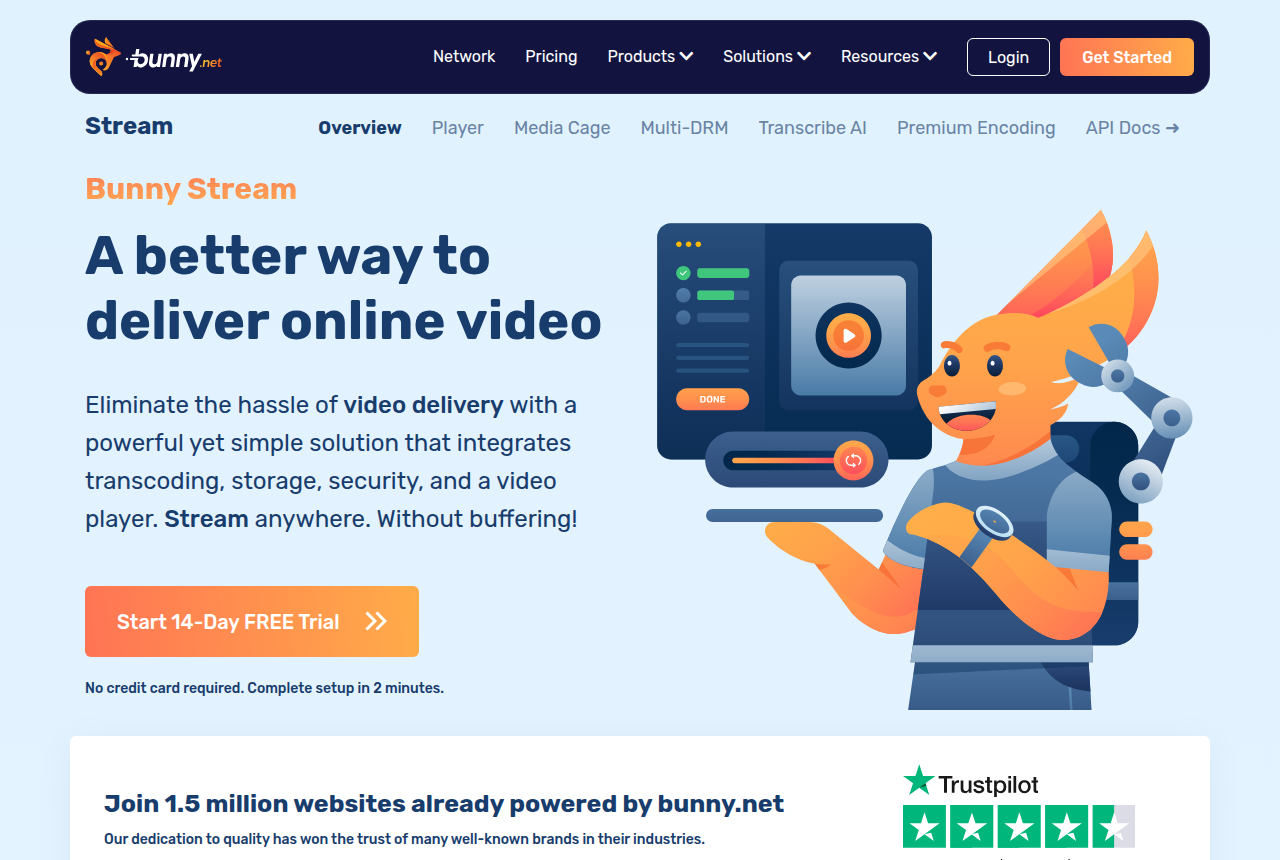
- Bunny Stream. Usage-based video infrastructure. Transcoding, a customizable HLS player and security are free, and you pay only for storage from $0.01 a GB and delivery from $0.005 a GB. No sales-scored testing, no watch-depth pixels, no revenue attribution and no download DRM out of the box. You build the conversion and protection layer or go without it.
Panda Video vs Bunny Stream at a glance
Prices and plan features checked on the vendors' own pages on 23 September 2026.
| Feature | Panda Video | Bunny Stream |
|---|---|---|
| What it is | A finished VSL and course host | Video infrastructure (CDN and player) |
| Built for | Selling and protecting course and VSL video | Cheap, reliable hosting and delivery |
| Starting price | $17.90/mo (Bronze), flat and public | Usage-based, about $1/mo minimum |
| Free option | No, 14-day trial (100GB cap) | No, 14-day trial (no card) |
| Pricing model | Flat plans, then $0.06/GB storage and $0.03/GB bandwidth | Pay per GB stored ($0.01) and delivered ($0.005) |
| Smart autoplay, resume, dummy progress bar | Yes | No, build your own |
| In-player CTAs | Yes | No, build your own |
| A/B testing | Yes, not scored on sales | No |
| Retention and engagement analytics | Yes | No |
| Meta and Google pixels | Yes | No |
| Revenue attribution | No | No |
| Download protection | DRM watermark, anti-download, allowed domains | Free: watermarking, hotlink protection, token auth |
| AI features | In-player tutor, dubbing to 34 languages, subtitles | No |
| Delivery network | Managed hosting on AWS | 250 Tbps, 119 points of presence |
| Independent English reviews | Almost none (G2 and GetApp list zero) | Established, with mixed reliability reports |
| Best for | Course sellers and VSLs wanting protection and conversion tooling | Cheapest delivery, build your own stack |
Strengths and trade-offs
Panda asks you to buy on the vendor's own testimonials and to accept that its A/B tests do not score on sales; Bunny asks you to bring your own conversion tooling and to keep your masters backed up. Those are the two trade-offs.
Panda Video: what works, what to watch
What works
- A real VSL toolkit: smart autoplay, a dummy progress bar, resume play, in-player CTAs, A/B tests and Meta and Google tracking pixels
- Strong content protection: DRM watermarking, anti-download, allowed-domains locking and encryption
- Flat, public pricing from $17.90/mo, with a real-time usage chart so the bandwidth and storage bill is predictable
- A one-click Chrome extension imports a Vimeo library in minutes, and support is fast and in Portuguese
- Built-in AI: an in-player tutor, dubbing into up to 34 languages, and auto-generated subtitles, quizzes and mind maps
What to watch
- Almost no independent English-language proof: G2 and GetApp both show zero user reviews and there is no Trustpilot profile, so you are buying on the vendor's own testimonials
- It does not score a split test on sales or attribute revenue, so a paid-traffic VSL cannot prove which traffic actually bought
- Biggest in the Latin-American market: the dashboard, docs and support lean Portuguese-first, and pricing shows in a mix of dollars and reais
- Extra storage ($0.06/GB), extra bandwidth ($0.03/GB) and DRM watermarking ($0.60/GB) all bill per GB, so a high-traffic offer outruns the flat sticker price
- Credit card is the only payment method, and anti-download unlocks only on the Gold plan
Bunny Stream: what works, what to watch
What works
- Usage-based pricing: encoding, the player and security are free, and you pay only for storage from $0.01/GB and delivery from $0.005/GB
- Fast global delivery on a 250 Tbps network with 119 points of presence
- Customizable HLS player, watermarking, hotlinking protection and token authentication are built in
- Resumable, API-first uploads that pair cleanly with players like Presto Player or Vidstack
What to watch
- No direct-response conversion tools: no sales-scored A/B tests, no watch-depth pixels, no revenue attribution, so a paid-traffic VSL has to add all of that on top
- Long-term users report uneven HLS start-up time and low cache hits on some accounts
- A widely-read thread alleged files disappearing from Bunny Storage, so keep original masters backed up elsewhere
- Usage-based bills scale with traffic, so a viral VSL costs more than the few-dollar examples suggest
Pricing, tier by tier
Panda Video sells flat, public plans. Bronze is $17.90 a month (200GB storage, 500GB bandwidth, one user), Silver is $37.90 (512GB, 1TB, two users), Gold is $97.90 (1TB, 4TB, ten users, and the anti-download lock plus free AI generation), and Enterprise is on request. There is no free plan, only a 14-day trial capped at 100GB, and credit card is the only payment method. The costs that scale are the overages: storage at $0.06 a GB, bandwidth at $0.03 a GB, and DRM watermarking as a $0.60-per-GB add-on. A real-time usage chart shows the running total, so the bill is predictable, but a high-traffic offer will run past the flat sticker.
Bunny does not sell plans. You pay for what you use, with a $1 monthly minimum, and the player, transcoding and security features are free. Storage is billed from $0.01 a GB and delivery from $0.005 a GB on the Volume network, or $0.01 a GB on the Standard network in Europe and North America. Bunny's own calculator prices a 300 GB library serving 50 GB a month at about $3.25 to $4.50 before extra replication regions. Every account starts on a 14-day trial with no card.
The running cost is where they part, and it is also where the comparison stops being about the sticker price. Bunny's per-GB delivery is an order of magnitude cheaper than Panda's flat plan plus overages, and for a small library on modest traffic Bunny can be a few dollars a month against Panda's $17.90 floor. But Panda's price is not paying for bytes, it is paying for the player, the protection and the conversion tooling. Comparing the two on cost per GB is comparing a car to a tank of fuel.
So the money question is not which is cheaper, because Bunny plainly is for hosting and delivery. It is whether Panda's finished feature set earns back the gap. If the video is a sales letter or a paid course and you want in-player CTAs, A/B tests, retention data, ad-platform pixels and download protection without a build, that gap pays for itself, even though it is many times Bunny's bill. If the video only has to be hosted, played and delivered, Bunny is the rational pick and Panda is money spent on tools you will not switch on. Choosing Bunny does not have to mean giving up conversion or protection entirely: WordPress builders put Presto Player in front of it for opt-in and CTA overlays, and developers reach for a player such as Vidstack, then add their own pixels and tokened access. That is a build, though, and the assembled cost and effort are the honest thing to weigh against Panda's finished product.
The verdict
Between these two, pick on whether you are buying a product or a part. Panda Video is a finished VSL and course host: it plays the video, protects it from download, and gives you CTAs, A/B tests, retention analytics and ad-platform pixels out of the box. Bunny Stream is the cheapest, most reliable way to move video bytes, and nothing more. If the video has to sell and stay protected and you want that working on day one, Panda wins, and the price is the price of not building it yourself.
If the video just has to be hosted and delivered, or you are a developer happy to assemble a player, protection and tracking on top of cheap infrastructure, Bunny wins, and paying Panda's prices for tools you will not use is money lost. The tie-breaker is build versus buy, with two cautions attached. Panda is the buy, but it does not score a split test on sales, so it cannot prove which traffic actually bought, and its independent proof is thin, so pilot it on a low-stakes funnel first. Bunny is the build, but a well-read thread alleged files going missing from Bunny Storage, so keep your masters backed up whichever way you go.
Our pick
Panda Video
Panda Video is the pick for this site's reader: someone running paid traffic to a video sales letter or selling a course, who wants a player that converts and content that stays put, without assembling it. Among these two it is the only one that ships in-player CTAs, A/B tests, retention analytics, Meta and Google pixels and download protection out of the box. It costs more than Bunny's few-dollar bill, and storage, bandwidth and DRM all bill per GB on top of the flat plan, so a high-traffic offer runs past the sticker. Two honest limits keep it off the very top of our ranking: it does not score a split test on sales or attribute revenue, so it optimises attention and clicks rather than the sale itself, and its independent English-language proof is almost empty, with G2 and GetApp both listing it with zero reviews. Choose Bunny Stream instead when you only need the cheapest reliable way to host, play and deliver video, and you either do not need conversion measurement or will bolt a player and tracking on top yourself.
Frequently asked questions
Is Panda Video or Bunny Stream better?
Which is cheaper, Panda Video or Bunny Stream?
Can Bunny Stream run a video sales letter for paid traffic?
Does Panda Video attribute revenue the way a dedicated VSL player does?
Is Panda Video trustworthy given how few reviews it has?
Is Bunny Stream reliable enough for a revenue offer?
Sources
Other sources
9 discussions and reviews read for this page. Quotes are excerpts; open a link to read the original in context.
- [] Panda Video home (vendor)
- [] Panda Video pricing (vendor)
- [] Panda Video VSL player (vendor)
- [] Bunny Stream (vendor)
- [] Bunny Stream pricing (vendor)
- [] Panda Video reviews on G2
- [] Where are you hosting client videos now that Vimeo changed pricing (r/videoproduction)
- [] BunnyCDN has been silently losing our production files (r/webdev)
- [] Bunny CDN Stream Extremely Slow (r/webhosting)