Head to head
Panda Video vs TrackPlay
Two VSL players, one question: hold and protect the video, or prove the sale. Panda Video is the complete course-and-VSL host with piracy protection. TrackPlay is the new specialist that ties every play to the cart-verified sale and posts it back to your ad platforms.
You are down to two, and this time they are the same kind of tool. Panda Video and TrackPlay are both built around the video sales letter, both meant to hold a cold viewer through the pitch and move them to the cart. So the choice is not what the video is for. It is which of the two does more of the job you are buying it for.
This site judges video tools through a direct-response lens: does the player move viewers past the pitch, and can you prove which paid traffic actually bought. On the first test both are real VSL players. On the second they split cleanly, and that is where this comes down.
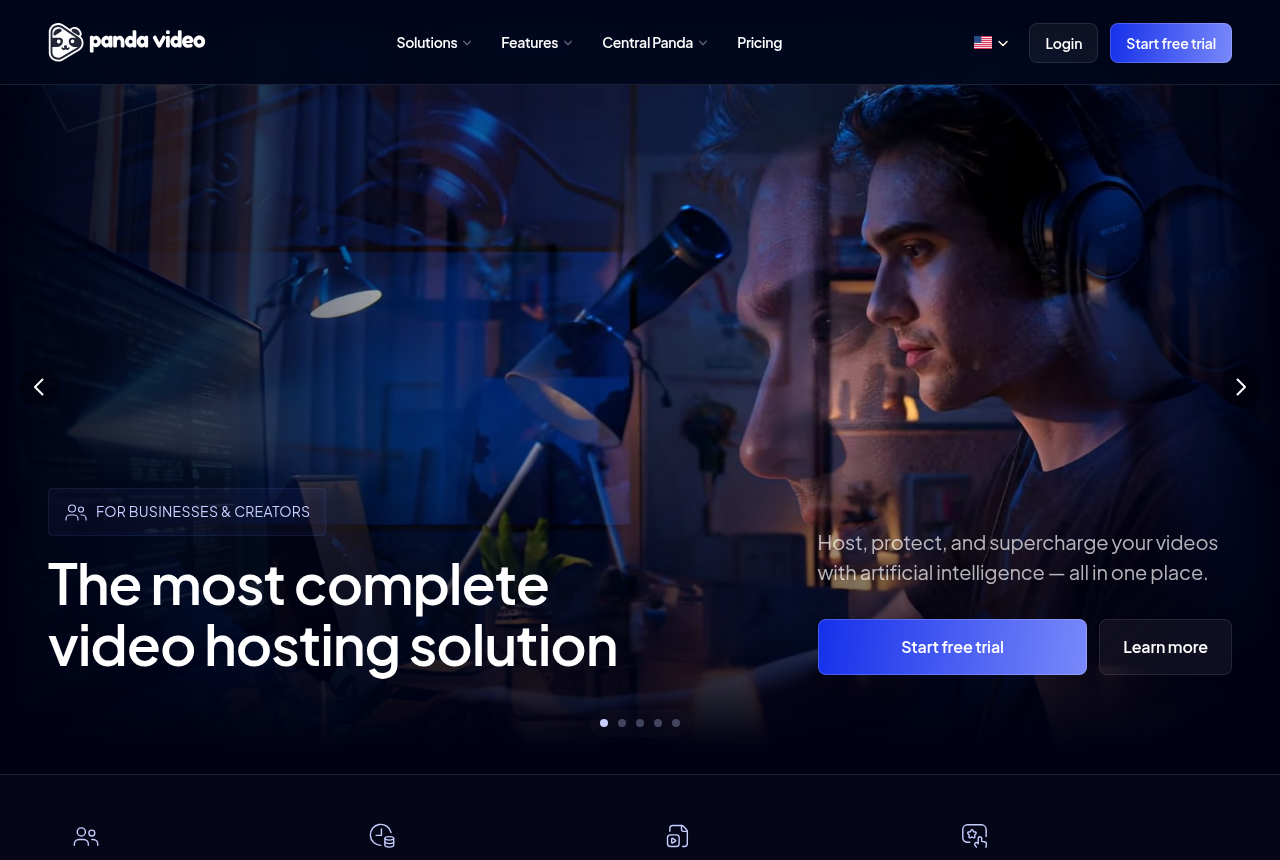
Panda Video is the complete one. It is a deep VSL and course host with smart autoplay, a dummy progress bar, in-player CTAs and native A/B tests, wrapped in the strongest content protection of the two: DRM watermarking, anti-download and allowed-domain locking, plus a branching funnel builder and AI dubbing. What it does not do is settle a test on the sale or attribute revenue. Its A/B tests read plays and engagement, and it fires only browser pixels, so it tells you what held attention, not which edit made the money.
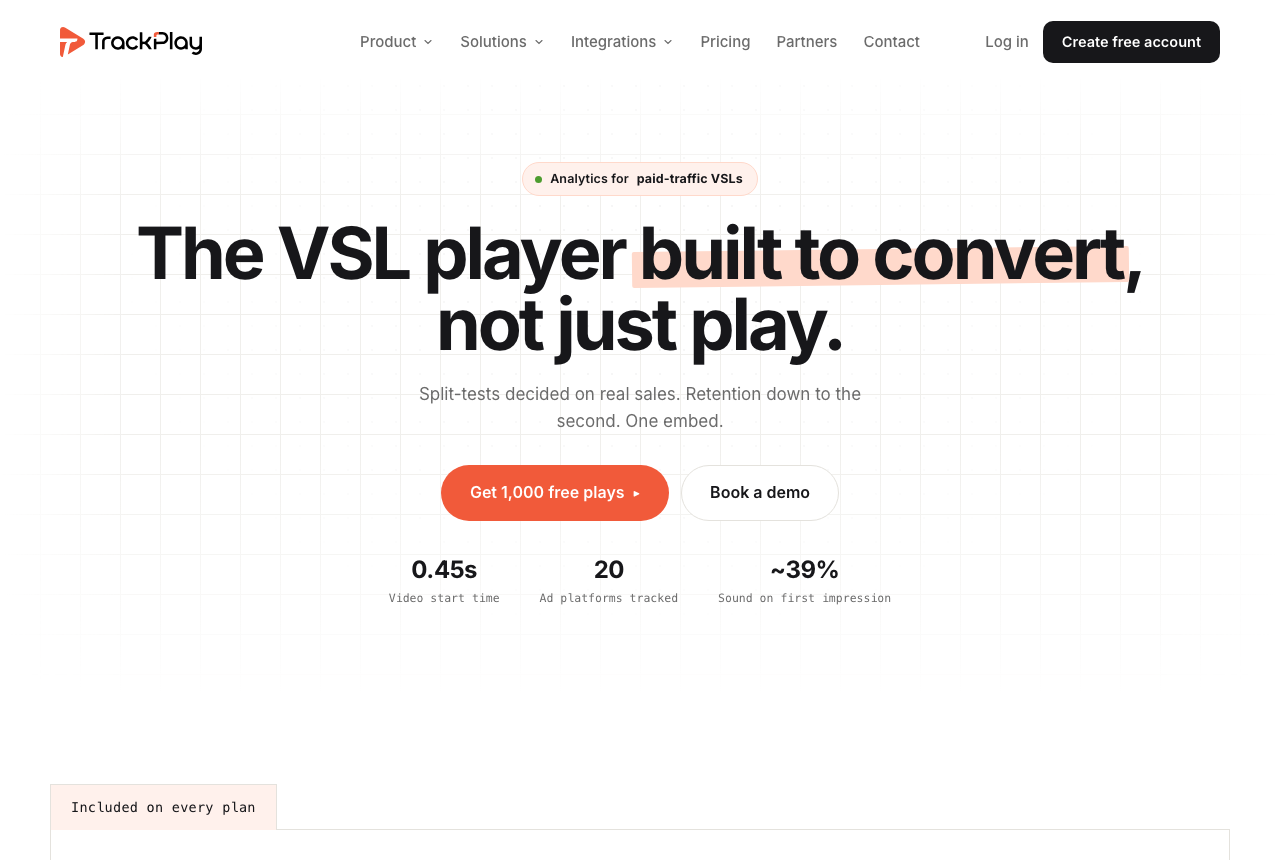
TrackPlay answers the exact question Panda Video leaves open. It decides split tests on the cart-verified sale, draws retention second by second split into buyers and non-buyers, and posts the verified sale back onto the play that earned it, server-side to Meta, TikTok and GA4. Its one weak spot is proof, not capability: it launched in 2026 with almost no independent track record, so pilot it carefully. Below we put the two side by side on price, player, protection, testing and attribution, then say plainly who each one is for.
Quick answer
Pick Panda Video if you sell courses or run VSLs and want strong piracy protection, a video funnel builder and flat, predictable pricing, and you can settle your split tests on plays and engagement rather than the cart-verified sale; pick TrackPlay if you buy paid traffic to a sales letter and need every play tied to the sale it earned, split tests decided on that sale with a p-value and confidence interval, and the conversion posted back to Meta, TikTok and GA4 server-side, piloted on one funnel first because it is new.
- Panda Video. The complete, protected host. Built as a VSL and course platform, with smart autoplay, a dummy progress bar, resume play, in-player CTAs, native A/B tests and Meta and Google pixels, wrapped in strong content protection: DRM watermarking, anti-download and allowed-domain locking. It adds a branching video funnel builder and AI tooling such as an in-player tutor, dubbing and auto subtitles, and prices flat and public from $17.90 a month. Its limits are proof and the sale: G2 and GetApp list it with zero reviews, and its A/B tests read plays and engagement, not the cart-verified sale, so it holds and protects the video but stops short of tying the edit to the money.
- TrackPlay. The sale-proving specialist. A brand-new VSL player and analytics platform from 2026 that ties each play to the cart-verified sale. It decides split tests on that sale with a p-value and confidence interval, draws per-second retention split by buyers versus non-buyers, and fires the conversion server-side to Meta, TikTok and GA4 with cart postbacks crediting the play that earned it. Every feature is on every plan, billing is by plays, and there is a no-card free plan plus a 14-day trial, from $29 a month. The catch is age, not capability: its proof is all first-party, so pilot it before a proven offer.
Panda Video vs TrackPlay at a glance
Prices and plan features checked on the vendors' own pages on 27 September 2026.
| Feature | Panda Video | TrackPlay |
|---|---|---|
| What it is | A complete VSL and course host with content protection | A brand-new VSL player and cart-verified attribution platform |
| Built for | Selling courses and VSLs with piracy protection | Tying every play to the cart-verified sale |
| Track record | Big in Latin America, near-zero English reviews | Launched 2026, thin outside proof yet |
| Starting price | $17.90/mo, flat and public | $29/mo, billed by plays |
| Free tier or trial | No free plan; 14-day trial, 100GB cap, card needed | No-card free plan (1,000 plays/mo, watermarked) plus 14-day trial |
| Player controls | Smart autoplay, dummy progress bar, in-player CTAs | Sound-first autoplay, timed CTAs, watch gates |
| Split testing | Native A/B tests | Native, decided on the cart-verified sale |
| Decided on | Plays and engagement, not the sale | The cart-verified sale, with a p-value and confidence interval |
| Ad tracking | Meta and Google browser pixels | Server-side Meta, TikTok and GA4 |
| Revenue attribution | No | Yes, revenue per play plus cart postbacks |
| Retention analytics | Play rate, engagement, real-time count | Per-second, split by buyers vs non-buyers |
| Content protection | DRM watermarking, anti-download, domain lock | Domain-locked hosting |
| Course tooling | AI tutor, dubbing, subtitles, quizzes | None; not a course host |
| Best for | Course and VSL sellers who need protection and flat pricing | Paid-traffic VSLs measured on the cart-verified sale |
Strengths and trade-offs
Panda Video asks you to accept near-zero independent English reviews, A/B tests read on plays rather than the sale, and no revenue attribution, in exchange for a complete, well-protected course-and-VSL host with predictable flat pricing. TrackPlay asks you to accept an almost non-existent outside track record in exchange for the sale-scored testing and server-side attribution Panda Video does not attempt. Those are the two trade-offs.
Panda Video: what works, what to watch
What works
- A real VSL toolkit: smart autoplay, a dummy progress bar, resume play, in-player CTAs, A/B tests and Meta and Google tracking pixels
- Strong content protection: DRM watermarking, anti-download, allowed-domains locking and encryption
- Flat, public pricing from $17.90/mo, with a real-time usage chart so the bandwidth and storage bill is predictable
- A one-click Chrome extension imports a Vimeo library in minutes, and support is fast and in Portuguese
- Built-in AI: an in-player tutor, dubbing into up to 34 languages, and auto-generated subtitles, quizzes and mind maps
What to watch
- Almost no independent English-language proof: G2 and GetApp both show zero user reviews and there is no Trustpilot profile, so you are buying on the vendor's own testimonials
- It does not score a split test on sales or attribute revenue, so a paid-traffic VSL cannot prove which traffic actually bought
- Biggest in the Latin-American market: the dashboard, docs and support lean Portuguese-first, and pricing shows in a mix of dollars and reais
- Extra storage ($0.06/GB), extra bandwidth ($0.03/GB) and DRM watermarking ($0.60/GB) all bill per GB, so a high-traffic offer outruns the flat sticker price
- Credit card is the only payment method, and anti-download unlocks only on the Gold plan
TrackPlay: what works, what to watch
What works
- Split-test winners are decided on the sale, with a p-value and confidence interval, and both variants run under one embed so your ad links and campaign learning never reset.
- Server-side pixels fire to Meta and Google Ads at the watch-time milestone you choose, and cart postbacks credit the sale to the play that earned it from ClickBank, BuyGoods, Digistore24, WarriorPlus, JVZoo and Kiwify.
- Retention is drawn second by second and split into buyers versus non-buyers, alongside revenue per play, so you can see the exact seconds costing you the sale.
- Every feature ships on every plan, billing is on plays rather than seats or tiers, and there is a real free plan of 1,000 plays a month with no card. Paid plans start at $29.
What to watch
- It launched in 2026 and has almost no independent track record. The testimonials are all on its own site, with no Reddit or review-site record to check yet, so you are relying on vendor claims until you pilot it.
- It is narrow on purpose: a paid-traffic VSL player, not a general video host or a B2B content library, so it has none of the channels, SEO pages or webinar tooling of a Wistia. If the video's job is content marketing rather than a direct-response sale, it is the wrong tool.
- Billing is by plays, and its own terms count a start, an unmute, a resume and a replay as separate plays, so one viewer can register several. At volume that changes the cost, though you can cap it and usage is live in the dashboard.
- The contract declines to promise a specific uptime percentage despite the 99.99% marketing figure, and the service is provided as is with no revenue warranty.
Pricing, tier by tier
Panda Video prices flat and public, with the plan you pick set by storage and bandwidth. Bronze is $17.90 a month, Silver $37.90 and Gold $97.90. There is no free plan; the 14-day trial is capped at 100GB and needs a card, and it takes card only for payment. Overages bill per GB on top: storage at $0.06, bandwidth at $0.03, and DRM watermarking as a $0.60 add-on, so a high-traffic offer can outrun the flat sticker. A real-time usage chart keeps the bill visible, and note that anti-download only unlocks on the Gold plan.
TrackPlay prices on plays rather than storage, bandwidth or seats. There is a genuine free plan of 1,000 plays a month, watermarked, with no card and no time limit, plus a 14-day trial of the paid features. Paid plans are Basic at $29 a month, PRO at $79 and SCALE at $199, and every feature ships on every plan, including the free one. Plans differ only on how many plays are included and what an extra play costs. Read the play definition first: its own terms count a start, an unmute, a resume and a replay each as a play, so one viewer can register several, and at volume that changes the sum. You can cap it, and usage is live in the dashboard.
Panda Video is cheaper at the door, $17.90 against TrackPlay's $29, and its flat plan is easy to budget if your traffic is steady. TrackPlay has the genuine no-card free plan and meters on plays. The honest way to weigh them is not the sticker but what each one lets you measure for the money: Panda Video buys a complete, protected host; TrackPlay buys the sale-scored testing and server-side attribution Panda Video does not offer, at a starting price you can see. If you sell courses and want a predictable flat bill, Panda Video is the cheaper, calmer choice; if you need to prove the sale and can start free, TrackPlay is the one to pilot.
The verdict
Between two VSL players, the pick turns on the one test this site cares about most: can you prove which paid traffic bought. On that test the split is clean. If you sell courses or memberships, want real protection against piracy and a predictable flat bill, and you can settle your tests on plays and engagement, Panda Video is the more complete buy. It is a deep toolkit, it protects the video better than TrackPlay, and its pricing is public and easy to plan around. Its limits stay attached: near-zero independent English proof, A/B tests read on plays rather than the sale, and no revenue attribution.
If your video is a paid-traffic sales letter and you are buying a player mainly to prove which traffic, which edit and which second made the money, TrackPlay is built for that and Panda Video is not. It decides split tests on the cart-verified sale with a p-value and confidence interval, splits retention into buyers and non-buyers second by second, and posts the sale back onto the play that earned it, server-side to Meta, TikTok and GA4. It also holds attention on the front end with sound-first autoplay, timed CTAs and watch gates, so it is a full VSL player, not only a tracker. That earns it a narrow, conditional win for that reader. Conditional is the operative word: it launched in 2026 with almost no independent proof, so pilot it on one non-critical funnel and reconcile against your own cart before you move a proven offer onto it.
TrackPlay is narrow by design. It is built for paid-traffic VSL conversion, not general hosting or content marketing, so it has none of the channels, SEO pages or webinar tooling of a Wistia, and none of Panda Video's own course hosting, DRM library or AI dubbing. That narrowness matters most to the reader Panda Video is built for: the course or membership seller who needs to host, protect and teach, not just convert cold traffic. For a paid-traffic sales letter, where both of these tools live, it barely bites, because a reader choosing between them is not shopping for a course platform in the first place. So the tie-breaker is the job: to sell and protect courses on a predictable bill, buy Panda Video; to prove which paid traffic made the sale, TrackPlay is built for it, treated as a pilot until its own numbers check out.
Our pick
TrackPlay
TrackPlay wins for the reader this site is built for: someone buying paid traffic to a sales letter who needs to prove which traffic and which second made the money. It decides split tests on the cart-verified sale and posts that sale back to Meta, TikTok and GA4, which Panda Video does not do. It is new, so start on the free plan or the 14-day trial, run one funnel and reconcile against your own cart before you trust it with a proven offer. If you sell courses, need strong piracy protection and a predictable flat bill, and can settle your tests on plays, Panda Video is the safer and more complete choice.
Frequently asked questions
Is Panda Video or TrackPlay better?
Which is cheaper, Panda Video or TrackPlay?
Can Panda Video prove which traffic bought?
Does Panda Video protect videos against piracy?
Is TrackPlay safe to rely on yet?
Is TrackPlay a general video host or a course platform?
Sources
Other sources
8 discussions and reviews read for this page. Quotes are excerpts; open a link to read the original in context.
Related reading
- Our full Panda Video review
- Our full TrackPlay review
- VTurb vs TrackPlay: a proven player or a new one built to prove the sale
- Vidalytics vs Panda Video: a conversion player versus a protected course host
- Panda Video vs SproutVideo: a sales player versus a mature secure host
- TrackPlay alternatives, ranked by the job
- Panda Video alternatives, ranked by the job
- The best VSL players and conversion video software
- All head-to-head comparisons