Head to head
Vidyard vs Wistia
Seat-priced sales video on one side, a marketing host with a separate automation tier on the other.

You have two reputable B2B video tools left, and they bill for different work. Vidyard bills each rep who records a personal video and sends it by link or email. Wistia charges to host videos on your marketing site, and the plan steps up when your marketing automation needs the lead data.
The vendor pages draw the same line, from opposite sides. On its compare page, Vidyard calls Wistia a tool for marketers and calls itself the option for the whole go-to-market team, sales included. On its own comparison post, Wistia calls Vidyard the one-to-one sales tool and calls itself the host for marketers.
People type wistia vs vidyard and land on both of those pages. If the search is vidyard or wistia, it is the same choice. Decide which job you need done.
Neither pricing page lists sound-first autoplay, a split test scored on a purchase, or a postback from the cart. A paid-traffic sales letter needs a player built for that measurement. Follow the VSL player comparisons for that job, and stay here if the choice really is a sales inbox or a marketing embed.

Quick answer
Pick Vidyard if you send personal sales videos from email and need per-viewer watch data synced to Salesforce or HubSpot on a paid Teams plan; pick Wistia if you host marketing videos on your site and need forms, heatmaps, and MAP integrations starting on Business or Business + Signals.
- Vidyard. Personal videos sent by link or email, with who-watched analytics on the first paid seat. Salesforce or HubSpot sync starts on the quoted team plan.
- Wistia. Marketing videos on your site. Business adds lead forms, viewer heatmaps and an engagement test.
Vidyard vs Wistia at a glance
Prices and plan features checked on the vendors' own pages on 16 October 2026.
| Feature | Vidyard | Wistia |
|---|---|---|
| Job | One-to-one video by link or email | Marketing videos embedded on your site |
| Free plan | 5 recordings a month, 30 min each, no hosting | 25 GB storage, 200 GB bandwidth, 1 user |
| First paid plan | Starter, $59/seat/mo annual or $89 monthly | Business, $79/mo billed annually |
| Trial | 14 days on Starter | 14 days on Business, no card |
| Hosting meter | Plans described as uncapped on library size and bandwidth | 1 TB bandwidth and 250 GB+ storage on Business |
| Watch data | Who watched, and for how long, plus a team dashboard on Starter | Heatmaps and engagement graphs on Business |
| On the video | Call-to-action templates on Starter | Calls to action and forms on Business |
| Split tests | No engagement test on the Starter list | Engagement variants and CSV export on Business |
| CRM sync | Teams: two data integrations, price on request | Business + Signals, $329/mo annual: HubSpot, Marketo, Pardot |
| How you pay | Per seat | Platform fee, then $25 per extra user |
Strengths and trade-offs
Each list shows why a team keeps the tool. The CRM connection starts on a higher plan.
Vidyard: what works, what to watch
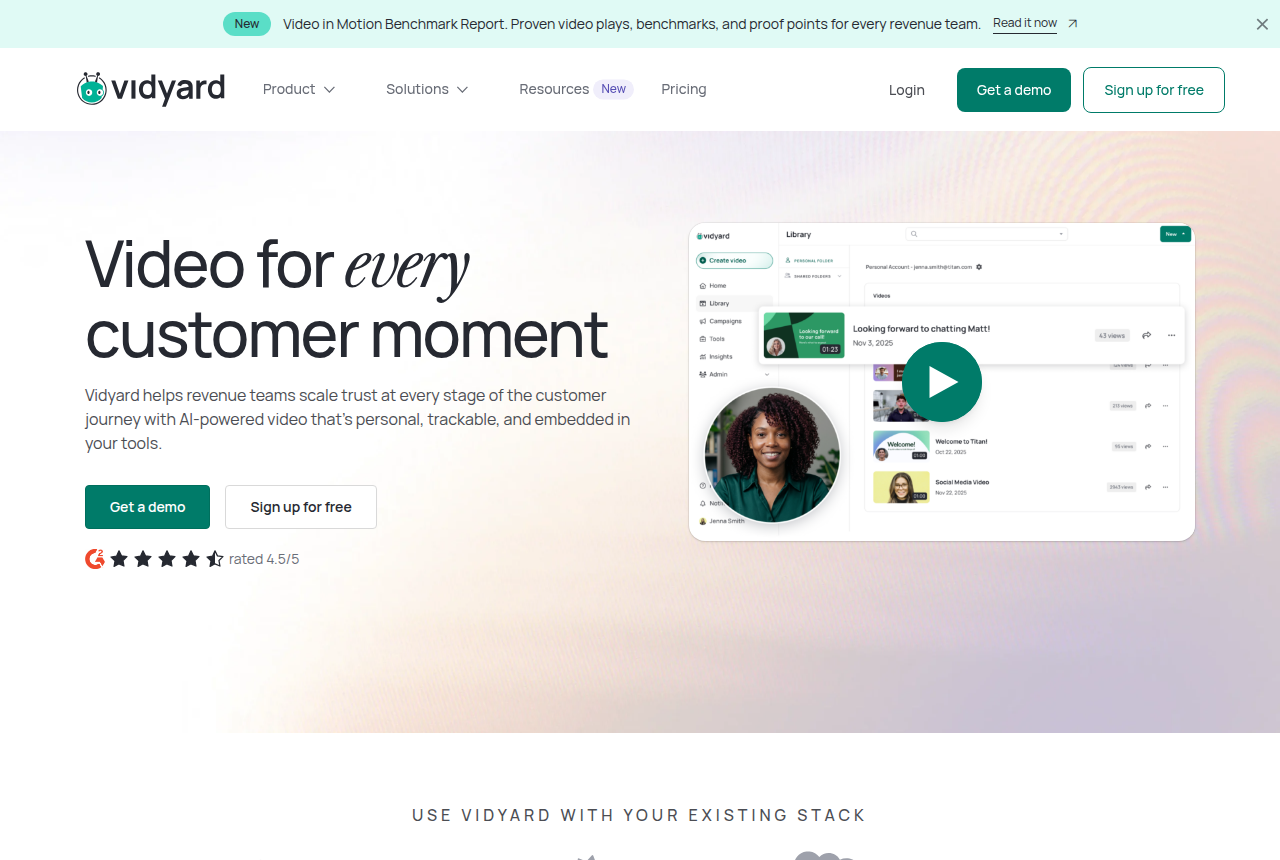
What works
- Per-viewer analytics show who opened a video and how long they watched, which reviewers name as the reason they stay
- Starter includes unlimited recording, plus hosting, a branded sharing page, call-to-action templates and password-protected videos
- Team performance analytics let a sales manager see which reps' videos get watched
- The Video Agent add-on generates automated AI videos per seat for scaled outreach
- A free plan with no card lets a rep try recording before anyone signs a contract
What to watch
- Per-seat licensing means the bill grows with every rep you add, and some sales ops users call it overpriced
- CRM and marketing-automation sync starts on Teams, which has no public price. Starter users export watch data by hand
- Reviewers report that the Chrome recording add-in sometimes fails. Reps record in the browser
- The free plan caps recording at five videos a month and does not host them
- It has no sound-first autoplay, purchase-scored split test or cart postback, so a paid-traffic VSL needs a different player
Wistia: what works, what to watch
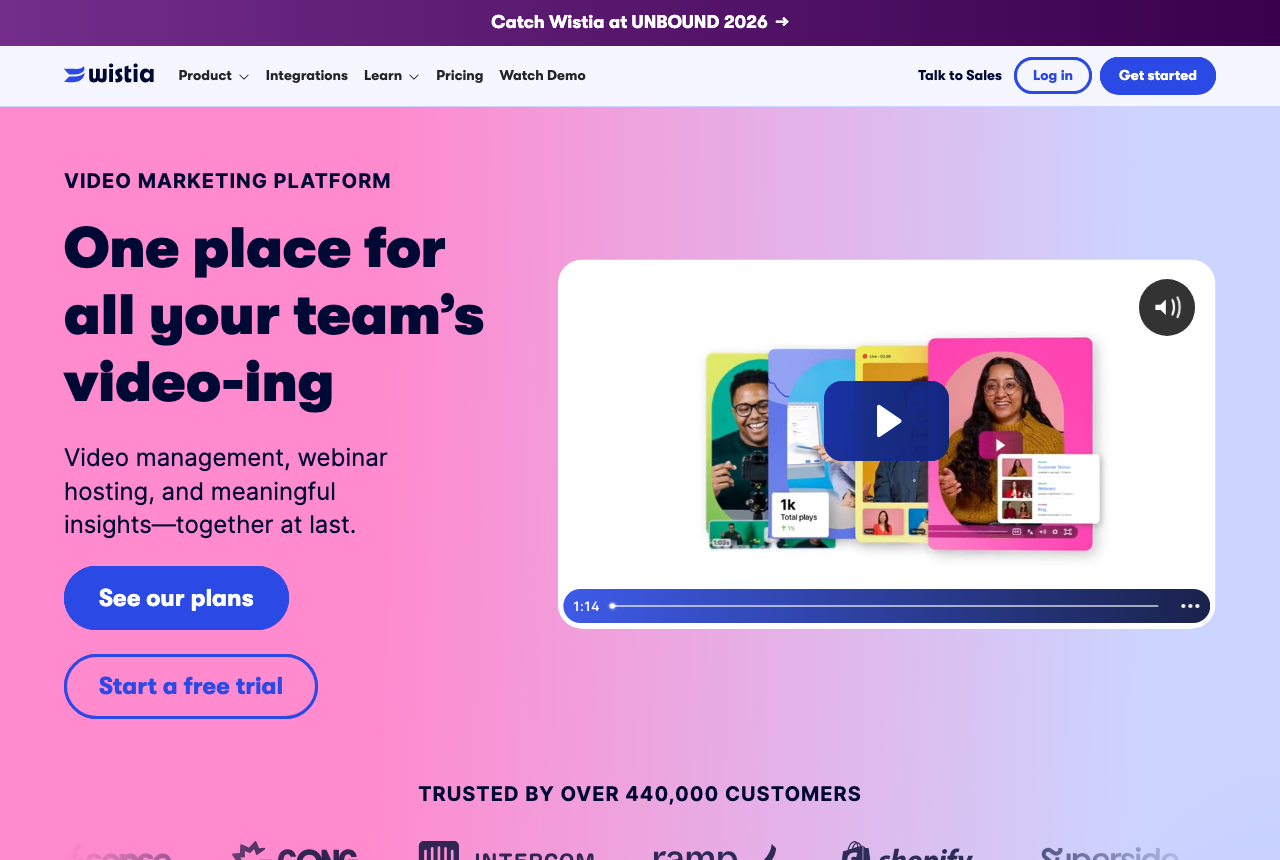
What works
- Branded, ad-free embeds with forms and CTAs
- Heatmaps, A/B testing and engagement analytics
- Real CRM integrations for lead scoring and follow-up
- Free plan to start
What to watch
- Aimed at B2B content marketing and lead generation, with no VSL-specific player controls
- Business plan $79/mo, Lead Gen tier jumps to $329/mo
- No sales-scored split testing or cart-level attribution
Pricing, tier by tier
The two prices work in different ways.
Vidyard charges per seat. Starter is the first paid row above, billed annually or month to month, and every rep who records needs a seat. Five reps on Starter cost five times that annual rate. Contact sync is not included. Month to month uses the higher of the two Starter figures.
Wistia charges a platform fee, then a fee for each extra user. Business is one price on an annual bill, and the trial does not ask for a card. The plan includes three or more users. Each additional person costs the extra-user fee in the comparison table. Five users cost the base plan plus two extra seats. They still get a form in the player, a heatmap, and an engagement test.
Vidyard pitches Teams to companies with five or more seats. A five-rep team is the size they name, and the rate is unpublished. Business + Signals is where Wistia adds HubSpot, Marketo and Pardot, with lead scoring and pipeline attribution. Compare a Teams quote with the Signals price if watch data needs to sync to the CRM.
Until you have that quote, five Starter seats against Business plus two users is the public-rate comparison. Each option serves a different job. Vidyard does not publish an Enterprise seat price either. Ask Wistia separately if you need its top tier. Leave Enterprise out until that figure arrives.
Where Vidyard wins: personal video from the inbox
Starter is the plan that turns Vidyard into a host. It adds unlimited recording, full video analytics, a team performance dashboard, a branded sharing page, call-to-action templates and password protection.
The free plan skips hosting and limits how many videos a rep can record. A team that sends video through a normal sales week will need a paid seat.
The send path is a link or an email. A rep records, shares the page, and the analytics name the viewer. Password protection sits on the same Starter list, for a clip that should not be public on the web. That is a different motion from dropping an embed on a marketing page and waiting for a form fill.
Reviewers stay for the report. On Capterra, teams point to analytics that show who watched and for how long. A manager also gets a view of which reps' videos get watched. TrustRadius reviewers report that the Chrome recording add-in sometimes fails. Many reps use that add-in to record.
Viewer names stay in Vidyard on Starter. They sync out on the Teams plan. The pricing table lists two CRM and marketing-automation integrations on Teams. Starter does not include them. A marketing discussion about email video points at the Salesforce and Marketo connections as the reason to choose Vidyard when the clip goes out by email. Threads about cold video outreach disagree on whether the videos earn their cost, so the watch report matters most when the recipient already knows the sender.
Vidyard's compare page says its plans leave library size and bandwidth uncapped. A large sales team can add seats without watching a delivery meter.
Where Wistia wins: video on the marketing site
Business is the plan that makes Wistia a marketing tool.
It includes calls to action and lead forms in the player, heatmaps, engagement graphs, and A/B testing with a CSV export. Those tests put two embeds side by side and score them on how viewers behave. The winner is the embed with the stronger engagement.
Wistia fits a team that has already made the videos and needs them on the site with a form in the player. Editors share one account. Compare Wistia's extra-user fee with a Vidyard seat when the people who manage the library rarely record.
Bandwidth is the meter to read before the library grows. Business includes a set amount of delivery and a starting amount of storage. Once a library goes over that allowance, you pay for the extra delivery, separate from the editor seats.
Signals is the plan that talks to HubSpot, Marketo and Pardot. Lead scoring and pipeline attribution sit on that tier. Lead forms and heatmaps come with Business. You need the higher plan when automation has to score viewers.
The free tier covers one user, with storage and bandwidth caps. Use it to try an embed before you pay.
Comments
No comments yet. Questions and your own experience are welcome.
Thank you. Your comment will appear once it has been reviewed.
The verdict
For a sales team sending personal video, Vidyard is the pick.
Starter is where hosting, per-viewer analytics and the team dashboard turn on. Add the quoted team plan to the budget if those views need to sync to the contact record.
Choose Wistia when the file lives on the marketing site. Business turns on the form, the heatmap and the engagement test, and a handful of editors can run a library without a seat for every rep. Move up a tier when your marketing automation has to score the lead.
If the main channel is email, read the Vidyard review next. Read the Wistia review when the video sits on the site. A sales letter on paid traffic belongs in the Vidalytics versus Wistia comparison.
Our pick
Vidyard
Vidyard is the pick when reps send personal videos and the CRM sync on Teams is part of the buy. Wistia wins when the videos are marketing embeds that need lead capture and a marketing-automation connection.
Frequently asked questions
Can I use Vidyard or Wistia for a sales letter on paid traffic?
Which is cheaper for five sales reps?
Do I need Wistia Signals?
Does Vidyard cap bandwidth?
Sources
Other sources
8 discussions and reviews read for this page. Quotes are excerpts; open a link to read the original in context.