Skip to content
Menu

Alternatives

Loom alternatives for sales teams

Loom is built for quick team video. When the viewer is a prospect and someone wants to know who watched, these are the tools teams move to, matched to the job.

By Marcus Vale, Lead reviewer. Reviewed by the VSLBench editorial desk. Last updated 12 October 2026, with prices rechecked every 90 days.

You started recording in Loom because it was the fastest way to explain something on screen. Then sales and marketing started using it too, and the questions changed. Your sales manager asks which reps send videos and whether anyone watches them. Marketing wants the demo video on a landing page with a form under it. Someone wants the watch data in Salesforce. Loom answers some of that and stops short on the rest.

That is the honest reason people search for alternatives to Loom. The recorder itself is rarely the problem. A sales ops lead who moved a team from Vidyard to Loom put the gap plainly on r/SalesOperations: Loom has no reporting on videos per rep or average watch time. On Loom's pricing page, the free plan caps each recording at five minutes, Business lifts that and adds exportable engagement insights, and Salesforce appears only on Enterprise, in beta.

Loom's own comparison page draws the same line. It labels Loom for communicating with your team and Vidyard for sales prospecting. So this page treats the move as three different jobs: personal sales video where you need to know who watched, marketing video that lives on a page and collects leads, and plain hosting for finished videos. A fourth pick covers readers who really want a sales letter on paid traffic.

One thing no tool fixes. In the same sales ops threads, people warn that many buyers now block external images and do not play videos in cold emails. If your first-touch video goes unwatched, a pricier recorder will not change that. These tools earn their cost on warm follow-ups, demos and pages people chose to visit, and that is how I'd judge them: by what they report on the videos people do open.

Diagram of one recording branching into three jobs: a personal video message with a view marker, a video on a web page above a short form, and a plain stack of hosted video frames
One recording, three different jobs. Each pick below is built for one of them.

Quick answer

Vidyard is our top pick for most people. Vidyard is the pick if you run a sales or revenue team that sends personal video to prospects and customers and wants to know who watched. Starter is where it becomes a real product, with unlimited recording, viewer and team analytics, hosting and a branded sharing page. Budget for Teams if the watch data has to land in Salesforce or HubSpot, and look elsewhere for a paid-traffic sales letter.

  • Vidyard. Best for outbound sales video with watch data. Has a free tier.
  • Wistia. Best for marketing pages and lead capture. Has a free tier.
  • Vimeo. Best for cheaper external hosting. Has a free tier.
  • Vidalytics. Best for paid-traffic VSLs. Has a free tier.

Loom competitors, by the job the video has to do

Read down until one line describes the videos you actually send.

  1. 1

    Vidyard, for reps who need to know who watched

    The Loom alternative for sales teams. Reps record the same way, and managers get per-viewer watch data and a team dashboard. Seats cost more, and CRM sync waits for the Teams plan.

  2. 2

    Wistia, for videos on marketing pages

    When the video sits on a landing page or a resource library, Wistia adds CTAs, forms and heatmaps, and its top tier scores leads in HubSpot, Marketo or Pardot.

  3. 3

    Vimeo, for cheap polished hosting

    For finished demos, onboarding and case-study videos you share outside the company, with no need for sales dashboards. It costs the least of the paid plans here.

  4. 4

    Vidalytics, for a sales letter on paid traffic

    A different category. If the video you need is a VSL that ad clicks land on, you want a player that scores tests on conversions, and you keep Loom for team messages.

How they compare with Loom

Loom is the top row, so you can see what changes when you switch. Entry prices are per month as each vendor lists them. Vidyard's is the annual rate.

Tool From (Oct 2026) Free plan Viewer analytics CRM or MAP sync Built for
Loom $18/user 25 videos, 5 min Engagement insights Salesforce on Enterprise (beta) Team async video
Vidyard $59/user 5 videos, no hosting Per viewer and per rep Teams plan and up Sales prospecting
Wistia $79/mo Yes Heatmaps, engagement Business + Signals Marketing video
Vimeo $12/seat Yes Basic Not the focus Clean hosting
Vidalytics $24/mo Yes Per-second retention Ad-platform events Paid-traffic VSLs

For the full plan-by-plan breakdown of the incumbent, see Loom pricing.

The picks, in detail

1. Vidyard, best Loom alternative for outbound sales video with watch data

Free plan to try recording. Read our full Vidyard review.
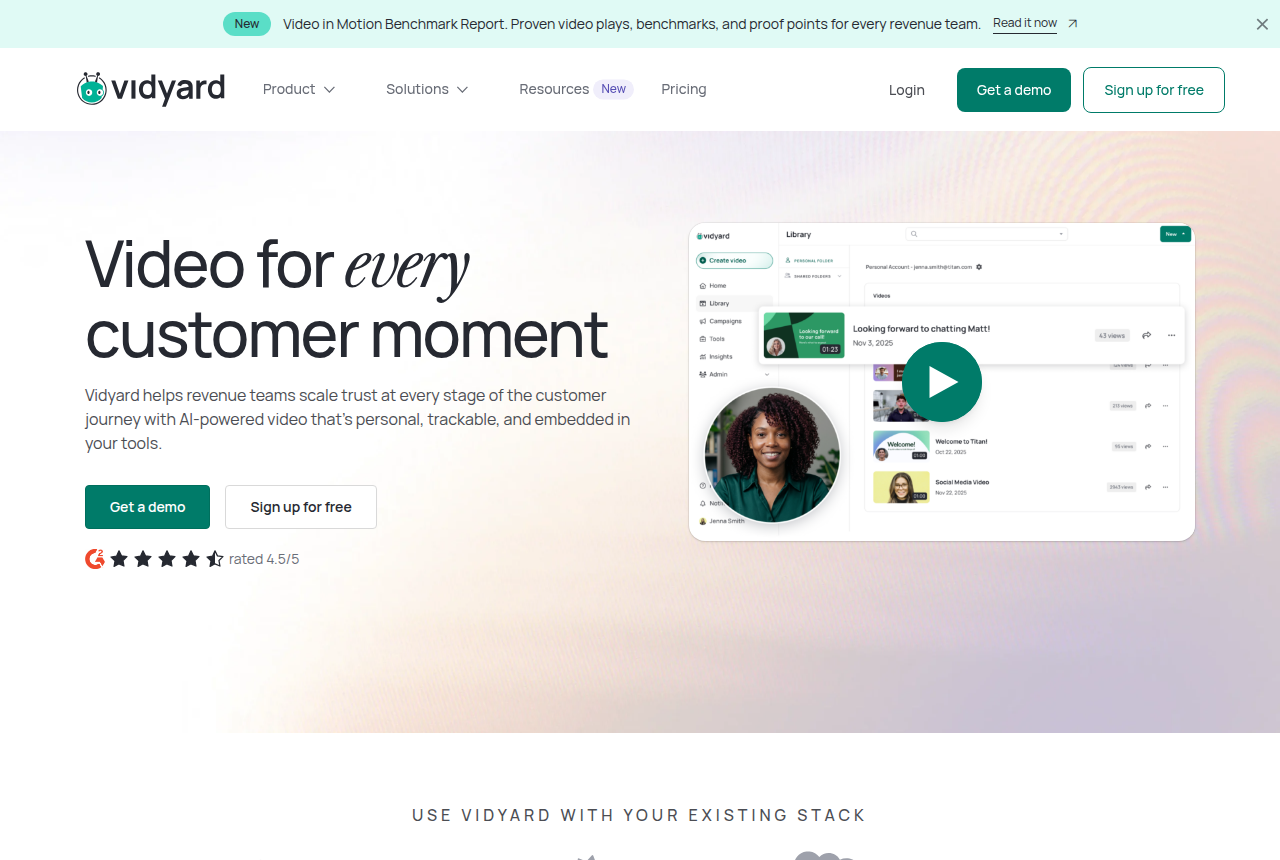
Vidyard homepage with the headline Video for every customer moment, Get a demo and Sign up for free buttons, and a video library screen listing recorded messages with view counts
Vidyard's homepage, with its video library listing recorded messages and view counts.

Vidyard is where most sales teams look first when Loom stops answering their manager's questions, and the reason is the reporting. Starter keeps the record-and-share habit reps already have and adds unlimited recording, full video analytics, team performance analytics, hosting, a branded sharing page and password-protected videos. The team view is the piece Loom lacks: a manager can see which reps send video and whose videos get watched.

Viewer identity is the other argument. Vidyard says its in-browser technology identifies every recipient, while Loom names only viewers who are signed in to Loom and shows the rest as anonymous. That is the vendor's own claim on its comparison page, so weigh it as such, but it matches what sales ops users describe: with Loom, a prospect's view often arrives without a name attached.

The cost is the objection you will hear in every thread. Vidyard licenses per seat at several times the price of Loom Business, and one sales ops commenter answered a Loom-or-Vidyard question with a flat warning that it is way overpriced. The CRM catch makes that sharper. Vidyard's pricing table puts CRM and marketing-automation sync on Teams, which has no public price, so on Starter the watch data stays in Vidyard unless someone exports it. If Salesforce or HubSpot is the reason you are leaving Loom, budget for Teams and get the quote before you move anyone. I’d run Starter with two or three reps first and judge it by whether the manager actually uses the team view.

The two tools are close enough that we compare them line by line elsewhere. The Vidyard vs Loom comparison covers recording limits, AI features and which team each suits.

What works

  • Per-viewer analytics show who opened a video and how long they watched, which reviewers name as the reason they stay
  • Starter adds hosting, a branded sharing page, CTA templates and password-protected videos to unlimited recording
  • Team performance analytics let a sales manager see which reps' videos get watched
  • The Video Agent add-on generates automated AI videos per seat for scaled outreach
  • A free plan with no card lets a rep try recording before anyone signs a contract

What to watch

  • Per-seat licensing means the bill grows with every rep you add, and some sales ops users call it overpriced
  • CRM and marketing-automation sync starts on Teams, which has no public price. Starter users export watch data by hand
  • Reviewers report the Chrome add-in sometimes fails, and reps record from the browser
  • The free plan caps recording at five videos a month and does not host them
  • It has no sound-first autoplay, purchase-scored split test or cart postback, so a paid-traffic VSL needs a different player
2. Wistia, best Loom alternative for marketing pages and lead capture

Free plan available. Read our full Wistia review.

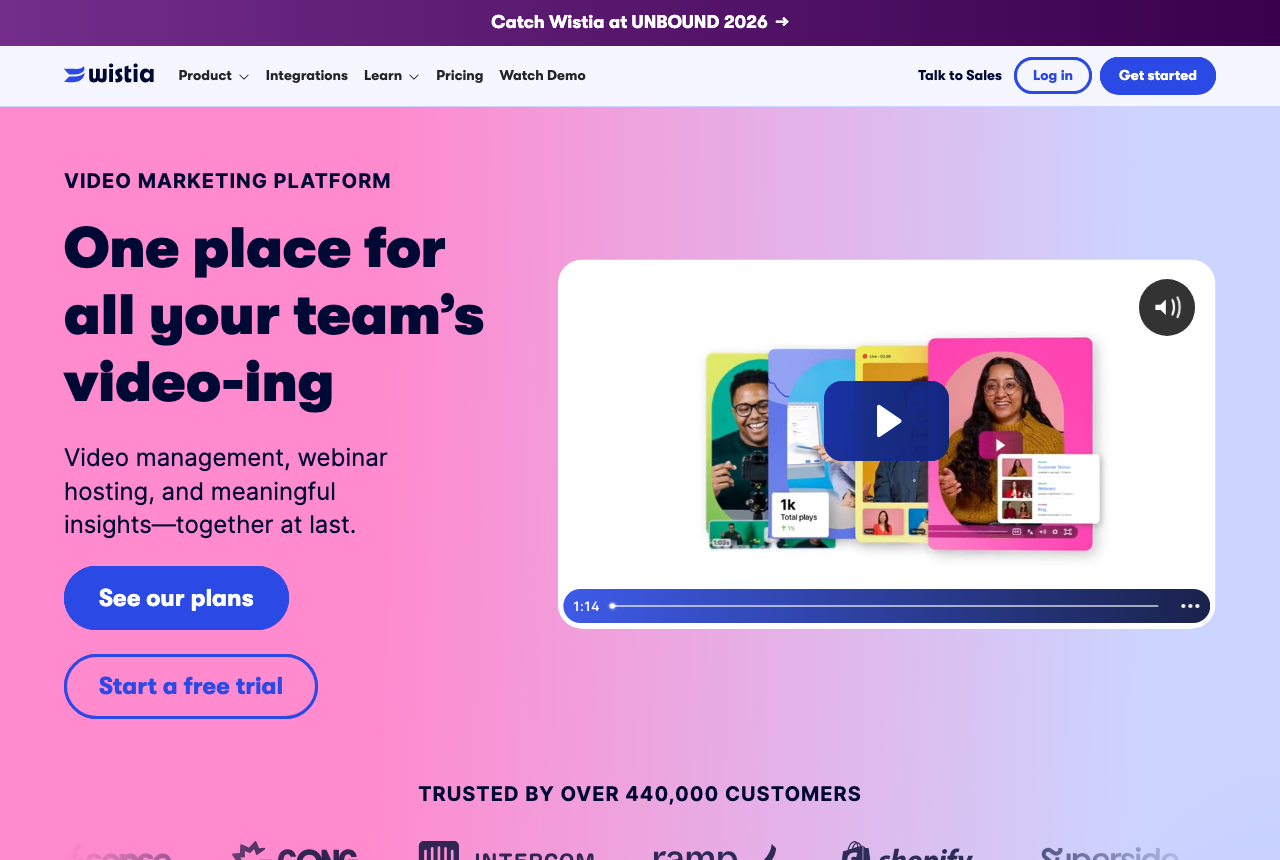
Wistia homepage showing its business video hosting and marketing platform
Wistia's homepage, presenting its business video hosting and marketing platform.

Some teams outgrow Loom because the videos stopped being messages. The product demo moved onto the pricing page, the webinar recording became gated content, and marketing wants to know which visitors watched before they booked a call. A Loom link was never meant to do that job. Wistia was.

Wistia Business puts CTAs and forms inside the player, adds heatmaps that show where each viewer dropped off, and reports engagement across a hosted library. The higher Business + Signals tier on Wistia's pricing page carries that engagement into HubSpot, Marketo and Pardot, with lead scoring and pipeline attribution, so a marketing ops team can route a contact who watched most of the demo straight to sales. For a B2B marketing team, that is the CRM story Loom does not tell below Enterprise.

The trade-off is shape and price. Wistia's plans are built around a hosted marketing library, and the sticker reflects it: Business costs more than four Loom Business seats, and the marketing-automation sync sits on a tier several times higher again. It is a poor swap for a rep who just wants to record a quick reply between calls. Many teams keep a light recorder for that and put the marketing videos on Wistia. If Wistia itself feels like too much, our Wistia alternatives page ranks the cheaper hosts.

What works

  • In-player CTAs and forms turn a hosted video into a lead-capture point
  • Heatmaps and engagement analytics on every video on Business
  • Business + Signals sends video engagement to HubSpot, Marketo and Pardot with lead scoring and pipeline attribution
  • A free plan to try the player before a contract

What to watch

  • Priced and built around a hosted marketing library, so a rep who only sends one-off clips pays for features they never open
  • The marketing-automation sync sits on the Business + Signals tier, a large step up from Business
  • No split test scored on the sale, so a paid-traffic sales letter still needs a VSL player

3. Vimeo, best Loom alternative for cheaper external hosting

Free tier available. Read our full Vimeo review.

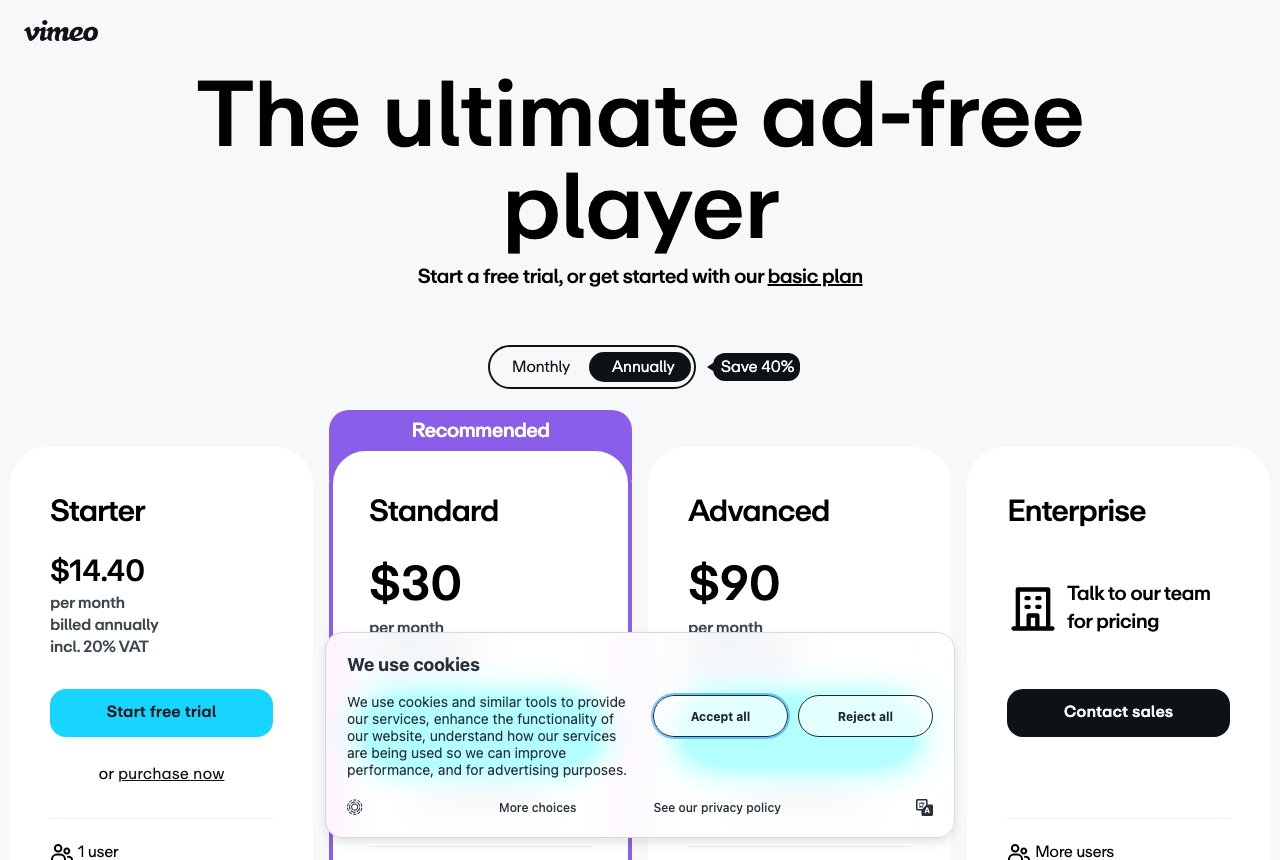
Vimeo homepage showing its professional video hosting and player
Vimeo's homepage, showing its professional video hosting and player.

Not every Loom leaver needs analytics. Some just want somewhere better to put the finished videos: a polished product walkthrough for the website, onboarding clips for new customers, a case study the sales team can drop into a deck. For that, Vimeo is the cheapest paid tier on this page and has a free tier to start.

You get clean, ad-free embeds and a player that looks professional on a customer's screen, plus client-review and portfolio tools if your team shares work with agencies or clients. It is a hosting product first, and it does that job without the per-seat sales pricing of a prospecting tool.

What it will not give you is anything a sales manager would open on Monday morning. There is no per-rep reporting and no CRM sync worth building a process around, so if watch data was your reason to leave Loom, Vimeo moves you sideways. Long-time users have also complained about 2025 and 2026 billing changes and bandwidth caps, so model the cost at your library size, not just the entry plan.

What works

  • Ad-free, professional embeds for product demos, onboarding and case-study videos
  • Client-review and portfolio tools for teams that share finished work outside the company
  • The lowest paid entry on this page, plus a free tier

What to watch

  • Thin sales analytics: no per-rep reporting and no CRM sync worth building a process around
  • Bandwidth caps and the 2025-2026 billing changes catch people out as a library grows
  • Not a VSL player, so it cannot score a split test on sales or attribute revenue

4. Vidalytics, best Loom alternative for paid-traffic VSLs

Free Forever plan (limited). Read our full Vidalytics review.

Vidalytics homepage showing its marketing-focused video player and analytics pitch
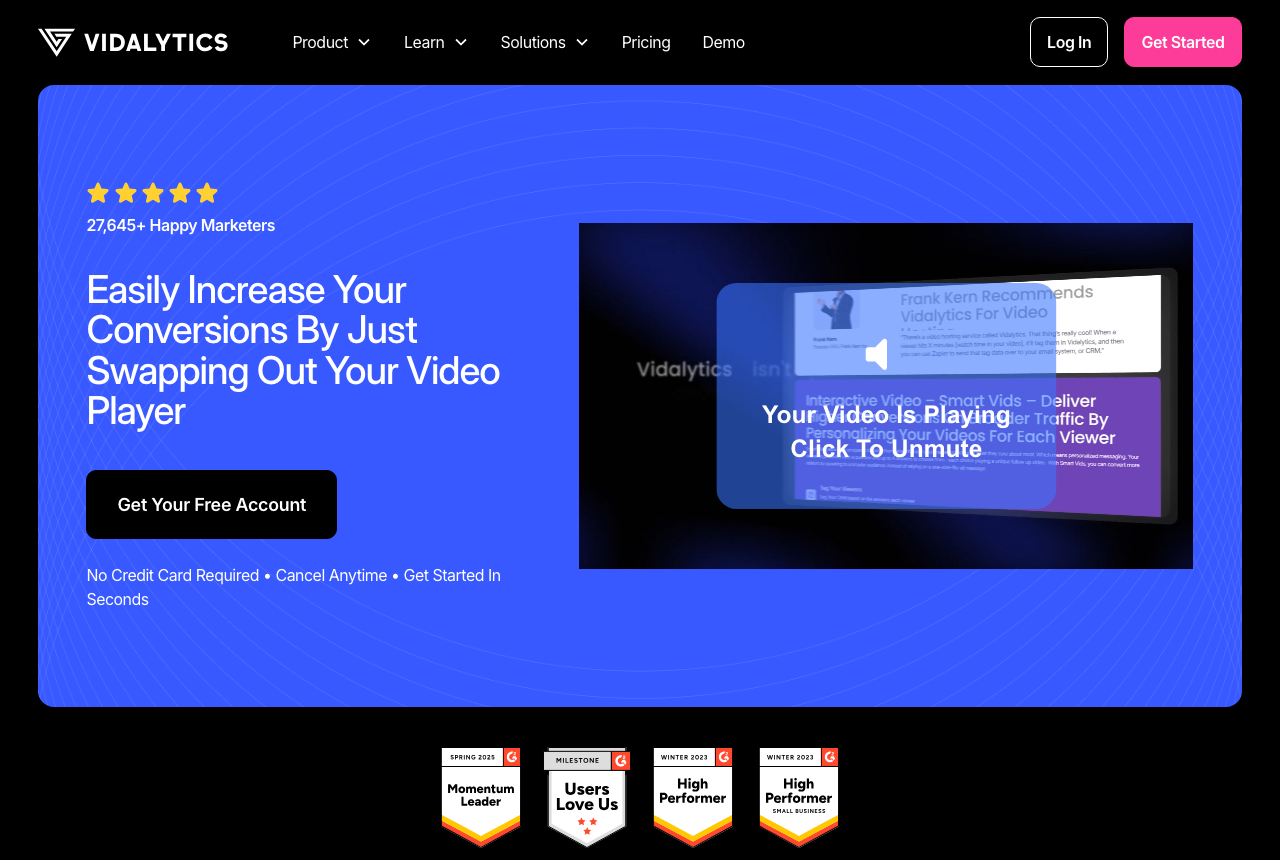
Vidalytics' homepage, presenting its marketing-focused video player and analytics.

This pick is for a narrower reader, and it is the one VSLBench exists for. Some marketers start with Loom to record a pitch, then realise the video they actually need is a sales letter on a landing page, with paid traffic behind it. An async recorder was never built for that, and Vidyard and Wistia were not built for it either.

Vidalytics is a VSL player. It gives you smart autoplay, resume play, timed CTAs and play gates on the front end, and a second-by-second engagement graph with buyer and non-buyer segmentation on the back end. Its A/B tests are judged on clicks, conversions or revenue rather than plays, and it fires watch-behavior events to Meta and Google so you can retarget by how far people watched.

It does not replace Loom. You keep a recorder for team updates and use Vidalytics for the page that sells. Watch bandwidth if you run real ad spend: paid plans include an allowance and bill overages per GB. If you want other players for the same job, the VTurb review covers a lighter VSL player with deeper styling, and the full VSL player ranking covers the rest.

What works

  • Smart autoplay, resume play, timed CTAs and play gates built for a sales letter
  • A second-by-second engagement graph with buyer and non-buyer segmentation
  • Native A/B tests judged on clicks, conversions or revenue
  • Fires watch-behavior events to Meta and Google for retargeting

What to watch

  • Not a screen recorder, so it does nothing for the quick async messages Loom handles
  • Bandwidth beyond the plan allowance is billed per GB, which a busy paid-traffic page can run up
  • A smaller independent review base than the mainstream hosts

My take

I would not move a whole team off Loom on a hunch. I’d start by naming the one report your sales manager or marketing lead says they cannot get today, then pick the tool on this page that produces it on the cheapest plan.

Whatever you choose, I'd judge it by whether that report gets opened every week. For a sales team I'd start with Vidyard on Starter, and I'd skip Teams until someone has committed to working the watch data inside the CRM. For marketing, I’d put the page videos on Wistia and leave reps on Loom. If the honest answer is that nobody would open the report, stay on Loom and spend the money on the emails around the video.

How we evaluated these

This ranking comes from reading, not from running pilots. We read each vendor's pricing and comparison pages for what a tool does and costs, and long-term user threads in sales ops communities for how it holds up once a team relies on it. Where a vendor makes a claim about a competitor, as Vidyard does about Loom's viewer identification, we say whose claim it is.

For a Loom leaver in sales or marketing, we judged each tool on five questions. Can a rep record and share as fast as in Loom? Does it report per viewer or per rep in a way a manager can act on? Which plan carries CRM or marketing-automation sync? What does it cost for a team of five to twenty seats? And for our core readers, does the job really call for conversion attribution that no async recorder offers? We rank in order and publish no star scores, and every pick names the reader it is wrong for.

Read the full method behind our rankings and how we make money.

Frequently asked questions

What is the best Loom alternative for sales?
Vidyard, for most revenue teams. It reports who watched and for how long, and gives managers a view of each rep, which is the gap sales ops leads name in Loom. Remember that a better recorder does not get a cold email video played: many buyers block external images, so it pays off most on warm follow-ups.
Is Vidyard worth the higher seat price over Loom Business?
Only if you use what the difference buys. The extra spend goes on viewer identification, team analytics and, on the Teams plan, CRM sync. A team that records internal updates and never opens a watch report is paying for nothing it uses.
Can Wistia replace Loom for SDR videos?
For hosted videos on landing pages and email-gated content, yes. For a rep firing off a quick screen recording between calls, it is the wrong shape: its plans are built around a marketing library and lead capture, not personal clips.
Should I just stay on Loom?
If most of your videos go to colleagues or to customers who need a walkthrough, probably. Sales ops users still call it the strongest option for internal sharing and support, and the move only makes sense when prospect-facing reporting becomes a requirement.
Which works better with Salesforce, Loom or Vidyard?
Neither connects on its entry paid plan. Loom lists Salesforce only on Enterprise, in beta. Vidyard puts CRM and marketing-automation sync on Teams and above. Our Vidyard vs Loom comparison covers the pair in detail.
Are there free Loom competitors?
Vidyard, Wistia and Vimeo all have a free plan, and Loom has its own free workspace. Each caps something: Vidyard limits recording and does not host, Loom caps length and count. None of the free tiers includes CRM sync.

Sources

Other sources

8 discussions and reviews read for this page. Quotes are excerpts; open a link to read the original in context.

  1. [] Loom pricing (vendor) Blog
  2. [] Loom vs Vidyard (Loom comparison page) Blog
  3. [] Vidyard pricing (vendor) Blog
  4. [] Vidyard vs Loom (Vidyard comparison page) Blog
  5. [] Wistia pricing (vendor) Blog
  6. [] Vimeo pricing plans (vendor) Blog
  7. [] Loom, Vidyard, other? (r/SalesOperations) Reddit
  8. [] Loom v Vidyard help needed (r/SalesOperations) Reddit

Related reading