Skip to content
Menu

Vimeo On Demand alternatives

Vimeo is retiring Vimeo On Demand, so if you sell films as rentals or purchases, you have to move. Here are the five platforms worth moving to, ranked by how you actually sell.

By Marcus Vale, Lead reviewer. Reviewed by the VSLBench editorial desk. Last updated 14 September 2026, and rechecked with prices every 90 days.

You did not choose to leave Vimeo On Demand. Vimeo is closing it. The seller FAQ lays out the timeline: new uploads stopped on 22 August 2026, new purchases and subscriptions stop on 21 September 2026, and on 20 November 2026 every VOD storefront goes offline for good. Your videos stay in your Vimeo account, but the pages that sold them, and the checkout that took the money, are being switched off.

The part that stings is the migration. Vimeo points sellers at its own OTT product, but says plainly that content and subscriber data are not automatically moved, so any transition is a fresh start. You can export the emails of viewers who opted in, and your sales history, before the shutdown. After that you are rebuilding your store somewhere new regardless, which makes this the moment to pick the platform that fits how you sell rather than the one with the smallest moving cost.

First, one distinction that saves wasted trials. Vimeo On Demand did two jobs at once: it was a direct rent-or-buy storefront, and it was a bit of reach through Vimeo’s catalog. The replacements split along that line. Some are storefronts you own and drive traffic to yourself; one is a distributor that places your film inside stores buyers already browse. Deciding which of those you need comes before comparing prices.

And one thing this page is not. If you were selling a video sales letter, a single conversion video you run paid traffic to, none of these is your tool, and the last FAQ points you to the right list. For everyone selling actual films, workshops or a video catalog, here are the five real alternatives, with the price each charges in money and in fees, and the one thing each gets wrong.

Quick answer

Uscreen is our top pick for most people. Uscreen is the closest thing to rebuilding your Vimeo On Demand storefront under your own brand. It sells the same way VOD did, rent a title, buy it outright, or package it in a bundle, on a Netflix-style site you control, and it adds subscriptions if you want them later. Its migrations team moves your library off Vimeo for free. You pay for that with a monthly plan and a per-subscriber fee on the middle tiers, so it costs more to run than a single product link. For a seller who wants a real store rather than one checkout page, it is the pick.

  • Uscreen. Best for a branded film store you own.
  • Kinema. Best for documentaries and community screenings.
  • Gumroad. Best for selling a single film fast.
  • Dacast. Best for pay-per-view events on your own site.
  • Filmhub. Best for reaching Amazon, Apple TV and Tubi.

The shortlist, by how you sell

Five platforms, five different selling models. Pick the line that matches how your buyers actually pay, not the one with the longest feature list.

  1. 1

    Uscreen, for a branded store you own

    The closest rebuild of a VOD storefront. Rent, buy and bundle titles on a Netflix-style site under your brand, add subscriptions if you want them, and let Uscreen migrate your library free. Best when you want a real store, not one checkout link.

  2. 2

    Kinema, for documentaries and screenings

    Film-native VOD rentals at a flat 99 cents each, plus ticketed live and virtual screenings from the same account. Best for an indie feature or documentary whose audience you can gather yourself.

  3. 3

    Gumroad, for selling a single film fast

    No monthly fee, a working checkout the same day, and Gumroad handles your sales tax. Best when you are selling one film or workshop outright and want the least setup possible.

  4. 4

    Dacast, for pay-per-view events

    A built-in paywall for PPV, rentals and purchases that you embed on your own site, priced on the bandwidth you use. Best when your income is really events and one-night premieres.

  5. 5

    Filmhub, for reaching the big stores

    A distributor that places your film on Amazon, Apple TV, Tubi and Roku for an 80/20 split, not a storefront of your own. Best paired with a direct-sale option, for reach you cannot get from your own page.

How they compare with Vimeo On Demand

Vimeo On Demand is the top row, so you can see what changes when you switch. Prices and fees read from each vendor’s own pages on 14 September 2026.

Platform From Sell model Platform fee Own storefront
Vimeo On Demand Closing Nov 2026 Rent, buy n/a (retiring) Going offline
Uscreen $49/mo Rent, buy, subscribe No per-sale cut Yes, branded
Kinema $108/yr per film Rent, screenings $0.99 per rental Yes, on Kinema
Gumroad Free Buy or download 10% + $0.50 Yes, profile page
Dacast $39/mo PPV, rent, buy 9.9% + $0.40 Embed on your site
Filmhub Free Store placement 20% (you keep 80%) No, the big stores

"From" is the entry cost: a monthly plan for Uscreen and Dacast, a per-film annual fee for Kinema, and free to start for Gumroad and Filmhub. The platform fee is what each takes per sale. Read the detail below before comparing the numbers straight across.

The alternatives, in detail

1. Uscreen, best Vimeo On Demand alternative for a branded store

From $49/mo. Rent, buy and bundle on a site you own, with free migration.
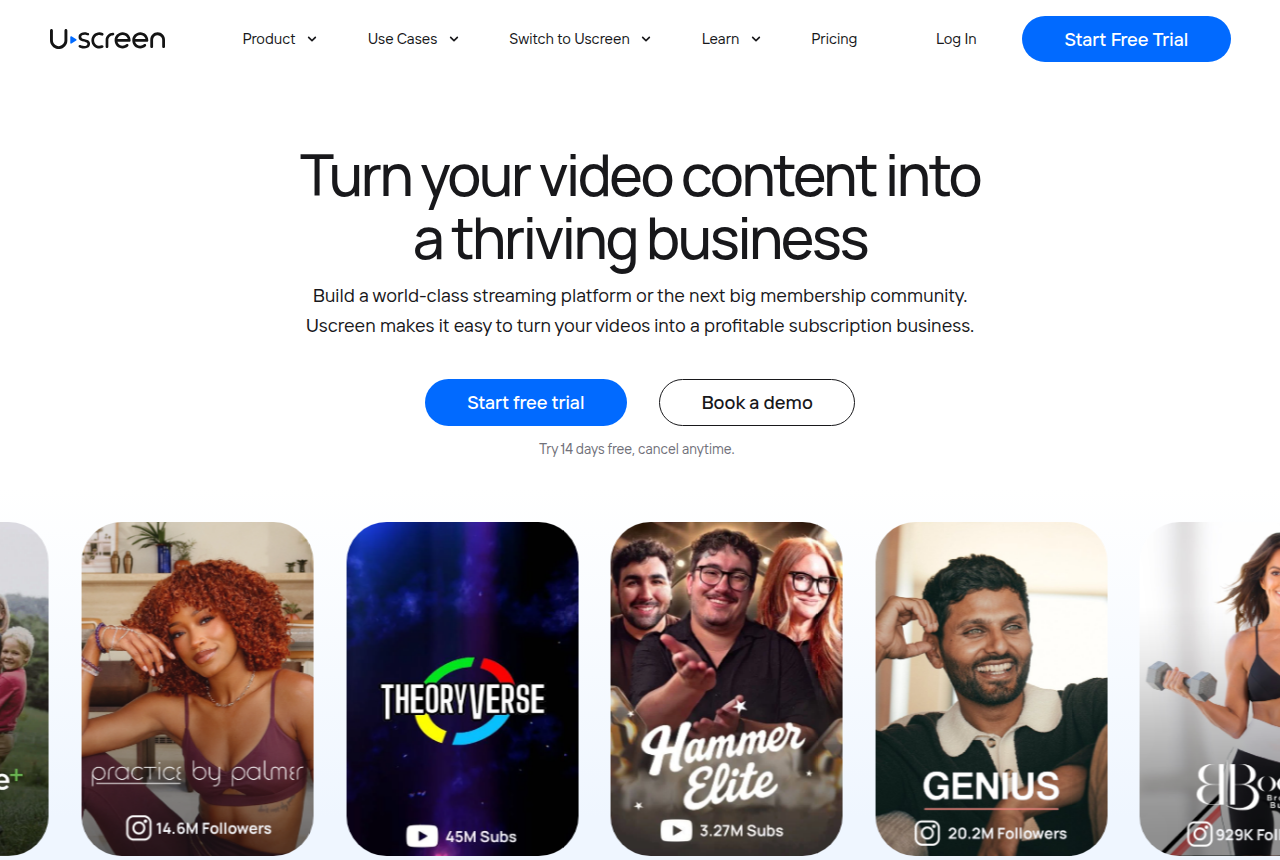
Uscreen homepage with the headline "Turn your video content into a thriving business" and a "Start free trial" button
Uscreen’s homepage, presenting its branded video membership and storefront platform.

Uscreen rebuilds the part of Vimeo On Demand that mattered most: a store, under your own brand, where a viewer can rent a title, buy it outright, or take a bundle. Its help docs spell out all three, rental durations including a two-week window, one-time purchases with lifetime access, and bundles as a single payment, and you can layer a subscription on top of the same catalog if you decide to. Where VOD gave you a page inside Vimeo, Uscreen gives you a site, a checkout and, from the App Essentials plan, your own iOS and Android apps at a published $449 a month.

Read the pricing as a stack. Starter is $49 a month but caps you at 100 subscribers on a Uscreen-branded domain, so it is a way to test. Growth ($149 a month billed annually) removes the cap and adds a custom domain, but layers a $1.99 fee per subscriber a month; App Essentials drops that to $0.99 and includes the apps. That per-subscriber model is built for a recurring library, so if your sales are a handful of one-time rentals a month, you are paying store rent for a market stall. The upside is that Uscreen takes no separate cut of each web sale, so a high-priced purchase keeps more than it would on a percentage platform.

For a seller facing a hard shutdown date, the migration matters as much as the features. Uscreen runs a free migrations team that moves your content, and it is the one option here that treats "I am leaving another platform" as the normal way in rather than a support ticket. The limit to plan around is the top of the range: the full community toolkit and TV apps sit on the quote-only Custom plan, so the highest tier brings back the sales call you were escaping.

What works

  • Native rent, one-time buy and bundle pricing on a branded storefront you own, with subscriptions available if you add them later
  • Published pricing that includes your own iOS and Android apps at $449/mo, where Vimeo On Demand had no app path at all
  • A free migrations team moves your existing content off Vimeo before the November 2026 shutdown

What to watch

  • A per-subscriber fee stacks on the plan ($1.99/mo on Growth, $0.99 on App Essentials), so it is priced for a recurring library more than a handful of one-time sales
  • Starter is capped at 100 subscribers on a Uscreen-branded domain, so it is a trial tier, not a home
  • The full community toolkit and TV apps sit on the quote-only Custom plan, which brings back the sales call

If your store is really a subscription library rather than one-off sales, compare the same field for that job on our Vimeo OTT alternatives page.
2. Kinema, best Vimeo On Demand alternative for documentaries

From $108/yr per film. Rentals at $0.99 each, plus live and virtual screenings.

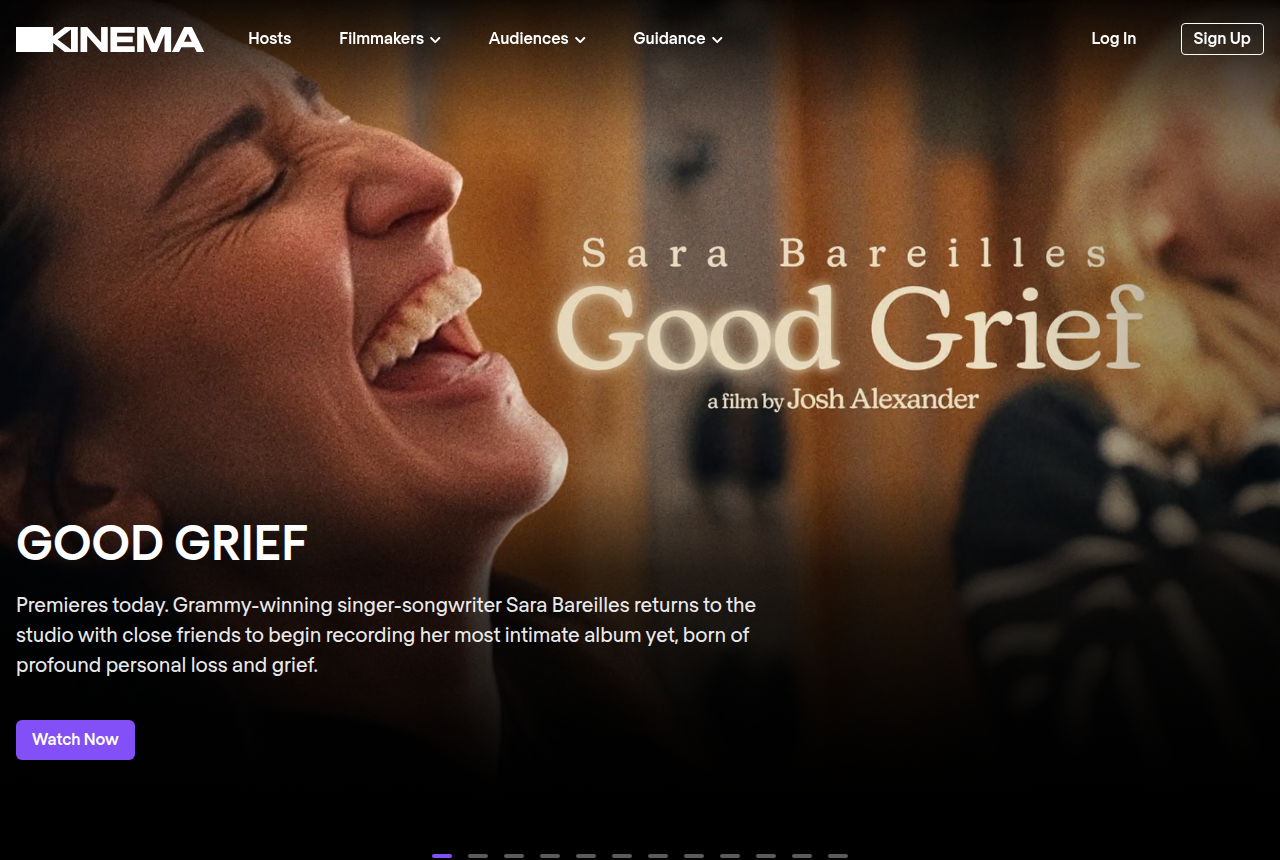
Kinema homepage presenting its platform for hosting film screenings and renting films
Kinema’s homepage, presenting its platform for film rentals and hosted screenings.

Kinema is the one platform here built specifically for the kind of title Vimeo On Demand was famous for: an indie feature or a documentary. It handles VOD rentals the way VOD did, you set your own price and Kinema takes a flat 99 cents per rental, covering unlimited views in a 48-hour window, and everything above that fee goes to the film team. On a $6 rental that is a far smaller cut than any percentage platform. The account also runs ticketed screenings, both in-person and virtual, which is where Kinema is genuinely different: it treats a film as something communities gather around, not just a file behind a paywall.

The cost sits before the sale. To publish a film you take a per-film annual subscription, either $108 a year on the cheaper plan or $270 a year on the one that keeps you a larger share of ticket and license revenue. So a filmmaker with one documentary pays a fixed yearly cost regardless of how many rentals land, and the split on screenings is worse on the cheaper tier. That is the opposite of Gumroad’s pay-only-when-you-sell model, and it rewards a film that will actually sell.

The honest limit is reach. Filmmakers who have used it report that Kinema can find viewers but that its audience is small, there is no Roku or Apple TV app, and it is not a substitute for the big aggregators if you are hoping for passive discovery. Read that as the boundary of the tool: Kinema is strongest when you bring your own audience, a mailing list, a cause, host partners, festival momentum, and want to sell rentals and run screenings to them without handing 30% to a store.

What works

  • A flat $0.99 per rental fee with a 48-hour window, and you set the price above it, so a $6 rental keeps most of the money
  • Built for community and impact: ticketed in-person and virtual screenings run from the same account as VOD rentals
  • A free viewer account and no long-term contract, so you can look around before subscribing a film

What to watch

  • Publishing a film needs a per-film annual subscription ($108 or $270 a year), so it is a cost before you sell a single rental
  • The audience is small and there is no streaming-device app, so filmmakers report it works best when you drive your own viewers rather than relying on discovery
  • The cheaper plan keeps less of each ticket and license sale, so the low upfront cost trades against the split

3. Gumroad, best Vimeo On Demand alternative for a single film

Free to start. 10% + $0.50 per direct sale, and it handles your tax.

Gumroad homepage with its wordmark and navigation for creators selling digital products
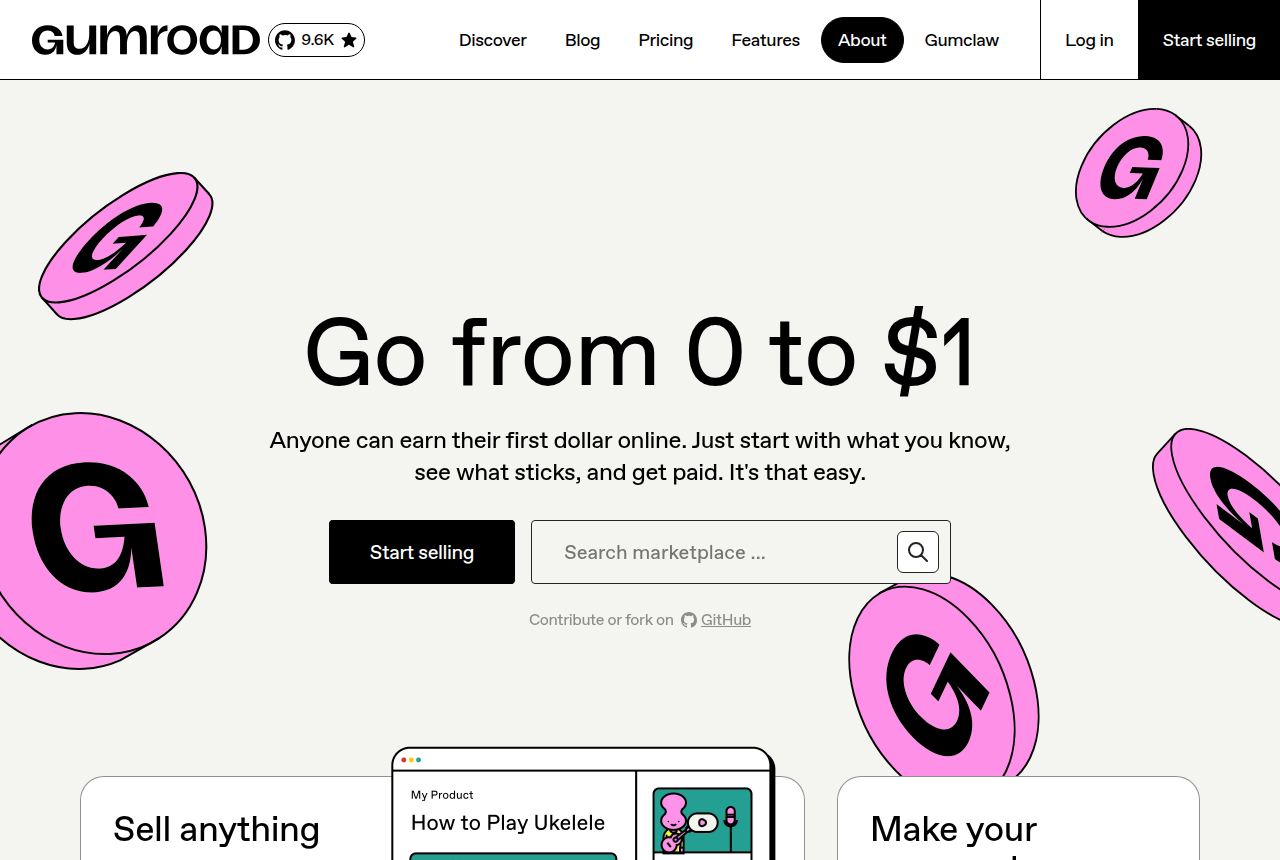
Gumroad’s homepage, showing its checkout platform for creators selling digital products.

If your Vimeo On Demand page was really one film or one workshop with a price on it, Gumroad is the least painful replacement to stand up. There is no monthly fee. You upload the file, set a price, and share a link, and the checkout works the same day. Gumroad takes 10% plus 50 cents on each sale made through your profile or a direct link, and nothing when you make nothing. Since January 2025 it acts as merchant of record, which means it collects and remits sales tax and VAT worldwide, so the paperwork that comes with selling to buyers in dozens of countries is off your desk.

Two limits keep it honest. First, the model is buy or download, not a timed rental: a customer purchases lifetime access to the file, and there is no rent-and-expire window like VOD offered. For selling a film outright that is fine, and it can be simpler for buyers; for a rental catalog it is the wrong shape. Second, the fee has a sting in the tail. The 10% rate is for sales you drive yourself. If a buyer finds you through Gumroad’s own Discover marketplace, the fee jumps to 30%, so treat any marketplace sales as a bonus, not the plan.

What you do not get is a film storefront. Gumroad gives you a product page and a creator profile, not a branded catalog with trailers, categories and apps. For one or two titles that is plenty and the speed is the point. For a library of dozens of films you want browsed and rented, a purpose-built store like Uscreen or Kinema will present them far better. Gumroad is the tool that gets you selling again this afternoon.

What works

  • No monthly fee: you pay 10% + $0.50 only when a direct sale happens, so it costs nothing to list a title
  • Merchant of record since January 2025, so Gumroad handles sales tax and VAT collection worldwide
  • The least setup here: upload, price, share a link, and the checkout works the same day

What to watch

  • It is a buy-or-download model, not a timed rental like VOD’s rent window, so a rent-and-expire catalog is not its shape
  • Sales that come through Gumroad’s Discover marketplace are charged 30%, three times the direct-sale fee
  • It is a single product page, not a branded film storefront with a catalog, trailers and apps

4. Dacast, best Vimeo On Demand alternative for events

From $39/mo billed annually. Paywall for PPV, rentals and purchases on your site.

Dacast homepage with the headline "Stream Video Through a Professional Streaming Platform" and a "Start Free Trial" button
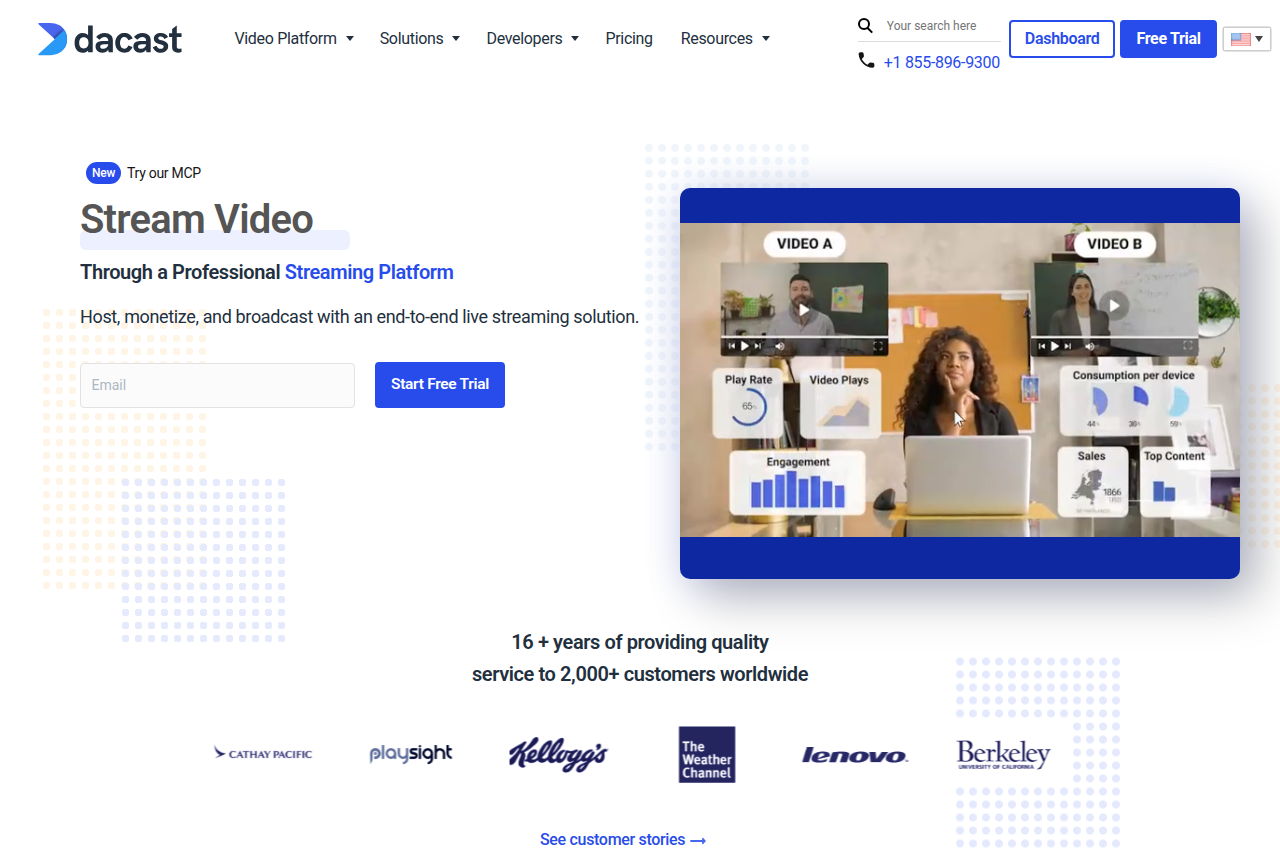
Dacast’s homepage, showing its professional live streaming and video monetization platform.

Some Vimeo On Demand sellers were never really running a video store. They were selling access to an event: a one-night premiere, a recorded workshop, a live show. For that, Dacast is a better fit than any catalog platform. It is built for live streaming first, with reliable multi-CDN delivery and DRM on the Scale plan, and its built-in paywall sells pay-per-view, rentals and one-time purchases that you embed on your own website rather than list on a marketplace. If your income spikes around dates rather than trickling from a back catalog, this is the shape that matches.

The pricing is usage-based and cuts both ways. Dacast sells a bandwidth and storage allowance from $39 a month billed annually, with no fee per subscriber, so a well-attended paid event can be cheap per viewer. But the built-in paywall takes 9.9% plus 40 cents on each purchase, and heavy on-demand viewing burns through the allowance, with overages at $0.30 per GB of data. Model your real watch hours before assuming it beats a percentage-only tool, especially if the same film gets watched many times.

The limit is that Dacast is infrastructure, not a storefront. It gives you a reliable player and a paywall, but no ready-made catalog page, no trailers, no native apps, and thin audience-marketing tools. You bring the website the paywall lives on and the traffic that fills the event. For a seller whose product is an event and who already has a site, that is exactly the right amount of tool. For someone who wanted VOD’s ready-made storefront, it is not.

What works

  • A built-in paywall sells PPV, rentals and one-time purchases you embed on your own site, not on someone else’s marketplace
  • Usage-based plans from $39/mo billed annually, with reliable multi-CDN delivery and DRM on the Scale plan
  • Strong for live and event monetization, the one selling model Vimeo On Demand handled worst

What to watch

  • The paywall takes 9.9% + $0.40 per purchase, and bandwidth overages ($0.30/GB) can dominate a heavy-viewing month
  • It is infrastructure, not a storefront: no ready-made catalog page, trailers or native apps, so you build the site around it
  • Community and audience-marketing tools are thin next to a film-specific platform

5. Filmhub, best Vimeo On Demand alternative for reach

Free to start. 80/20 split, film placed on Amazon, Apple TV, Tubi and Roku.

Filmhub page describing how filmmakers sell their films through its distribution network
Filmhub’s page for filmmakers, describing how it distributes films to streaming channels.

Filmhub answers a different question from the rest of this list. Instead of "where do I build my store", it answers "how do I get my film onto the stores people already use". It is an aggregator: you submit a title, Filmhub handles quality control, delivery and pitching, and it places the film on channels like Amazon, Apple TV, Tubi and Roku. On the free plan its own cut is 20%, so for every dollar a channel pays Filmhub, you keep 80 cents. There is no upfront cost to try it, and the reach is the point, a link off your own site cannot put you inside the Apple TV store.

What you trade is control and visibility. This is not a storefront you own; it is placement inside other people’s stores, and the money arrives on their reporting cycles, often 60 to 90 days behind the sale. On the TVOD channels, default pricing is $9.99 to buy and $4.99 to rent, and how much control you have over that price varies by channel, Apple lets Filmhub set within tiers, Amazon can override it. Filmmakers on Reddit describe the harder edges: slow quality control, modest payouts, thin communication, and a standard deal that gives you no audit rights over the numbers you are shown.

There is also a cost floor beneath the "free". Premium quality control runs $499 a title, and faster support sits on paid Plus and Pro plans, so getting your film through the pipeline quickly is not free even if listing is. The honest way to use Filmhub is as reach that sits alongside a direct-sale option, not as a replacement for one. Sell rentals from your own Uscreen or Kinema store to the audience you own, and let Filmhub chase the buyers who only ever shop inside Amazon and Apple.

What works

  • Places your film on Amazon, Apple TV, Tubi, Roku and other stores without you negotiating each one
  • Free to start on an 80/20 split, with quality control, asset delivery and channel pitching covered
  • Reaches buyers already inside the big stores, which a direct link off your own site cannot

What to watch

  • You get reach, not a storefront you control, and payouts run on channel cycles that are often 60 to 90 days
  • Filmmakers on Reddit repeatedly flag low payouts, slow QC and thin communication, and the standard terms give no audit rights over reported earnings
  • Premium QC and priority support sit on paid tiers ($499 a title for Premium QC), so "free" carries upsells once you want speed

If you wanted a VSL player, not a way to sell films

It is worth saying plainly, because the searches overlap. Vimeo On Demand and every tool above are for selling films or videos as rentals, purchases or store placements. If what you actually have is a single video sales letter on a landing page, running paid traffic to it, none of these is the right tool. A sales platform is built to take payment for a title, not to score one conversion video and prove which ad bought.

For that job the tools are different in kind. A purpose-built VSL player reports second-by-second retention, hook and hold rates, and fires watch-depth pixels to your ad account so you can prove which traffic converts. That is the whole game for direct response, and it is not something a film store does. If that is your job, start with our ranking of the best VSL players and conversion video software instead of this list.

How we evaluated these

We do not run these platforms on live sales, and we do not pretend to. We read each vendor’s own documentation and pricing pages for what a tool is, does and costs, and we read long-term seller reports on Reddit and in filmmaker threads for how each holds up once real money and real buyers are behind it. The plans, fees and shutdown dates in this article were read on the vendors’ own pages on 14 September 2026; this pricing changes often, so treat the date as part of the fact, and confirm the current terms before you commit.

Because this is a selling decision, we scored each option on the five things that actually decide it: which selling models it supports (rental, one-time purchase, subscription, pay-per-view, store placement); the real cost per sale once plan fees, per-subscriber fees and percentage cuts are counted; whether you get a storefront you own or a listing inside someone else’s; how much reach it brings versus how much traffic you have to bring yourself; and how cleanly you can move an existing library and audience onto it before Vimeo’s shutdown date.

We rank ordinally and publish no star scores, because a number invites you to argue with the decimal instead of the decision. You can read the full method behind our rankings and how we make money.

Frequently asked questions

Is Vimeo On Demand shutting down?
Yes. Vimeo’s own seller FAQ says Vimeo On Demand is being phased out: new uploads stopped on 22 August 2026, new purchases and subscriptions stop on 21 September 2026, and the platform is fully shut down on 20 November 2026. Existing sales and viewer access continue until that date, after which all storefronts go offline. Your underlying videos are not deleted, they stay in your Vimeo account according to your plan. Prices and dates were read on Vimeo’s pages on 14 September 2026.
What is the best alternative to Vimeo On Demand?
For most sellers rebuilding a store, it is Uscreen: it sells rentals, one-time purchases and bundles on a branded site you own, it can add subscriptions, and its team migrates your library free. Kinema is the better pick for a documentary or a film with a screening strategy, Gumroad for selling a single film or workshop with the least setup, Dacast for pay-per-view events on your own site, and Filmhub if you want your film on Amazon, Apple TV and Tubi rather than on a page of your own.
Can I move my Vimeo On Demand content and buyers automatically?
No. Vimeo states that content and subscriber data are not automatically migrated, so any transition is a fresh start, even to Vimeo’s own OTT product. Before the shutdown you can export the email addresses of viewers who opted in from the Audience tab of your VOD page settings, and export your sales data from the analytics dashboard. Your uploaded videos remain in your Vimeo account, so you can re-upload them to whichever platform you choose.
Which alternative lets viewers rent a film for a set time, not just buy it?
Uscreen, Kinema and Dacast all support timed rentals. Uscreen offers rental durations including a two-week window, Kinema uses a 48-hour rental window with a flat $0.99 fee, and Dacast’s paywall sells rentals alongside purchases. Gumroad is the exception: it sells a purchase or a download rather than a rental that expires, so if the rent-and-return model was central to your VOD store, it is not the closest match.
How do the fees compare across these platforms?
They are priced in different shapes, so model your own volume. Gumroad takes 10% plus $0.50 on each direct sale and nothing monthly. Dacast’s paywall takes 9.9% plus $0.40 per purchase on top of a usage-based plan from $39 a month. Kinema takes a flat $0.99 per rental after a per-film subscription from $108 a year. Filmhub keeps 20% of what channels pay it (you keep 80%). Uscreen takes no per-sale cut but charges a monthly plan and a per-subscriber fee. A high-priced, low-volume title favours a percentage fee; a cheap, high-volume rental favours a flat fee.
I just need a video sales letter player, not a way to sell films. Is this the wrong list?
Yes. Vimeo On Demand and the tools here are for selling films or videos as rentals, purchases or store placements. A video sales letter is a single conversion video on a landing page that you run paid traffic to, and the tools built for that (Vidalytics, VTurb) score retention second by second and fire watch-depth pixels to your ad platform, which none of these do. If that is your job, start with our ranking of the best VSL players instead.

Sources

Other sources

14 discussions and reviews read for this page. Quotes are excerpts; open a link to read the original in context.

  1. [] Vimeo On Demand — FAQ for Sellers (vendor) Blog
  2. [] Uscreen video pricing and access (vendor help center) Blog
  3. [] Uscreen pricing (vendor) Blog
  4. [] Kinema pricing for filmmakers (vendor) Blog
  5. [] Gumroad pricing (vendor) Blog
  6. [] Dacast live streaming pricing (vendor) Blog
  7. [] Dacast video monetization (vendor) Blog
  8. [] Filmhub revenue share (vendor help center) Blog
  9. [] Filmhub transactional pricing (vendor help center) Blog
  10. [] Best video-on-demand rental service for individual videos since Vimeo is shutting down? (r/vimeo) Reddit
  11. [] Megathread: Vimeo On Demand (VOD) Sunsetting Discussion (r/vimeo) Reddit
  12. [] Anyone have personal experience distributing their film through Kinema? (r/Filmmakers) Reddit
  13. [] FilmHub: Please post your good and bad experiences (r/Filmmakers) Reddit
  14. [] Update on Filmhub, your experience (r/Filmmakers) Reddit

Related reading