Alternatives
Vimeo alternatives: pick by the job
A paid sales video belongs on TrackPlay, a lead-capture embed on Wistia, a cheap library on Bunny Stream, and a subscription app on Uscreen.

Quick answer
TrackPlay wins when the cart has to name the winning version. Wistia wins when the player has to collect a lead. Bunny Stream wins when you pay only for the gigabytes you use. Uscreen wins when members watch in an app with your branding.
- Paid VSL. TrackPlay posts the verified sale back to the ad account. Vidalytics is the longer-running player for the same job, metered on bandwidth.
- Marketing embeds. Wistia puts forms, buttons and heatmaps in an ad-free player and can send the lead to a CRM.
- Cheap storage. Bunny Stream charges for storage and for delivery by the gigabyte. Cloudflare Stream and Mux bill minutes instead, and both expect you to build the page around the player.
- OTT. Uscreen is the alternative when the membership needs its own phone and TV apps. Vimeo OTT is a different product from the hosting plans below.
My take
I would host the sales page on TrackPlay, and I would judge the trial by whether cart sales match the plays the player reports.
A marketing site goes on Wistia. A library that only has to play goes on Bunny Stream. A membership with its own apps goes on Uscreen, on the monthly plan until people are paying.
The Vimeo page for the plan you are actually on
- Free Vimeo alternatives, for an embed that has to stay at zero.
- Alternatives to Vimeo Pro, for the professional plan a new account can no longer buy.
- Vimeo OTT alternatives, for a subscription streaming service.
- Vimeo On Demand alternatives, for renting or selling a film. New purchases ended in September 2026, and the storefront closes on 20 November 2026.
- Vimeo live streaming alternatives, for a real-time broadcast rather than a file in a library.
How the replacements compare
Names, starting prices and screenshots come from each tool's row. The hosting-page prices are in the next section.
| Tool | From | Job | Free start |
|---|---|---|---|
| TrackPlay | $29/mo | Sales-scored VSL | 1,000 plays |
| Wistia | $79/mo | Marketing embeds | Yes |
| Bunny Stream | Usage-based | Cheap storage | 14-day trial |
| Uscreen | $49/mo (Starter, monthly) | OTT membership | 14-day trial |
| Vidalytics | $19/mo | Established VSL | Yes |
| Vimeo | Plan chart | Current host | Yes |
Vimeo prices and the 2026 plan change
The video hosting page lists Starter at $96 a month, Standard at $192 a month and Advanced at $600 a month, each billed annually, with a 7-day trial. The note under each card says paying yearly saves the equivalent of one month. The toggle above the cards says the yearly discount is 40 percent. A one-month saving is about 8 percent. The badge says 40 percent. The help-center chart lists no prices. It does list the storage and playback caps.
In September 2025 Vimeo agreed to be acquired by Bending Spoons for $1.38 billion, according to Vimeo's own release. The player kept running. What changed underneath is the menu of plans.
- Free. 3 GB for video you embed, plus 1 TB of playback. Public video that stays on Vimeo is unlimited, on an ad-free player.
- Starter. 2 TB in the library and 2 TB of playback. Privacy, a custom player and domain limits, with up to 200 seats.
- Standard. 4 TB in the library. Playback stays at the Starter cap. Player branding, end cards, lead forms and on-demand sales, with five seats included.
- Advanced. 7 TB in the library. Webinars and virtual events, with ten seats included. Playback matches Standard.
- Creator. Rolling out by account. 50 GB you can embed or keep private, 1 TB of playback, and 7 TB of public video.
- Core. Rolling out by account. 500 GB for video on your site or marked private, playback up to 2 TB, one included seat with two more available, and domain privacy.
- Professional. Rolling out by account. Embeds and private files share a 7 TB pool, with ten seats, webinars, lead forms, HubSpot and Mailchimp. Playback matches Core.
Managed storage is the cap on video you put on your own site or mark private. Creator, Core and Professional are new plans for a single account. Vimeo is rolling them out over time, so the dashboard can still show Starter, Standard and Advanced. Starter, Standard and Advanced can be monthly or yearly. Plus, Pro, Business and Premium are closed to new customers. Plus stays monthly or yearly for accounts that already pay for it. Pro, Business and Premium bill yearly. Leaving Pro is covered on the Vimeo Pro alternatives page.
The Free plan help article allows unlimited public video on Vimeo itself, caps video you put on your own site at 3 GB, and includes 1 TB of bandwidth per month for those embeds. The hosting page's own FAQ still says a free registration includes up to 1 GB for the life of the account. Accounts opened before 17 June 2024 keep an older allowance. A Starter plan bought before that date caps the library at 60 videos. The zero-dollar swaps are on the free Vimeo alternatives page.
Bandwidth on the chart's Starter, Standard and Advanced rows is the same 2 TB a month. The storage cap rises with each tier. Live events and webinars sit on Advanced, and on Professional where that plan has reached the account. Enterprise, including the Essentials package at 10 TB of storage and 60 TB of bandwidth, is sold through the sales team. If a paid account falls back to Basic, download the masters first. Vimeo's lapse article says source files stored on Vimeo can be deleted after 60 days.
The picks, by job
1. TrackPlay: best Vimeo alternative for a paid sales video
From $29/mo. Read the full TrackPlay review.
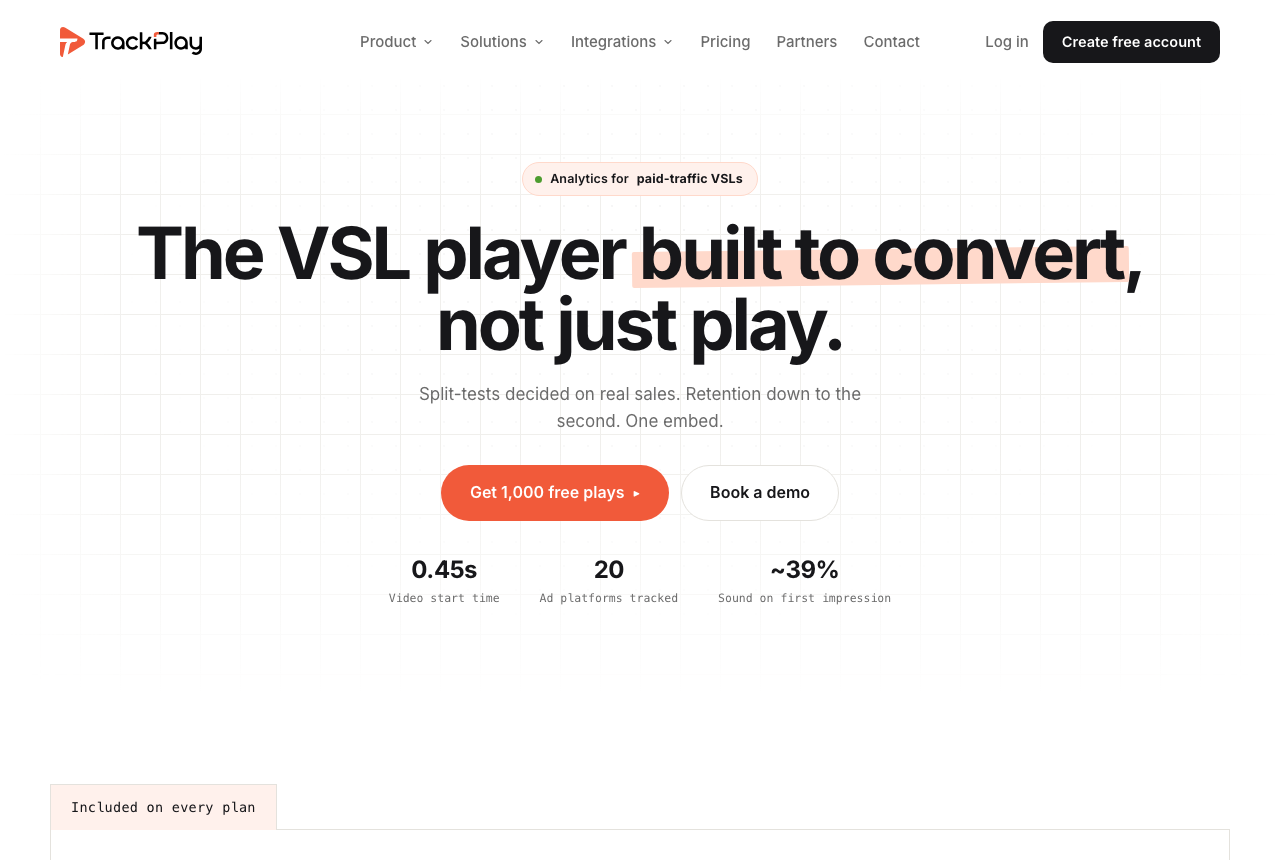
TrackPlay is a VSL player and analytics platform for funnels that buy traffic. It hosts the video in one embed, with sound-first autoplay, timed buttons and watch gates on the opening, and a per-second retention graph split into buyers and non-buyers. The cart posts the verified sale back onto the play that earned it, and that conversion is sent server-side to Meta, TikTok and GA4. Split tests stay under the same embed and are decided on the sale, with a p-value and a confidence interval.
People weighing it also look at Vidalytics, which meters bandwidth rather than plays, and at Panda Video and Voomly, which host the file and wrap a funnel around it. Wistia overlaps on hosting and engagement, aimed at a content library. Vimeo overlaps on hosting the file, and stops before the sale is tied to the play.
The limit is the library. Channels, SEO pages and webinars are a content-marketing job, and Wistia is the tool that has them. The player, the buyer-versus-viewer graph and the cart postback are still there for a funnel. Independent reviews are still scarce, and creating an account requires an invitation code. That fits a platform this new. Pilot one funnel and match its numbers to your cart before a launch.
What works
- Split-test winners are decided on the cart-verified sale with a z-test, p-value and confidence interval, while variants stay under one embed
- Server-side conversion events go to Meta, TikTok and GA4, and cart postbacks tie the verified sale to the play that earned it
- Per-second retention separates buyers from non-buyers and reports hook rate, hold rate and revenue per play
- Sound-first autoplay, timed CTAs and watch gates are built for a paid-traffic VSL
- Every feature is on every paid plan, billing is by plays, paid plans start at $29 a month and the free plan includes 1,000 plays
What to watch
- Narrow by design: built for paid-traffic VSL conversion, it is not a general video host or a B2B content library, so it has no channels, SEO pages or webinar tooling and is a poor fit when the video's job is content marketing rather than a direct-response sale
- Very new, with testimonials on its own site but little independent review or Reddit footprint, and signup is currently invite-only, so pilot it before committing paid traffic
- Billing is by plays, and a start, unmute, resume and replay can each count as one, so a single viewer can use up several plays
- The contract does not promise a specific uptime percentage, so a proven offer still needs a staged migration and a backup plan
2. Wistia: best Vimeo alternative for marketing embeds
From $79/mo. Read the full Wistia review. The wider field is on the Wistia alternatives page.
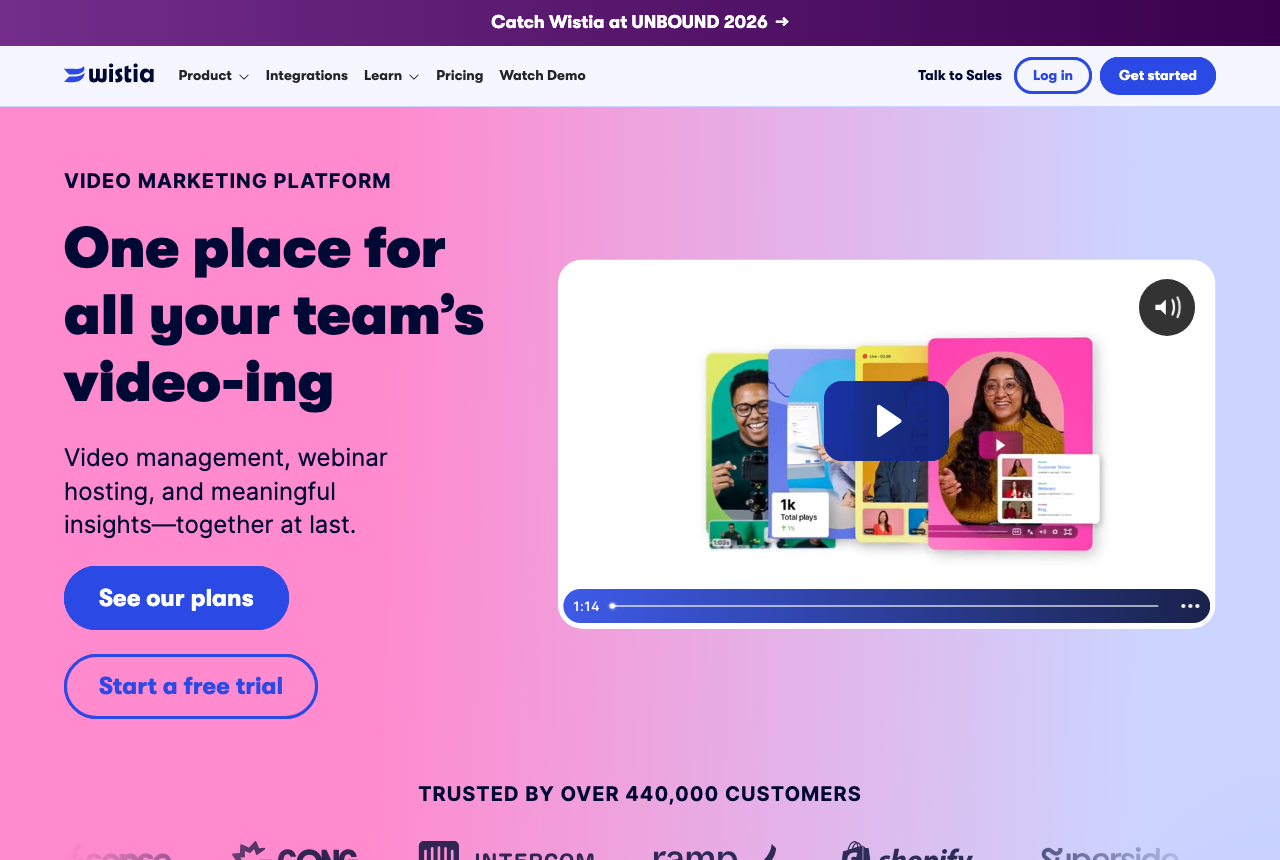
For a company site, Wistia is the step up that keeps the player ad-free and adds the layer Vimeo keeps thin until Standard: branded chrome, a form, a call to action, a heatmap, and a path into HubSpot or Marketo. Its tests compare two embeds and the account owner picks the winner from engagement, play rate or clicks on the call to action. A paid-traffic funnel still cannot see, inside Wistia, which variant sold.
The lead-generation tier is the one that adds pipeline attribution, and it costs several times as much as the Business plan in the table. That gap is the limit. If the video only has to play, you are paying for a marketing suite.
What works
- Ad-free playback on every row
- Engagement reports from the first paid row
- Lead scoring with the automation connections
- A free starting library
What to watch
- Its reports stop at the lead and never see the sale on your checkout
- Additional users are billed separately
- Marketing automation starts on Business + Signals, above the plan that has the reports
3. Bunny Stream: best Vimeo alternative for cheap storage
From Usage-based. Read the full Bunny Stream review.
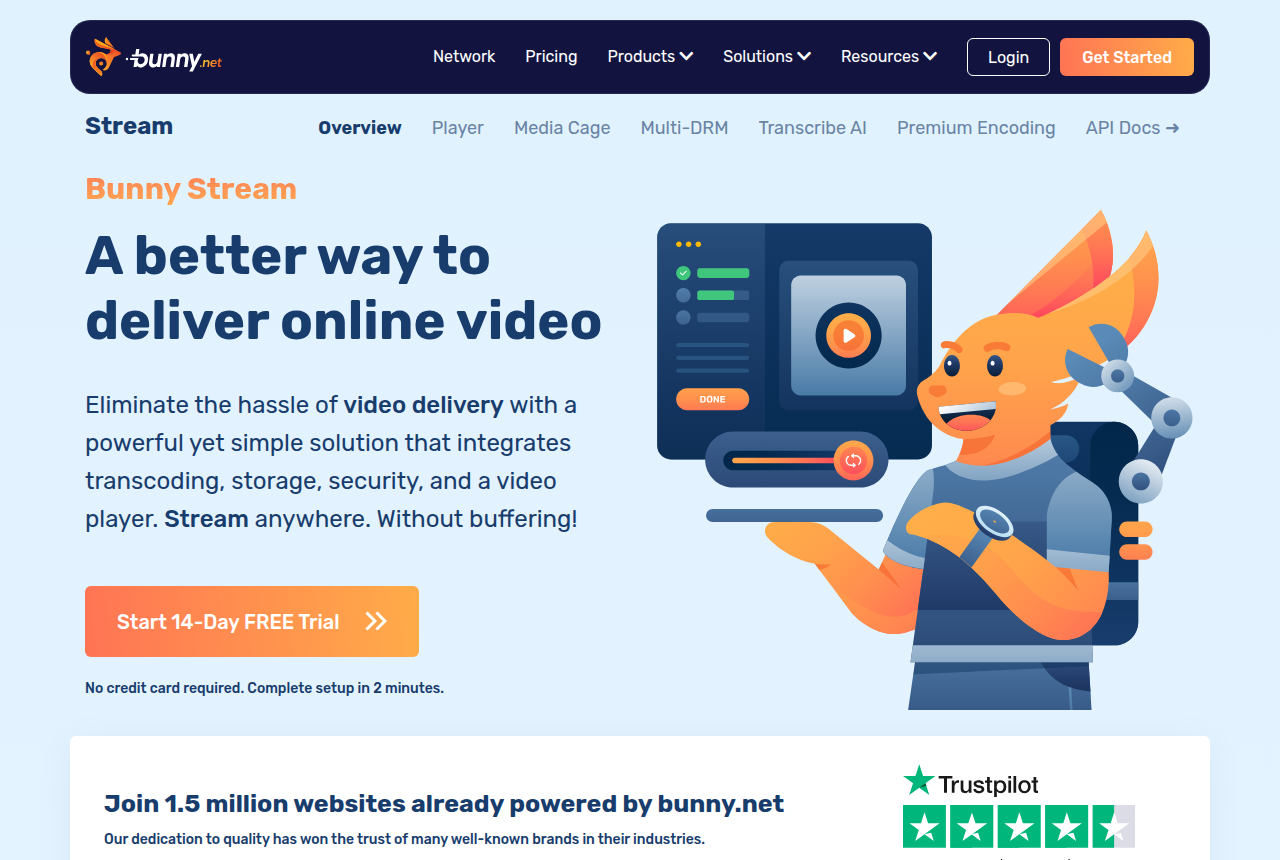
Bunny Stream is a delivery network with a player on top. Encoding is included. You pay for gigabytes stored and gigabytes delivered, which is why people leaving over the bill land here.
Cloudflare Stream and Mux charge by the minute instead. Both provide an API and a video player. The details are in the Cloudflare Stream review and the Mux review. Zero-dollar hosts are on the free alternatives page.
What works
- Encoding, the player and security are included. The bill is gigabytes stored and gigabytes delivered.
- Fast global delivery on a 250 Tbps network with 119 points of presence
- Customizable HLS player, watermarking, hotlinking protection and token authentication are built in
- Resumable, API-first uploads that pair cleanly with players like Presto Player or Vidstack
What to watch
- No sales-scored tests, no watch-depth pixels and no revenue attribution. A paid-traffic sales letter has to add those on the page.
- Long-term users report uneven HLS start-up time and low cache hits on some accounts
- A widely read thread said files had gone missing from Bunny Storage. Keep backups of the original files somewhere else.
- The bill grows with traffic, so a video that gets a lot of plays costs more than a quiet library.
4. Uscreen: best Vimeo alternative for an OTT membership
From $49/mo (Starter, monthly). Read the full Uscreen review. The rest of that field is on the Vimeo OTT alternatives page.
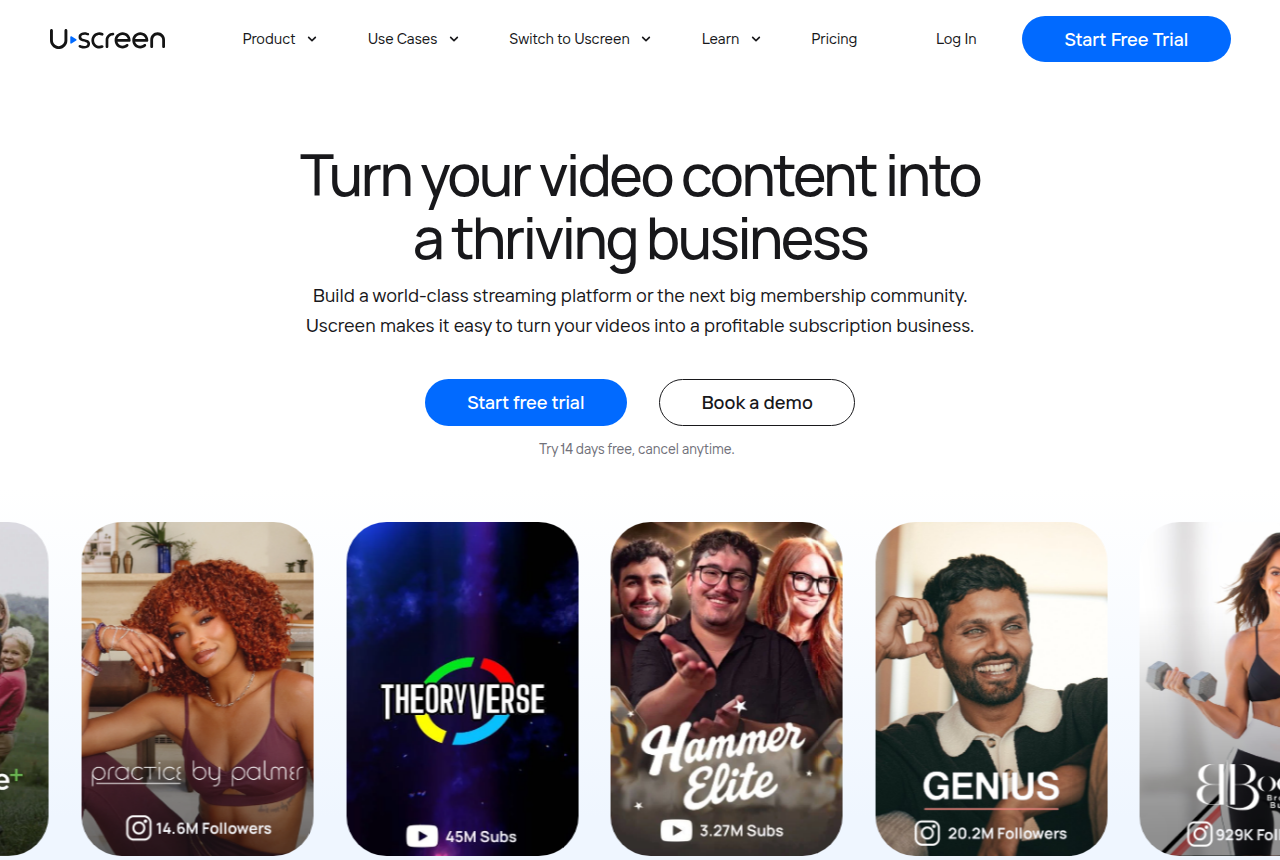
Vimeo OTT sells access to a library. Uscreen is the closest alternative with branded phone and TV apps, subscriptions and a community in the same account. A cold-traffic sales letter has no cart-verified winner on this platform.
Past the first paid plan, each subscriber adds a fee, and the apps are on a higher plan than the price in the table. Start on the monthly plan and test the membership before a yearly contract. Dacast is the live and pay-per-view neighbour in that same OTT comparison, not a second sales-letter player.
What works
- Purpose-built for subscription memberships: a Netflix-style catalog, native live streaming and a community space in one platform, so members watch, chat and pay without you stitching three tools together
- Branded mobile and TV apps are the standout feature. Uscreen builds the iOS, Android and TV apps for you, and reviewers say those apps make a membership feel legitimate and raise the share of viewing that happens in the app
- Real monetization built in: subscriptions, one-off sales and free trials, plus marketing automations and analytics, so you charge members directly instead of bolting on a separate cart
- Hands-on onboarding and free migration. A dedicated success manager walks you through setup, and reviewers repeatedly credit the team with making the launch of a site and app easy
- A 14-day free trial with no card, and a Starter plan at $49/mo, so you can test the membership model before committing real money
What to watch
- Phone and TV apps, subscriptions and community features share one account. A sales letter still has no cart-verified winner here.
- Past the first paid plan, each subscriber adds a fee on top of the monthly price, so a larger membership costs more than the advertised rate.
- Annual contracts run the full term. Use the monthly plan until people are paying.
- Support can be slow on billing and payout questions. Keep your own records and cancel in writing.
- The apps begin on a higher tier, and the cheapest plan caps how many subscribers you can have.
5. Vidalytics: the longer-running sales-letter player
From $19/mo. Read the full Vidalytics review.
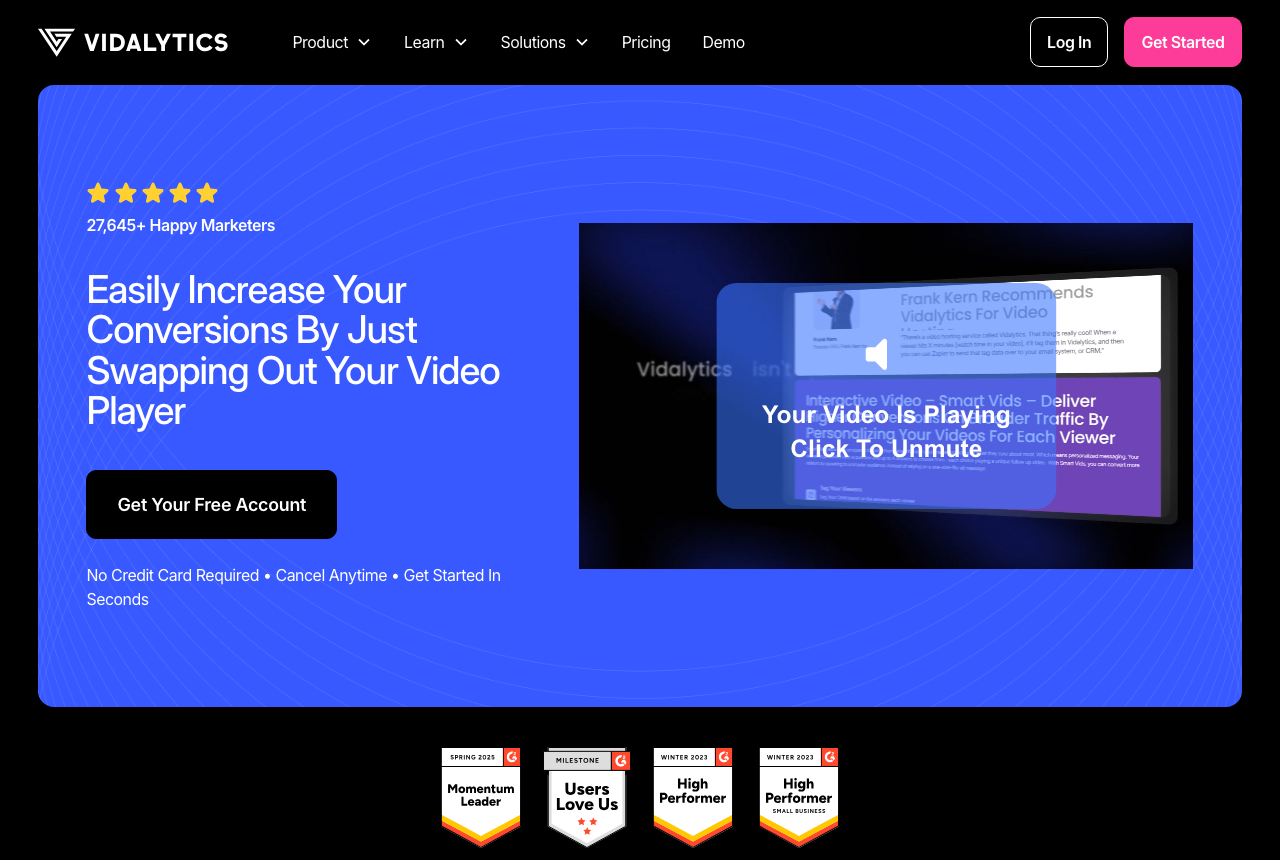
Vidalytics is the established player for the same sales-letter job: smart autoplay, resume, timed buttons, play gates, a second-by-second graph, and tests scored on clicks, conversions or revenue. It fires watch-behavior events to Meta and Google. It ranks behind TrackPlay because those tests use clicks or conversions recorded in the browser, while TrackPlay waits for the cart to confirm the sale.
Extra bandwidth is billed by the gigabyte. On paid traffic, bots and cheap clicks can raise that bill, so match the plan to your volume before a campaign. There is a free tier for a first look, with a small video cap.
What works
- Purpose-built VSL controls: smart autoplay, resume play, timed CTAs, play gates
- Second-by-second engagement graph, heatmaps and buyer/non-buyer segmentation
- Conversion and revenue tracking, plus native A/B tests judged on clicks or sales
- A Free Forever plan lets you try the player and analytics before paying
What to watch
- A busy month can cost more than the plan fee, because plays past the allowance are still served and then billed
- A video that autoplays when the page loads uses plays from the plan even with the sound muted
- Smaller independent review base than mainstream hosts, so less third-party proof to check
- More player and analytics settings than you need if you only want to host and embed a clip
6. VTurb: a customizable player with fewer English-language reviews
Not public. Read the full VTurb review.
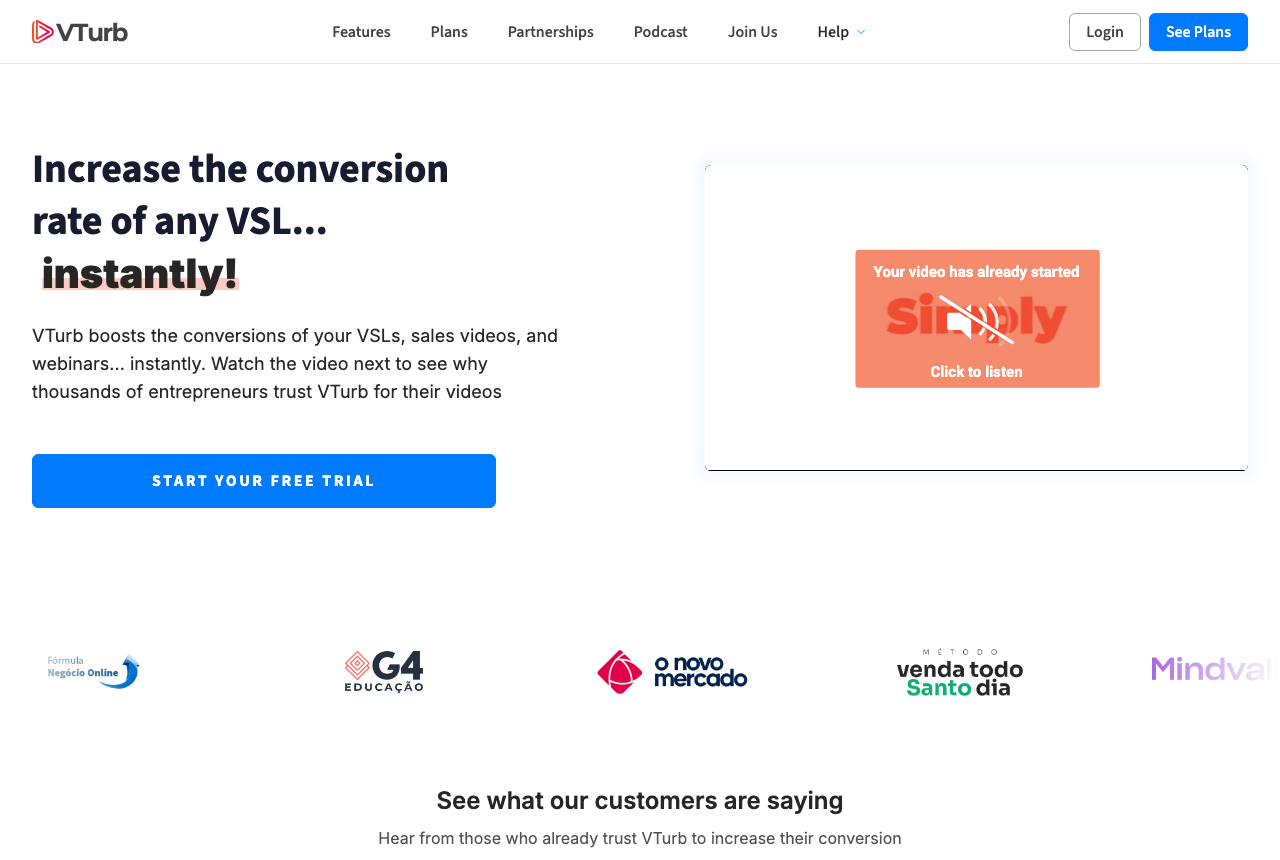
VTurb covers the sales-letter controls, with deep player styling and domain security, and it is widely used in Latin American direct response. Independent English-language write-ups are scarce compared with Vidalytics, and the public price is not clearly listed in English. Run it on a funnel you can pause, then track drop-off and any warning the ad platform shows on the page.
What works
- VSL-specific player with smart autoplay and progress controls
- Split testing and domain security built in
- Deep player customization
What to watch
- The public price is hard to find in English.
- Few independent reviews in English, compared with Vidalytics.
- The docs and support lean toward Portuguese-speaking buyers.
YouTube stays the public channel
YouTube costs nothing to host and embed, and search still sends new viewers there. Google's help page says an embedded video may show skippable or non-skippable in-stream ads, using the same settings as youtube.com. YouTube's terms update also lets YouTube monetize uploads, including on channels outside the Partner Program. That is a reason to keep the public upload on YouTube and put the sales page, the landing page and the ad destination on one of the hosts above.
Teams that also need client review, or a whole company library with seats, have a separate list on the Vimeo alternatives for teams and filmmakers page. What people keep recommending in forums is collected on the Reddit recommendations page.
How these were weighed
Prices, trials and plan names come from each vendor's own site. What holds up once a library is large comes from long-term user reports. This desk does not run the tools on live campaigns.
A Vimeo replacement gets judged on the job in the quick answer: whether the embed can prove a sale, capture a lead, stay cheap at volume, or run a membership. The list is a ranking, with no star score. The method and how the site is funded are both public.
Frequently asked questions
Which Vimeo alternative should I open first?
What do the Vimeo plan cards actually charge?
Can a new account still buy Vimeo Pro?
Where do I go for a free embed, a membership, a film rental or a livestream?
What happens to my files if I cancel a paid Vimeo plan?
Should the public channel stay on YouTube?
Sources
Other sources
13 discussions and reviews read for this page. Quotes are excerpts; open a link to read the original in context.
- [] Vimeo video hosting, plan cards
- [] About Vimeo plans
- [] About the Vimeo Free plan
- [] About monthly plan options on Vimeo
- [] About the Vimeo Creator plan
- [] About the Vimeo Core plan
- [] About the Vimeo Professional plan
- [] About the Vimeo Starter plan
- [] Lapsing from a paid account to Basic
- [] Vimeo to be acquired by Bending Spoons
- [] Wistia pricing
- [] TrackPlay
- [] Ads on embedded videos (YouTube Help)
Related reading
Comments
No comments yet. Questions and your own experience are welcome.
Thank you. Your comment will appear once it has been reviewed.