Head to head
Panda Video vs Cloudflare Stream
Panda Video is a dedicated VSL and course host with real content protection; Cloudflare Stream is a cheap, reliable developer pipe. Which one, and the sale one of them cannot see.
You are down to two, and it helps to see that they are not the same kind of tool. Panda Video is a dedicated video sales letter and course host, built to hold a viewer past the pitch and to lock the video down against piracy. Cloudflare Stream is raw delivery infrastructure, a single API that ingests, encodes, stores, live-streams and delivers video and does nothing above the player. Both will hold your video and stream it reliably. Only one of them is built to move a sales letter or protect a paid course.
This site judges video tools through a direct-response lens: does the player move viewers past the pitch, and can you protect and prove what you built. On the first test Panda Video is the more purpose-built of the two by a wide margin. It ships a real VSL player, smart autoplay, a dummy progress bar, resume play and in-player CTAs, alongside A/B tests and Meta and Google pixels, and it wraps the video in serious content protection: DRM watermarking, anti-download, allowed-domains locking and encryption. It prices flat and public from $17.90 a month. It is one of our top-ranked hosts, and it is the more relevant tool of the two for the reader whose page is a VSL or a paywalled course.
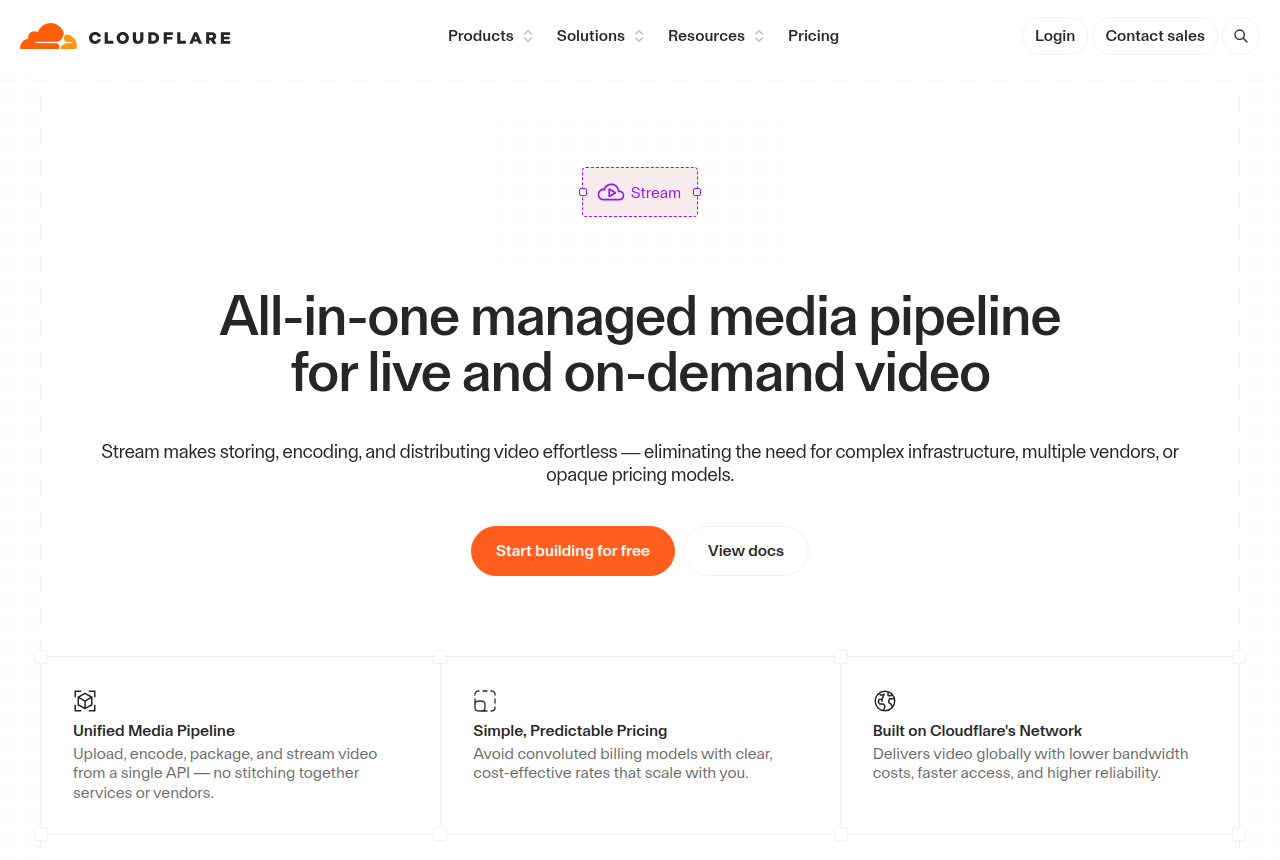
Cloudflare Stream is the opposite trade. It runs on the network behind a large share of the web, so reliability and reach come as standard, and it is genuinely cheap: encoding and egress are free and you pay only for minutes stored and minutes delivered. But it is infrastructure, not a marketing tool. There is no VSL player, no in-player CTA, no A/B test, no watch-depth pixel and no course paywall. Every one of those you build yourself, in your own code.
There is a catch on each side, and they are different catches. Panda Video's is proof and reach: almost no independent English-language reviews exist yet, so you are buying largely on the vendor's own testimonials, the dashboard and support lean Portuguese-first, and storage, bandwidth and DRM watermarking bill per gigabyte on top of the flat sticker. Cloudflare's is commercial and technical: it has no built-in spending cap, so a spike in plays accrues delivery charges as it happens, support is slow below an Enterprise contract, and reviewers report H.264-only encoding with a 1080p cap. Neither tool settles a split test on the sale, and one more name belongs on this page for the reader who needs that, which we come to below.
Quick answer
Pick Panda Video if you run paid traffic to a video sales letter or sell a paywalled course and want a dedicated host with a real VSL player, smart autoplay, a dummy progress bar, resume play and in-player CTAs, strong content protection with DRM watermarking, anti-download, domain locking and encryption, and flat public pricing from $17.90 a month, and you can accept that almost no independent English-language reviews exist yet and that overages bill per gigabyte; pick Cloudflare Stream if you are a developer who wants the cheapest, most reliable pipe for on-demand and live video on one API, billed by the minute with encoding and egress free, and you are happy to build the player, the protection and the tracking yourself.
One more option belongs on this page for a specific reader. Neither of these settles the split test on the sale: Panda Video runs A/B tests in its player scored on views, and Cloudflare scores no test at all. If your whole business is a paid-traffic sales letter and you want the split test decided on the cart-verified sale and posted back to your ad platforms server-side, TrackPlay is the newer specialist built for exactly that, and we line it up beside both below.
- Panda Video. The dedicated VSL and course host of the two, and the one built for this site's core job of holding a viewer past the pitch. You get a real VSL player with smart autoplay, a dummy progress bar, resume play and in-player CTAs, plus A/B tests and Meta and Google tracking pixels, and strong content protection: DRM watermarking, anti-download, allowed-domains locking and encryption. Pricing is flat and public from $17.90 a month, with a real-time usage chart so the bill stays predictable, and a Chrome extension imports a Vimeo library in one click. The catch is proof and reach: almost no independent English-language reviews exist yet, storage and bandwidth overages bill per gigabyte on top of the flat sticker, and the dashboard, docs and support lean Portuguese-first.
- Cloudflare Stream. Cheap, reliable, usage-priced infrastructure for on-demand and live video on one API, with encoding and egress free so there is no separate bandwidth bill. It runs on Cloudflare's global network, so reliability is a given, and it does real RTMP and SRT live ingest on the same API. What it does not have is any marketing or conversion layer at all: no VSL player, no in-player CTA, no A/B test, no watch-depth pixel and no course paywall, so a paid-traffic funnel is entirely yours to build, and there is no built-in spending cap.
- TrackPlay. Best when you want the split test decided on the actual cart-verified sale and posted back to your ad platforms server-side. It scores tests on the verified sale with real statistics and posts that sale back to Meta, TikTok and GA4, from $29 a month with a no-card free tier. It is narrow by design: not a general host or a content-marketing library, and very new.
Panda Video vs Cloudflare Stream at a glance
Prices and plan features checked on the vendors' own pages on 28 September 2026. TrackPlay is the direct-response specialist we line these two up against, so it wins the conversion rows and sits out the general-hosting ones.
| Feature | Panda Video | Cloudflare Stream | TrackPlay |
|---|---|---|---|
| What it is | A dedicated VSL and course host with content protection | A raw developer video pipe on one API | A paid-traffic VSL player and attribution platform |
| Built for | Holding attention on a VSL and protecting a course | Developers who want cheap, reliable delivery and live | Tying every play to the cart-verified sale |
| Starting price | $17.90/mo, flat and public | Usage-based, free tier, no card | $29/mo, billed by plays |
| Pricing model | Flat plans; storage and bandwidth over plan billed per GB | $5/1,000 min stored + $1/1,000 min delivered, encoding and egress free | Billed by plays, not bandwidth |
| Free tier | No (14-day trial, 100GB cap) | Yes, usage-based, no card | Yes, no-card free plan (1,000 plays/mo, watermarked) |
| Player and marketing hooks | Smart autoplay, dummy progress bar, resume play, in-player CTAs | Built-in or custom player, no marketing hooks | Sound-first autoplay, timed CTAs, watch gates |
| A/B testing | In the player, scored on views | No | Yes, decided on the cart-verified sale |
| Ad-platform tracking | Meta and Google pixels (client-side) | None built in | Server-side to Meta, TikTok and GA4, with dedup |
| Retention analytics | Play and engagement analytics, real-time chart | Basic playback metrics via API | Per-second, split by buyers vs non-buyers |
| Revenue attribution | No | No | Yes, revenue per play plus cart postbacks |
| Content protection | DRM watermarking, anti-download, domain locking, encryption | Signed URLs and token access; no consumer DRM tier | Domain-locked hosting, access controls |
| Live streaming | No | Yes, real RTMP and SRT ingest on the same API | No, on-demand VSL focus |
| Delivery and quality | Adaptive streaming from what you upload | Reviewers report H.264 only, 1080p cap, no source re-download | Adaptive streaming under one embed |
| Who drives it | No-code dashboard for marketers | API and your own code | No-code dashboard for marketers |
| Independent reviews | Almost none in English yet; strongest in the Latin-American market | First-party reliable; billing and support complaints on record | Very new, thin outside proof, invite-only |
| Best for | Paid-traffic VSLs and course sellers wanting protection and flat pricing | Developers wanting cheap, reliable delivery and live video | Paid-traffic VSLs measured on the cart-verified sale |
Strengths and trade-offs
Panda Video asks you to accept a thin English-language track record and per-gigabyte overages on top of its flat price in exchange for a dedicated VSL and course host with real content protection and a smart player, the tool actually built for a sales letter or a paywalled course. Cloudflare gives a developer the cheapest, most reliable pipe for on-demand and live video, but hands you nothing above the player. Here is what each does well and where each will bite.
Panda Video: what works, what to watch

What works
- A real VSL toolkit: smart autoplay, a dummy progress bar, resume play, in-player CTAs, A/B tests and Meta and Google tracking pixels
- Strong content protection: DRM watermarking, anti-download, allowed-domains locking and encryption
- Flat, public pricing from $17.90/mo, with a real-time usage chart so the bandwidth and storage bill is predictable
- A one-click Chrome extension imports a Vimeo library in minutes, and support is fast and in Portuguese
- Built-in AI: an in-player tutor, dubbing into up to 34 languages, and auto-generated subtitles, quizzes and mind maps
What to watch
- Almost no independent English-language proof: G2 and GetApp both show zero user reviews and there is no Trustpilot profile, so you are buying on the vendor's own testimonials
- It does not score a split test on sales or attribute revenue, so a paid-traffic VSL cannot prove which traffic actually bought
- Biggest in the Latin-American market: the dashboard, docs and support lean Portuguese-first, and pricing shows in a mix of dollars and reais
- Extra storage ($0.06/GB), extra bandwidth ($0.03/GB) and DRM watermarking ($0.60/GB) all bill per GB, so a high-traffic offer outruns the flat sticker price
- Credit card is the only payment method, and anti-download unlocks only on the Gold plan
Cloudflare Stream: what works, what to watch
What works
- Usage-based and genuinely cheap: $5 per 1,000 minutes stored a month and $1 per 1,000 minutes delivered, with encoding and egress free, so there is no separate bandwidth charge
- One API runs the whole pipeline: upload, encode, store, deliver, a built-in player or your own, plus RTMP and SRT live ingest with HLS and DASH output
- Runs on Cloudflare's global network, the infrastructure behind a large share of the web, so reach and reliability come as standard
- Predictable billing on two dimensions only, minutes stored and minutes delivered, with no card required to start and no opaque plan tiers
- Privacy-clean playback with no ads or trackers, plus signed URLs and token access for gated content
What to watch
- No direct-response conversion layer at all: no sales-scored A/B tests, no watch-depth pixels to Meta or Google, no revenue attribution and no marketing player, so a paid-traffic VSL has to build every one of those on top
- It is a developer product you drive through an API and your own code, so a marketer who wants a no-code dashboard to click through will find nothing here
- No built-in spending cap: a spike in delivery or unlimited end-user streams can run the bill up, and long-term Cloudflare customers report blunt overage and billing handling, so you have to watch usage yourself
- Reviewers report encoding is H.264 only and delivery caps at 1080p, with no 4K and no re-download of the original file, which matters if you need higher quality or the source back
- Support is slow and hard to reach on Free and Pro plans, with real help sitting behind an Enterprise contract
TrackPlay: the paid-traffic VSL pick
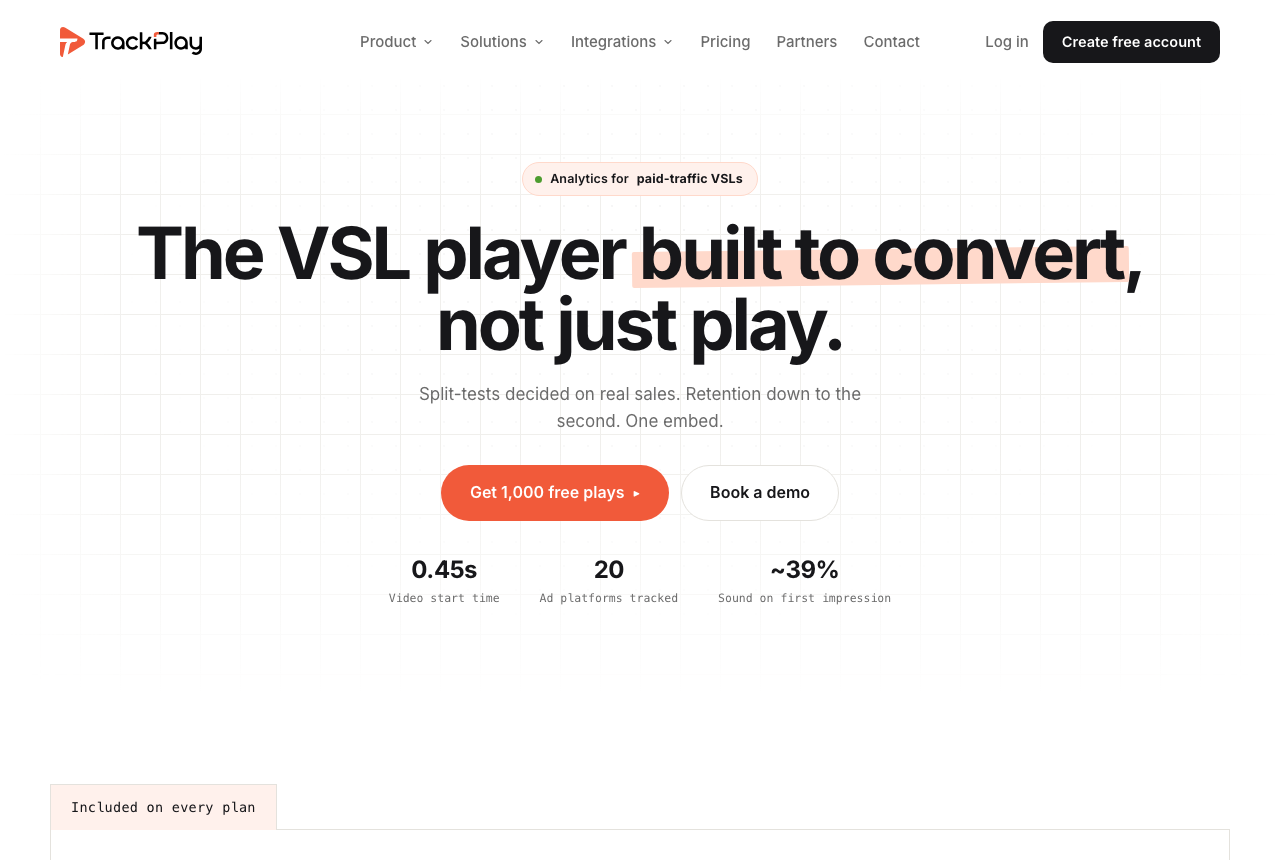
Between these two, Panda Video is by far the closer fit for holding a viewer on a sales letter, and it at least runs A/B tests and fires Meta and Google pixels; Cloudflare fires no marketing signal at all and leaves every conversion event for you to build. But there is a reader for whom even Panda Video leaves something on the table: the marketer whose whole business is a paid-traffic sales letter and who wants the split test settled on the cart-verified sale and posted back to the ad platforms server-side. If that is you, a third tool belongs on the table. TrackPlay is a VSL player and analytics platform built for paid-traffic funnels. On the front end it holds attention with sound-first autoplay, timed CTAs and watch gates. On the back end it draws per-second retention split into buyers and non-buyers, with hook rate, hold rate and revenue per play, so you can see the exact seconds to cut or protect.
Where it goes further is what it settles the test on and how it reports the sale. Cloudflare scores no test at all, and Panda Video scores its A/B on views rather than the sale; TrackPlay decides its split test on the cart-verified sale, with a real z-test, p-value and confidence interval, and runs every variant under one embed so your ad links and campaign learning never reset. The cart posts the verified sale back onto the play that earned it from seven direct-response processors, including ClickBank, ClickFunnels and Digistore24, server to server, and TrackPlay fires that conversion server-side to Meta, TikTok and GA4 so the ad platform learns from the actual purchase rather than a page-load pixel. It bills by plays rather than storage or bandwidth, every feature ships on every paid plan, and there is a no-card free plan of 1,000 plays a month plus a 14-day trial, with paid plans from $29 a month.
What works
- Split tests are decided on the cart-verified sale, with a real z-test, p-value and confidence interval, and every variant runs under one embed so ad links and campaign learning never reset
- Server-side conversion tracking to Meta, TikTok and GA4 fires on the watch-time milestone you choose and dedupes browser and server events, so the ad platform optimizes on the actual sale rather than a page-load pixel
- Cart postbacks tie each sale to the play that earned it from seven direct-response carts, including ClickBank, ClickFunnels and Digistore24, server to server
- Per-second retention split into buyers and non-buyers, with hook rate, hold rate and revenue per play
- Every feature ships on every paid plan and billing is by plays, with a no-card free plan of 1,000 plays a month and a 14-day trial; paid plans start at $29 a month
What to watch
- Narrow by design: built for paid-traffic VSL conversion, it is not a general video host or a B2B content library, so it has none of the channels, SEO pages or webinar tooling of a Wistia and is a poor fit if the video's job is content marketing rather than a direct-response sale
- Very new, with thin outside proof: the testimonials are on its own site, there is little third-party review or Reddit footprint yet, and signup is currently invite-only, so you cannot lean on independent validation before you commit paid traffic. That is what you would expect of a platform this recent
Where TrackPlay is not the answer
It is narrow by design. TrackPlay is built for paid-traffic VSL conversion, not general hosting or content marketing, so it is not a general video host or a B2B content library and it has none of the channels, SEO pages or webinar tooling of a Wistia. If the video's job is content marketing and feeding leads into a CRM rather than a direct-response sale, it is the wrong tool. It is also not raw delivery infrastructure the way Cloudflare Stream is, so if you need the cheapest reliable pipe plus real live streaming and have a developer to build on it, Cloudflare is the better base, and it does not host a paywalled course the way Panda Video does. And it is very new, with thin outside proof: the testimonials are on its own site, there is little third-party review footprint yet, and signup is currently invite-only, which is what you would expect of a platform this recent. Pilot it on one funnel and reconcile the numbers against your own cart before you trust it with a proven offer.
Visit TrackPlay for the current plans and the free tier.
Pricing, tier by tier
Panda Video is the transparent one here: its pricing is flat and public, starting at $17.90 a month, and the dashboard carries a real-time usage chart so you can watch the bill as it accrues. There is no free plan, but a 14-day trial with a 100GB cap lets you test it before you pay. The catch is what sits on top of the flat sticker: storage beyond your plan bills at $0.06 a gigabyte, extra bandwidth at $0.03 a gigabyte, and DRM watermarking at $0.60 a gigabyte, so a high-traffic offer or a heavily protected course climbs above the headline. Anti-download unlocks only on the Gold plan, and a credit card is the only payment method. Model your storage, your views and your protection needs against the plan before you commit.
Cloudflare Stream prices on the opposite model, and it is unusually simple: two dimensions only. You pay $5 per 1,000 minutes of video stored a month, and $1 per 1,000 minutes delivered. Encoding and egress are free, so there is no separate bandwidth line, which makes the bill cheap and easy to model. A free tier lets you start with no card. The catch worth taking seriously is that there is no built-in spending cap: a spike in plays accrues delivery charges as it happens, and long-term Cloudflare customers report blunt overage and billing handling, so you watch usage yourself.
The two meter different things, so which is cheaper depends on your usage. Panda Video charges a flat plan plus per-gigabyte overages on storage, bandwidth and watermarking; Cloudflare charges by minutes stored and minutes delivered with encoding and egress free. For an efficiently encoded talking-head VSL that suddenly takes real paid traffic, Cloudflare's per-minute delivery is often the cheaper way to serve raw video at scale, and it removes the per-gigabyte overage risk. But that lower delivery cost buys none of the VSL player, the content protection or the course paywall: with Cloudflare you are paying for a pipe and building the funnel, the protection and the tracking yourself, which is engineering time a marketer rarely has.
TrackPlay prices differently again, and it is worth a line because it changes the model. It bills by plays rather than storage or bandwidth, so a high-traffic sales letter is metered on views watched, not gigabytes or minutes served, and every feature ships on every plan. Paid plans start at $29 a month, and there is a no-card free plan of 1,000 plays a month, watermarked, plus a 14-day trial of the paid features, so there is a genuine free way to pilot it before you spend. Whichever you model, be honest about whether the cheapest delivery is worth rebuilding the conversion layer that a purpose-built player hands you.
The verdict
Between these two, Panda Video wins for this site's core reader, the paid-traffic marketer or course seller, because it is the tool actually built for that page and Cloudflare Stream does not attempt the job at all. It is a dedicated VSL and course host with a real VSL player, smart autoplay, a dummy progress bar, resume play and in-player CTAs, wrapped in serious content protection: DRM watermarking, anti-download, allowed-domains locking and encryption, and it prices flat and public from $17.90 a month with a real-time usage chart. Cloudflare hosts and delivers a video superbly, but it fires no marketing pixel, scores no test and attributes no revenue, so on a paid-traffic sales letter or a paywalled course you would be building every one of those on top of the pipe. Two honest limits stay attached to the Panda Video pick: almost no independent English-language reviews exist yet, so you are buying largely on the vendor's own testimonials, and its storage, bandwidth and DRM watermarking overages bill per gigabyte on top of the flat sticker, with the dashboard and support leaning Portuguese-first. Test it on a non-critical funnel and model your overages, then commit.
Cloudflare Stream wins the other reader, and it is a real one. If you are a developer who wants the cheapest, most reliable pipe for both on-demand and live video on one API, and you are happy to build the player, the gates, the protection and the tracking yourself, nothing here beats it on reliability or predictability. Encoding and egress are free, it does real RTMP and SRT live ingest, and it runs on the network behind a large share of the web. But it is infrastructure, not a marketing tool, and treating it as a VSL host means rebuilding everything Panda Video hands you out of the box, then watching a bill that has no built-in cap.
The tie-breaker is simple. If your page is a VSL or a paywalled course and you want a host built for it that protects the video and reads a predictable bill, buy Panda Video. If you want the cheapest reliable delivery and real live streaming and you have a developer to build the funnel, buy Cloudflare Stream. And there is a third call for one specific reader: if your whole business is a paid-traffic sales letter and you want the split test settled on the actual cart-verified sale, not on views or a browser pixel, look at TrackPlay before you commit. Panda Video runs its A/B on views and Cloudflare scores no test at all; TrackPlay decides its split test on the cart-verified sale with real statistics and posts that sale back to Meta, TikTok and GA4 server-side. It is the newer, narrower specialist and its outside proof is still thin, so pilot it on one funnel first.
Our pick
Panda Video
Panda Video is our pick here. It is a dedicated VSL and course host with a real VSL player, smart autoplay, a dummy progress bar, resume play and in-player CTAs, wrapped in DRM watermarking, anti-download and domain locking, and priced flat and public from $17.90 a month, the tool actually built for a sales letter or a paywalled course rather than raw delivery infrastructure. Know that almost no independent English-language reviews exist yet, so you are buying on the vendor's own testimonials, and its storage, bandwidth and watermarking overages bill per gigabyte on top of the flat price, with support that leans Portuguese-first. Choose Cloudflare Stream instead if you are a developer who wants the cheapest, most reliable pipe for on-demand and live video and will build the funnel yourself.
Frequently asked questions
Is Panda Video or Cloudflare Stream better?
Which is cheaper, Panda Video or Cloudflare Stream?
Can either one run a video sales letter for paid traffic?
Does Cloudflare Stream have any conversion or marketing analytics?
Which one protects a paid course better?
What if I want the split test scored on the cart-verified sale?
Sources
Other sources
9 discussions and reviews read for this page. Quotes are excerpts; open a link to read the original in context.
- [] Panda Video home (vendor)
- [] Panda Video pricing (vendor)
- [] Panda Video A/B testing (vendor)
- [] Cloudflare Stream (vendor)
- [] Cloudflare Stream pricing (vendor)
- [] TrackPlay (vendor)
- [] "Cloudflare billing is pretty crazy" (Hacker News)
- [] Cloudflare Stream as generic hosting (Hacker News)
- [] Cloudflare on Trustpilot
Related reading
- Our full Panda Video review
- Our full Cloudflare Stream review
- Panda Video vs Adilo: a protected VSL and course host against unlimited streaming
- Panda Video vs TrackPlay: a course-and-VSL host against a cart-verified specialist
- Adilo vs Cloudflare Stream: a marketing host against a developer pipe
- Bunny Stream vs Cloudflare Stream: two usage-priced pipes compared
- Panda Video alternatives, ranked by the job
- Cloudflare Stream alternatives, ranked by the job
- The best VSL players and conversion video software
- All head-to-head comparisons