Head to head
Panda Video vs Uscreen
Panda Video is a no-code VSL and course host with conversion tools and piracy protection built into the player; Uscreen is a subscription platform for turning a video library into a membership business. Which one, and why the answer is rarely both.
You are down to two, and they are not really the same kind of tool. Panda Video is a finished host for people who sell from a single video: a player with smart autoplay, a dummy progress bar, resume play and in-player CTAs, wrapped in real content protection, all run from a dashboard with no code. Uscreen is a membership platform: it turns a growing library of videos into a Netflix-style subscription business, with member logins, recurring billing, a community space and branded mobile and TV apps its team builds for you. Both will host and stream your video. They are built for two different businesses.
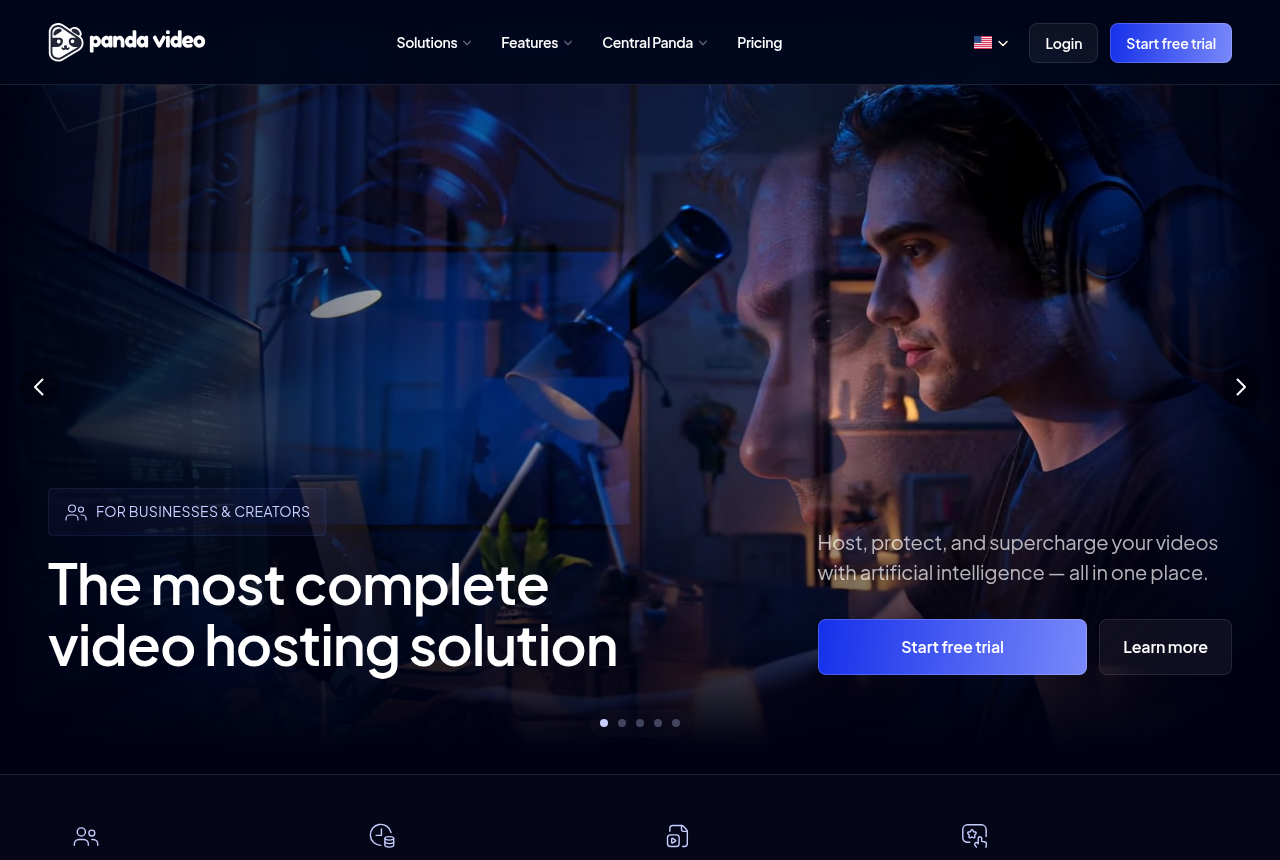
This site judges video tools through a direct-response lens: does the player move a viewer past the pitch, and can you prove which traffic bought. Panda Video is built for the first half of that job. It runs native A/B tests, fires Meta and Google tracking pixels, and adds protection most hosts skip: DRM watermarking, anti-download, allowed-domains locking and encryption, so a paid course or a sales letter is hard to rip. It also ships a genuine AI layer, an in-player tutor, dubbing into up to 34 languages and auto subtitles and quizzes. Plans are flat and public from $17.90 a month, and a real-time usage chart keeps the bill in view. It is our number-five ranked tool.
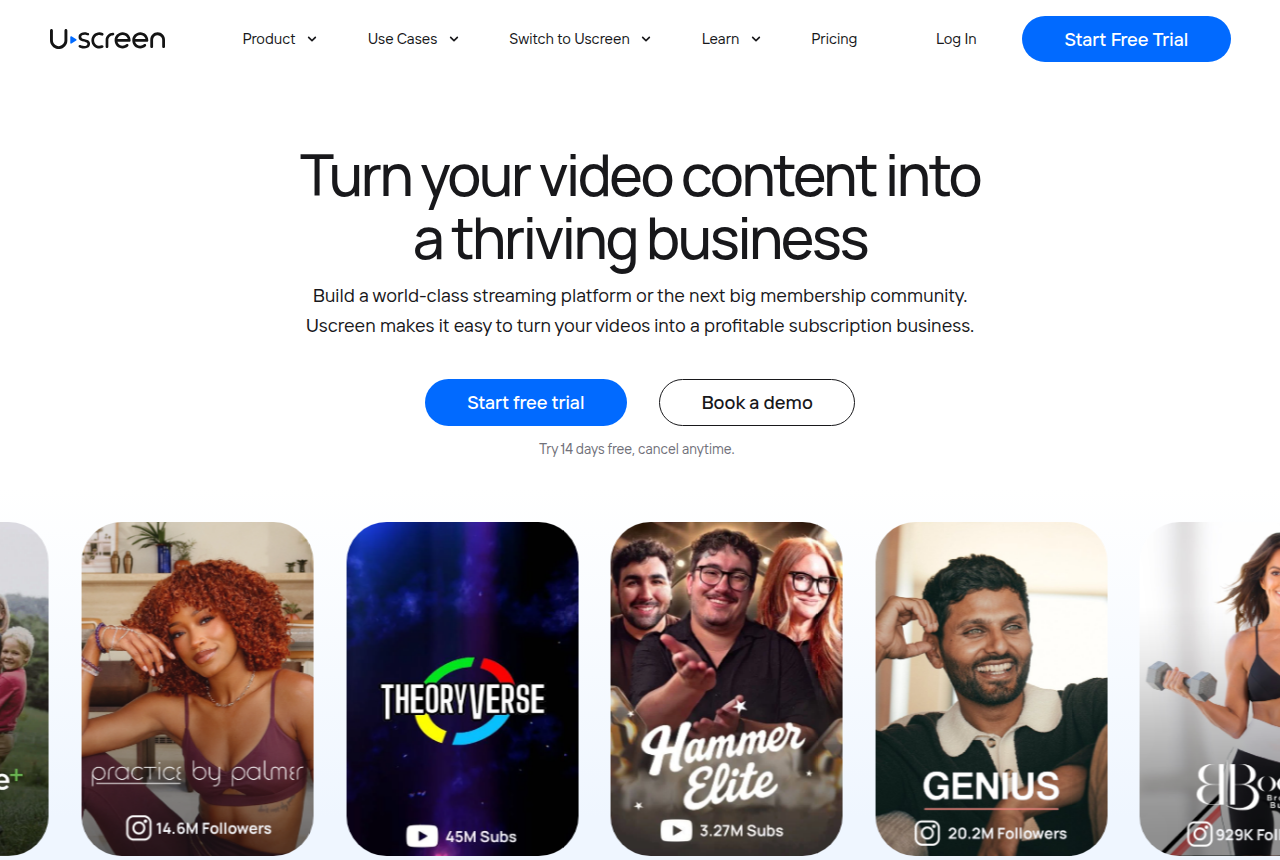
Uscreen is a different proposition, and a mature one. It has helped over 4,000 creators launch subscription businesses, and its standout is the branded app: it builds iOS, Android and TV apps for you with no code, and reviewers say the app is what makes a membership feel legitimate. Subscriptions, one-off sales, free trials, a community feed, live streaming and analytics all sit in one platform, and a dedicated success manager walks you through setup and migration. It is our number-eighteen tool here, low not because it is weak but because a membership platform is a poor match for a paid-traffic sales letter.
There is a catch on each side, and they are different catches. Panda Video scores its A/B tests on engagement and clicks rather than the sale, and attributes no revenue, so even with its pixels a paid-traffic VSL still cannot prove which traffic actually bought. Its independent English-language proof is also thin: G2 and GetApp both show zero user reviews, there is no Trustpilot profile, and the product is Portuguese-first, biggest in Latin America. Uscreen's catch is cost and commitment: above the $49 Starter plan you pay a per-subscriber fee, the branded apps begin at $449 a month, and reviewers describe annual contracts as firm and payouts as slow to arrive after cancelling. This page lines the two up on what a direct-response marketer actually needs, says which reader each one is for, and names one more tool that belongs on the table for a narrow reader.
Quick answer
Pick Panda Video if you sell from a VSL or protect a paid course and want in-player conversion tools, strong piracy protection and flat, predictable pricing you can drive without code, and you can accept that its A/B tests score on engagement rather than the sale and that almost no independent English-language reviews exist yet; pick Uscreen if you want to turn a video library into a recurring-revenue membership with your own branded mobile and TV apps, a community space and native live streaming, and your video is not a paid-traffic sales letter that has to prove which traffic bought.
One more option belongs on this page for a specific reader. Panda Video runs A/B tests and fires pixels but scores those tests on engagement rather than the purchase, and Uscreen runs no sales-video split test at all. If your whole business is a paid-traffic sales letter and you want the split test settled on the cart-verified sale, TrackPlay is the newer specialist built for exactly that, and we line it up beside both below.
- Panda Video. The finished conversion host of the two, and the closer fit for this site's core reader. On the front end you get smart autoplay, a dummy progress bar, resume play and in-player CTAs; around the video you get real protection, DRM watermarking, anti-download, allowed-domains locking and encryption, plus native A/B tests and Meta and Google tracking pixels. It also runs a strong AI layer: an in-player tutor, dubbing into up to 34 languages, and auto subtitles and quizzes. Plans are flat and public from $17.90 a month with a predictable usage chart. The catches: it scores its A/B on engagement, not the sale, so it cannot prove which traffic bought, and its English-language review base is essentially empty.
- Uscreen. A mature membership platform for creators who want a Netflix-style subscription business, not a direct-response VSL player. It combines subscription and one-off billing, a video catalog, native live streaming, a community space and branded mobile and TV apps its team builds for you, with hands-on onboarding and free migration. Reviewers single out the apps and the onboarding as the reasons to choose it. The cost rises fast: Starter is $49 a month but caps at 100 subscribers, higher tiers add a per-subscriber fee, and the branded mobile apps begin at $449 a month on the annual rate. Reviewers also report rigid annual contracts and delayed payouts after cancelling.
- TrackPlay. Best when the video is a paid-traffic sales letter and the decision has to rest on the cart-verified sale, a step beyond what either of these attempts. It scores split tests on the verified sale with real statistics and posts that sale back to Meta, TikTok and GA4 server-side, from $29 a month with a no-card free tier. It is narrow by design: not a general host, a protected course library or a membership platform, and very new.
Panda Video vs Uscreen at a glance
Prices and plan features checked on the vendors' own pages on 29 September 2026. TrackPlay is the direct-response specialist we line these two up against, so it wins the conversion rows and sits out the general-hosting ones.
| Feature | Panda Video | Uscreen | TrackPlay |
|---|---|---|---|
| What it is | A no-code VSL and course host with in-player conversion tools | A subscription video membership platform | A paid-traffic VSL player and attribution platform |
| Built for | Selling from a VSL or protecting a paid course | A recurring membership around a video library | Tying every play to the cart-verified sale |
| Starting price | $17.90/mo; 14-day trial (100GB cap) | $49/mo Starter, paid monthly | $29/mo, billed by plays |
| Free tier | No (14-day trial, 100GB cap) | No; 14-day trial with no card | Yes, 1,000 plays/mo, watermarked, no card |
| How usage is billed | Flat plan; storage $0.06/GB, bandwidth $0.03/GB over plan | Base plan plus per-subscriber fees above Starter | Plays, with every feature on every paid plan |
| Player and marketing hooks | Smart autoplay, dummy progress bar, resume play, in-player CTAs | Member catalog and checkout, no sales-video player | Sound-first autoplay, timed CTAs, watch gates |
| A/B testing | Native, scored on engagement | No sales-video split test | Same-embed tests decided on cart-verified sales |
| Ad-platform tracking | Meta and Google pixels (client-side) | Marketing analytics, not sales-video attribution | Server-side to Meta, TikTok and GA4, with dedup |
| Retention analytics | Plays, play rate, real-time and retention charts | Member, content and churn analytics | Per second, split into buyers and non-buyers |
| Revenue attribution | No (fires Meta and Google pixels) | Membership revenue, not play-to-sale attribution | Yes, revenue per play plus cart postbacks |
| Monetization | Use your own cart through in-player CTAs | Subscriptions, one-off sales and free trials built in | Use your own cart; the sale is posted back to the play |
| Mobile and TV apps | No | Mobile apps from App Essentials; TV apps on Custom | No |
| Community | No | Built-in community feed and challenges | No |
| Content protection | DRM watermarking, anti-download, allowed-domains lock, encryption | Member access controls and app delivery | Domain-locked hosting |
| Independent reviews | Almost none in English (G2 and GetApp zero); Portuguese-first | 4.7/5 on G2, plus contract and payout complaints | Very new, thin outside proof, invite-only |
| Best for | Selling from a VSL or protecting a paid course, no code | A creator selling access to a growing video library | Paid-traffic VSLs measured on the cart-verified sale |
Strengths and trade-offs
Panda Video and Uscreen are strong at opposite jobs. Panda Video asks you to accept engagement-scored tests and an almost empty English review base in exchange for a finished no-code host with real conversion tools and piracy protection. Uscreen hands a creator a complete subscription business, apps, community and billing included, but charges a per-subscriber fee and a firm annual commitment for infrastructure a single sales video never uses. Here is what each does well and where each will bite.
Panda Video: what works, what to watch
What works
- A real VSL toolkit: smart autoplay, a dummy progress bar, resume play, in-player CTAs, A/B tests and Meta and Google tracking pixels
- Strong content protection: DRM watermarking, anti-download, allowed-domains locking and encryption
- Flat, public pricing from $17.90/mo, with a real-time usage chart so the bandwidth and storage bill is predictable
- A one-click Chrome extension imports a Vimeo library in minutes, and support is fast and in Portuguese
- Built-in AI: an in-player tutor, dubbing into up to 34 languages, and auto-generated subtitles, quizzes and mind maps
What to watch
- Almost no independent English-language proof: G2 and GetApp both show zero user reviews and there is no Trustpilot profile, so you are buying on the vendor's own testimonials
- It does not score a split test on sales or attribute revenue, so a paid-traffic VSL cannot prove which traffic actually bought
- Biggest in the Latin-American market: the dashboard, docs and support lean Portuguese-first, and pricing shows in a mix of dollars and reais
- Extra storage ($0.06/GB), extra bandwidth ($0.03/GB) and DRM watermarking ($0.60/GB) all bill per GB, so a high-traffic offer outruns the flat sticker price
- Credit card is the only payment method, and anti-download unlocks only on the Gold plan
Uscreen: what works, what to watch
What works
- Purpose-built for subscription memberships: a Netflix-style catalog, native live streaming and a community space in one platform, so members watch, chat and pay without you stitching three tools together
- Branded mobile and TV apps are the standout feature. Uscreen builds iOS, Android and TV apps for you with no code, and reviewers say the app makes a membership feel legitimate and lifts the share of viewing that happens in-app
- Real monetization built in: subscriptions, one-off sales and free trials, plus marketing automations and analytics, so you charge members directly instead of bolting on a separate cart
- Hands-on onboarding and free migration. A dedicated success manager walks you through setup, and reviewers repeatedly credit the team with making the launch of a site and app easy
- A 14-day free trial with no card, and a Starter plan at $49/mo, so you can test the membership model before committing real money
What to watch
- It is a membership platform, not a direct-response VSL player: there is no sound-first smart autoplay, no split test scored on the sale and no revenue attribution, so a paid-traffic sales letter still cannot prove which traffic actually bought from inside Uscreen
- The per-subscriber fee is the loudest complaint. Above Starter you pay $0.99 to $1.99 per subscriber on top of the monthly base, so a growing membership pays far more than the headline price, and reviewers describe the total take as high once fees stack up
- Annual contracts are rigid: Trustpilot reviewers report no mid-term downgrade or cancellation and being billed through the full term, so treat the annual commitment as firm and start on the monthly Starter plan to test
- Support and payouts can go quiet at the worst time. Reviewers report delayed payouts after cancelling and difficulty reaching a person to resolve a billing problem, so keep your own records and cancel in writing
- The entry price is not the price to run apps. Starter caps at 100 subscribers and mobile apps only begin on App Essentials at $449/mo, and the dashboard and marketing tools draw usability complaints, so budget and pilot for the plan you will actually need
TrackPlay: the paid-traffic VSL pick
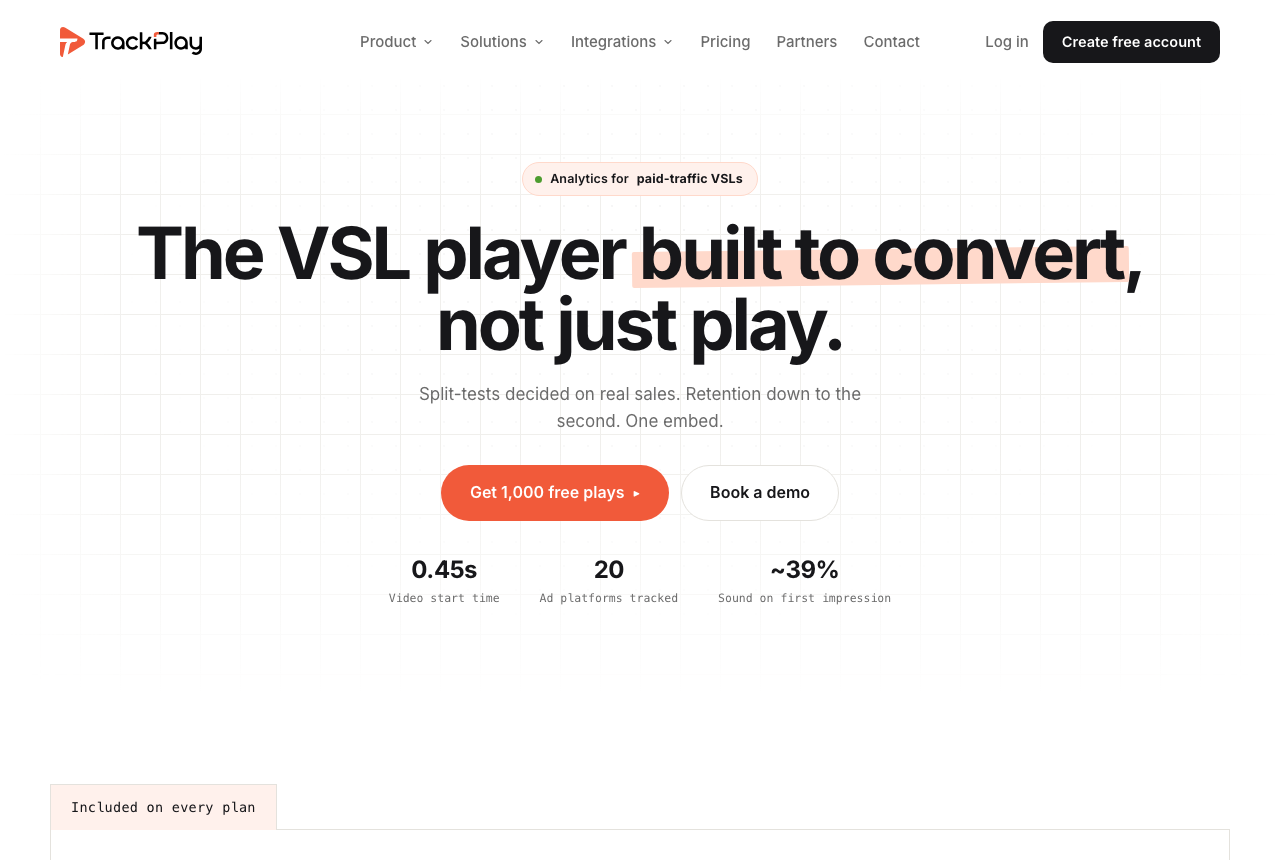
Panda Video gives you a finished VSL and course host with conversion tools and protection, and Uscreen gives you a subscription membership business with apps and community, and both stop short of the same thing: neither settles a test on the sale, and neither posts that sale back to the ad platforms server-side. Panda Video runs A/B tests and fires Meta and Google pixels, but it scores those tests on engagement and clicks rather than the purchase. Uscreen measures a membership business, churn, member counts and content views, not a sales-video experiment. If your whole business is a paid-traffic sales letter and you want the test decided on the money, a third tool belongs on the table. TrackPlay is a VSL player and analytics platform built for paid-traffic funnels. On the front end it holds attention with sound-first autoplay, timed CTAs and watch gates. On the back end it draws per-second retention split into buyers and non-buyers, with hook rate, hold rate and revenue per play, so you can see the exact seconds to cut or protect.
Where it goes further than either of these is what it settles the test on and how it reports the sale. Panda Video scores its split test on engagement and Uscreen scores none; TrackPlay decides its split test on the cart-verified sale, with a real z-test, p-value and confidence interval, and runs every variant under one embed so your ad links and campaign learning never reset. The cart posts the verified sale back onto the play that earned it from seven direct-response processors, including ClickBank, ClickFunnels and Digistore24, server to server, and TrackPlay fires that conversion server-side to Meta, TikTok and GA4 so the ad platform learns from the actual purchase rather than a page-load pixel. It bills by plays rather than storage or subscribers, every feature ships on every paid plan, and there is a no-card free plan of 1,000 plays a month plus a 14-day trial, with paid plans from $29 a month.
What works
- Split tests are decided on the cart-verified sale, with a real z-test, p-value and confidence interval, and every variant runs under one embed so ad links and campaign learning never reset
- Server-side conversion tracking to Meta, TikTok and GA4 fires on the watch-time milestone you choose and dedupes browser and server events, so the ad platform optimizes on the actual sale rather than a page-load pixel
- Cart postbacks tie each sale to the play that earned it from seven direct-response carts, including ClickBank, ClickFunnels and Digistore24, server to server
- Per-second retention split into buyers and non-buyers, with hook rate, hold rate and revenue per play
- Every feature ships on every paid plan and billing is by plays, with a no-card free plan of 1,000 plays a month and a 14-day trial; paid plans start at $29 a month
What to watch
- Narrow by design: built for paid-traffic VSL conversion, it is not a general video host or a membership platform, so it has none of Panda Video's protected course library and DRM or Uscreen's subscription billing, community and branded apps, and is a poor fit if the video's job is a content library or a paid catalog rather than a direct-response sale
- Very new, with thin outside proof: the testimonials are on its own site, there is little third-party review or Reddit footprint yet, and signup is currently invite-only, so you cannot lean on independent validation before you commit paid traffic. That is what you would expect of a platform this recent
Where TrackPlay is not the answer
It is narrow by design. TrackPlay is built for paid-traffic VSL conversion, not general hosting, a course library or a membership business, so it is not a general video host or a B2B content library, and it has none of the channels, SEO pages or webinar tooling of a Wistia. If the video's job is a protected course library, a content-marketing asset or a subscription catalog with its own apps and community rather than a direct-response sale, it is the wrong tool, and Panda Video or Uscreen is the better home for it. It has no subscription billing, member logins, community or branded apps the way Uscreen does, and no protected course library the way Panda Video does. And it is very new, with thin outside proof: the testimonials are on its own site, there is little third-party review footprint yet, and signup is currently invite-only, which is what you would expect of a platform this recent. Pilot it on one funnel and reconcile the numbers against your own cart before you trust it with a proven offer.
Visit TrackPlay for the current plans and the free tier.
Pricing, tier by tier
Panda Video prices flat and public, and the entry point is genuinely cheap for a host with this much conversion tooling. Paid plans start at $17.90 a month, there is a 14-day trial capped at 100GB rather than a free tier, and credit card is the only payment method. The A/B tests, in-player CTAs, tracking pixels and AI features are the core of the product, not a locked top tier, though anti-download unlocks only on the Gold plan. The thing to model is overage: extra storage is $0.06 a gigabyte, extra bandwidth $0.03 a gigabyte, and DRM watermarking $0.60 a gigabyte, all billed per GB, so a high-traffic offer can outrun the flat sticker. Its real-time usage chart is there precisely so you can watch that before it surprises you.
Uscreen starts at $49 a month on Starter, paid monthly, with a 14-day trial and no card. Starter caps at 100 subscribers and takes a cut on one-off sales. Above it, the per-subscriber fee is the number that matters more than the base: reviewers report paying $0.99 to $1.99 per subscriber on higher plans, so a growing membership pays far more than the headline price, and the total take is the loudest complaint in its reviews.
The branded-app tier is the real price line for most Uscreen buyers, because the apps are the reason to choose it. App Essentials runs $449 a month on the annual rate, adds the mobile apps and migration support, and still charges per subscriber. TV apps, deeper community and API access sit on a custom plan. That is a serious monthly commitment, and it buys membership infrastructure, not a sales-video player.
The two pricing models serve different businesses. Panda Video asks how much video you store and how much bandwidth it serves, and does not meter your audience. Uscreen asks how much membership infrastructure you need and, above Starter, how many subscribers you serve. For a single sales video inside an existing funnel, Uscreen's membership fee, app plan and subscriber charge are spend the funnel never uses. For a paid catalog with its own apps and community, Panda Video would leave you to assemble billing, member accounts and apps elsewhere.
There is a contract caution on the Uscreen side worth pricing in. Trustpilot reviewers report annual terms they could not downgrade or cancel mid-contract, and delayed payouts after leaving. Start on the monthly Starter plan, prove the membership converts, and only then commit to an annual tier. Panda Video's equivalent caution is softer: month-to-month is straightforward, but keep an eye on the per-GB overages, and know that you are buying on the vendor's own testimonials rather than a body of independent reviews.
TrackPlay uses a third model for the paid-traffic VSL segment. It bills on plays rather than storage, bandwidth or subscribers. Every feature is included on each paid plan, paid plans start at $29 a month, and the no-card free plan includes 1,000 plays a month with a watermark, plus a 14-day trial of the paid features. That price buys the cart-verified attribution and sales-scored testing neither Panda Video nor Uscreen provides.
The verdict
Between these two, Panda Video wins for this site's core reader, the person selling from a video, because it is a finished conversion host you can run without code and Uscreen is a membership business platform built for a different job. Panda Video gives you the player hooks, the A/B tests, the tracking pixels and the piracy protection a VSL or a paid course needs, out of the box and from a predictable $17.90 a month. Uscreen makes little economic sense for a single sales letter: its price buys subscriber accounts, a catalog, community and apps the funnel does not need, and its analytics measure a membership rather than a sales-video experiment.
Two honest limits stay attached to the Panda Video pick. First, it scores its A/B tests on engagement and clicks rather than the sale, and attributes no revenue, so even with its Meta and Google pixels a paid-traffic VSL still cannot prove which traffic actually bought. Second, its independent English-language proof is essentially empty: zero reviews on G2 and GetApp, no Trustpilot profile, and a Portuguese-first dashboard, docs and support, so you are largely buying on the vendor's own testimonials. Take the 14-day trial, run your own video through the A/B tests and the protection settings, and confirm the tools do what you need before you move a proven offer onto it.
Uscreen wins the other reader, and it is a real one. If the video library is the product and you want to sell recurring access, Uscreen hands you subscription billing, free trials and one-off sales, a Netflix-style catalog, native live streams, a community and branded mobile and TV apps from one vendor, with onboarding that reviewers repeatedly credit for an easy launch. The trade is cost and commitment: the app tier starts at $449 a month, higher plans add a per-subscriber fee, and annual contracts are firm with payouts that can lag after cancelling. Model the member count, start on monthly Starter, and prove the membership before signing for a year.
The tie-breaker is simple. If you sell from a video and want the conversion tools and the protection working today without code, buy Panda Video. If you want to run a subscription membership with your own branded apps and community, buy Uscreen. And there is a third call for one specific reader: if your whole business is a paid-traffic sales letter and you want the split test settled on the actual cart-verified sale, not on engagement or a browser pixel, look at TrackPlay before you commit. Panda Video scores its tests on engagement and Uscreen scores none; TrackPlay decides its split test on the cart-verified sale with real statistics and posts that sale back to Meta, TikTok and GA4 server-side. It is the newer, narrower specialist and its outside proof is still thin, so pilot it on one funnel first.
Our pick
Panda Video
Panda Video is our pick here. It is a finished no-code host with in-player conversion tools, native A/B tests, Meta and Google pixels and genuine piracy protection, the toolkit a VSL or a paid course needs, from a predictable $17.90 a month. Know its two real limits: it scores its A/B tests on engagement rather than the sale, so it cannot prove which traffic bought, and its independent English-language reviews are essentially nonexistent, so you are trusting the vendor's own testimonials. Choose Uscreen instead if the video library is the product and you want a subscription membership with your own branded mobile and TV apps, a community and billing built in.
Frequently asked questions
Is Panda Video or Uscreen better?
Which is cheaper, Panda Video or Uscreen?
Can Uscreen run a video sales letter for paid traffic?
Can Panda Video build a subscription membership?
How trustworthy is Panda Video if it has almost no English reviews?
What if I want the split test decided on actual sales?
Sources
Other sources
9 discussions and reviews read for this page. Quotes are excerpts; open a link to read the original in context.
Related reading
- Our full Panda Video review, a protected course-and-VSL host with flat pricing
- Our full Uscreen review, a subscription membership platform with branded apps
- Panda Video alternatives, ranked by the job
- Uscreen alternatives, ranked by the job
- Panda Video vs Dacast: a VSL and course host against a live and OTT broadcast platform
- Adilo vs Uscreen: an unlimited-streaming marketing host against a membership platform
- SproutVideo vs Uscreen: a secure business host against a subscription platform
- The best VSL players and conversion video software
- All head-to-head comparisons