Head to head
VTurb vs Panda Video
Two direct-response tools that look close on paper. VTurb is a lean, proven VSL player. Panda Video is a complete course-and-VSL host with DRM and public pricing. Which one depends on what the video has to do.
You have narrowed it to two, and both come from the same world: Latin-American direct response, where video sales letters are a serious craft. Both give you a smart player, both fire ad pixels, both are thin on English-language reviews. On paper they can look interchangeable. They are not.
VTurb is a video sales letter player, and little else. It is built to carry a cold viewer through a long pitch: smart autoplay, split testing, domain security and deep player styling, proven at scale in direct response. It does that one job and does not spread itself across anything else. Panda Video is a complete video business: the same VSL toolkit, plus course hosting, studio-grade piracy protection, an AI layer that dubs and subtitles, and flat pricing you can read off a page before you talk to anyone.
So the real question underneath "VTurb or Panda Video" is how much of a platform you need. If the video's only job is to convert paid traffic, the leaner, proven player is the safer bet. If you also sell courses, need to lock the file down against piracy, or simply want to see the price before you commit, the fuller toolkit earns its place. This page lays out what each one does, what each costs, and where the honest edge cases are.
Quick answer
Pick VTurb if you are running a paid-traffic video sales letter and want a lean, proven player focused on that one job, with smart autoplay, split testing and domain security, and you can accept quote-based pricing and thin English-language proof; pick Panda Video if you also sell online courses or need studio-grade piracy protection and want flat, public pricing you can read before you buy, and you can settle split tests on plays rather than the cart-verified sale.
There is a third case neither one covers. Both fire ad pixels, but neither proves which paid traffic, which edit or which second of the video actually made the sale. If that proof is the reason you are shopping at all, a tool built for exactly that job is worth putting on the table.
- VTurb. A lean, proven VSL player: smart autoplay, split testing on plays and views, domain security and deep styling, strong in Latin-American direct response, with quote-based pricing and thin English-market proof.
- Panda Video. A complete VSL and course host: the same smart-player toolkit plus DRM watermarking, anti-download, an AI dubbing and subtitle layer and one-click Vimeo migration, on flat public pricing from $17.90 a month, though almost no independent English reviews exist yet.
- TrackPlay. TrackPlay is a paid-traffic VSL player and attribution platform: it decides split tests on the cart-verified sale and posts that conversion back to Meta, TikTok and GA4 on the play that earned it.
VTurb vs Panda Video at a glance
Prices and plan features checked on the vendors' own pages on 28 September 2026. TrackPlay is the direct-response specialist we line these two up against, so it wins the conversion rows and sits out the general-hosting ones.
| Feature | VTurb | Panda Video | TrackPlay |
|---|---|---|---|
| What it is | A lean, conversion-focused VSL player | A complete VSL and course host with protection | A paid-traffic VSL player and attribution platform |
| Built for | Holding attention on a VSL, strong in Latin-American DR | Selling courses and VSLs with piracy protection | Tying every play to the cart-verified sale |
| Starting price | Not publicly listed (quote-based) | $17.90/mo (Bronze), no free plan | $29/mo, billed by plays |
| Free tier | Not listed publicly | No, 14-day trial (100 GB cap, card only) | Yes, no-card free plan (1,000 plays/mo, watermarked) |
| Player and marketing hooks | Smart autoplay, playback controls, deep styling | Smart autoplay, dummy progress bar, in-player CTAs | Sound-first autoplay, timed CTAs, watch gates |
| A/B testing | Yes, decided on plays and views | Yes, decided on plays, not the sale | Yes, decided on the cart-verified sale |
| Ad tracking | Pixel firing; limited server-side | Meta and Google pixels, browser-side | Server-side to Meta, TikTok and GA4 |
| Retention analytics | Per-viewer retention | Play, retention and engagement stats | Per-second, split by buyers vs non-buyers |
| Revenue attribution | Limited | No (fires pixels only) | Yes, revenue per play plus cart postbacks |
| Content protection | Domain security built in | DRM watermarking, anti-download, domain lock | Domain-locked hosting, access controls |
| Course and AI tooling | No, VSL player only | Course hosting, AI tutor, dubbing, subtitles | No, paid-traffic VSL conversion only |
| Pricing model | Quote-based, request a price | Flat public plans plus per-GB overage | Billed by plays, every feature on every plan |
| Independent English reviews | Thin English-market proof | Almost none (G2 and GetApp show zero) | Very new, thin outside proof |
| Best for | A proven smart VSL player, especially in Latin-American DR | Selling protected courses and VSLs on predictable, public pricing | Paid-traffic VSLs measured on the cart-verified sale |
Strengths and trade-offs
Both are competent at their core job, and both carry real trade-offs. Read each list against your own funnel: the same limitation that sinks one use case is irrelevant to another.
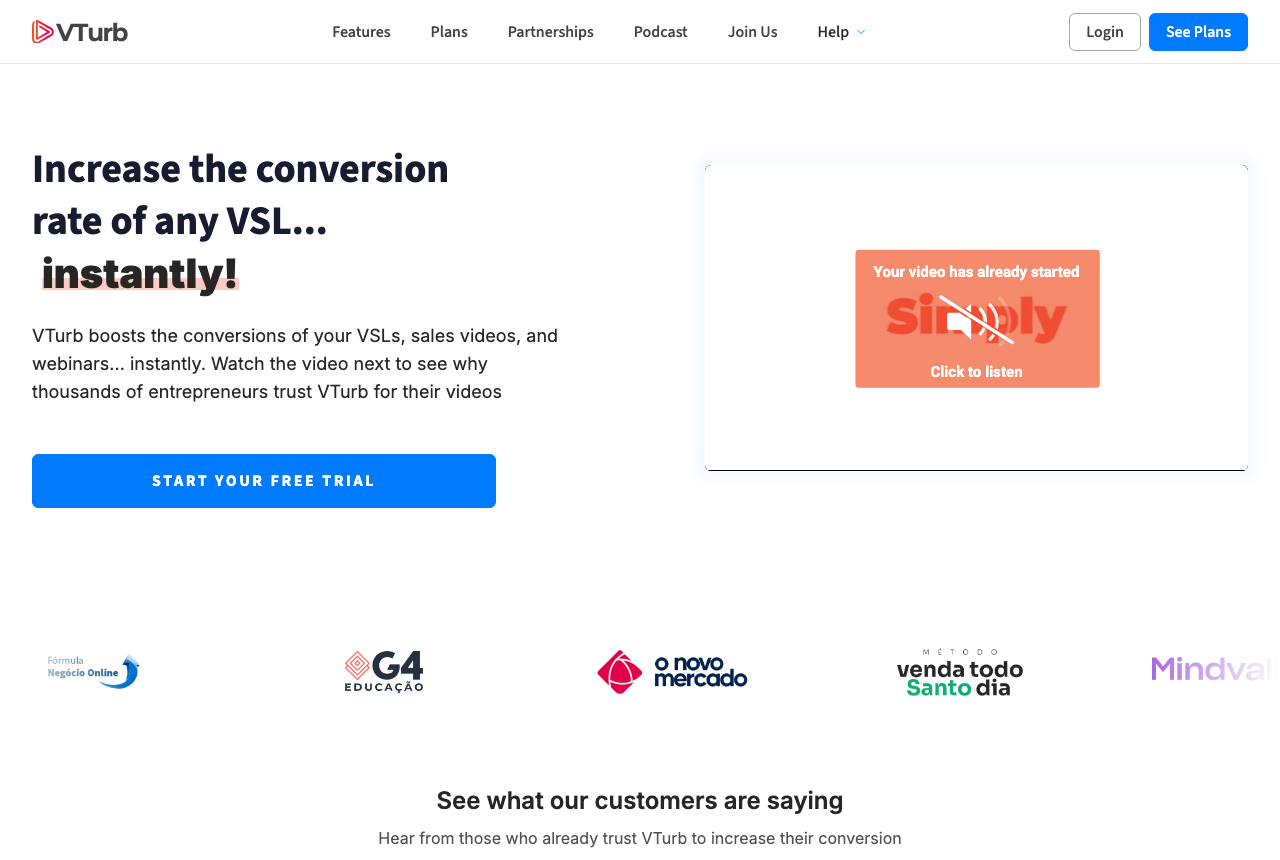
VTurb: what works, what to watch
What works
- VSL-specific player with smart autoplay and progress controls
- Split testing and domain security built in
- Deep player customization
What to watch
- Public English pricing is not clearly listed
- Thin English-language review track record
- Support and docs lean toward the Portuguese-speaking market
Panda Video: what works, what to watch
What works
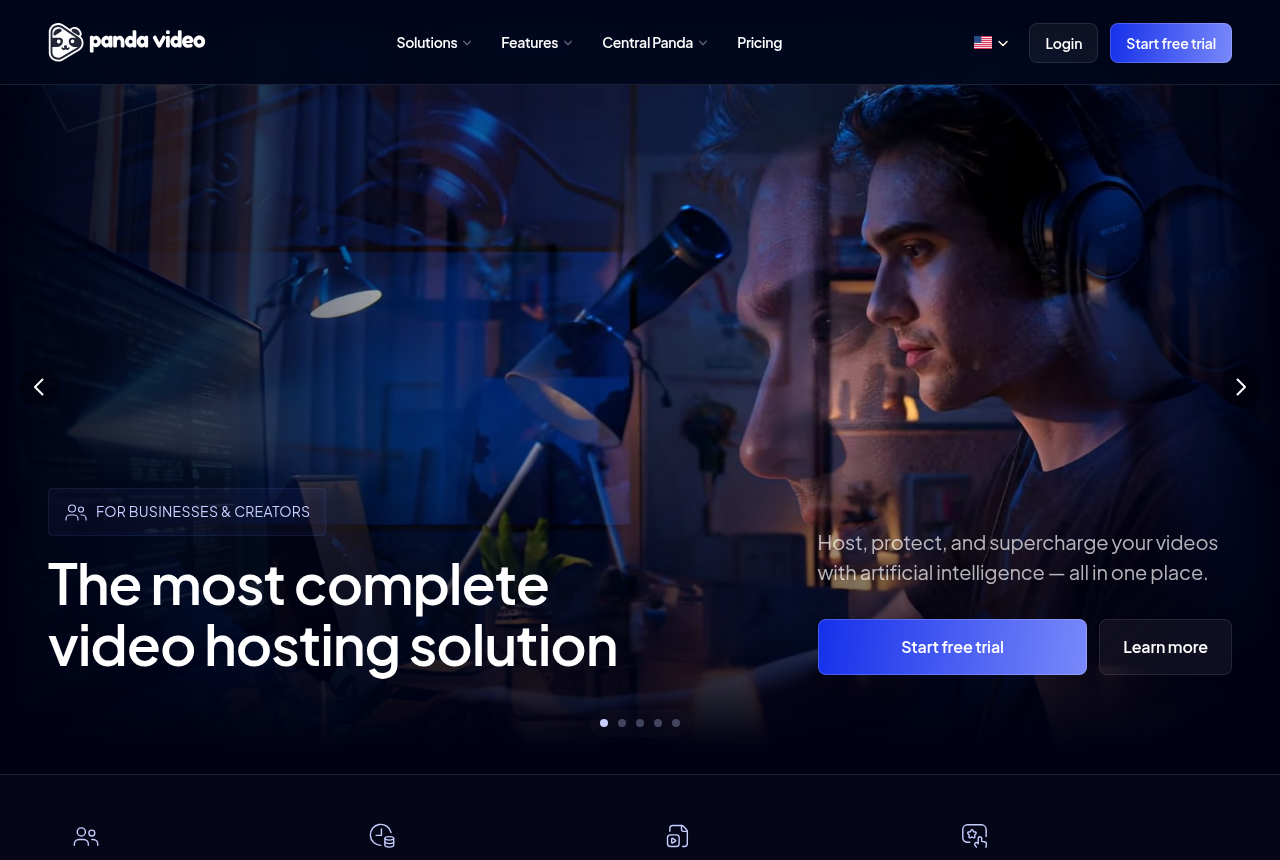
- A real VSL toolkit: smart autoplay, a dummy progress bar, resume play, in-player CTAs, A/B tests and Meta and Google tracking pixels
- Strong content protection: DRM watermarking, anti-download, allowed-domains locking and encryption
- Flat, public pricing from $17.90/mo, with a real-time usage chart so the bandwidth and storage bill is predictable
- A one-click Chrome extension imports a Vimeo library in minutes, and support is fast and in Portuguese
- Built-in AI: an in-player tutor, dubbing into up to 34 languages, and auto-generated subtitles, quizzes and mind maps
What to watch
- Almost no independent English-language proof: G2 and GetApp both show zero user reviews and there is no Trustpilot profile, so you are buying on the vendor's own testimonials
- It does not score a split test on sales or attribute revenue, so a paid-traffic VSL cannot prove which traffic actually bought
- Biggest in the Latin-American market: the dashboard, docs and support lean Portuguese-first, and pricing shows in a mix of dollars and reais
- Extra storage ($0.06/GB), extra bandwidth ($0.03/GB) and DRM watermarking ($0.60/GB) all bill per GB, so a high-traffic offer outruns the flat sticker price
- Credit card is the only payment method, and anti-download unlocks only on the Gold plan
TrackPlay: the paid-traffic VSL pick
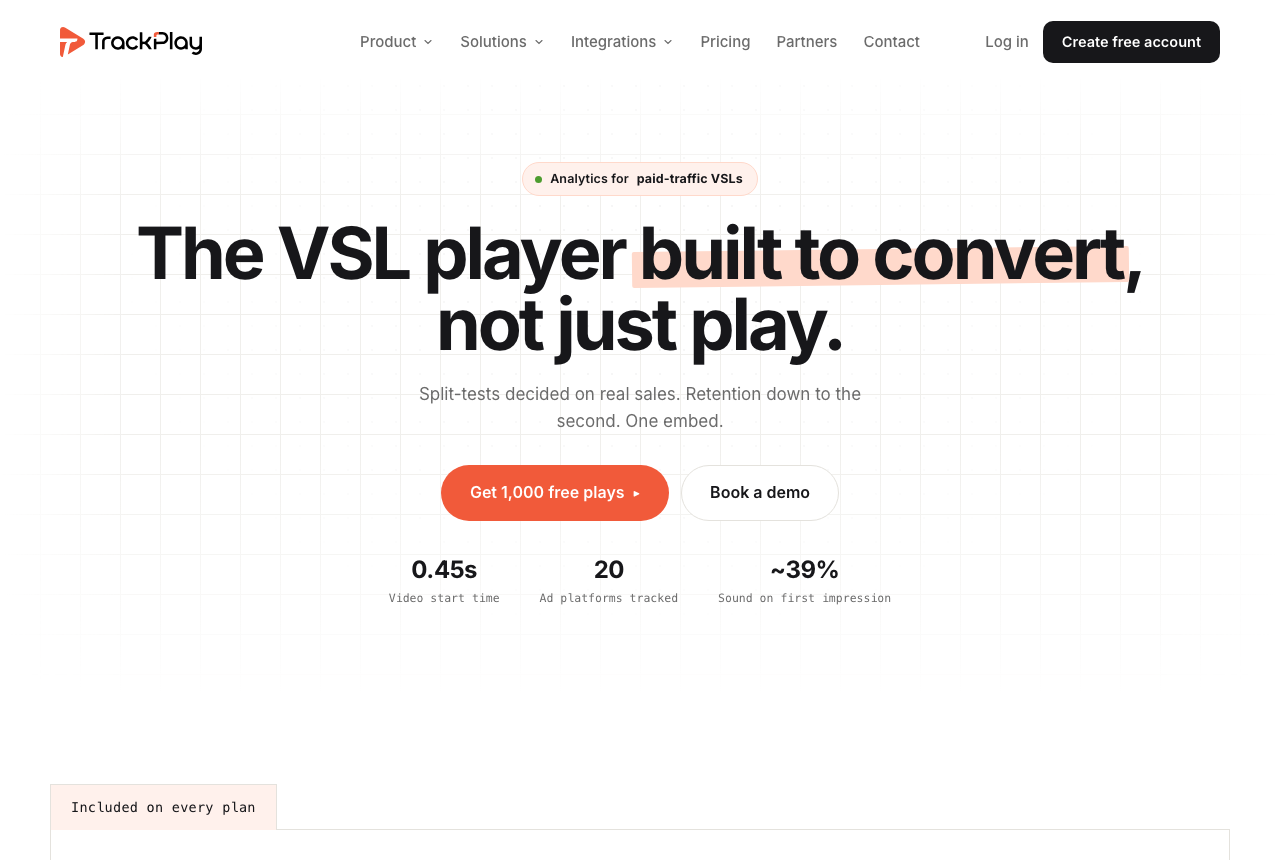
VTurb and Panda Video share one blind spot, and it is this site's first criterion: neither ties a split test to the sale or attributes revenue with any depth, so on a paid-traffic VSL you cannot prove with either which traffic actually bought. VTurb reads plays and views, and Panda Video fires Meta and Google pixels on page load but scores nothing on the cart. If that proof is the whole reason you are choosing a player, there is a third tool worth putting on the table. TrackPlay is a VSL player and analytics platform built for paid-traffic funnels. On the front end it holds attention with sound-first autoplay, timed CTAs and watch gates. On the back end it draws per-second retention split into buyers and non-buyers, with hook rate, hold rate and revenue per play, so you can see the exact seconds to cut or protect.
Where it goes further than either of these is attribution. TrackPlay is built around the cart: the cart posts the verified sale back onto the play that earned it from seven direct-response processors, including ClickBank, ClickFunnels and Digistore24, server to server, and TrackPlay fires that conversion server-side to Meta, TikTok and GA4 so the ad platform learns from the actual sale rather than a page-load pixel. Its split tests are decided on that cart-verified sale with real statistics, a z-test with a p-value and a confidence interval, and every variant runs under one embed so your ad links and campaign learning never reset. It bills by plays rather than bandwidth, every feature ships on every paid plan, and there is a no-card free plan of 1,000 plays a month plus a 14-day trial, with paid plans from $29 a month.
What works
- Split tests are decided on the cart-verified sale, with a real z-test, p-value and confidence interval, and every variant runs under one embed so ad links and campaign learning never reset
- Server-side conversion tracking to Meta, TikTok and GA4 fires on the watch-time milestone you choose and dedupes browser and server events, so the ad platform optimizes on the actual sale rather than a page-load pixel
- Cart postbacks tie each sale to the play that earned it from seven direct-response carts, including ClickBank, ClickFunnels and Digistore24, server to server
- Per-second retention split into buyers and non-buyers, with hook rate, hold rate and revenue per play
- Every feature ships on every paid plan and billing is by plays, with a no-card free plan of 1,000 plays a month and a 14-day trial; paid plans start at $29 a month
What to watch
- Narrow by design: built for paid-traffic VSL conversion, it is not a general video host or a B2B content library, so it has none of the channels, SEO pages or webinar tooling of a Wistia and is a poor fit if the video's job is content marketing rather than a direct-response sale
- Very new, with thin outside proof: the testimonials are on its own site and there is little third-party review or Reddit footprint yet, so you cannot lean on independent validation before you commit paid traffic. That is what you would expect of a platform this recent
Where TrackPlay is not the answer
It is narrow by design. TrackPlay is built for paid-traffic VSL conversion, not general hosting or content marketing, so it is not a video host or a B2B content library and it has none of the channels, SEO pages or webinar tooling of a Wistia. If the video's job is content marketing and feeding leads into a CRM rather than a direct-response sale, it is the wrong tool. That narrowness barely bites on this page, because a reader choosing between two direct-response VSL players is not shopping for a content library in the first place. Panda Video is also the fuller platform of the three: if you need course hosting, DRM and an AI dubbing layer alongside the player, TrackPlay does not try to be that, and Panda is the better answer for that job. TrackPlay is also very new, with thin outside proof: the testimonials are on its own site and there is little third-party review or Reddit footprint yet, which is what you would expect of a platform this recent. Pilot it on one funnel and reconcile its numbers against your own cart before you trust it with a launch.
Visit TrackPlay for the current plans and the free tier.
Pricing, tier by tier
VTurb does not clearly list public English pricing, so you will usually get a quote through sales or a partner rather than off a plan page. We are not going to invent a number. Confirm the current price, the billing terms and what each tier includes directly with VTurb before you commit, and treat any third-party figure as unverified until VTurb states it. The upside of a finished player is that the quote, whatever it is, buys the whole player, styling, security and testing layer with nothing to assemble.
Panda Video does the opposite and publishes its plans. Bronze is $17.90 a month, Silver $37.90 and Gold $97.90, all flat and public, with a dashboard usage chart so you can watch the bandwidth and storage bill in real time. There is no free plan, only a 14-day trial capped at 100 GB, and a credit card is the only accepted payment method. Two things to note before the sticker sells you: anti-download unlocks only on the Gold plan, and overages bill per gigabyte on top, storage at $0.06, bandwidth at $0.03 and DRM watermarking at $0.60.
So the two price on opposite logic, and which is cheaper depends on your traffic and on how much platform you use. Panda's $17.90 is a real, published entry point, and for a seller who wants the whole VSL-and-course toolkit finished it is hard to beat on transparency alone. VTurb's quote may land higher or lower, but you cannot compare it on a page, and that opacity is itself a cost when you are trying to budget. Neither is priced like a raw host, because neither is one: you are paying for a finished conversion player either way.
Panda's honest catch is that the flat number climbs with volume. A high-traffic offer runs into per-gigabyte overage, and if you need studio DRM the watermarking bills per gigabyte too, so the $17.90 Bronze plan is not the whole story for a serious launch. Budget the plan and the overage against your real traffic, not the sticker. VTurb's catch is the mirror image: you cannot budget it at all until you have a quote in hand.
TrackPlay meters differently again, by plays rather than gigabytes or plans. A no-card free plan covers 1,000 plays a month with a watermark, a 14-day trial opens the paid features, and paid plans start at $29 a month with every feature included on every tier. That sits above Panda's $17.90 Bronze plan, and what the difference buys is the one thing neither of these two does: proving which paid traffic bought. Read its play definition first, since its terms count a start, an unmute, a resume and a replay each as a play, so one viewer can register several.
The verdict
For the reader this site is written for, someone pointing paid traffic at a video sales letter, VTurb is the better of these two. It does one job and does it without distraction: a smart player built to hold a cold viewer, split testing, domain security and deep styling, proven at scale in direct response. Panda Video can run the same VSL, and its toolkit is genuinely broader, but breadth is not the job here. For a pure paid-traffic sales letter, the leaner, more focused, more proven player is the safer place to put your traffic.
Panda Video wins a real and different reader, and it is not a consolation prize. If you sell online courses as well as run VSLs, if piracy protection matters and you need DRM watermarking and anti-download, or if you simply want to see the price before you talk to anyone, Panda is the stronger buy. Its AI layer, its one-click Vimeo migration and its flat public pricing all count for that reader in a way they do not for someone running a single sales letter. Choose it when the video's job is a protected course library or a full content operation, not only a cold-traffic pitch.
Both share the same limit against a dedicated conversion platform: neither scores a split test on the cart or attributes revenue server-side, so with either one you are optimizing on plays and pixels rather than proof of what sold. And both are thin on independent English-language proof, so whichever you choose, pilot it on one funnel and reconcile the numbers against your own cart before you move a launch onto it.
Our pick
VTurb
The better pick for a paid-traffic VSL. VTurb is a lean, proven player focused on the one job that matters here: smart autoplay, split testing, domain security and deep styling, with a real track record in direct response. Its trade-offs are honest, no public English pricing and thin English-market proof, so get a quote and pilot it on a non-critical funnel first. Panda Video is the pick instead when you also sell protected courses or want flat, public pricing before you commit.
Frequently asked questions
Is VTurb or Panda Video better?
Which is cheaper, VTurb or Panda Video?
Can Panda Video run a paid-traffic video sales letter?
Why does VTurb not show public pricing?
Which one has more independent reviews to check?
Sources
Other sources
7 discussions and reviews read for this page. Quotes are excerpts; open a link to read the original in context.
Related reading
- Our full VTurb review
- Our full Panda Video review
- VTurb vs TrackPlay: hold attention or prove the sale
- Panda Video vs TrackPlay: a protected course host or a player built to prove the sale
- Vidalytics vs Panda Video: which proves the sale, and which protects the course
- VTurb alternatives, ranked by the job
- The best VSL players and conversion video software
- All head-to-head comparisons