Video bandwidth calculator: GB a month for a VSL
See how many gigabytes one sales letter delivers in a month, and which published allowance it exceeds.
Paid traffic is about to land on one sales letter embedded in the page, and the host charges by the gigabyte. A busy week in Q4 can cross a line the rest of the month never reached. Enter the length, the play count, the percent watched and the average bitrate. You get an ordinary month, a month with one week at five times a normal week, and a mark on each published allowance.
The result is an estimate from an average bitrate and a watch rate, not a host invoice. The same inputs become dollars on the video hosting cost calculator. See what this month costs before you raise the ad budget.
Calculate a month of video bandwidth
Press the button. The worked example uses these starting values, with the spike field set to 5.
How much bandwidth a video uses
Minutes streamed in a month are the plays, times the length in minutes, times the percent watched, divided by 100. At a steady bitrate, gigabytes per minute equal the Mbps times 60, divided by 8, divided by 1,000. CalculatorLib gives that same conversion for a full hour: Mbps times 3,600, divided by 8, divided by 1,000. At the form's default bitrate, one minute is 0.01125 GB, or 11.25 MB.
The Calc Studio turns a bitrate into decimal gigabytes with Mbps times seconds, divided by 8, then divided by 1,000. This page uses the plain conversion. That formula can also add a percentage for player overhead. Adaptive streaming can still add a few percent above a steady bitrate.
The spike field treats the month as four weeks. Three weeks keep your usual weekly plays. The fourth week uses the multiple you enter. The month's plays then equal your usual monthly plays times (3 plus the multiple), divided by 4, rounded to the nearest whole number. A multiple of 5 doubles the month. Minutes and gigabytes follow, so they double too.
Worked example: 20 minutes, 10,000 plays, 40 percent
A 20-minute sales letter played 10,000 times, with the average viewer leaving at 40 percent and the form's starting bitrate, comes to 80,000 minutes streamed and 900 GB. The dollar calculator starts from the same four numbers.
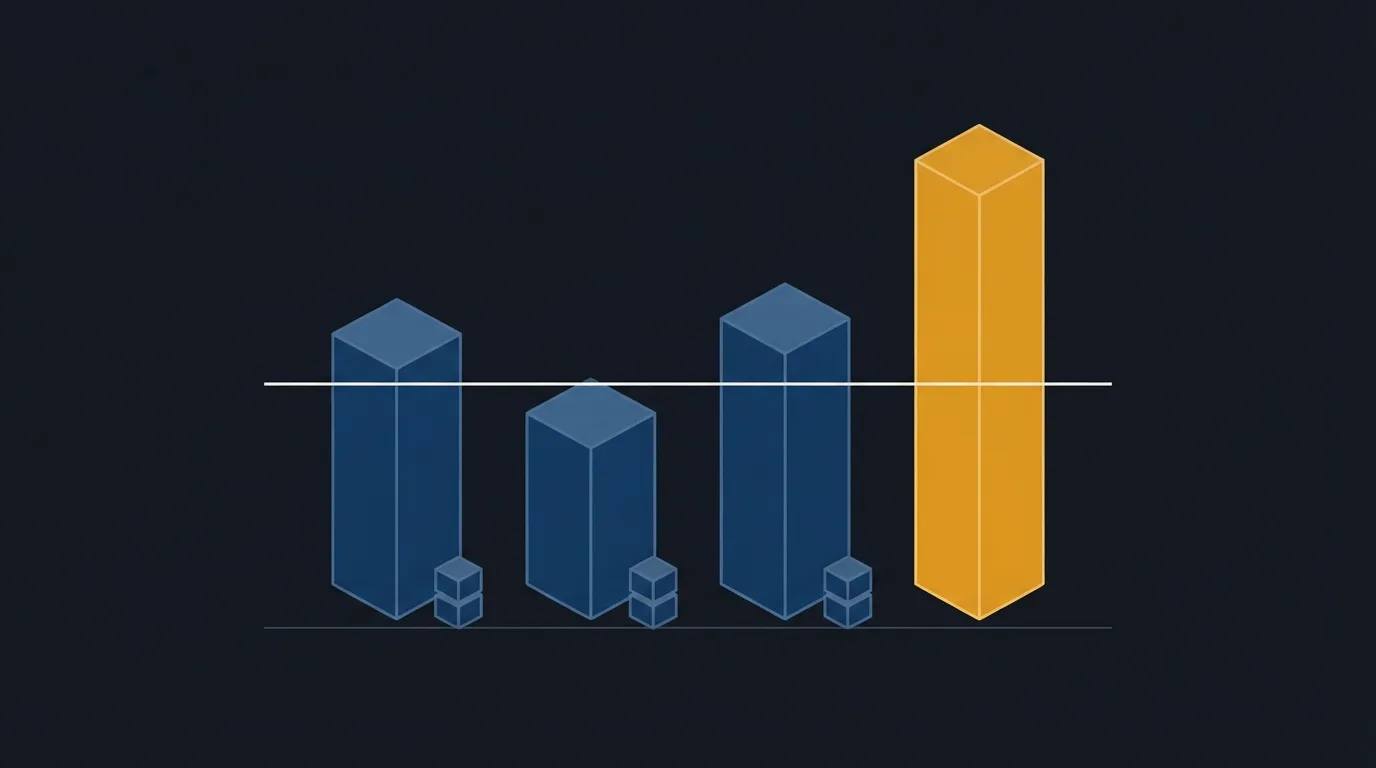
With the spike field at 5, the month is 20,000 plays, 160,000 minutes streamed and 1,800 GB. 900 GB is under Vimeo's paid threshold of 2 TB, measured as 2,000 GB, and under the 1 TB label on Wistia Business. That same month exceeds Gumlet Free. 1,800 GB stays under the paid Vimeo threshold and exceeds the Wistia Business label.
| Host | Plan | Allowance | 900 GB | 1,800 GB |
|---|---|---|---|---|
| Vimeo | Free, embeddable | 1 TB (1,000 GB) | Under | Over |
| Vimeo | Paid, self-serve | 2 TB (2,000 GB) | Under | Under |
| Wistia | Free | 200 GB | Over | Over |
| Wistia | Business | 1 TB | Under | Over |
| Wistia | Business + Signals | 1 TB | Under | Over |
| Wistia | Enterprise | 2 TB | Under | Under |
| Gumlet | Free | 100 GB | Over | Over |
| Gumlet | Creator, Growth, Business | 3,000 GB | Under | Under |
| Spotlightr | Light | 200 GB | Over | Over |
| Spotlightr | Plus | 600 GB | Over | Over |
| Spotlightr | Premium | 2,000 GB | Under | Under |
| Spotlightr | Scale | 6,000 GB | Under | Under |
| Bunny Stream | Volume delivery | No monthly cap | No cap | No cap |
Under means the estimate is within the allowance. Over means it is past that line. No cap means the pricing page publishes no monthly gigabyte line.
Published monthly allowances
The rows below are the figures each vendor publishes. Vimeo measures its terabyte as 1,000 GB. Wistia lists 1 TB and 2 TB with no gigabyte figure beside them, so this table treats those tiers as 1,000 GB and 2,000 GB, the unit Vimeo uses. A month under 1,000 GB stays under a 1 TB label even if the terabyte is 1,024 GB, and a month over 1,024 GB is past that label either way. The ordinary month in the example stays under on both readings. The spiked month is past it on both.
Gumlet, Spotlightr and Bunny Stream list gigabytes, or a per-gigabyte delivery rate, on their pricing pages. Bunny's rate starts at $0.005 per GB, and the pricing page sets no monthly cap, so the row shows the gigabytes on their own.
| Host | Plan | Monthly allowance | Source |
|---|---|---|---|
| Vimeo | Free, embeddable | 1 TB (1,000 GB) | Help article |
| Vimeo | Paid, self-serve | 2 TB (2,000 GB) | Help article |
| Wistia | Free | 200 GB | Pricing page |
| Wistia | Business | 1 TB | Pricing page |
| Wistia | Business + Signals | 1 TB | Pricing page |
| Wistia | Enterprise | 2 TB | Pricing page |
| Gumlet | Free | 100 GB | Pricing page |
| Gumlet | Creator, Growth, Business | 3,000 GB | Pricing page |
| Spotlightr | Light | 200 GB | Pricing page |
| Spotlightr | Plus | 600 GB | Pricing page |
| Spotlightr | Premium | 2,000 GB | Pricing page |
| Spotlightr | Scale | 6,000 GB | Pricing page |
| Bunny Stream | Volume delivery | No monthly cap | Pricing page |
What crossing the line usually means
When an account goes past Vimeo's monthly threshold, streaming generally continues. The team may reach out after repeated high use. Vimeo does not publish a public per-gigabyte price for a custom plan. The Vimeo review covers the threshold and that outreach. If that threshold is why you are considering a move, our Vimeo alternatives guide groups the other hosts by use case.
Past a Gumlet allowance, the pricing table's per-gigabyte rates apply: $0.50 on Free, $0.15 on Creator, $0.10 on Growth and $0.06 on Business. Spotlightr's plan cards bill $0.05 per GB over the monthly limit. VSL hosting cost per 1,000 plays prices Bunny and Gumlet on this same watch model.
Wistia's comparison stops at the allowance, and the page gives no dollar rate after it, so an Over mark means the month is past the allowance and the fee is unpublished. Bunny has no monthly cap to pass. The gigabytes are the size of the stream, and the invoice follows the delivery rate above.
For playback and plan limits when one week runs at several times a normal week, read Black Friday VSL traffic: what breaks on each host. The cost calculator also includes Cloudflare's note on preloading. Minutes the player fetches before anyone presses play still count toward the minutes delivered.
Play-billed hosts have no gigabyte line
Vidalytics lists monthly play allowances on its pricing page. The Starter plan, billed annually, includes 2,000 plays a month. A higher watch rate changes the gigabytes on the hosts above and leaves that play count where it is. The play-plan finder matches a month of plays to a plan.
TrackPlay is a VSL player and analytics platform for paid-traffic funnels. It hosts the letter in one embed, holds the viewer with sound-first autoplay and timed calls to action, and posts the cart-verified sale back to the ad platform. The bill follows plays. Watch time moves the gigabyte rows above and leaves a play allowance alone.
It is narrow by design. Built for paid-traffic conversion, it has none of the channels, SEO pages or webinar tooling of a Wistia library. That limit shows up when the video's job is content marketing. A direct-response sales letter still gets that player, the sale tied back to the view, and a bill that counts each start. Vidalytics is the rival buyers weigh against it, and that page meters plays too. The revenue per play calculator sets what each of those plays earns against the hosting fee.
My take
For the worked example I would keep the letter on Vimeo's paid plan. 1,800 GB is still under the 2 TB threshold, and the stream keeps playing, so I would read the review before treating that month as a suspension. I would move off Gumlet Free, and off Spotlightr Light and Plus, before a Q4 push, because 900 GB already exceeds those allowances and both publish an overage rate. I would judge any other month by the spiked column. For a play-billed host I would leave this comparison and price the month in the play-plan finder.
Frequently asked questions
What bitrate should I enter?
Does autoplay count toward bandwidth?
How is this different from the cost calculator?
Do Cloudflare Stream and Mux use this gigabyte figure?
Changelog
- 1 November 2026. First published. The allowances come from each vendor's pricing page, and Vimeo's figure comes from its bandwidth help article. The spike multiple matches the cost calculator.
Sources
Related reading

Written by
Marcus Vale
Lead reviewer
Marcus Vale runs the VSLBench review desk. He has spent years driving paid traffic to video sales letters, and he now reads the player docs, pricing pages and long-term user reports to work out which tools actually move sales instead of just counting views. He writes the player and attribution reviews here, and he makes sure every ranking says which buyers should skip each tool.
Last checked 2026-11-01
Comments
No comments yet. Questions and your own experience are welcome.
Thank you. Your comment will appear once it has been reviewed.